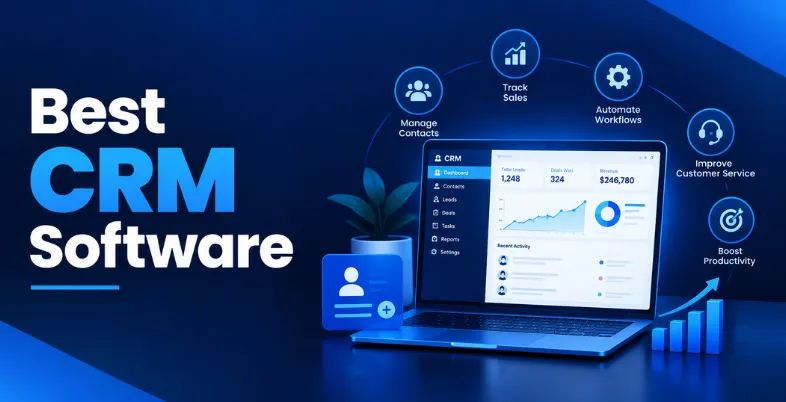
Running a business often means dealing with customer information scattered across spreadsheets, email inboxes, and chat applications. When data is fragmented, sales slip through the cracks, and customer support suffers. CRM software solves this problem by bringing customer details, sales pipelines, and team communications into one central hub. With different platforms built for different needs, finding the best CRM software depends on your business size, industry, budget, and goals.
Whether you run a small startup or a growing enterprise, finding the right platform depends entirely on your specific workflow requirements. This guide will help you compare the top platforms, understand their capabilities, and choose a system that actually fits your daily operations.
What Is CRM Software?
CRM stands for Customer Relationship Management. CRM software helps businesses organise customer data, interactions, and sales activities in one place. Businesses can also integrate contract management software to manage customer agreements, renewals, and related documents alongside their CRM records.
Sales teams use CRM systems to track leads through different stages of a deal. Marketing teams use the data to send targeted emails and measure campaign performance. Customer service teams use CRM platforms to review a customer’s history before resolving support tickets. By centralising these interactions, CRM software prevents information silos and supports automated workflows. For example, a consulting firm might use a CRM to automatically send a follow-up email three days after an initial consultation call.
Key Features of CRM Software
When comparing platforms, it helps to understand the specific tools they offer. Here are the most important capabilities to look for.
- Contact & Lead Management: Centralizes customer details like emails, phone numbers, and job titles while tracking prospective buyers from initial contact through qualification to final conversion.
- Sales Pipeline & Workflow Automation: Provides visual deal tracking across pipeline stages, managing tasks and follow-ups while eliminating manual data entry through automated triggers and lead assignments.
- Communication & Marketing Automation: Logs emails, calls, and customer interactions in a single hub, while linking sales data directly to marketing campaigns, lead nurturing, and audience segmentation.
- Reporting, Analytics & AI Capabilities: Delivers real-time performance insights through customizable dashboards, utilizing AI for predictive lead scoring, sales forecasting, content assistance, and automated recommendations.
- Customer Support & Helpdesk Tools: Extends CRM functionality beyond sales by offering integrated ticketing, service request tracking, and centralized customer communication capabilities.
- Integrations & Mobile Access: Syncs seamlessly with external business software, including accounting, calendar, and e-commerce tools, while offering dedicated mobile apps for field representatives on the go.
Best CRM Software Comparison: Features, Pricing, and Ease of Use
| CRM Software | Best For | Ease of Use | Starting Price |
| Salesforce | Enterprise organisations | Advanced (Steep learning curve) | Free plan available ($25/user/month) |
| HubSpot | Inbound marketing teams | Very easy | Free plan available (Paid from ₹3,753/seat/month) |
| Zoho CRM | Growing small businesses | Moderately easy | Free plan available (Paid from ₹800/user/month) |
| Microsoft Dynamics 365 | Microsoft ecosystem users | Advanced (Steep learning curve) | ₹4,160/user/month (Free trial) |
| Pipedrive | Sales-focused teams | Very easy | $14/user/month (Free trial) |
| Freshsales | Sales and support teams | Very easy | ₹749/user/month (Free trial) |
| monday sales CRM | Visual project teams | Very easy | $12/user/month (Free trial) |
| Insightly | Project-driven businesses | Moderately easy | $29/user/month (Free trial) |
| Keap | Small business automation | Moderately easy | $299/month (Free trial) |
| Copper | Google Workspace users | Very easy | $29/user/month (Free trial) |
List of 10 Best CRM Software
1. Salesforce
- Website: salesforce.com
- Best For: Enterprise organisations
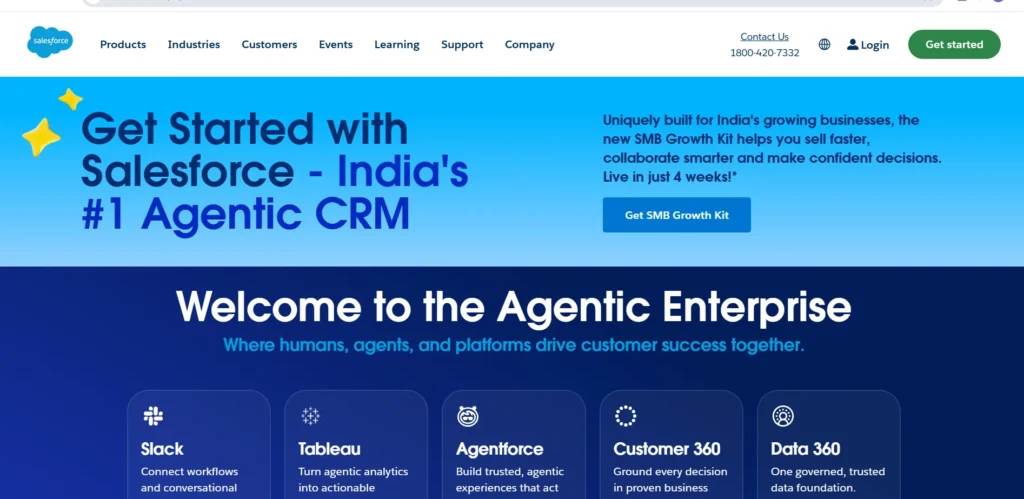
Salesforce is a highly customisable CRM platform designed to handle complex business processes at scale. It centralises customer data across sales, marketing, commerce, and service departments. Large organisations use Salesforce because it can be adapted to almost any industry or workflow requirement. Its major strength is its vast ecosystem of third-party apps and advanced reporting capabilities. The platform includes powerful AI tools for predictive sales forecasting and automated data analysis. While it offers entry-level plans for smaller teams, it is best suited for businesses with dedicated administrators who can configure the system to meet specific enterprise demands.
Key Features
- Advanced contact management
- Custom sales pipelines
- Workflow automation builder
- AI sales assistance
- Custom reporting tools
- Third-party integrations
Pros
- Highly scalable business features
- Extensive integration options
- Powerful reporting dashboards
- Strong AI features
Cons
- Expensive enterprise plans
- Advanced setup requirements
- Steep learning curve
- Additional costs for add-ons
Pricing
- Free plan available
- Starter Suite: $25/user/month
- Pro Suite: $100/user/month
2. HubSpot
- Website: hubspot.com
- Best For: Inbound marketing teams
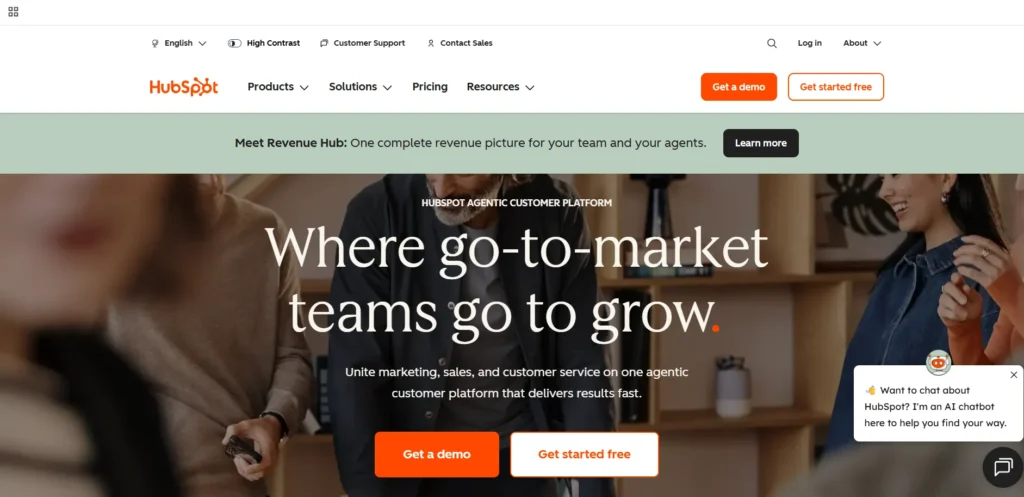
HubSpot provides a complete suite of tools for marketing, sales, and customer service. It is widely recognised for its intuitive interface and generous free tier, making it popular among startups and growing companies. The platform excels at tracking customer journeys from their first website visit to a closed deal. Its key differentiator is the powerful marketing automation hub, which helps businesses capture leads and nurture them through automated email sequences. HubSpot also provides robust AI features for content generation and lead scoring. It allows teams to align their sales and marketing efforts without requiring advanced technical skills, making it a strong option when evaluating the best CRM software.
Key Features
- Visual sales pipeline tracking
- Email marketing automation
- Customer service management
- AI content generation
- Custom reporting dashboards
- Website visitor tracking
Pros
- Highly user-friendly interface
- Excellent marketing capabilities
- Scalable business features
- Free entry-level plan
Cons
- Expensive enterprise plans
- Price jumps between tiers
- Limited customisation on free
- Higher-tier features required
Pricing
- Free plan available
- Smart CRM Professional: ₹3,753/mo/seat
- Smart CRM Enterprise: ₹6,250/mo/seat
3. Zoho CRM

- Website: zoho.com/en-us/crm/
- Best For: Growing small businesses
Zoho CRM is a cloud-based platform that offers extensive functionality at a highly competitive price point. It helps businesses manage leads, automate workflows, and interact with customers across multiple channels. The platform is particularly strong for businesses that want enterprise-grade features without high subscription costs. A major strength is its AI assistant, Zia, which helps with sales predictions and anomaly detection. Zoho CRM integrates natively with the broader suite of Zoho business applications. It provides excellent value for small and medium-sized businesses looking to build structured sales processes on a budget.
Key Features
- Multichannel contact management
- Sales forecasting tools
- Workflow automation builder
- AI sales assistance
- Custom reporting dashboards
- Mobile CRM access
Pros
- Affordable entry plans
- Extensive integration options
- Flexible customisation options
- Strong AI features
Cons
- Occasional clunky interface
- Advanced setup requirements
- Limited free functionality
- Learning curve required
Pricing
- Free plan available
- Standard: ₹800/user/month
- Professional: ₹1,400/user/month
- Enterprise: ₹2,400/user/month
- Ultimate: ₹2,600/user/month
4. Microsoft Dynamics 365
- Website: dynamics.microsoft.com
- Best For: Microsoft ecosystem users
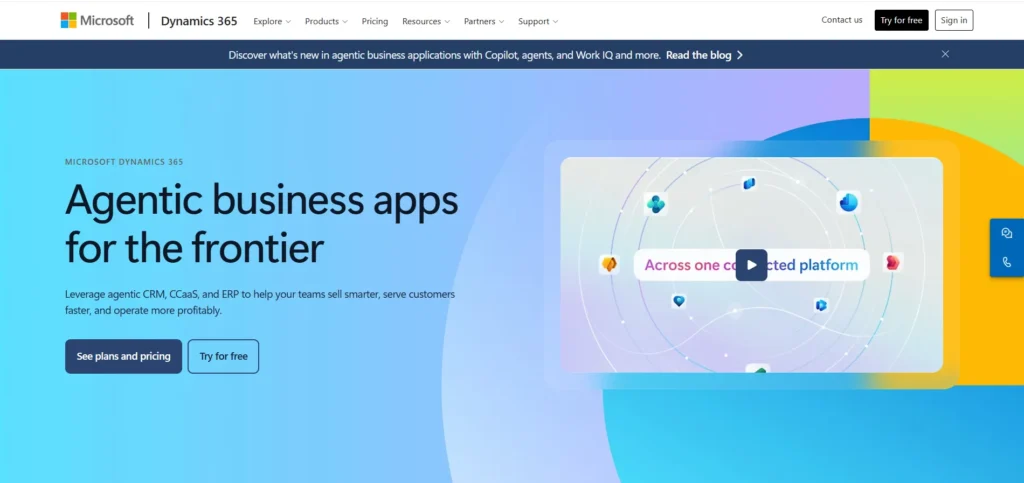
Microsoft Dynamics 365 is a comprehensive enterprise resource planning and CRM solutions. It connects customer data with finance, operations, and supply chain insights. This platform is ideal for large organisations already invested in Microsoft products like Outlook, Teams, and SharePoint. Its primary differentiator is its deep integration with the Microsoft ecosystem and its powerful AI Copilot, which assists users in drafting emails and summarising meetings. It offers complex customisation and deep data analytics for enterprise operations. Because of its technical depth, it typically requires professional implementation and dedicated internal support.
Key Features
- Advanced lead management
- Complex workflow automation
- AI sales forecasting
- Deep Microsoft integrations
- Enterprise reporting dashboards
- Customer service management
Pros
- Highly scalable business features
- Powerful reporting dashboards
- Strong AI features
- Deep ecosystem integrations
Cons
- Expensive enterprise plans
- Advanced setup requirements
- Steep learning curve
- Complex interface navigation
Pricing
- Free trial available
- Professional: ₹ 4,160.00/user/month
- Enterprise: ₹ 8,735.00/user/month
- Premium: ₹ 16,225.00/user/month
5. Pipedrive
- Website: pipedrive.com
- Best For: Sales-focused teams
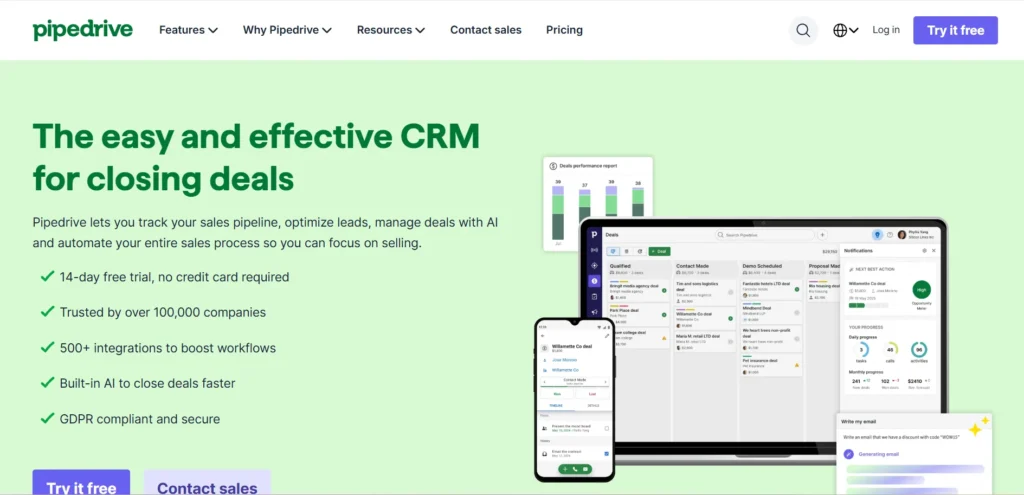
Pipedrive is designed specifically by salespeople for salespeople. It focuses heavily on activity-based selling and visual pipeline management. Instead of offering complex marketing hubs, Pipedrive helps teams track deals, schedule meetings, and monitor follow-ups with minimal friction. Its major strength is its simplicity; users can easily drag and drop deals across different stages. It includes useful automation capabilities to handle routine data entry and email scheduling. Pipedrive is an excellent choice for small to medium sales teams evaluating the best CRM software for focused sales management.
Key Features
- Visual sales pipeline tracking
- Activity reminder tracking
- Email communication tracking
- Sales reporting dashboards
- Workflow automation tools
- Third-party integrations
Pros
- Highly user-friendly interface
- Easy contact management
- Strong sales automation
- Affordable entry plans
Cons
- Limited marketing features
- Higher-tier features required
- No free plan
- Limited customisation options
Pricing
- Free trial available
- Lite: $14/user/month
- Growth: $24/user/month
- Premium: $49/user/month
- Ultimate: $69/user/month
Suggested read:
6. Freshsales

- Website: freshworks.com/crm/sales/
- Best For: Sales and support teams
Freshsales, part of the Freshworks suite, is an intuitive CRM platform designed to provide a 360-degree view of customer interactions. It combines sales and marketing capabilities to help teams attract and close leads from a single interface. Its standout feature is Freddy AI, an artificial intelligence tool that provides lead scoring, predictive insights, and automated chatbots. The platform allows users to make phone calls and send emails directly from the dashboard. Freshsales suits small and mid-sized businesses that want built-in communication tools and actionable AI insights right out of the box.
Key Features
- Multichannel contact management
- Built-in communication tools
- AI lead scoring
- Visual sales pipelines
- Email marketing automation
- Custom reporting dashboards
Pros
- Highly user-friendly interface
- Strong AI features
- Built-in telephony options
- Affordable entry plans
Cons
- Higher-tier features required
- Limited free functionality
- Limited customisation options
- Basic reporting on entry-plans
Pricing
- Free trial available
- Growth: ₹749/user/month
- Pro: ₹3,239/user/month
- Enterprise: ₹4,899/user/month
7. monday sales CRM

- Website: monday.com/crm
- Best For: Visual project teams
Built on top of the popular monday.com work operating system, monday sales CRM provides a highly visual and flexible approach to customer management. It allows teams to customise their boards, columns, and pipelines to match their exact workflows. The platform is highly adaptable, making it useful for businesses with unique sales cycles that do not fit into traditional CRM moulds. It handles lead capture, deal tracking, and post-sale onboarding seamlessly. This CRM is best for modern startups and creative agencies that prefer a colourful, spreadsheet-style interface backed by powerful automation tools.
Key Features
- Visual sales pipeline tracking
- Customisable workflow automation
- Email communication tracking
- Lead capturing tools
- Custom reporting dashboards
- Team collaboration tools
Pros
- Highly user-friendly interface
- Flexible customisation options
- Easy contact management
- Excellent team collaboration
Cons
- Higher-tier features required
- Limited marketing features
- Additional costs for add-ons
- Basic reporting on entry-plans
Pricing
- Free trial available
- Basic: $12/user/month
- Standard: $17/user/month
- Pro: $28/user/month
- Enterprise: Custom pricing
8. Insightly

- Website: insightly.com
- Best For: Project-driven businesses
Insightly bridges the gap between sales management and project delivery. Once a deal is won, Insightly allows users to convert that deal directly into a tracked project without switching platforms. This ensures that the team delivering the work has access to all the pre-sale conversations and customer requirements. It includes standard lead routing, workflow automation, and custom dashboards. Insightly is highly suitable for agencies, consultants, and construction firms evaluating the best CRM software for managing complex, multi-stage client engagements.
Key Features
- Integrated project management
- Visual sales pipeline tracking
- Workflow automation builder
- Custom reporting tools
- Third-party integrations
- Email communication tracking
Pros
- Smooth post-sale handoffs
- Flexible customisation options
- Useful reporting dashboards
- Easy contact management
Cons
- Expensive higher tier plans
- Steep learning curve
- Outdated interface design
- Additional costs for add-ons
Pricing
- 14 days free trial available
- Plus: $29/user/month
- Professional: $49/user/month
- Enterprise: $99/user/month
9. Keap
- Website: keap.com
- Best For: Small business automation
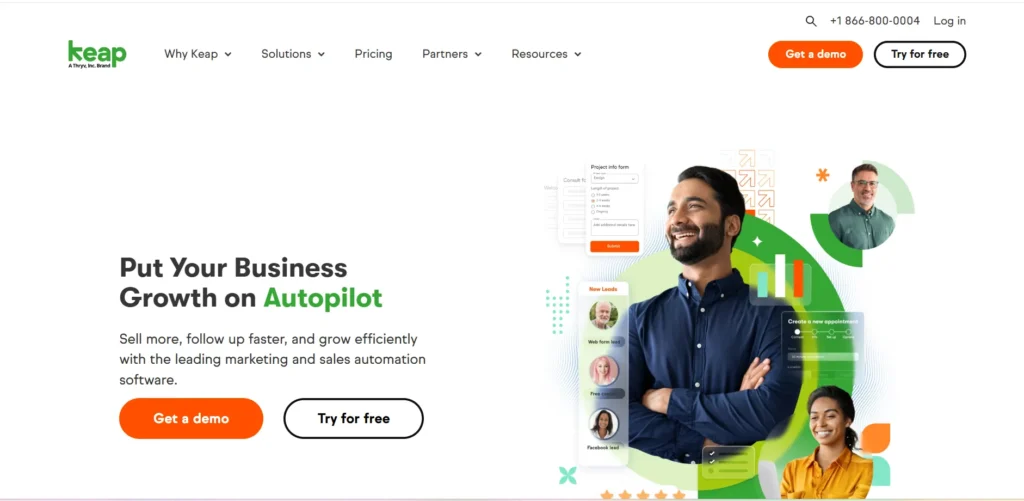
Keap is tailored specifically for entrepreneurs and small businesses that need rigorous automation to save time. It combines CRM, email marketing, text messaging, and payment processing into one tool. Keap helps users build advanced automated sequences for lead nurturing and appointment setting. This platform is ideal for service-based businesses like coaches, consultants, and local service providers who want to automate their daily administrative tasks. While the starting price is higher than standard CRMs, it replaces the need for separate email marketing and invoicing software.
Key Features
- Advanced marketing automation
- Contact management tools
- Built-in invoicing options
- Email marketing campaigns
- Workflow automation builder
- Text messaging tools
Pros
- Strong sales automation
- Excellent marketing capabilities
- Built-in payment processing
- Easy contact management
Cons
- Expensive entry plans
- Steep learning curve
- Contact limit pricing model
- Complex interface navigation
Pricing
- Free trial available
- Starting at $299/mo- 2 users and 1500 contacts
- Pricing range varies as per user and number of contacts
10. Copper

- Website: copper.com
- Best For: Google Workspace users
Copper is a CRM designed to live entirely inside Google Workspace. Instead of forcing users to log into a separate platform, Copper integrates directly into Gmail, Google Calendar, and Google Drive. It automatically captures contacts, emails, and files, eliminating hours of manual data entry. The system uses basic AI to suggest new contacts based on email threads. Copper is the perfect solution for agencies, consultancies, and real estate professionals who manage their entire business through Google tools and want a zero-friction way to track relationships.
Key Features
- Deep Google Workspace integration
- Automated contact management
- Visual sales pipeline tracking
- Email communication tracking
- Custom reporting dashboards
- Task management tools
Pros
- Highly user-friendly interface
- Zero manual data entry
- Easy contact management
- Fast implementation time
Cons
- Requires Google Workspace
- Limited marketing features
- Higher-tier features required
- Limited customisation options
Pricing
- Free trial available
- Basic: $29/user/month
- Professional: $59/user/month
- Business: $99/user/month
Benefits Of Best CRM Software For Businesses
Implementing a CRM platform changes how a business operates daily. Here are the practical ways CRM software can help businesses organise customer relationships and internal workflows.
- Centralised Data & Better Collaboration: Replaces scattered sticky notes and personal phone contacts by bringing all customer data into one accessible place, closing communication gaps between sales and marketing teams.
- Streamlined Sales & Lead Management: Helps teams track pipeline activity, monitor deal stages, and set up automated follow-ups so high-priority prospects are contacted promptly and revenue can be accurately estimated.
- Stronger Customer Relationships: Gives teams instant access to detailed customer histories, allowing for highly personalised interactions and ensuring the business can scale its client management without relying on human memory.
- Automated Workflows & Advanced Reporting: CRM software automates routine tasks, reduces manual data entry, and can work with AI workflow tools to streamline business operations.
How CRM Software Improves Sales and Marketing
A major advantage of a CRM is aligning your sales representatives with your marketing efforts. Here is how CRM software connects sales and marketing activities.
- Targeted Lead Generation & Qualification: Automatically captures and prioritises leads, while lead generation services can help businesses attract more qualified prospects.
- Smarter Pipeline Management & Forecasting: Tracks opportunities through every stage to identify workflow bottlenecks, using past deal velocity and current pipeline value to project future revenue and manage budgets.
- Automated Marketing & Customer Segmentation: Organises audiences for relevant email campaigns while nurturing cold leads. Integrating email marketing tools with CRM software also helps streamline outreach and track engagement.
- Campaign Tracking & Team Alignment: Connects marketing efforts directly to closed sales to prove advertising ROI, ensuring both departments are united under shared, visible revenue goals.
How to Choose the Right CRM Software?
Selecting software is a significant decision for any company. The right CRM depends on business size, sales process, customer volume, team requirements, existing software, budget, and future growth.
1. Define Needs Based on Size & Goals:
Start by identifying the specific problems you need to solve. Prioritise essential features based on your business stage, a solo consultant requires simple contact tracking, while an enterprise needs complex security permissions.
2. Evaluate Capabilities & Customisation:
Ensure the platform offers the exact reporting and visual automation builders you need. You should be able to adapt fields, dashboards, and pipelines to your existing business processes, rather than changing your workflow to fit the software.
3. Check Integrations & Scalability:
Verify that the software seamlessly connects with your current email, accounting, and marketing systems. It must also have the capacity to accommodate new users and increased customer volume as your business grows.
4. Compare Total Pricing:
Look beyond the base subscription. Factor in user limits, add-ons, contact caps, and automation limits to ensure the pricing model fits your long-term budget.
5. Prioritise Ease of Use & Testing:
A feature-rich CRM is useless if the interface is too complicated for your staff. Always utilize free trials and product demos to test usability before making a financial commitment.
Common CRM Software Mistakes to Avoid
Buying a CRM does not automatically solve customer management problems. Poor setup, unnecessary complexity, or low user adoption can reduce its value.
1. Overcomplicating Features & Buying on Price:
Avoid buying bloated software with unnecessary tools that overwhelm a small team, or choosing the cheapest option that lacks vital capabilities. Focus on total value and essential functions.
2. Neglecting Employee Training & Adoption:
If the sales team hates the software, the database will remain empty. Provide dedicated onboarding and training sessions so staff understand and consistently use the system.
3. Poor Setup & Data Management:
Importing messy, duplicated data or skipping the customisation of out-of-the-box settings will severely hinder the platform. Clean your data first and ensure smooth integrations to prevent manual data entry.
4. Over-Automating Customer Interactions:
While automation is powerful, relying on it too heavily for client communication creates a generic experience. Customers easily detect highly automated emails, so human involvement remains crucial.
5. Ignoring Security & Ongoing Performance:
Don’t treat a CRM as a “set it and forget it” tool. Periodically review if it is actually improving your workflows, and ensure the vendor complies with all relevant regional data privacy regulations.
Conclusion
CRM software is essential for tracking customer interactions, managing sales pipelines, and automating daily workflows. The main features businesses should consider include contact management, reporting dashboards, email integrations, and pipeline tracking. Because CRM platforms support sales and marketing differently, identifying your specific bottlenecks is crucial.
We highly recommend that small teams start with user-friendly options like HubSpot or Pipedrive. If your business requires deep customisation and handles enterprise-level data, Salesforce or Microsoft Dynamics 365 are stronger choices. Different businesses need different CRM solutions, which is why evaluating usability, integrations, pricing, automation, and scalability is so important. Review your requirements, test a few platforms using free trials, and choose the best CRM software for your daily operations.
FAQs
1. How Long Does It Take To Implement A New CRM System?
It varies. Small teams using simple platforms can set up within a few days, while large enterprises may need several months for customisation and deployment.
2. Can I Migrate My Current Spreadsheet Data Into A CRM?
Yes. Most CRMs allow you to import CSV or Excel files using field-mapping tools. Just be sure to clean your data and remove duplicates before importing.
3. What Happens To My Customer Data If I Cancel My Subscription?
You must export your data (typically to a CSV) before cancelling. If you close the account first, the provider may permanently delete your data.
4. Do I Need To Hire An External Consultant To Set Up My CRM?
Small businesses using intuitive platforms rarely need to. However, companies adopting complex enterprise systems often hire consultants for custom integrations, security, and training.
5. How Often Should A Business Audit Its CRM Data?
At least twice a year. Regular audits, such as merging duplicates and archiving old leads, keep reporting accurate and prevent system clutter.
6. Can Multiple Departments Share One CRM Account Effectively?
Yes. Sharing a CRM unifies the customer journey across sales, marketing, and support. Administrators just need to set up role-based access so team members only see data relevant to their jobs.