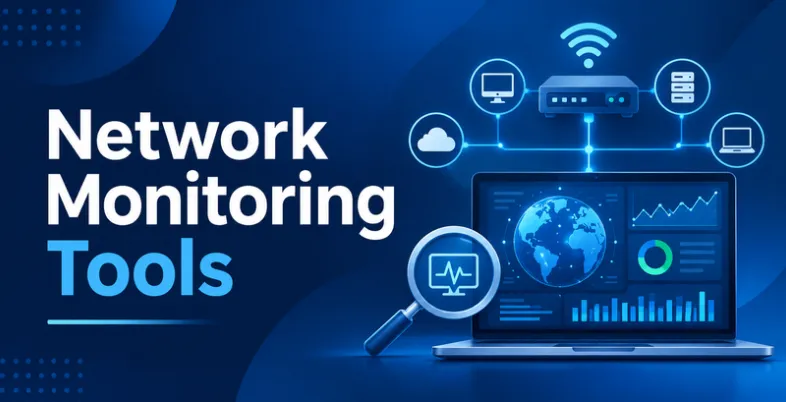
Network monitoring platform help businesses monitor network performance, identify connectivity issues, and maintain reliable IT infrastructure. These solutions provide features such as real-time monitoring, bandwidth analysis, device tracking, network traffic management, and performance reporting. IT teams use them to detect potential problems, troubleshoot network failures, monitor connected devices, and minimise downtime.
From small business networks to complex enterprise environments, different platforms offer capabilities suited to various infrastructure requirements. Selecting the right tool requires evaluating its monitoring features, scalability, alerting capabilities, ease of use, and pricing to ensure efficient network management, improved visibility, and consistent performance.
In this blog, we will take a look at 10 Best Network Monitoring Tools.
What Are Network Monitoring Software?
Network monitoring software is designed to track, analyse, and manage the performance of computer networks and connected devices. It helps IT teams monitor network availability, bandwidth usage, traffic patterns, server health, and connectivity across an organisation’s infrastructure.
These tools provide real-time visibility into network activities and generate alerts when unusual behaviour, performance issues, or potential failures occur. Businesses use network monitoring software to identify bottlenecks, troubleshoot connectivity problems, detect device failures, and minimise operational downtime while strengthening security with data loss prevention software.
Many platforms also offer features such as performance dashboards, automated reporting, network mapping, and historical data analysis. By providing detailed insights into network operations, these tools help organisations maintain reliable connectivity, improve infrastructure performance, and ensure smooth communication between systems, applications, and users.
List Of 10 Best Network Monitoring Tools
1. Paessler PRTG Network Monitor

- Website: https://www.paessler.com/prtg
- Best For: IT teams, small businesses, and enterprises that need real-time network monitoring, bandwidth analysis, device tracking, and infrastructure performance management.
Paessler PRTG Network Monitor is a network monitoring solution designed to help businesses monitor their IT infrastructure and maintain reliable network performance. It provides visibility into network devices, servers, bandwidth usage, applications, and connected systems through a centralised dashboard.
The platform uses sensors to collect performance data and detect potential issues across network environments. Its monitoring capabilities include traffic analysis, device availability, performance tracking, and automated notifications.
PRTG helps IT administrators identify network problems, troubleshoot connectivity issues, and reduce downtime through continuous infrastructure monitoring and detailed performance reports.
Key Features:
- Real-time network performance monitoring
- Bandwidth usage and traffic analysis
- Network device discovery and monitoring
- Customisable alerts and notifications
- Server and application monitoring
- Performance dashboards and reporting
Pros:
- Offers comprehensive network monitoring capabilities
- Provides real-time performance information
- Includes flexible sensor-based monitoring
- Supports multiple network devices and systems
Cons:
- Sensor-based licensing may be difficult to estimate
- Advanced configuration can require technical knowledge
- Large monitoring environments may need careful resource planning
Pricing:
- PRTG 500- $200 per month
- PRTG 1000– $358 per month
- PRTG 2500- $742 per month
- PRTG 5000- $1,300 per month
- PRTG 10000- $1,642 per month
2. SolarWinds Network Performance Monitor
- Website: https://www.solarwinds.com/network-performance-monitor
- Best For: Medium-sized businesses, large enterprises, and IT administrators that need network performance monitoring, fault detection, bandwidth analysis, and infrastructure visibility.
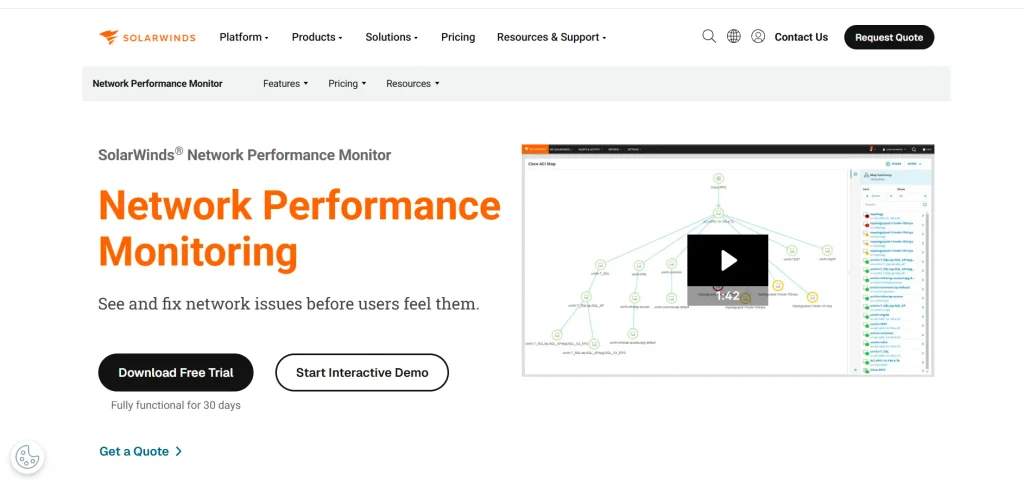
SolarWinds Network Performance Monitor is a network monitoring tools designed to help IT teams maintain infrastructure performance and identify connectivity problems.
It provides visibility into network devices, routers, switches, servers, and other infrastructure components through centralised monitoring dashboards. The platform uses performance metrics and network insights to help administrators detect bottlenecks, investigate faults, and monitor device availability.
Its capabilities include network discovery, performance tracking, alert management, and traffic analysis. SolarWinds helps organisations troubleshoot network issues, improve operational visibility, and maintain reliable connectivity across complex IT environments.
Key Features:
- Network device discovery and monitoring
- Real-time network performance tracking
- Network fault detection and alerts
- Bandwidth utilisation analysis
- Customisable performance dashboards
- Network availability and reporting
Pros:
- Provides detailed network performance visibility
- Supports monitoring of complex infrastructure
- Offers advanced fault detection capabilities
- Includes customisable dashboards and alerts
Cons:
- Licensing costs may be high for smaller businesses
- Initial configuration can require technical expertise
- Advanced monitoring features may need additional setup
Pricing:
- Monitoring & Observability- $8 Per node / month
- Database- $142 Per database / month
- IT Service Management- $39 Per technician / month
- Incident Response- $15 Per user / month
3. ManageEngine OpManager
- Website: https://www.manageengine.com/network-monitoring/
- Best For: Businesses, IT administrators, and network management teams that need network device monitoring, server performance tracking, fault management, and infrastructure monitoring.
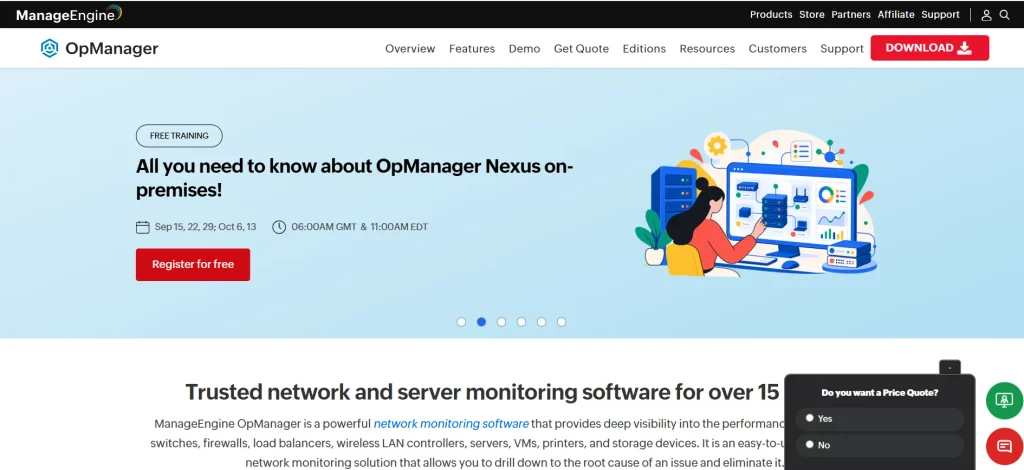
ManageEngine OpManager is a network monitoring and infrastructure management platform designed to help businesses monitor connected devices and maintain network availability. It provides insights into routers, switches, servers, firewalls, and other network components through a centralised interface.
The platform monitors performance metrics, identifies faults, and generates alerts when network conditions require attention.Its capabilities include bandwidth monitoring, network discovery, server monitoring, and configuration management, while vulnerability scanning tools help identify potential security weaknesses across IT infrastructure.
OpManager helps IT teams troubleshoot infrastructure issues, analyse network performance, and maintain operational reliability. Its visual dashboards also simplify monitoring across different network environments.
Key Features:
- Network device discovery and monitoring
- Real-time bandwidth and traffic analysis
- Server and infrastructure performance monitoring
- Automated fault detection and alerts
- Network configuration and change management
- Customisable dashboards and reports
Pros:
- Provides centralised infrastructure monitoring
- Offers useful network troubleshooting capabilities
- Supports multiple network device types
- Includes visual dashboards and reporting tools
Cons:
- Advanced configuration may require technical expertise
- Some capabilities require additional modules
- Large deployments may need careful resource planning
Pricing:
- Get a Custom Quote
Also read:
4. Zabbix
- Website: https://www.zabbix.com/
- Best For: IT professionals, enterprises, and businesses that need open-source network monitoring, infrastructure tracking, automated alerts, and customisable performance analysis.
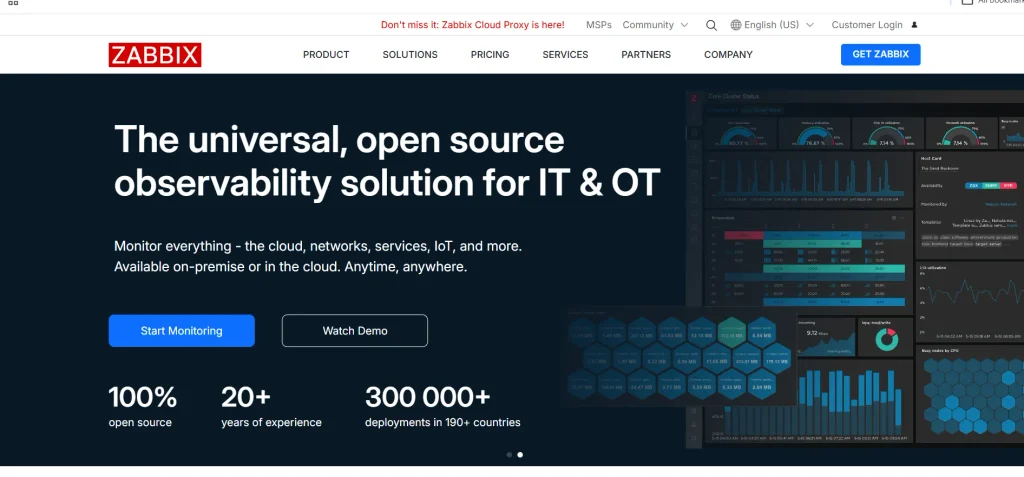
Zabbix is an open-source monitoring platform designed to help organisations track network performance, infrastructure availability, and system health. It supports monitoring of servers, network devices, applications, cloud resources, and other IT components through a centralised dashboard.
The platform collects performance metrics, detects unusual conditions, and generates alerts based on configurable thresholds. Its capabilities include network discovery, data visualisation, event monitoring, and automated reporting.
Zabbix allows administrators to customise monitoring configurations according to their infrastructure requirements. Its flexible architecture makes it suitable for organisations managing complex IT environments.
Key Features:
- Network and infrastructure performance monitoring
- Real-time data collection and visualisation
- Automated alerts and event notifications
- Network discovery and device monitoring
- Customisable monitoring templates
- Historical data analysis and reporting
Pros:
- Offers an open-source monitoring solution
- Supports extensive customisation options
- Monitors diverse IT infrastructure components
- Provides detailed performance metrics
Cons:
- Initial installation may require technical knowledge
- Interface can be complex for beginners
- Custom configuration may require additional time
Pricing:
- Silver- €245 /month
- Gold– €660 /month
- Platinum- Custom Pricing
- Enterprise– Custom Pricing
- Global- Custom Pricing
5. Nagios XI
- Website: https://www.nagios.com/products/nagios-xi/
- Best For: IT administrators, network engineers, and enterprises that need infrastructure monitoring, network availability tracking, fault detection, and performance reporting.
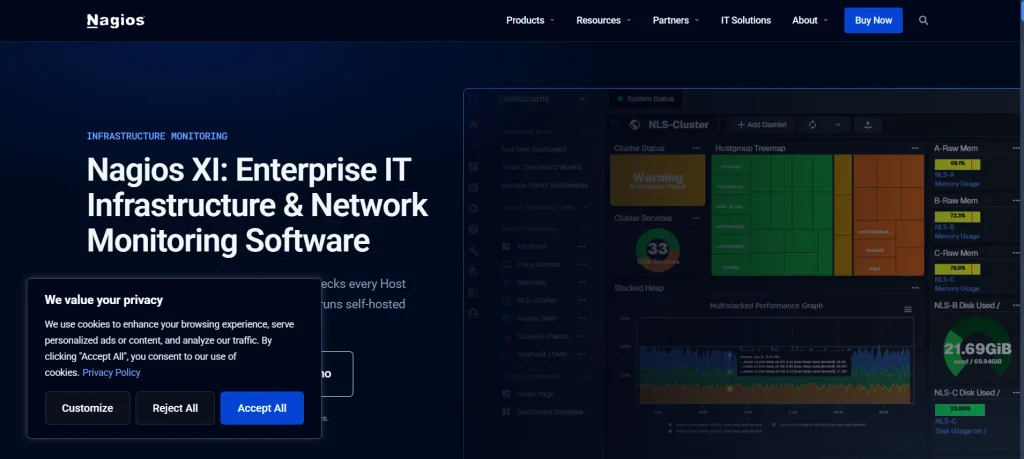
Nagios XI is an infrastructure monitoring platform designed to help organisations monitor network devices, servers, applications, and critical IT services. It provides a centralised interface for tracking system availability, identifying performance issues, and managing infrastructure alerts.
The platform builds on Nagios Core and offers additional monitoring, configuration, and reporting capabilities. Users can monitor network services, analyse performance metrics, and receive notifications when monitored components experience problems. These capabilities make it one of the useful network monitoring tools for IT teams managing complex infrastructure.
Nagios XI also supports plugins and custom monitoring configurations, allowing IT teams to extend monitoring capabilities according to their infrastructure requirements.
Key Features:
- Network device and server monitoring
- Infrastructure availability and performance tracking
- Automated alerts and notifications
- Customisable monitoring dashboards
- Plugin-based monitoring integrations
- Performance reports and visualisations
Pros:
- Provides extensive monitoring customisation
- Supports a wide range of plugins
- Offers centralised infrastructure visibility
- Includes alerting and reporting capabilities
Cons:
- Configuration can require technical expertise
- Interface may feel complex to beginners
- Some advanced integrations require additional setup
Pricing:
- Contacts Sales for Pricing
6. Datadog Network Monitoring
- Website: https://www.datadoghq.com/product/network-monitoring/
- Best For: Cloud-based businesses, DevOps teams, and enterprises that need network traffic analysis, cloud infrastructure monitoring, application visibility, and performance troubleshooting.
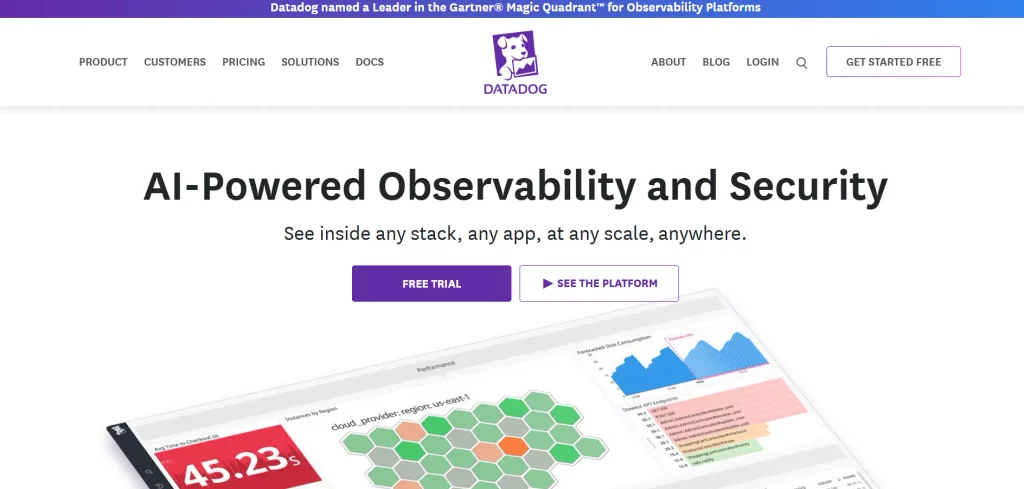
Datadog Network Monitoring is a cloud-based monitoring solution designed to help organisations understand network performance and troubleshoot connectivity issues. It provides visibility into network traffic, infrastructure components, cloud environments, and application communication through a unified platform.
The solution helps IT teams analyse network flows, monitor dependencies, and identify performance bottlenecks across distributed systems. Its capabilities include network device monitoring, traffic analysis, cloud network monitoring, and performance visualisation.
Datadog also integrates network insights with infrastructure and application monitoring, helping teams investigate issues and maintain reliable operations across complex environments.
Key Features:
- Network traffic and flow analysis
- Cloud network performance monitoring
- Network device and infrastructure monitoring
- Application dependency visualisation
- Real-time performance dashboards and alerts
- Network troubleshooting and analytics
Pros:
- Provides unified infrastructure and network visibility
- Offers detailed traffic analysis capabilities
- Supports cloud and distributed environments
- Integrates with broader monitoring solutions
Cons:
- Costs can increase with monitoring usage
- Advanced configuration may require technical knowledge
- Extensive features can take time to understand
Pricing:
- Basic- Contact Sales
- Pro- $15 Per host per month
- Enterprise- $23 Per host per month
7. Auvik

- Website: https://www.auvik.com/
- Best For: Managed service providers, IT teams, and businesses that need automated network discovery, device monitoring, configuration management, and network troubleshooting.
Auvik is a cloud-based network management and monitoring platform designed to help IT teams maintain visibility into their network infrastructure. It automatically discovers connected devices and creates network maps that simplify infrastructure monitoring.
The platform provides information about network performance, device health, traffic activity, and configuration changes. Its capabilities include automated network discovery, bandwidth monitoring, configuration backups, and troubleshooting tools.
Auvik helps administrators identify connectivity problems, monitor network devices, and understand infrastructure relationships. Its centralised dashboard supports network management across multiple locations and distributed IT environments.
Key Features:
- Automated network discovery and mapping
- Real-time device performance monitoring
- Network traffic and bandwidth analysis
- Configuration backup and change tracking
- Network troubleshooting and diagnostics
- Centralised multi-site network management
Pros:
- Automates network discovery and mapping
- Provides clear infrastructure visibility
- Supports monitoring across multiple locations
- Simplifies network troubleshooting activities
Cons:
- Subscription pricing may not suit every budget
- Some advanced capabilities depend on integrations
- Smaller networks may not need every feature
Pricing:
- Request a Pricing Quote
8. Checkmk
- Website: https://checkmk.com/
- Best For: IT administrators, DevOps teams, and enterprises that need scalable infrastructure monitoring, network performance tracking, server monitoring, and automated alert management.
Checkmk is an IT infrastructure monitoring platform designed to help organisations monitor network devices, servers, applications, and cloud environments. It provides visibility into infrastructure performance through dashboards, monitoring metrics, and automated alerts.
The platform supports agent-based and agentless monitoring, allowing administrators to collect data from different systems and devices. Its capabilities include network discovery, performance tracking, service monitoring, and event management. These features make Checkmk one of the flexible network monitoring tools for businesses managing diverse IT environments.
Checkmk helps IT teams identify infrastructure problems, investigate performance changes, and maintain system availability. Its scalable architecture supports monitoring across small networks and complex enterprise environments.
Key Features:
- Network device and infrastructure monitoring
- Automated service discovery
- Server and application performance tracking
- Customisable dashboards and visualisations
- Automated alerts and event management
- Historical performance data and reporting
Pros:
- Offers flexible monitoring configurations
- Supports diverse infrastructure environments
- Provides scalable monitoring capabilities
- Includes useful dashboards and alerting tools
Cons:
- Advanced configuration can require technical expertise
- Beginners may need time to understand its interface
- Some enterprise features require paid editions
Pricing:
- Community– Free
- Pro– €190/month
- Ultimate– €275/month
9. Site24x7 Network Monitoring

- Website: https://www.site24x7.com/
- Best For: Small businesses, IT administrators, and enterprises that need cloud-based network monitoring, device tracking, bandwidth analysis, and infrastructure performance management.
Site24x7 Network Monitoring is a cloud-based solution designed to help businesses monitor network devices and maintain infrastructure performance. It provides visibility into routers, switches, firewalls, servers, and other connected components through a centralised dashboard.
The platform tracks network availability, bandwidth utilisation, device health, and performance metrics to identify potential problems. Its capabilities include network discovery, traffic monitoring, automated alerts, and performance reporting.
Site24x7 helps IT teams troubleshoot connectivity issues, monitor distributed infrastructure, and reduce downtime. Its integration with other monitoring services supports broader visibility across IT environments.
Key Features:
- Network device discovery and monitoring
- Real-time bandwidth utilisation tracking
- Network performance and availability monitoring
- Automated alerts and notifications
- Infrastructure dashboards and reporting
- Multi-location network monitoring
Pros:
- Offers cloud-based monitoring capabilities
- Provides centralised infrastructure visibility
- Supports multiple network device types
- Integrates with broader IT monitoring tools
Cons:
- Advanced features may require higher-tier plans
- Monitoring limits depend on subscription options
- Initial configuration may require technical understanding
Pricing:
- Lite- $9/month
- Professional- $42/month
- Enterprise- $625/month
10. WhatsUp Gold

- Website: https://www.whatsupgold.com/
- Best For: IT teams, network administrators, and medium-sized businesses that need network discovery, performance monitoring, traffic analysis, and infrastructure troubleshooting.
WhatsUp Gold is a network monitoring platform designed to help businesses maintain visibility into their IT infrastructure and connected devices. It automatically discovers network components and provides visual maps to simplify monitoring and troubleshooting.
The platform tracks device availability, network performance, bandwidth utilisation, and system health through centralised dashboards. Its capabilities include network discovery, traffic analysis, alert management, and configuration monitoring.
WhatsUp Gold helps IT administrators identify connectivity problems, investigate performance issues, and maintain network reliability. Its monitoring and reporting features support efficient infrastructure management across different business environments.
Key Features:
- Automated network discovery and mapping
- Real-time network performance monitoring
- Bandwidth and traffic analysis
- Device availability and health tracking
- Customisable alerts and notifications
- Network reporting and visual dashboards
Pros:
- Provides automated network discovery
- Offers visual network mapping capabilities
- Supports performance and traffic monitoring
- Simplifies infrastructure troubleshooting
Cons:
- Advanced capabilities may require additional licensing
- Initial setup can require technical knowledge
- Pricing may be less suitable for smaller organisations
Pricing:
- Request a Pricing Quote
How To Choose The Right Network Monitoring Tool?
Selecting the right network monitoring tool requires evaluating your infrastructure, monitoring requirements, technical capabilities, and budget to ensure reliable performance and efficient network management.
- Identify Your Network Requirements: Assess your network size, connected devices, infrastructure complexity, and monitoring needs before selecting software that supports your operations.
- Evaluate Monitoring Features: Look for real-time monitoring, bandwidth analysis, network mapping, traffic monitoring, and automated alerts to identify performance issues.
- Consider Scalability: Choose software that can accommodate increasing devices, expanding infrastructure, additional users, and changing network requirements without performance limitations.
- Check Integration Capabilities: Ensure the tool integrates with existing IT systems, cloud platforms, servers, databases, and infrastructure management applications.
- Review Alerting and Reporting: Select platforms offering customisable alerts, performance dashboards, historical reports, and notifications to support faster troubleshooting and informed decisions.
- Assess Ease of Use: Choose software with intuitive dashboards, straightforward navigation, and clear visualisations to simplify network monitoring for your IT team.
- Compare Pricing and Support: Evaluate subscription costs, licensing models, technical support, documentation, and training resources to find a suitable long-term monitoring solution.
Conclusion
Choosing the right network monitoring tools can help businesses maintain network reliability, improve performance, and identify potential issues before they cause major disruptions. Each platform offers different capabilities, including real-time monitoring, bandwidth analysis, device discovery, traffic management, and automated alerts. Organisations should evaluate their network size, infrastructure requirements, budget, and technical needs before selecting a solution.
While some tools focus on performance monitoring, others provide advanced troubleshooting and security insights. Comparing these ten options can help IT teams find suitable software to monitor network activities, minimise downtime, resolve connectivity problems, and maintain efficient network operations.
FAQs
1. What Are Network Monitoring Software?
Network monitoring software is a solution that tracks network performance, monitors connected devices, analyses traffic, and identifies connectivity issues.
2. What Are The Key Features Of Network Monitoring Software?
Common features include real-time monitoring, bandwidth analysis, device discovery, network traffic analysis, automated alerts, and performance reporting.
3. Why Are Network Monitoring Software Important For Businesses?
They help businesses detect network problems, minimise downtime, improve performance, troubleshoot connectivity issues, and maintain reliable IT infrastructure.
4. Which Network Monitoring Tool Is Best For Small Businesses?
Tools such as PRTG Network Monitor, ManageEngine OpManager, and Zabbix offer useful monitoring capabilities for small businesses, depending on their infrastructure and budget.
5. What Is The Difference Between Network Monitoring And Network Management?
Network monitoring focuses on tracking network performance and identifying issues, while network management includes configuring, maintaining, troubleshooting, and controlling network infrastructure.