Daily, computer hackers search websites, apps, and computer networks for vulnerabilities. When they get one before you, they can be very detrimental, resulting in stolen data, crashed systems, and lost customers. This is where the vulnerability scanning tools will help. Such tools scan your systems to identify known weaknesses and security holes. They automatically work hard, hence your team does not have to do everything manually.
Cyberattacks in the contemporary world are becoming more intelligent and prevalent. Both small businesses and large businesses are the targets. A Vulnerability Scanning Tools can help identify issues early, before someone with malicious intentions can. This paper discusses the top 10 vulnerability scanners in 2026. We have considered usability, functionality, cost and actual value. You can be a single developer or work in a massive IT team, but here, there is a tool. Let’s get started.
What Are Vulnerability Scanning Tools?
Vulnerability Scanning Tools consists of programs that scan your systems, networks or applications to check whether they are vulnerable. They automatically test and match your setup to a database of common problems. Once they discover a problem, they will report it to you so that you can correct it before attackers exploit it. The tools help teams stay one step ahead of cyber threats.
Key Features of Vulnerability Scanning Tools
- Automated Scanning – No human effort is required for reading or scanning.
- CVE Database Updates – Updates itself regularly against known vulnerabilities.
- Risk Scoring – This is the list of problems ranked by their level of danger to your system.
- Detailed Reports – Provides easy-to-read detailed reports following each scan.
- Network & Web Coverage – Scans both the network devices and web applications.
- Integration Support – Compatible with the tools that you use daily.
Benefits of Using Vulnerability Scanning Tools
- Early Detection – Identify security issues before hackers can exploit them.
- Saves Time – Auto clears checks, which would have required hours to clear manually.
- Minimises Risk – Reduces the risk of data breaches or cyberattacks.
- Compliance Help — Facilitates the achievement of industry security standards.
- Cost-Effective – Fixing issues at an early stage is much cheaper than fixing a breach.
- Team Confidence – Provides your IT team with clear information on the top priority items to address.
Just as security teams rely on scanners to stay protected, marketing teams use the best all SMO tools for social media management & growth to stay visible and competitive online.
Types of Vulnerability Scanning Tools
- Network Scanners — Check routers, servers and devices in your network.
- Web App Scanners – Identify weaknesses in websites and online applications.
- Cloud Scanners — Identify the errors in cloud services such as AWS or Azure.
- Agent-Based Scanners – The small programs are installed on machines to do deep scanning.
- API Scanners – Scan the security of APIs that your applications rely on.
- Container Scanners – Check Docker images and Kubernetes setups. Container scanners detect issues within a container.
Top 10 Vulnerability Scanning Tools in 2026
1. Nessus
Rating: 4.8/5
Website: https://www.tenable.com/products/nessus
Best Use Cases: Ideal for IT teams needing deep network and compliance vulnerability scanning.
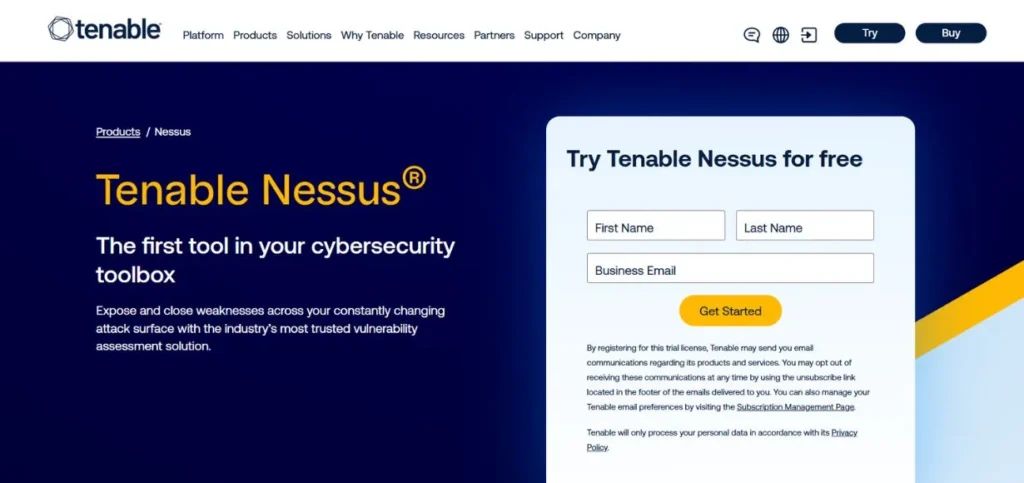
Nessus is a reliable Vulnerability Scanning Tools used worldwide. Its existence dates back decades and continues to improve. It verifies networks, devices, cloud systems, and other systems against security issues. It contains a massive collection of over 170,000 checks. The reports are both comprehensive and easy to understand. It is fine in both small and large IT teams. Nessus is a good option if you require a thorough set of features:
Key Features:
- 170,000+ scan plugins
- Cloud & on-prem support
- Compliance audit checks
- Customizable scan templates
- Real-time scan results
Pros:
- Very accurate results
- Easy to set up
- Great plugin library
Cons:
- Pricey for small teams
- No built-in patching
- Heavy on resources
Pricing: Free
2. Qualys VMDR
Rating: 4.7/5
Website: https://www.qualys.com/apps/vulnerability-management
Best Use Cases: Best for large enterprises managing cloud, on-prem, and hybrid environments at scale.
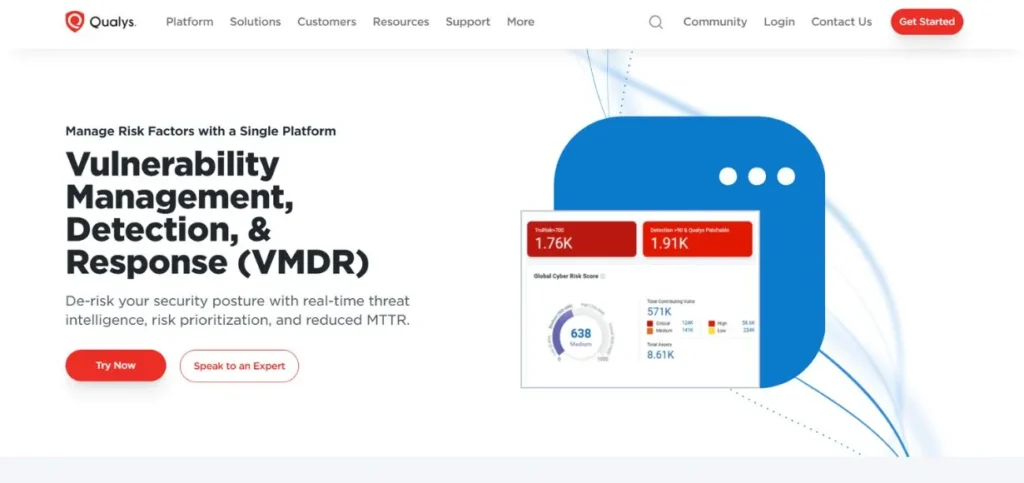
Qualys VMDR is an acronym that is used in Vulnerability Management, Detection, and Response. It is a cloud-based solution that provides a clear view of your IT resources and their associated vulnerabilities. It identifies problems, prioritises them by risk, and assists you in reacting quickly. The site is constantly updated, so you never miss out on new threats. It is effective when working with teams that must manage security across multiple systems simultaneously. Big companies adore it because it is huge and can be automated.
Key Features:
- Asset inventory automation
- Risk-based prioritisation
- Cloud-native platform
- Patch management built-in
- Real-time threat intelligence
Pros:
- Great for large teams
- Auto asset discovery
- Strong compliance tools
Cons:
- Steep learning curve
- High enterprise cost
- Complex setup process
Pricing: Custom pricing
3. OpenVAS
Rating: 4.4/5
Website: https://www.openvas.org
Best Use Cases: Perfect for budget-conscious teams needing open-source network vulnerability scanning.
OpenVAS is an open-source and free vulnerability scanner, which is extremely popular in the security community. It is part of the Greenbone Vulnerability Management system. It conducts scans on networks and systems to identify thousands of known problems. Although it requires a certain level of technical skill to install, it provides very powerful scanning capabilities at no cost. It is an excellent alternative that suits small businesses, students, or anyone else who wants to have scanning capabilities at the enterprise level without the associated costs. It is regularly updated to be in line with the latest threats.
Key Features:
- 100% free and open-source
- Regular vulnerability feed updates
- Web-based management dashboard
- Flexible scan configurations
- Active community support
Pros:
- Completely free to use
- Strong community backing
- Regularly updated feeds
Cons:
- Hard to set up
- Slower scan speed
- No official support
Pricing: Free
4. Rapid7 InsightVM
Rating: 4.6/5
Website: https://www.rapid7.com/products/insightvm
Best Use Cases: Ideal for teams requiring real-time risk visibility and remediation tracking across all assets.
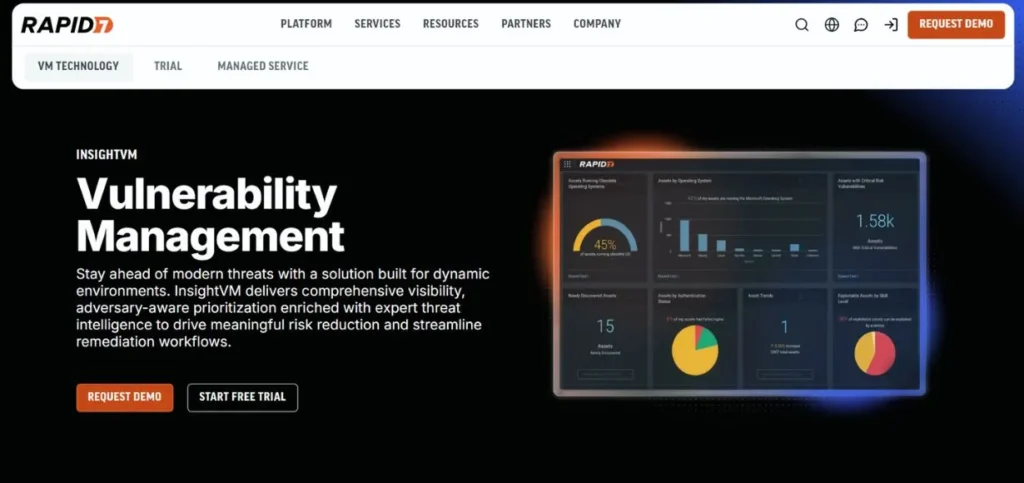
The Rapid7 InsightVM provides real-time access to your security risks. It is not simply an issue about identifying problems, but also assisting you in realising their severity and instructing your team about how to resolve them. It utilises real attacker data to demonstrate the vulnerabilities that are of importance. The dashboard is simple and user-friendly. Remediation is easier to implement with IT service tools. It is an all-inclusive solution for companies that want to consolidate scanning and risk management under a single roof.
Key Features:
- Live risk dashboards
- Attacker-based prioritisation
- Remediation project tracking
- Container & cloud scanning
- SIEM/ITSM integrations
Pros:
- Clear risk prioritisation
- Great team collaboration
- Strong integration options
Cons:
- Can be expensive
- Needs an agent for a full scan
- Initial setup takes time
Pricing: Starts at ~$2.19/asset/month
5. Burp Suite
Rating: 4.7/5
Website: https://portswigger.net/burp
Best Use Cases: Top choice for web app security testing, penetration testing, and bug bounty hunters.
Burp Suite: The Burp Suite is the reference for web application security testing. Security researchers, ethical hackers and dev teams across the globe use it. It scans web traffic and assists you in identifying problems such as SQL injection, cross-site scripting, and failed authentication issues. The Pro version, in addition to the manual testing tools, includes automated scanning. It is easily navigated, and complex testing is manageable. Burp Suite does not disappoint, whether you are performing a bug bounty or are testing your application.
Key Features:
- Web traffic interception proxy
- Automated vulnerability scanning
- Manual testing toolkit
- Detailed issue reports
- Active scanner with payloads
Pros:
- Best for web app testing
- Huge extension library
- Loved by pen testers
Cons:
- Not for network scanning
- The Pro version is costly
- Takes time to learn
Pricing: Custom pricing
6. Nikto
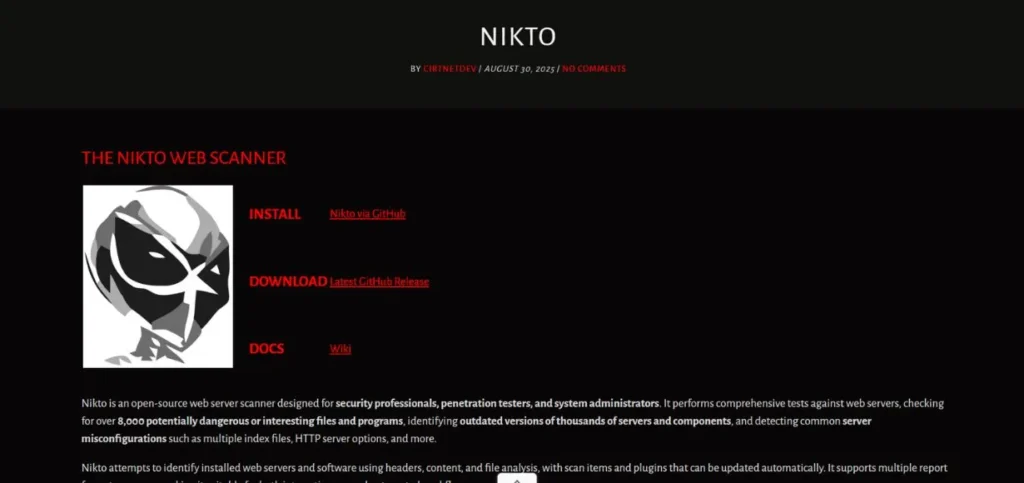
Rating: 4.2/5
Website: https://cirt.net/Nikto2
Best Use Cases: Good for quick web server checks and finding misconfigurations in web applications.
Nikto is an open-source, free scanner for web servers. It scans web servers for software, malicious files, and common misconfigurations. It is fast and provides quick results, making it convenient for early-stage security checks. It is a command-line tool and is therefore best suited to people who have no problem with terminals. It does not require deep scanning, but it is excellent for quickly checking the health of web servers. It is also a popular initial stage of web testing by many security teams.
Key Features:
- Web server misconfiguration checks
- Outdated software detection
- Command-line interface
- Supports SSL scanning
- Plugin-based and extensible
Pros:
- Free and lightweight
- Fast initial scans
- Easy to get started
Cons:
- Command-line only
- High false positive rate
- Limited deep scanning
Pricing: Free
7. Acunetix
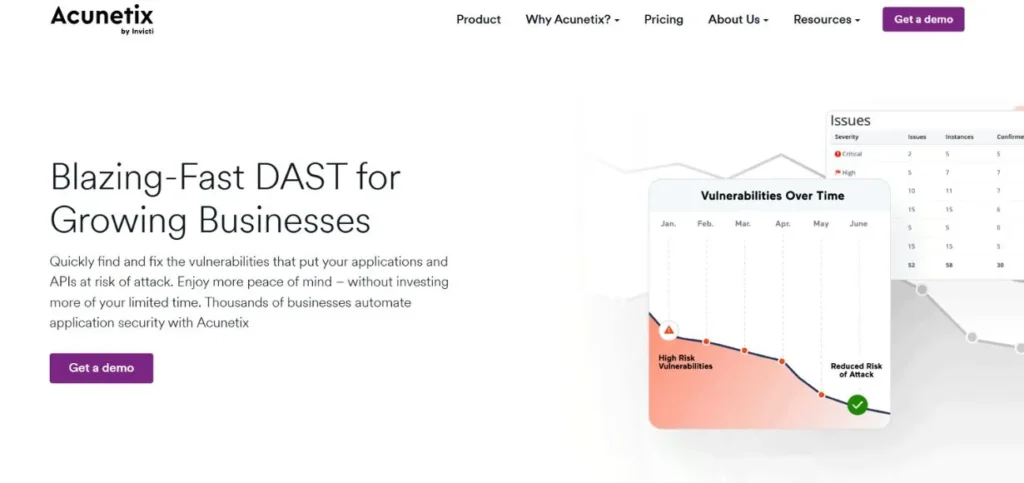
Rating: 4.6/5
Website: https://www.acunetix.com
Best Use Cases: Best for businesses needing automated web and API Vulnerability Scanning Tools with minimal effort.
Acunetix is a powerful vulnerability scanner of web. It tests websites, web applications and APIs in a broad range of security issues. It has DeepScan technology which is capable of crawling complex JavaScript applications that cannot be detected by other programs. It is also compatible with popular CI/CD pipelines, which is why it is a good choice with development teams. The reports are detailed and easy to use. It is trusted by business that requires the ability to secure their web assets and are not willing to waste a lot of time in manual testing.
Key Features:
- DeepScan of JavaScript applications
- API & web app scanning
- CI/CD pipeline integration
- Inherent vulnerability control
- Developer-friendly reports
Pros:
- Scans modern web apps
- Easy CI/CD integration
- Clear, actionable reports
Cons:
- Focused on web only
- Expensive for startups
- Some false positives
Pricing: Starts at $1,995/year
8. Tenable.io
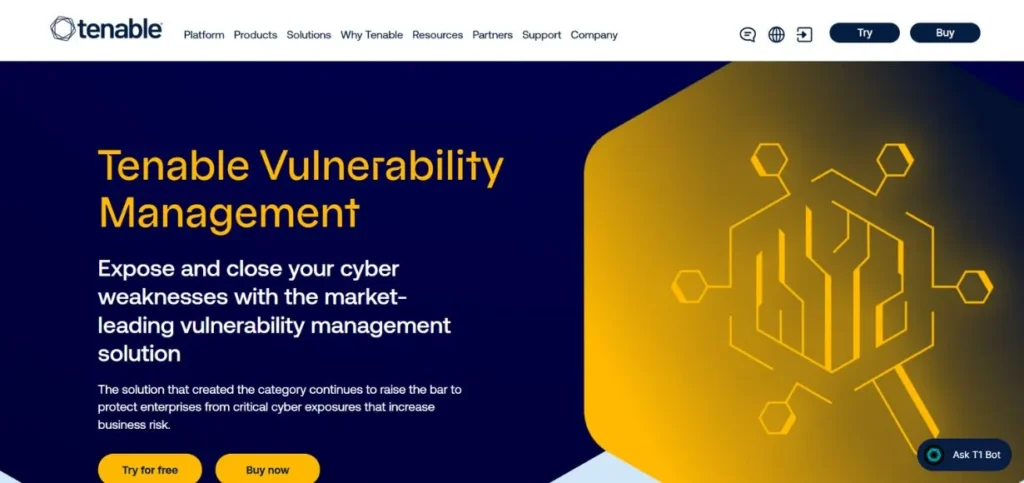
Rating: 4.6/5
Website: https://www.tenable.com/products/tenable-io
Best Use Cases: Ideal for cloud-first organisations that need continuous asset and vulnerability monitoring.
Tenable.io is a cloud-based vulnerability management tool created by the Nessus creators. It unites scanning, asset management and risk analytics into a single easy-to-use dashboard. It provides you with a live perspective of everything you own and its current state of protection. It is effective in teams that handle a large, dynamic environment where assets are not long-lasting. The Lumin add-on helps measure and benchmark your risk over time. It is an adult platform that is well-supported and receives frequent updates to its features.
Key Features:
- Continuous asset discovery
- Cloud-native architecture
- Lumin risk benchmarking
- Web app scanning add-on
- Strong compliance coverage
Pros:
- Always-on visibility
- Easy cloud deployment
- Trusted Nessus engine
Cons:
- Add-ons cost extra
- It can get expensive fast
- Interface can feel complex
Pricing: Starts at $2,275/year
9. Nexpose (Rapid7)
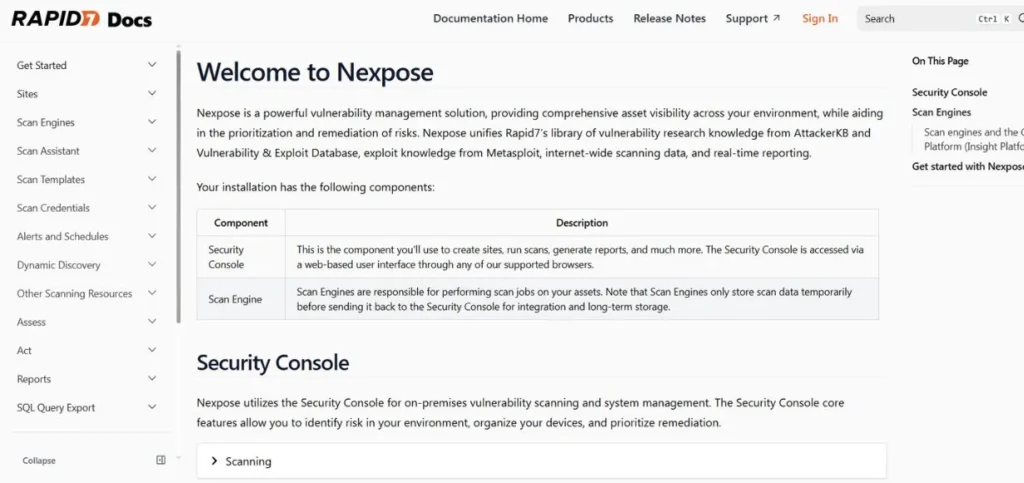
Rating: 4.4/5
Website: https://www.rapid7.com/products/nexpose
Best Use Cases: Solid choice for on-premises vulnerability management with real-time risk scoring.
Nexpose is a vulnerability management system on-premises provided by Rapid7. It scans and checks networks, endpoints, databases, and web applications for security concerns. Its live risk scoring platform helps teams focus on what matters most. It can be installed in your personal data centre and is therefore common among organisations that have stringent data privacy requirements. It is compatible with Metasploit from Rapid7 for further testing. Nexpose is a reputable and well-established product that provides comprehensive scanning for IT departments seeking an on-premises solution.
Key Features:
- On-premises deployment option
- Real-time risk scoring
- Metasploit integration
- Policy & compliance checks
- Adaptive security scanning
Pros:
- Great for on-prem setups
- Real-time risk scoring
- Metasploit integration
Cons:
- Outdated-looking interface
- Slower than cloud tools
- High hardware requirements
Pricing: Starts at $2.19/asset/month
10. Amazon Inspector
Rating: 4.5/5
Website: https://aws.amazon.com/inspector
Best Use Cases: Ideal for AWS users who need automated, continuous vulnerability scanning of cloud workloads.
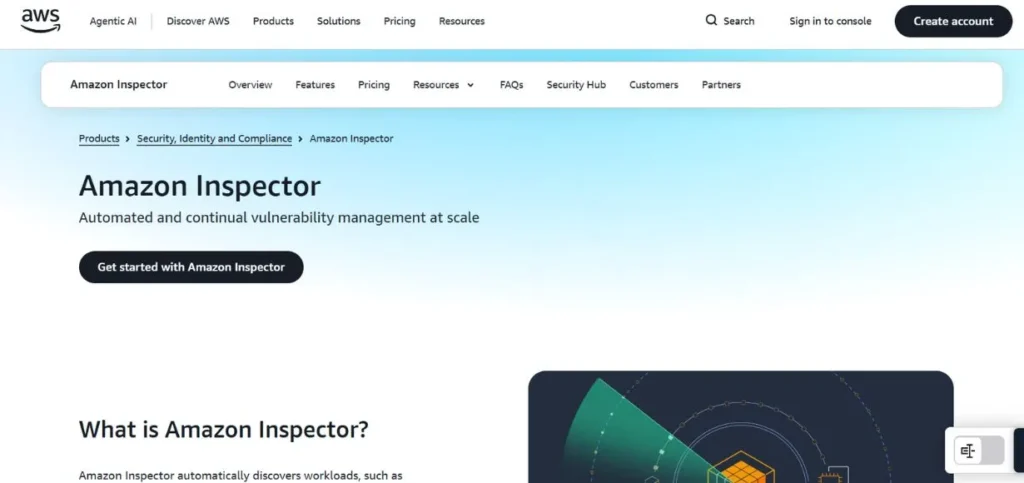
Amazon Inspector is an integrated security service in AWS. It will detect the new EC2 instances, container images, and Lambdas vulnerabilities automatically. It works under the assistance of AWS intelligence and CVE information that determines the problems within a short period. As a continuation of AWS, its installation is so easy when it comes to already existing teams on the platform. It works 24/7 and thus problems emerging are immediately identified. When your team is deployed on AWS, you will have power and security without the need to install any extra software on your computer.
Key Features:
- Auto-scan for EC2 & Lambda
- Container image scanning
- Continuous monitoring
- Native AWS integration
- Risk-based finding scores
Pros:
- Easy AWS setup
- Continuous auto-scanning
- Pay-as-you-go pricing
Cons:
- AWS-only environment
- Limited non-cloud scanning
- Basic reporting features
Pricing: Pay-as-you-go | $0.11/EC2 instance/month
Factors to Consider When Choosing a Vulnerability Scanner
- Type of Environment: Consider the location of your systems, whether they are cloud-based, on-premises, or a combination of both. Ensure that the tool that you choose can accommodate your particular set-up. Some are cloud-only, and others are local network-based.
- Ease of Use: Find a tool that your team can, in fact, use and not need months of training to use. Clear dashboard and straightforward reports save most of the time and minimise errors.
- Scan Coverage: Ensure the tool provides coverage for what you need, including web applications, APIs, network/containers, or cloud systems. A tool that lacks essential features is not performing its proper function.
- Frequency of Updates: New vulnerabilities are being released daily. Select a tool that updates its database regularly so that you always receive new threat checks during each scan.
- Pricing and Budget: There are some free and expensive tools (thousands per year). Find the tool that fits your budget, but also consider the cost of a data breach in case you fail to scan correctly.
Much like choosing the right video editing software to create stunning videos, selecting a vulnerability scanner depends on matching the tool’s features to your team’s actual needs and skill level.
Free vs Paid Vulnerability Scanning Tools
| Feature | Free Tools | Paid Tools |
| Cost | No cost | Monthly or yearly fees |
| Ease of Use | Often harder to set up | Usually easier with support |
| Scan Depth | Basic to moderate | Deep and comprehensive |
| Updates | Community-driven | Regular vendor updates |
| Support | Forums and community | Dedicated customer support |
| Best For | Small teams, learning, testing | Businesses, compliance needs |
| Examples | OpenVAS, Nikto, Nexpose Community | Nessus, Qualys, Acunetix |
When free is worth it: Free tools, such as OpenVAS and Nikto, are a good place to start when you are only learning security, or you have a limited budget. They are strong and demand additional work.
In instances where paid tools are necessary: You may have sensitive information in your business that requires compliance testing, or you are a business with numerous assets, making a paid tool a worthwhile investment. The additional features, service, and accuracy will be compensated in a short period when they prevent a breach.
Conclusion
Securing your systems is not a one-time task that you can forget about. With the help of vulnerability scanning tools, it becomes easier, quicker and more dependable. It may be OpenVAS, which is free, or an entire enterprise solution like Qualys, but what matters is that you are scanning regularly.
The tool that the team actually uses is the best. Consider the surrounding environment, your budget and the level of skills of your team. A free trial should be initiated first, allowing one to evaluate how the tool suits their workflow.
Cyberattacks do not slow down, but with the appropriate vulnerability scanner, you can stay ahead of the threats and keep your data secure. Waiting until there is a breach is not a good idea for security. Choose one of these tools and scan today; it will become a habit for your security.