Businesses deal with massive amounts of sensitive information daily customer information, financial documents, employee information, and trade secrets. It can be split in a few seconds by one wrong step or a malicious person. That is the place Data Loss Prevention (DLP) software comes in.
DLP software assists a business in monitoring its data, preventing leaks prior to their occurrence, and remaining within the boundaries of data privacy regulations. Having a good Data Loss Prevention Software is not an option anymore; it is a necessity as more and more teams organise work remotely and store data in the cloud. DLP software behaves as a security guard of the most valuable information whether it is a mistake that an email went to the wrong recipient or a planned attempt to steal the company data. With cyber threats as never before, the DLP tools have emerged as one of the most intelligent things that a company can invest in 2026.
What is Data Loss Prevention Software?
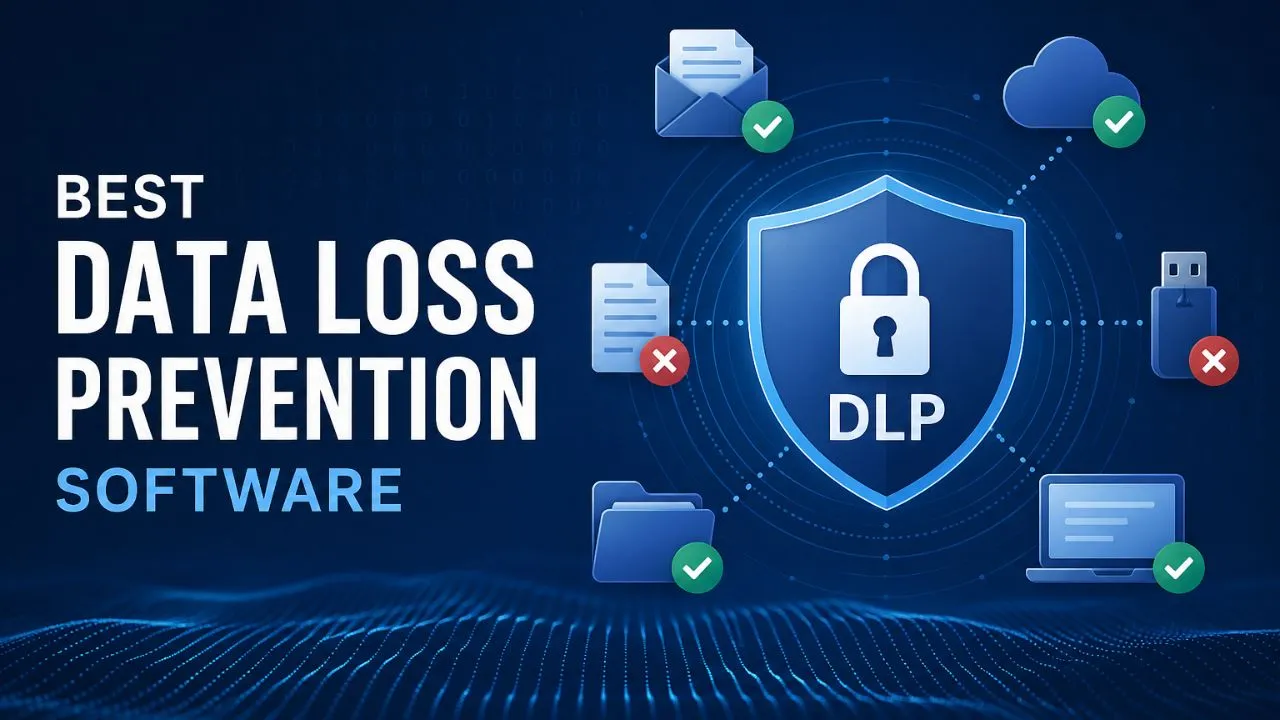
Data Loss Prevention software refers to a security software that monitors the flow of sensitive data in and out of an organisation. It locates the confidential information, puts its rules in place to protect it, and prevents its leakage or pirating without authorisation. DLP software can be applied to the emails, cloud applications, endpoints, and networks to ensure that any private data remains in place as intended, within your organisation.
Key Features of Data Loss Prevention Software
- Data Discovery and Classification – Finds and labels sensitive data stored in your systems automatically.
- Real-Time Monitoring – Monitors all data flow in real-time within the network and devices.
- Policy Management – Allows you to make personal regulations to govern the usage or disclosure of data.
- Incident Alerts and Reporting – Issues immediate alerts in case a policy violation or data risk has been detected.
- Endpoint Protection – Protects information on laptops, desktops, and USB drives that are being accessed by employees.
- Cloud and Email Security – Secures cloud-based applications and email networks.
Benefits of Using Data Loss Prevention Software
- Avoids Expensive Data Leaks – Prevents the leakages before they occur and saves money and reputation.
- Assists with Compliance Requirements – Simplifies compliance with laws such as GDPR, HIPAA and PCI DSS.
- Deterrents to Insider Threats – Prevents dangerous activity of employees or contractors within the organisation.
- Provides Complete Data Transparency – Displays the precise location and access to sensitive data.
- Lessens Risk of Human Error – Red Flags: Inadvertent sharing of confidential files prior to any harm being inflicted.
- Earns Customer Confidence – Demonstrates to clients that it is a safe and responsible way of handling their data.
Types of Data Loss Prevention Solutions
- Endpoint DLP – Secures information on personal devices such as laptops, phones, and USB drives.
- Network DLP – Monitors and regulates the information flowing throughout the network architecture of a company.
- Cloud DLP – Protects the information stored and shared in cloud technology, such as Google Drive or OneDrive.
- Email DLP – Search through email information and block the use of email to send sensitive data.
- Storage DLP – Discovers and secures sensitive information that is stored in databases and file servers.
- Integrated DLP – Bigger and better is the compressed version of the aforementioned, which encompasses all in a single platform, making it comprehensive.
Top 10 Data Loss Prevention Software in 2026
1. Symantec DLP (Broadcom)
Rating: 4.5/5
Website: https://www.broadcom.com/
Best Use Cases: Large enterprises needing all-channel DLP with strong compliance tools.
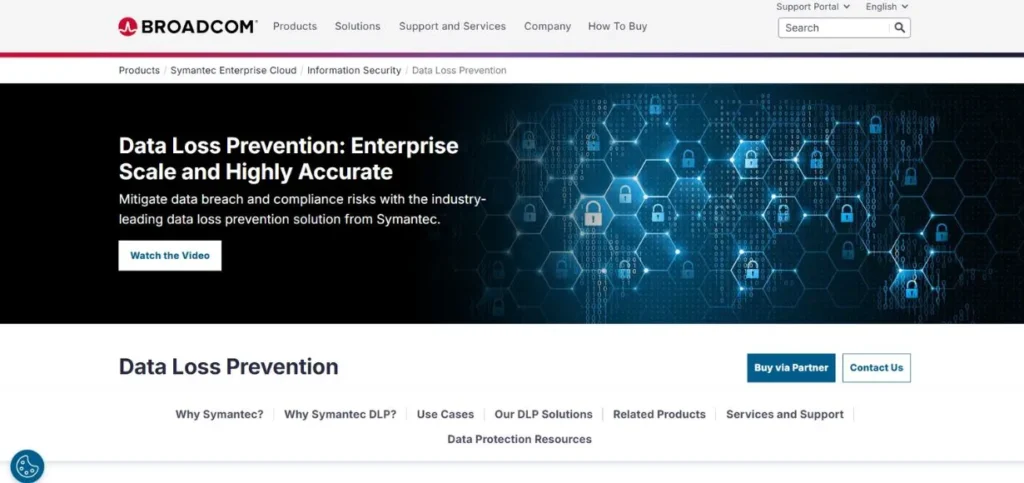
Symantec DLP has a good reputation in the business of data security. It provides a good security of data at rest, in use and in motion. Businesses can use just one of the management consoles to manage policies in their endpoints, on their networks, in the cloud, and their emails. Its AI-based classification enables the location of sensitive information in an accurate and fast way. It is most appropriate for large organisations that require a proven enterprise-grade solution with extensive compliance capabilities.
Key Features:
- AI/ML data classification
- Multi-channel data protection
- Unified management console
- Automated incident response
- 400+ content type detection
Pros:
- Very comprehensive coverage
- Strong compliance support
- Proven enterprise reliability
Cons:
- Expensive for smaller teams
- Complex initial setup
- Steep learning curve
Pricing: Custom pricing
2. Forcepoint DLP
Rating: 4.4/5
Website: https://www.forcepoint.com/
Best Use Cases: Regulated industries needing risk-adaptive, AI-powered DLP protection.
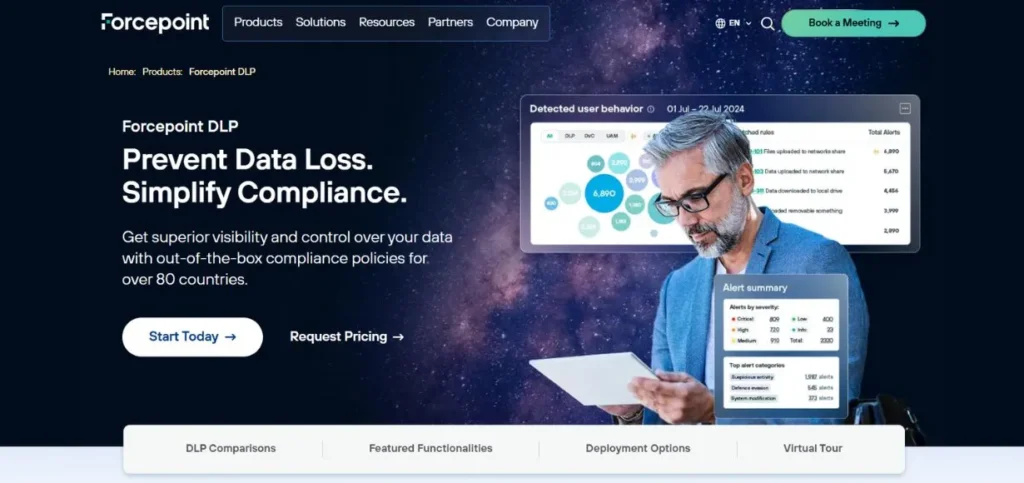
The benefit of Forcepoint DLP is that it does not rely solely on data movement, contrary to other tools; it aims at the behaviour of the user. Its Risk-Adaptive Protection option is able to change the security policy according to the riskiness of the user’s conduct. It has more than 1,700 pre-made policy templates in 90 countries, which is excellent in the case of global organisations. It is compatible with the cloud settings, and it does not fill the security teams with alerts that are false positives.
Key Features:
- Risk-Adaptive Protection
- 1,700+ policy templates
- AI-driven classification
- Zero-trust enforcement
- DSPM integration
Pros:
- Excellent policy flexibility
- Great for global compliance
- Low false positive rates
Cons:
- Premium pricing
- Complex for small teams
- Needs tuning at first
Pricing: Custom pricing
Suggested Blog: All SMO Tools
3. Microsoft Purview DLP
Rating: 4.4/5
Website: https://www.microsoft.com/en-in
Best Use Cases: Microsoft 365 users who need built-in, easy-to-manage DLP protection.
Purview DLP is a logical decision in case your team is already using Microsoft 365. It complements Teams, Exchange, SharePoint, OneDrive and even Microsoft Copilot. It supports GDPR, HIPAA as well as PCI-DSS compliance with more than 200 in-built sensitive information types. Adaptive protection is intelligent in that it can modify policies based on risk rates of the user, and is responsive to real-world actions.
Key Features:
- Native Microsoft 365 integration
- 200+ sensitive info types
- Adaptive risk-based policies
- Endpoint DLP via Defender
- Copilot AI data protection
Pros:
- Seamless M365 integration
- Transparent, affordable pricing
- Fast and easy deployment
Cons:
- Weaker outside the Microsoft ecosystem
- Limited for non-Windows devices
- Advanced features need the E5 plan
Pricing: Starts around $10/user/month
4. Proofpoint DLP
Rating: 4.3/5
Website: https://www.proofpoint.com/us
Best Use Cases: Companies that want people-focused DLP with strong email security.
Proofpoint has a people-first approach to DLP. It pays attention to the question of who is exposing data to risk and why, as opposed to what information is in motion. It offers full visibility on the email, cloud apps and endpoints using a single lightweight agent. Its alert management and workflow tools are particularly useful with security teams that have to investigate and respond to the incident fast without having to deal with a lot of different tools.
Key Features:
- People-centric DLP approach
- Single-agent deployment
- Email and cloud protection
- Behavioral analytics
- Threat hunting capabilities
Pros:
- Easy single-agent setup
- Excellent email DLP
- Strong insider threat detection
Cons:
- Less strong on endpoint control
- Costly for small businesses
- Limited on-premise support
Pricing: Custom pricing
5. Teramind DLP
Rating: 4.3/5
Website: https://www.teramind.co/blog/proofpoint-dlp/
Best Use Cases: Companies wanting insider threat monitoring combined with productivity tracking.
Teramind is an intelligent solution for those companies that do not desire only data protection. It integrates DLP and user activity insights, behavioural analytics, and productivity on a single platform. It particularly lags in insider threats, both accidental and intentional. Teramind is ideal both when operating remote teams and on-site teams, and supports different deployment models such as cloud and on-premise.
Key Features:
- Behaviour analytics engine
- Real-time user monitoring
- Insider threat detection
- Productivity analytics
- Zero-trust access controls
Pros:
- Great insider threat coverage
- Easy to deploy quickly
- Affordable entry-level plans
Cons:
- Can feel privacy-intrusive
- Limited enterprise integrations
- Advanced features cost more
Pricing: Starts at $14.98/user/month
Also Read: Rank Tracking Software
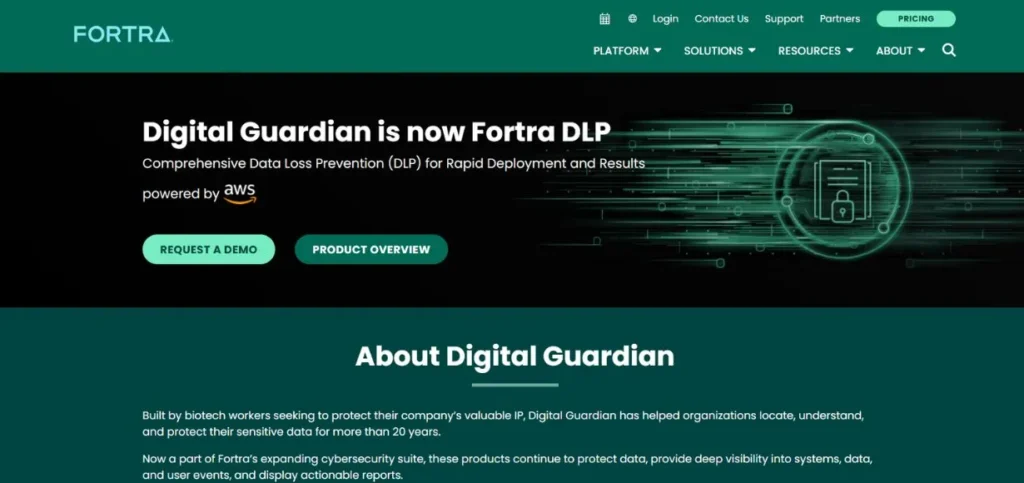
6. Digital Guardian DLP
Rating: 4.2/5
Website: https://www.fortra.com/platform/data-loss-prevention
Best Use Cases: Organizations that need to protect intellectual property and sensitive research data.
Digital Guardian is designed to suit companies in which the most important aspect is the security of intellectual property. It gives excessive insight into the utilisation of data on endpoints, even when they are not online. Its agent-based architecture provides the security teams with highly detailed forensic data regarding each file and user action. It suits well in the manufacturing, defense and technology industries where proprietary data disclosures can be disastrous.
Key Features:
- Intellectual property protection
- Deep endpoint visibility
- Offline data protection
- Forensic data collection
- Cross-platform agent support
Pros:
- Outstanding IP protection
- Detailed forensic reporting
- Works offline too
Cons:
- Heavy on system resources
- Expensive licensing
- Complex to configure initially
Pricing: Custom pricing
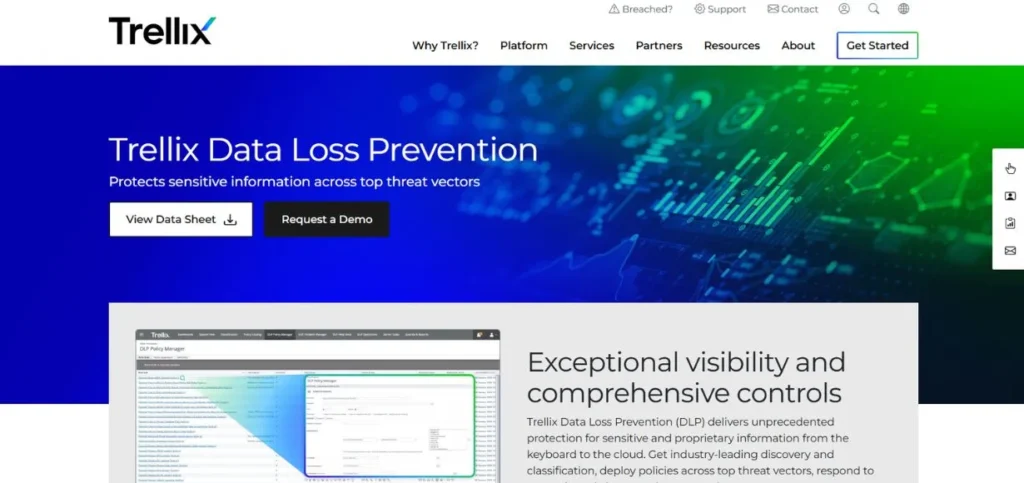
7. Trellix DLP (formerly McAfee)
Rating: 4.2/5
Website: https://www.trellix.com/products/dlp/
Best Use Cases: Enterprises needing multi-channel DLP with real-time event management.
Trellix DLP (previously McAfee DLP) provides comprehensive security between the keyboard and the Cloud. It allows over 400 types of content and enables security staff to implement policies on all significant threat vectors using a single control centre. Its AI-based dictionaries and its automated labelling make DLP configuration much faster. Trellix is a good selection of companies that desire a well-rounded mature DLP solution with robust event management capabilities.
Key Features:
- 400+ content type support
- AI-generated dictionaries
- Real-time event management
- User coaching features
- Multi-channel policy control
Pros:
- Very broad content detection
- Good compliance reporting
- Strong real-time visibility
Cons:
- Interface feels outdated
- Setup can be time-consuming
- Support response is slow
Pricing: Custom pricing
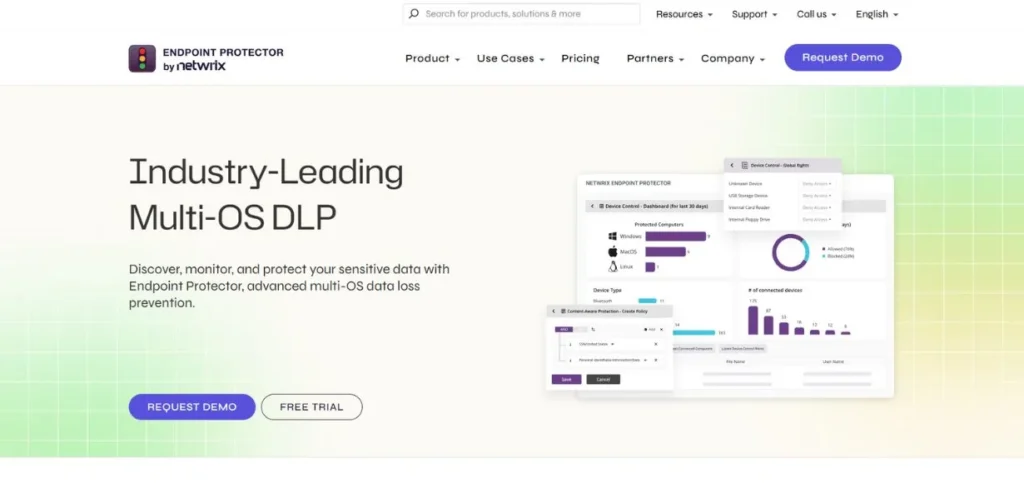
8. Endpoint Protector by CoSoSys (Netwrix)
Rating: 4.2/5
Website: https://netwrix.com/en/products/endpoint-protector/
Best Use Cases: Businesses needing strong endpoint and USB device control across multiple OS.
One of the simplest to implement and use DLP tools is Endpoint Protector. It may be booted under half an hour, and is compatible with Windows, macOS, and Linux. It is also very good with the USB drives and removable devices hence it is very good with companies whose major concern is the physical theft of data. It also has an automatic AES 256-bit encryption of data to USB storage media to provide an additional level of protection.
Key Features:
- Multi-OS device control
- USB/peripheral management
- AES 256-bit encryption
- Content-aware protection
- eDiscovery scanning
Pros:
- Very easy to deploy
- Excellent device control
- Great for multi-OS environments
Cons:
- Higher false positive rates
- Gaps in cloud monitoring
- Basic reporting features
Pricing: Starts at $5.49/device/month
9. Safetica DLP
Rating: 4.1/5
Website: https://www.safetica.com/solutions-data-loss-prevention
Best Use Cases: Small to mid-sized businesses wanting affordable, simple DLP protection.
Safetica is a product that is simple to use. It provides small and medium-sized businesses with a clean and easy-to-use DLP solution that is not as complicated as enterprise products. It secures data on both endpoints, email, and cloud applications, besides providing managers with valuable insights on how their employees manage sensitive data. A good entry point to companies with a small IT team, who are just starting their data security process, is Safetica.
Key Features:
- Simple policy setup
- Employee behavior insights
- Cloud and email protection
- Endpoint data monitoring
- Compliance-ready reporting
Pros:
- Very easy to use
- Affordable SMB pricing
- Quick deployment
Cons:
- Less powerful for large enterprises
- Limited advanced analytics
- Fewer integrations available
Pricing: Starts at $5/user/month
10. ManageEngine Endpoint DLP Plus
Rating: 4.0/5
Website: https://www.manageengine.com/endpoint-dlp/
Best Use Cases: IT teams wanting integrated endpoint DLP within a broader IT management suite.
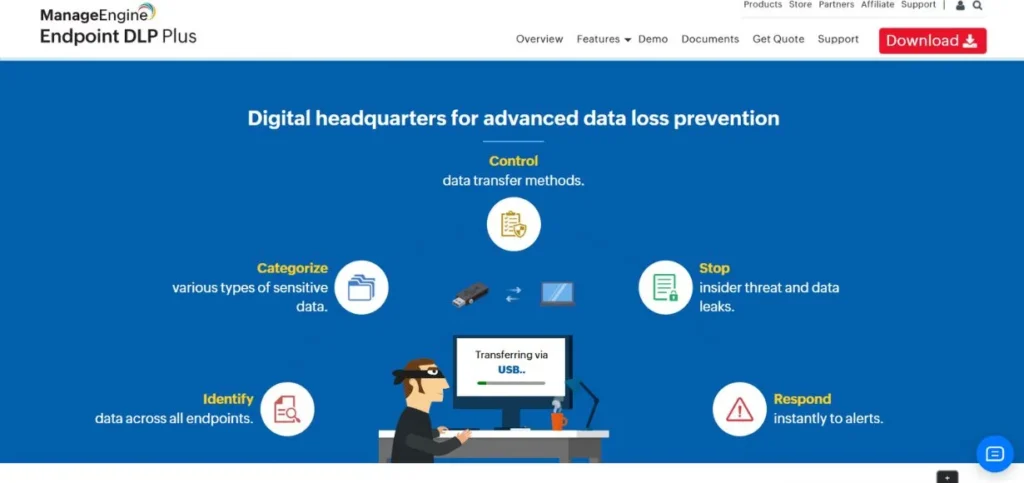
ManageEngine Endpoint DLP Plus is a low-cost solution including set of data loss prevention and expanded IT and endpoint management. It belongs to the family of ManageEngine, hence, it integrates well with the rest of the ManageEngine tools. It prevents data leakage via the USB, email, cloud solutions, Wi-Fi, and printers, which makes it a well-rounded solution. It is suitable for IT administrators who desire DLP that does not require significant additional resources.
Key Features:
- Multi-channel leak prevention
- USB and printer control
- Cloud upload blocking
- Sensitive data classification
- Compliance audit reports
Pros:
- Very affordable pricing
- Easy IT admin setup
- Good multi-channel coverage
Cons:
- Basic user behaviour analytics
- Limited cloud-native features
- Fewer enterprise integrations
Pricing: Plans start at $795/year
How to Choose the Best Data Loss Prevention Software
- Get to Know Your Data and Risk Profile – Initially, find out the location, movement, and access to sensitive data by asking the question of where your sensitive data resides, how it moves, and who has access. This assists you in choosing a tool that corresponds to your real security requirements as opposed to purchasing the features that you will not utilise.
- Check Compliance Requirements – In case you are in the healthcare industry, in the field of finance, or deal with customer data stored in Europe, ensure that the DLP software can support the requirements that you have (such as HIPAA, GDPR, or PCI-DSS).
- Take Deployment and Team Size – There are tools that are designed to operate within large organisations with large IT departments and those that are ideal in small businesses that require a fast installation. Choose the one that fits your technical capacity and workforce.
- Examine Integration Capabilities – Your DLP software will integrate effectively with the tools you already possess email systems, cloud storage, endpoint management, and SIEM systems. When it fails to integrate, then you have holes in your protection.
- Test Before You Commit – A large majority of good DLP tools have a free trial or a demo. One always wants to test the tool in their actual environment and determine whether the alerts make sense, the policies are easy to manage and the interface is appropriate to their team.
Industries That Use Data Loss Prevention Software
- Healthcare – Secures the records of patients and HIPAA standards at hospitals and clinics.
- Finance and Banking – Protects financial information, avoids fraud and complies with tight financial requirements.
- Legal Services – Makes the information and case files of clients private and not in the wrong hands.
- Government and Defence – Protects the data of federal security and the classified government information.
- Education – Assures student data and research information in schools and Universities.
- Retail and E-Commerce – Secures customer payment data and complies with the PCI-DSS guidelines.
- Technology Companies – Guards steal source code, product plans and intellectual property.
Challenges of Implementing Data Loss Prevention Software
- Too Many False Positives – DLP systems will identify harmless activities as evil, which will overload the security teams and will also lead to alert fatigue in the long run.
- Complicated Implementation and Policy Control – It is laborious, involves time, experience, and continuous work to write good DLP policies. A bad policy lacks threats or inhibits normal operations.
- Resistance by Employees – Employees can believe they are being observed or held back. DLP instruments may also become counterproductive without the proper introduction and clear communication.
- Maintaining Pace with Cloud and AI Applications – Each month, new cloud applications and AI applications are being implemented by teams; this means that DLP solutions have to be continuously updated to keep a watch on new data streams.
- Expensive Complete Protection – To truly implement multi-channel DLP endpoints, cloud, email, and network, enterprise-grade tools are required at a very high cost per license.
Future Trends in Data Loss Prevention (2026 and Beyond)
- AI-Powered Data Detection – DLP solutions are no longer basic keyword matching, but AI-based tools that are able to comprehend data meaning and context to reduce false positives by a massive margin.
- Generative AI Monitoring – With the emergence of applications such as ChatGPT and Microsoft Copilot in the workplace, DLP software is becoming a feature allowing organisations to monitor and regulate the amount of data employees are pasting into AI chatbots.
- Data Lineage Tracking – Next-generation DLP tools track the data back to its source, all the way through the lifecycle, and provide security teams with a much better understanding of where sensitive data enters and where it exits.
- Coherent DSPM and DLP Platforms – Data Security Posture Management (DSPM) and DLP are becoming combined into single platforms and can now enable organisations to have proactive risk awareness and active enforcement in the same tool.
- Zero-Trust Integration – DLP is now a main component of zero-trust security systems, where all users and devices are authenticated prior to being able to access sensitive data.
Conclusion
One of the smarter pieces of equipment that a business can invest in today is Data Loss Prevention software. It secures the confidential information, assists in complying with the regulations, and identifies threats before turning them into expensive breaches. No matter how small or how big the business or enterprise is, you will find a solution to DLP that will suit your needs and financial capabilities. You need to evaluate your risks, compare your options and test some tools before you make a final decision. The DLP software will provide the right software that will leave you with peace of mind and security of your data.