Ever captured a beautiful photograph only to realize it looks dull, blurry, or completely different from what you imagined? That’s where the right photo editing software can make all the difference. Whether you’re a beginner experimenting with filters, a social media creator designing eye-catching visuals, or an aspiring photographer looking to achieve professional results, choosing the right editing tool is essential. With AI-powered features, automatic enhancements, background removal, and advanced color correction becoming increasingly accessible, photo editing is no longer limited to professionals.
However, with so many options available, finding software that balances ease of use, performance, features, and affordability can be challenging. Whether you’re a photographer, content creator, or marketer, choosing the right editing solution is essential. Along with online marketing tools, photo editing software helps businesses and creators produce attractive visuals for social media campaigns, websites, and promotional content. To make your search easier, we’ve reviewed the best photo editing tools of 2026, comparing their standout features, advantages, limitations, and pricing models.
Essential Photo Editing Features Every Beginner Should Learn
Before investing time in advanced editing techniques, beginners should understand the basic features that make photo editing easier and more effective. Most photo editing applications offer a similar set of essential tools, although their functionality and ease of use may vary.
1. Cropping and Resizing: Cropping helps remove unwanted objects, improve image composition, and focus attention on the main subject. Resizing allows you to adjust image dimensions for different platforms, including websites, Instagram, and print materials.
2. Brightness and Contrast Adjustment: These settings help control how light or dark an image appears. Brightness improves overall visibility, while contrast creates a clearer distinction between lighter and darker areas.
3. Color Correction: Color correction helps balance white levels, temperature, tint, and saturation. It is particularly useful when photographs appear too warm, too cool, or have inaccurate colors.
4. Background Removal: This feature allows users to remove unwanted backgrounds and replace them with transparent, solid, or customized backgrounds. It is especially useful for product photography, profile pictures, and marketing designs.
5. Filters and Presets: Filters and presets provide ready-made editing styles that can transform an image with minimal effort. Beginners can use them to maintain a consistent appearance across multiple photographs.
6. Retouching and Object Removal: Retouching tools help remove blemishes, unwanted spots, and distracting objects. AI-powered object removal can make this process faster without requiring advanced editing knowledge.
7. Layers and Masking: Layers allow users to edit different elements of an image independently, while masking provides greater control over where specific adjustments appear.
List Of 10 Best Photo Editing Software
1. Adobe Lightroom
Website: https://www.adobe.com/in/products/photoshop-lightroom/plans.html
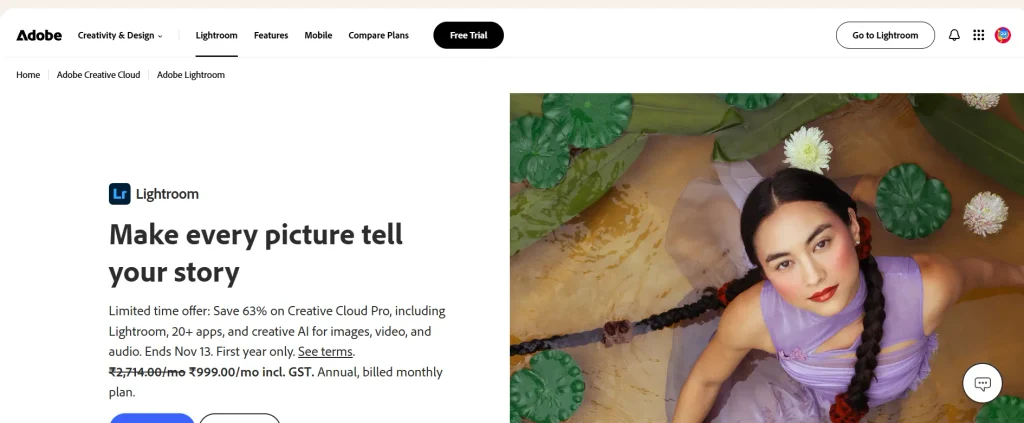
Adobe Lightroom is one of the most popular photo editing and management tools for beginners, hobbyists, and professional photographers. Users comparing Adobe’s creative applications with other options can also consider Adobe creative cloud alternatives to find software that better suits their editing needs and budget. It combines powerful editing capabilities with an organized photo library, making it easy to manage thousands of images in one place. Its non-destructive editing workflow ensures that original photos remain untouched while users experiment with exposure, contrast, saturation, and color grading.
Lightroom also offers AI-powered masking, automatic subject selection, sky detection, and background adjustments to simplify complex editing tasks. Users can synchronize their projects across desktop and mobile devices through cloud storage. With customizable presets, batch editing, and advanced RAW processing, Lightroom is an excellent choice for anyone looking to develop consistent editing skills and improve their photography workflow.
Key Features
- AI-powered masking for selecting subjects, skies, and backgrounds.
- Non-destructive editing to preserve original photographs.
- Cloud synchronization across desktop, tablet, and mobile devices.
- Advanced color grading and RAW image processing.
- Customizable presets and batch editing capabilities.
Pros
- Excellent photo organization and catalog management.
- Powerful AI-assisted editing tools.
- Smooth synchronization across multiple devices.
- Extensive tutorials and learning resources.
Cons
- Requires a recurring subscription.
- Can consume significant system memory.
- Some advanced features require an internet connection.
- Beginners may need time to understand advanced editing tools.
Pricing
- Lightroom: ₹382.32/month (including GST), annual subscription billed monthly.
- Photoshop + Lightroom: ₹599/month (including GST) for the first year; ₹638.38/month thereafter, annual subscription billed monthly.
2. Luminar Neo

Website: https://skylum.com/luminar/fallintoflow?
Luminar Neo is an AI-powered photo editing software designed for users who want professional-looking results without spending hours learning complicated editing techniques. Developed by Skylum, it offers intelligent tools that simplify everything from portrait retouching to landscape enhancement. Its AI capabilities can replace skies, remove unwanted objects, adjust lighting, and improve image details with minimal manual effort.
Features such as Sky AI, Relight AI, Face AI, and GenErase make creative editing accessible to beginners and experienced photographers alike. The software also supports RAW image editing and can work independently or as a plugin for other photography applications. Its modern interface and automated adjustments make it particularly useful for hobbyists, travel photographers, and content creators who want visually impressive photographs.
Key Features
- Sky AI for replacing skies and adjusting reflections.
- GenErase for removing unwanted objects from photographs.
- Relight AI for controlling foreground and background lighting.
- Face AI and Body AI for portrait enhancement.
- Structure AI for improving image details and textures.
Pros
- Beginner-friendly interface with intelligent automation.
- Makes complex photo adjustments easier.
- Excellent creative effects for landscape photography.
- Available as a standalone editor and plugin.
Cons
- AI processing can be slow on older computers.
- Some advanced features require additional resources.
- Updates and add-ons can increase overall costs.
- Less comprehensive photo organization than Lightroom.
Pricing
- All Platforms: ₹4,499 (one-time payment).
- Max: ₹5,999 (one-time payment).
- Desktop Only: ₹3,999 (one-time payment).
3. Canva

Website: https://www.canva.com/en_in/pricing/
Canva is a browser-based design and photo editing platform that helps beginners create attractive visuals without requiring professional editing experience. People interested in building an online presence can also learn how to become a content creator and develop the skills needed to plan, create, and publish engaging digital content. It is particularly popular among social media managers, marketers, small business owners, and content creators who need to edit photographs and combine them with text, graphics, and branding elements.
Users looking for similar design features without paying for Canva can compare free Canva alternatives to find other accessible tools for photo editing and graphic design. Users can upload images, apply filters, adjust brightness, remove backgrounds, and enhance photographs using AI-powered tools. Its extensive collection of ready-made templates makes it easy to create Instagram posts, Facebook banners, YouTube thumbnails, presentations, and promotional graphics. Canva also supports collaborative editing, allowing multiple users to work on the same design. Although it does not offer advanced RAW processing like professional desktop editors, its simplicity and versatility make it an excellent option for everyday creative projects.
Key Features
- AI-powered background remover and photo editing tools.
- Thousands of customizable social media templates.
- Drag-and-drop interface for creating graphics and designs.
- Brand Kit for maintaining consistent fonts, colors, and logos.
- Collaboration and content scheduling capabilities.
Pros
- Extremely easy for beginners to use.
- Offers a capable free version.
- Combines photo editing and graphic design.
- Accessible through browsers and mobile applications.
Cons
- Limited advanced photo retouching capabilities.
- No professional RAW editing workflow.
- Many premium templates and assets require a subscription.
- Some AI features are restricted to paid plans.
Pricing
- Free: ₹0/year.
- Pro Lite: ₹1,590/year.
- Pro: ₹4,000/year.
- Business: ₹6,800/year per person.
4. Affinity
Website: https://www.affinity.studio/get-affinity
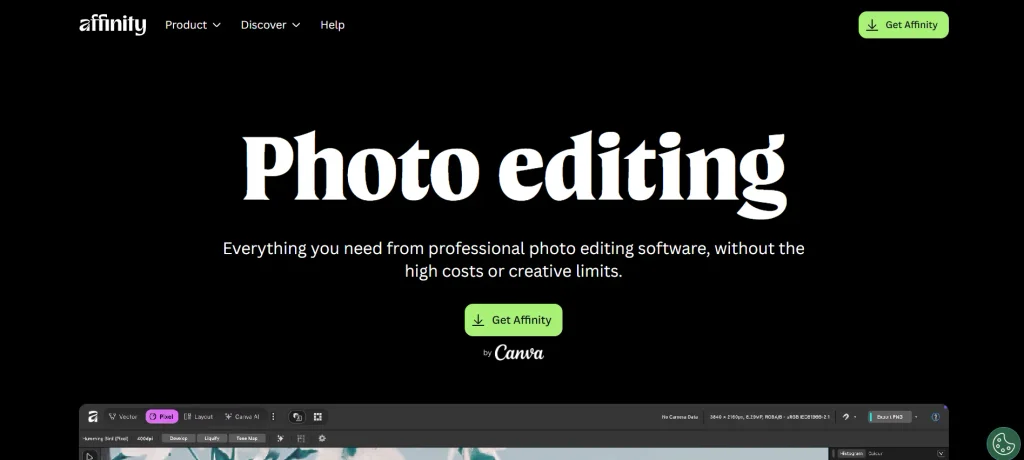
Affinity Photo 2 is a professional photo editing application designed for photographers, designers, and creative professionals who want advanced editing capabilities without committing to a traditional monthly subscription. It offers powerful layer-based editing, RAW development, image compositing, retouching, and color correction tools.
Users can work with multiple images, combine different exposures, remove unwanted elements, and create detailed visual compositions. Its specialized Personas provide dedicated workspaces for tasks such as RAW development, tone mapping, and exporting images. The software also supports advanced features such as frequency separation, live filters, and HDR merging. While its extensive functionality may require some learning for beginners, it offers considerable creative control and professional-grade editing capabilities. It is particularly suitable for users who want to develop advanced editing skills with a one-time purchase model.
Key Features
- Advanced layer-based editing and image compositing.
- RAW development with exposure and white balance adjustments.
- Live filter layers for non-destructive editing.
- HDR merging and panoramic image stitching.
- Professional retouching and frequency separation tools.
Pros
- No mandatory monthly subscription.
- Powerful professional editing capabilities.
- Excellent layer management and compositing tools.
- Handles large and complex image files effectively.
Cons
- Steeper learning curve for beginners.
- Interface can feel complicated initially.
- Some advanced AI features are limited.
- iPad version is sold separately.
Pricing
- $0 free
5. Pixlr
Website: https://pixlr.com/pricing/
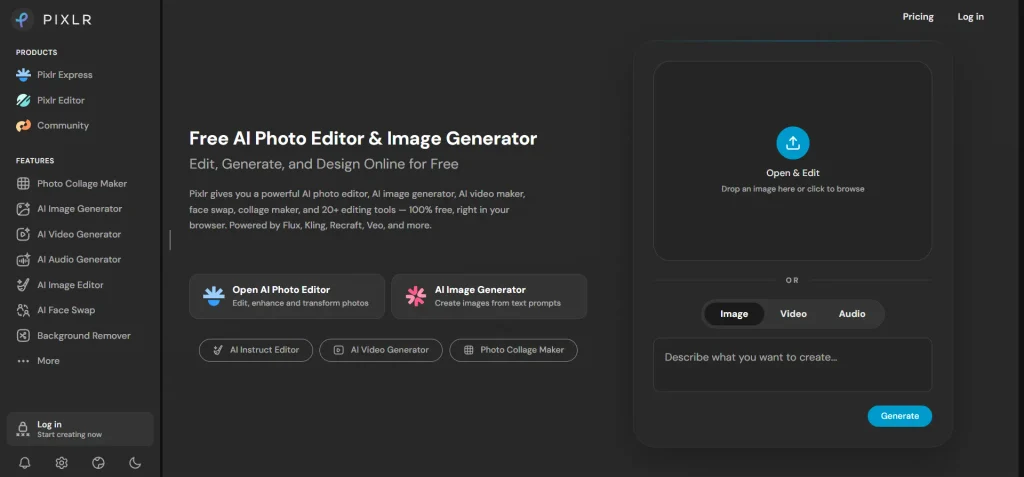
Pixlr is an online photo editing platform that provides accessible editing tools for beginners, students, marketers, and casual photographers. This photo editing software offers two primary editing experiences: Pixlr X for quick adjustments and Pixlr E for more advanced image editing. This flexible setup allows users to choose an interface based on their requirements without downloading heavy desktop software.
Its tools include cropping, resizing, filters, background removal, object removal, image enhancement, and basic layer editing. Pixlr also incorporates AI-powered features that help users automate repetitive editing tasks and create visually appealing images. The platform works directly through a web browser, making it convenient for people who frequently switch between devices. Its free version provides access to basic editing functions, while paid plans unlock additional features and remove certain limitations.
Key Features
- Two editing interfaces for basic and advanced workflows.
- AI-powered background removal and image enhancement.
- Filters, overlays, and creative photo effects.
- Built-in collage maker with customizable layouts.
- Browser-based editing without software installation.
Pros
- Easy access from different devices.
- Offers a free editing option.
- Lightweight and suitable for basic computers.
- Provides both beginner and advanced editing interfaces.
Cons
- Free version includes advertisements.
- Advanced features require a paid subscription.
- Limited professional RAW editing capabilities.
- Internet access is required for browser-based editing.
Pricing
- Plus: $2.49/month.
- Premium: $9.99/month.
- Ultra: Starting at $24.99/month.
- Ultra MAX: $49.99/month.
6. Adobe Photoshop Elements
Website: https://www.adobe.com/in/education/students/creativecloud.html?
Adobe Photoshop Elements is a beginner-friendly photo editing application that combines automated editing features with guided tutorials and manual adjustment tools. It is designed for people who want more control over their photographs but find professional software like Photoshop difficult to learn. Its Guided Edits feature provides step-by-step instructions for completing creative tasks such as background replacement, double exposure, photo restoration, and artistic effects.
Users can also switch between Quick, Guided, and Advanced editing modes depending on their experience. The application includes AI-powered subject selection, automatic image organization, and tools for repairing old photographs. It is particularly useful for families, hobby photographers, and beginners who want to improve their editing abilities gradually. Its structured interface makes learning different photo editing techniques easier and less intimidating.
Key Features
- Guided Edits for learning photo editing techniques.
- AI-powered subject selection and background adjustments.
- Automatic photo organization by people and events.
- Tools for restoring and enhancing old photographs.
- Quick, Guided, and Advanced editing modes.
Pros
- Excellent learning experience for beginners.
- Step-by-step editing instructions.
- Offers creative and automatic editing tools.
- No traditional monthly subscription.
Cons
- Interface feels less modern than some competitors.
- New versions may require an additional purchase.
- Less advanced than full Photoshop.
- Some editing features require compatible hardware.
Pricing
- Discounted Price: ₹199/month (including GST).
- Regular Price: ₹699.01/month.
7. CyberLink PhotoDirector 365

Website: https://www.cyberlink.com/products/photodirector-photo-editing-software-365/
CyberLink PhotoDirector 365 is an all-in-one photo editing application that combines traditional image adjustments with AI-powered creative effects. It is suitable for beginners, hobby photographers, and content creators who want to experiment with different photography styles. The software includes tools for portrait enhancement, object removal, background replacement, color correction, and artistic image transformations. Its AI capabilities allow users to turn ordinary photographs into stylized artwork, improve portrait details, and create visually interesting effects.
PhotoDirector also offers layer-based editing, stock content, templates, and animation features, giving users additional creative flexibility. Its combination of standard editing controls and automated tools makes it useful for everyday photography as well as more experimental projects. Users who enjoy creating digital artwork alongside editing regular photographs may find its feature set particularly appealing.
Key Features
- AI-powered object and background removal.
- Photo-to-art tools for creating artistic effects.
- Portrait retouching and skin tone adjustments.
- Layer-based editing and image compositing.
- Built-in stock content and creative templates.
Pros
- Combines traditional and AI-powered editing tools.
- Offers creative effects and animation features.
- Includes useful portrait enhancement options.
- Regular updates introduce additional creative resources.
Cons
- Interface can feel overwhelming initially.
- Subscription required for the 365 version.
- Some features differ between Windows and Mac.
- Advanced effects may require considerable system resources.
Pricing
- PhotoDirector 365: $69.99/year (originally $79.99), approximately $5.83/month.
- Director Suite: $125.99/year (originally $149.99), approximately $10.50/month.
8. Fotor
Website: https://www.fotor.com/pricing/
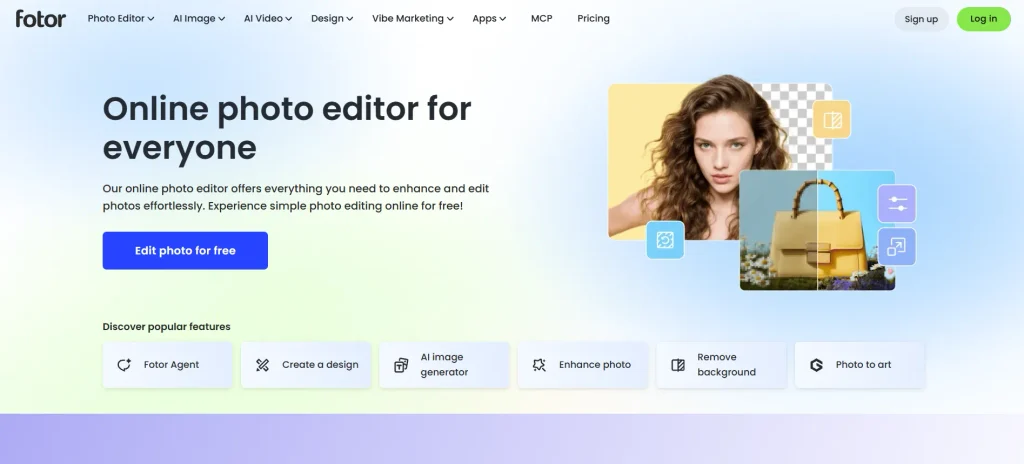
Fotor is an online photo editing and graphic design platform developed for users who want quick, attractive results without learning complicated editing techniques. This photo editing software is especially popular among social media creators, influencers, small business owners, and individuals who regularly edit portraits and product photographs. Social media agencies can also use AI tools for social media agencies to streamline content creation, improve visual assets, and manage their marketing workflows more efficiently.
Many social media creators also use video editing software to produce engaging videos and reels alongside their edited photographs. The platform offers AI-powered tools for background removal, object erasing, image enhancement, and portrait retouching. Users can improve lighting, smooth skin, adjust colors, and create professional-looking images with just a few clicks. Fotor also includes collage templates, design elements, filters, and an AI image generation feature. Its browser-based interface makes it convenient for everyday editing, while its mobile applications allow users to work on photographs from their smartphones. Overall, Fotor is a practical option for people who prioritize speed, simplicity, and creative flexibility.
Key Features
- AI portrait enhancement and skin retouching.
- Background removal and unwanted object erasing.
- AI image generation and photo enhancement.
- Ready-made collage layouts and design templates.
- Batch editing for processing multiple photographs.
Pros
- Simple interface suitable for beginners.
- Effective portrait enhancement features.
- Offers multiple AI-powered editing tools.
- Useful templates for social media content.
Cons
- Free version has feature limitations.
- Some premium tools require a subscription.
- Limited professional RAW editing capabilities.
- Advertisements can affect the free editing experience.
Pricing
- Pro: ₹3,499/year (100 credits/month).
- Pro+: ₹5,529.30/year (300 credits/month).
- Max: ₹23,604/year (1,000 credits/month).
Additional AI Credit Packages
- 200 credits/month: ₹5,999/year.
- 500 credits/month: ₹11,999/year.
- 1,000 credits/month: ₹21,999/year.
- 2,000 credits/month: ₹36,999/year.
- 5,000 credits/month: ₹89,999/year.
- 10,000 credits/month: ₹1,74,999/year.
AI Headshot Packages (One-Time Payment)
- 20 Images: $19.99.
- 40 Images: $29.99.
- 80 Images: $39.99.
9. BeFunky

Website: https://www.befunky.com/pricing/
BeFunky is an easy-to-use online photo editing and graphic design platform created for people who prefer simple editing workflows. Its clean interface makes it particularly suitable for beginners who want to crop images, adjust colors, apply filters, and create collages without navigating complicated menus. The platform offers three main creative areas: Photo Editor, Collage Maker, and Graphic Designer.
Users can also experiment with artistic effects that transform ordinary photographs into sketches, paintings, and cartoon-style images. Its batch processing capabilities make repetitive tasks such as resizing and editing multiple photographs more convenient. BeFunky also provides ready-made templates and design elements for creating promotional graphics and social media content. Although it does not offer the advanced controls available in professional desktop applications, its straightforward editing experience makes it a useful choice for everyday photography needs.
Key Features
- One-click artistic effects and cartoon filters.
- Batch resizing and image processing tools.
- Built-in collage maker with customizable layouts.
- Basic exposure, contrast, and color adjustment sliders.
- Graphic design templates for social media content.
Pros
- Very simple and beginner-friendly interface.
- Convenient tools for everyday photo editing.
- Offers photo editing, collage creation, and graphic design.
- Useful batch processing capabilities.
Cons
- Limited advanced retouching options.
- No professional RAW editing workflow.
- Several features require a paid subscription.
- Not suitable for complex image compositing.
Pricing
- BeFunky Plus: $83.88/year ($6.99/month).
- BeFunky Pro: $149.88/year ($12.49/month).
10. Movavi Photo Editor
Website: https://www.movavi.com/adv/find-your-video-editor/?
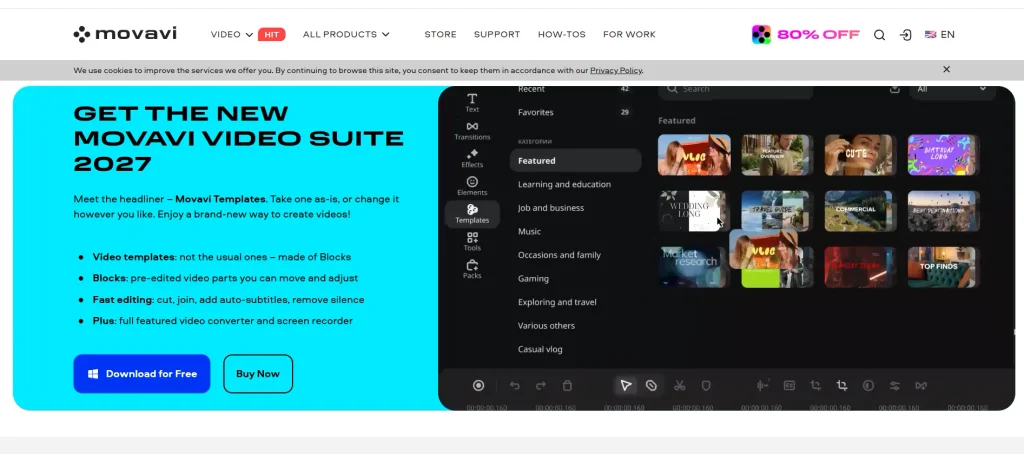
Movavi Photo Editor is a desktop-based photo editing application designed for users who want straightforward editing tools without the complexity of professional software. It is particularly useful for beginners, families, and casual photographers who need to improve photographs, restore old images, and remove unwanted objects. The software offers AI-powered features for automatic image enhancement, background removal, object erasing, and portrait retouching. Its photo restoration capabilities also help users repair damaged photographs and improve the appearance of older family pictures.
The interface is designed around simple controls, allowing users to make adjustments without extensive technical knowledge. Movavi supports common image formats and provides tools for cropping, resizing, color correction, and adding creative effects. Its combination of automated editing and accessible manual controls makes it a practical desktop solution for everyday photography tasks.
Key Features
- AI-powered restoration for old and damaged photographs.
- Smart object removal and background replacement.
- Automatic image enhancement and color correction.
- Portrait retouching and skin enhancement tools.
- Simple cropping, resizing, and photo adjustment options.
Pros
- Easy-to-understand desktop interface.
- Useful AI-powered restoration tools.
- Quick editing process for everyday photographs.
- Suitable for beginners without professional experience.
Cons
- Limited advanced RAW editing capabilities.
- Fewer graphic design templates than online platforms.
- Premium features require a paid license.
- Some AI processing can be demanding on older computers.
Pricing
- Paid Plans: Pricing varies by subscription and region.
- Free Trial: Available.
How To Choose The Best Photo Editing Software?
Choosing the right photo editing tool isn’t just about finding an application with the most features. It’s about selecting a tool that matches your editing skills, creative goals, device capabilities, and budget. Before investing in a subscription or downloading software, consider these important steps to make a well-informed decision.
1. Identify Your Photo Editing Requirements
Start by understanding what you actually want to achieve with photo editing tool. Are you looking to enhance everyday photographs, retouch portraits, edit product images, create social media graphics, or process professional RAW photographs? Different tools serve different purposes. For example, Lightroom is suitable for photographers who need advanced color correction and image organization, while Canva works better for creating social media visuals. Identifying your primary requirements will help you narrow down the options.
2. Consider Your Editing Experience
Your technical knowledge plays an important role in choosing the right software. If you’re a beginner, look for applications with simple interfaces, automatic adjustments, one-click filters, and guided tutorials. Tools such as BeFunky, Fotor, and Photoshop Elements offer approachable editing experiences. However, if you already understand exposure, contrast, layers, and color grading, you can explore more advanced platforms such as Affinity Photo 2 or Adobe Lightroom.
3. Check the Available Editing Features
Not every photo editor offers the same capabilities. Make a list of essential features before choosing a platform. Look for tools such as cropping, resizing, exposure correction, background removal, object erasing, portrait retouching, RAW processing, and batch editing. If you frequently work with portraits, AI skin enhancement and face retouching can be useful. Similarly, landscape photographers may benefit from sky replacement, HDR editing, and advanced color correction features.
4. Evaluate AI and Automation Capabilities
AI-powered editing can significantly reduce the time required to improve photographs. Many modern applications offer automatic image enhancement, intelligent object removal, background replacement, subject detection, and portrait retouching. These features are particularly helpful for beginners who may not understand complex manual editing techniques. However, don’t choose software based entirely on its AI capabilities. Check whether automated adjustments produce natural-looking results and whether you can manually refine them when needed.
5. Check Device Compatibility and Performance
Before installing any software, make sure it works smoothly with your operating system and available hardware. Some professional editing applications require substantial RAM, processing power, and storage, particularly when handling large RAW files or applying AI effects. If you use an older laptop or a Chromebook, lightweight browser-based tools such as Pixlr and Canva may be more practical. Also, check whether the software supports Windows, macOS, iOS, or Android, depending on where you prefer to edit.
6. Compare Pricing and Subscription Plans
Photo editing app is available through free versions, monthly subscriptions, annual plans, and one-time purchases. Compare the pricing structure carefully and check what each plan includes. Some applications offer basic editing for free but reserve advanced AI features, premium templates, and cloud storage for paid users. If you edit photographs occasionally, a free tool may be sufficient. However, frequent users and professionals may find a paid subscription or lifetime license more valuable in the long run.
7. Explore Export Options and File Formats
Editing is only one part of the photography workflow; exporting your finished images is equally important. Check whether the software supports commonly used formats such as JPEG, PNG, TIFF, and RAW, depending on your requirements. If you create content for social media, look for preset dimensions and quick export options. Photographers preparing images for professional printing should prioritize high-resolution exports, appropriate color profiles, and quality controls to maintain image clarity.
8. Try the Free Version or Trial Before Purchasing
Finally, test the software before committing to a paid plan. A free trial or basic version allows you to explore the interface, experiment with editing tools, and understand how smoothly the application performs on your device. Try editing the same photograph using a few different applications and compare the results. Pay attention to editing speed, ease of navigation, output quality, and available support resources. This practical experience will help you choose software that fits your workflow rather than paying for features you may never use.
Common Mistakes Beginners Should Avoid When Using Photo Editing Software
Understanding these mistakes early can help you develop better editing skills and create more professional-looking photographs.
1. Overediting Photos: One of the most common mistakes is applying too many filters, effects, or adjustments. Excessive saturation, contrast, and sharpening can make images look unnatural. Start with subtle adjustments and maintain the original appearance of the photograph.
2. Ignoring Lighting and Exposure: Even a well-composed photograph can look dull if its lighting is incorrect. Learn to adjust brightness, highlights, shadows, and exposure to balance the image without losing important details.
3. Using the Wrong File Format: Beginners often save every edited image in JPEG format. While JPEG works well for sharing online, formats such as PNG and TIFF may be more suitable when image quality or transparency is important.
4. Editing Without Keeping the Original File: Always preserve an unedited copy of your photograph. Working with duplicate files or non-destructive editing features allows you to reverse changes without losing the original image.
5. Ignoring Image Resolution: Resizing an image without understanding its intended use can reduce its quality. Use suitable resolution settings for websites, social media, printing, and professional projects.
6. Choosing Software With Too Many Features: Beginners sometimes select advanced editing applications before understanding their basic requirements. Start with software that offers essential editing tools and an easy-to-navigate interface. You can move to more advanced applications as your skills improve.
Tips to Improve Your Photo Editing Skills
Learning photo editing takes time, practice, and creativity. While choosing beginner-friendly photo editing tool makes the process easier, developing the right editing techniques is equally important. Whether you want to edit personal photographs, create social media content, or pursue professional photography, a few practical habits can help you achieve better results.
1. Start With Basic Editing Techniques: Before experimenting with advanced effects, learn how to crop images, adjust brightness, control contrast, correct colors, and improve exposure. These fundamental adjustments help you understand how small changes can significantly improve image quality.
2. Practice With Different Types of Photos: Do not limit your practice to one type of photograph. Experiment with portraits, landscapes, product images, food photography, and indoor pictures. Each category requires different editing techniques and helps you develop a broader understanding of image enhancement.
3. Learn to Use Layers and Masks: Layers and masks provide greater control over individual elements of an image. They allow you to make selective adjustments, remove unwanted objects, and experiment with different effects without permanently changing the original photograph.
4. Study Lighting and Color Theory: Understanding how light, shadows, highlights, saturation, and color temperature work can improve your editing decisions. Learn how complementary colors and balanced lighting contribute to visually appealing photographs.
5. Avoid Excessive Filters and Effects: Applying too many filters can make photographs look artificial. Instead, focus on maintaining natural skin tones, realistic colors, and balanced contrast. Subtle editing often produces more professional-looking results.
6. Watch Tutorials and Follow Editing Communities: Online tutorials, photography blogs, and creative communities can help you discover new techniques. Follow experienced editors, observe their workflows, and practice the methods that match your editing goals.
7. Compare Before-and-After Results: Always compare your edited photograph with the original version. This helps you identify unnecessary adjustments, understand which techniques work effectively, and maintain consistency across your projects.
8. Experiment With Different Software: Do not depend on a single editing application. Try different beginner-friendly tools to understand their interfaces, features, AI capabilities, and workflows. This will help you identify which software best supports your creative requirements.
9. Save Your Work in the Right Format: Learn when to use JPEG, PNG, and TIFF formats. Keep original copies of important photographs and export edited images according to their intended use, whether for websites, social media, or professional printing.
10. Practice Consistently: Set aside time each day or week to edit new photographs. Start with simple adjustments and gradually move towards advanced techniques such as background replacement, portrait retouching, object removal, and creative color grading.
Conclusion
Choosing the best photo editing software for beginners in 2026 depends on your editing goals, experience level, budget, and preferred device. While some applications focus on simple adjustments and ready-made filters, others offer advanced features such as AI-powered enhancements, background removal, object replacement, and professional retouching. If you are just starting, consider free or affordable software with an intuitive interface and essential editing tools. As your skills improve, you can explore more advanced applications that provide greater creative flexibility. Before making a final decision, compare features, pricing, compatibility, and available learning resources. The best photo editing app is ultimately the one that makes editing easier, helps you achieve your desired results, and supports your creative growth.
Frequently Asked Questions
1. What Is The Best Photo Editing App For Beginners?
Adobe Photoshop, Canva, GIMP, Pixlr, and Photopea are popular options for beginners, depending on their editing requirements and budget.
2. Can Beginners Use Photo Editing Tools For Free?
Yes, several applications, including GIMP, Photopea, and Canva, offer free versions with useful photo editing features.
3. Is Photoshop Suitable For Beginners?
Yes, Adobe Photoshop can be used by beginners, although its extensive features may require some time and practice to understand.
4. Which Photo Editing Tool Is Best For Beginners On Mobile?
Snapseed, Canva, and Adobe Lightroom Mobile are beginner-friendly options for editing photographs on smartphones.
5. Do I Need An Expensive Computer To Use Photo Editing Tool?
No, basic photo editing applications can run on many standard computers, but advanced editing and AI features may require better hardware.