
The intended users may be lost in the search for the best CRM software to fit their business. There is so much to choose from, but you just do not know the right one. CRM is an acronym that is used to refer to Customer Relationship Management. It is a kind of software, assists the business to process their customer dealings, sales, and marketing on a unified platform.
By the year 2026, the best CRM software will be smarter, more user-friendly, and more expensive than it has ever been. Regardless of whether you are a small business owner or a large company, the correct CRM has the potential to change the way you deal with customers. This guide will take you through all you should know about the best CRM software in the market today, such that you make the ideal choice depending on your business needs.
What to Look for in the Best CRM Software
These factors are very important when seeking the best CRM software; they include:
- User Friendly – It has an easy interface that can be learnt within a short time by your team.
- Cost-Effective – Economical prices that suit the available financial resources of your company.
- Grows with Business – Software that grows with the growing population of customers.
- Tools Integration – Works seamlessly with email, calendar, and other applications.
- Good Customer Support – Help desk People are quick to attend to your issues.
Key Features to Look for in Best CRM Software
The best CRM software must contain the following key features:
- Contact Management – Stores all the information about customers in just one location.
- Sales Tracking – Keeps you track of the deals and opportunities in your entire sales universe.
- Email Integration – Links with email to monitor all the communication history of customers.
- Reports and Analytics – Displays performance information to aid in making improved business decisions.
- Mobile Access – operates on tablets and phones to manage customers everywhere.
Know More: Best WhatsApp Marketing Software
10 Best CRM Software in 2026
1. Salesforce Sales Cloud
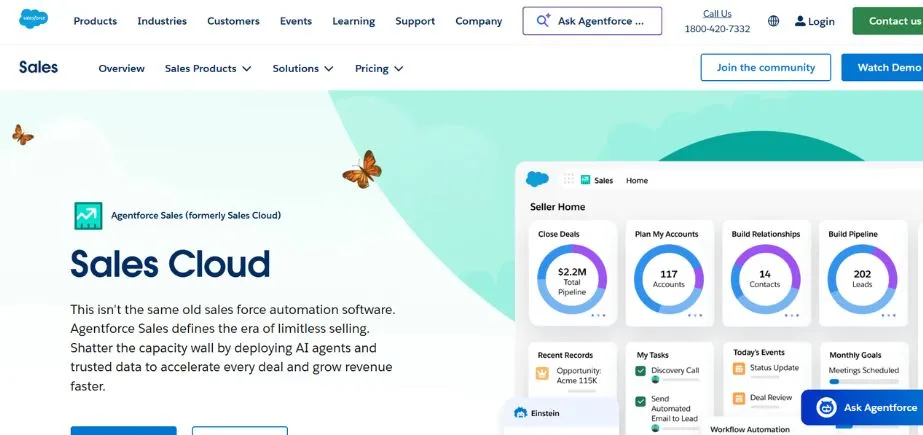
Salesforce Sales Cloud will continue to be the most user-friendly and most effective best CRM software in 2026. More than 150,000 businesses all over the globe (small businesses to Fortune 500 companies) use it. The customization features of Salesforce are unbelievable, and businesses can modify Salesforce to suit their specific requirements as well.
The software has high-level AI capabilities known as Einstein that foresees sales results and suggests further steps. Salesforce is able to integrate with your existing business tools, almost any of which may have their own huge ecosystem of apps and integrations. The platform, including the lead generation, customer service, is a full solution to the business.
Key Features
- Machine learning-based predictions and insights in sales.
- It has customizable dashboards and reports.
- Large App Store and integrations.
Pros
- Very adaptable to business.
- Solid automation featurescomprised of
- Great neighborhoods and assets.
Cons
- Small businesses will be very costly.
- Huge learning curve at the beginning.
- Needs technical setup expertise.
Best For: Enterprises
Pricing: Starts at $25/user/month
Website: https://www.salesforce.com
2. HubSpot CRM
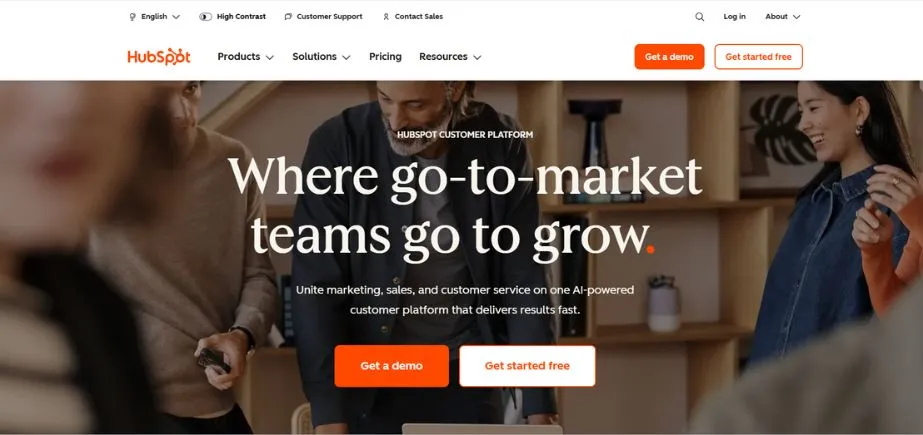
HubSpot CRM has a rather well-known status of providing a free version, which is surprisingly powerful. It is ideal for small companies and startups that require top CRM software without having to empty their pockets. Its interface is very user-friendly and advanced, and any user can begin using it within minutes. HubSpot is also a good application in terms of inbound marketing as it assists companies in attracting clients via content and social media.
The free version has contact management, email tracking and basic reporting functions. By expanding your business, you are able to upgrade to paid plans with marketing automation, sales features, and customer service additions. This is one of the best CRM software.
Key: The freee perpetual plan is current.
- Tracking and email templates were included.
- Introduced marketing automation tools.
Pros
- Fully available no-cost edition.
- Easy user-friendly interface design.
- Great for inbound marketing
Cons
- Sophisticated functions are an added fee.
- Poor customization on free.
- Restriction of reporting on basic.
Best For: Startups
Pricing: Free; Paid plans start at $15/user/month
Website: https://www.hubspot.com
3. Zoho CRM
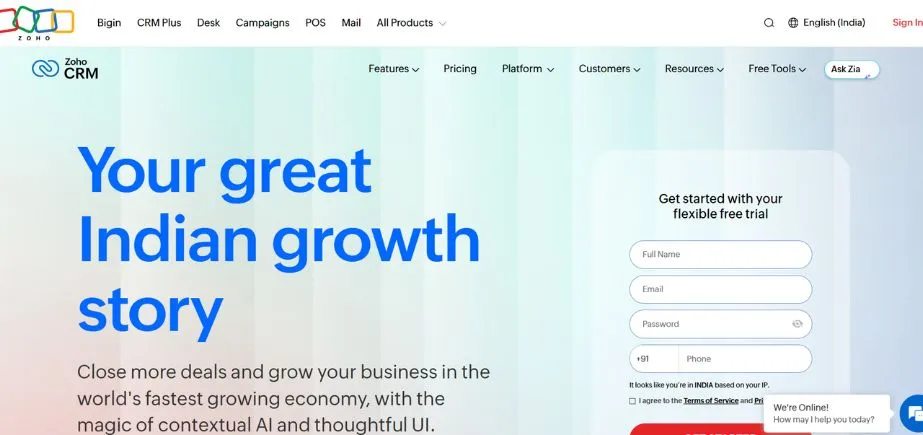
Zoho CRM represents an excellent value proposition to companies that have limited finances, making it a winner in terms of CRM software solutions. It also has avenues that are only reserved for enterprise-level sites, but at a quarter of the price. The Zia AI assistant will assist Zoho in sales forecasting, anomaly detection, and recommendation of workflows.
The platform also allows multichannel communication, where you can communicate with customers via email, phone, social media, and live chat. Zoho is built into the other Zoho applications, such as Zoho Mail, Zoho Books, free, and Zoho Campaigns, and the environment forms a business ecosystem.
Key Features
- An AI assistant called Zia was included.
- Customer Multichannel Customer communication support.
- Sales force gamification.
Pros
- Very low-cost pricing plans.
- Full-service features were covered.
- Strong mobile application
Cons
- There is a slight outdated interface.
- Customer service might do better.
- Entry-level learning curve.
Best For: SMBs
Pricing: Starts at $14/user/month
Website: https://www.zoho.com/crm
4. Microsoft Dynamics 365
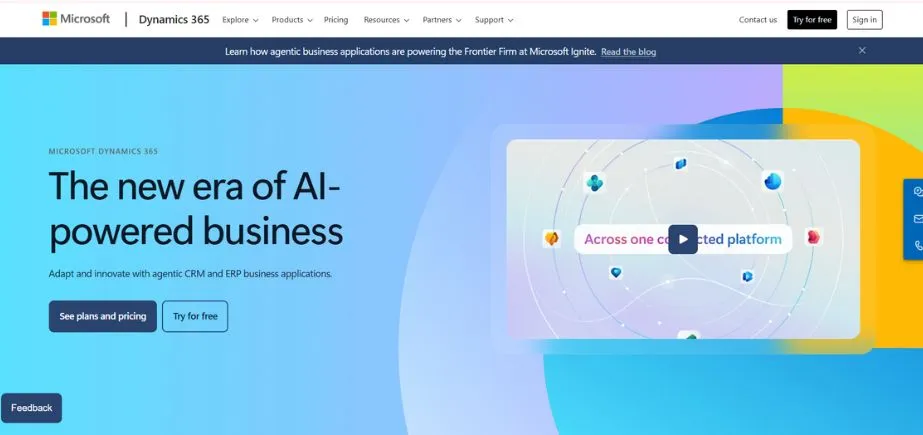
Microsoft Dynamics 365 is the optimal CRM solution in scenarios where companies are already operating within the Microsoft environment. It perfectly fits with Office 365, Teams, Outlook, and other mechanisms your team is likely to use in their daily work. Such a profound integration enables you to have access to CRM data in your email or during a Teams meeting without having to leave applications.
The platform merges the functionalities of CRM and ERP allowing you to view both the relations with customers and the business process. Predictive insights and intelligent recommendations are offered by the AI and the machine learning of Microsoft. The platform is very scalable, both mid-sized and large-sized corporations with complicated requirements.
Key Features
- Extensive Microsoft Office altogether.
- Combined CRM and ERP
- Advanced AI and analytics
Pros
- Compaq is all too well with Microsoft.
- Security features of the enterprise level.
- Growing company-friendly.
Cons
- Its establishment is difficult.
- Expensive compared to others.
- Likes Microsoft ecosystem.
Best For: Microsoft users
Pricing: Starts at $65/user/month
Website: https://dynamics.microsoft.com
5. Pipedrive
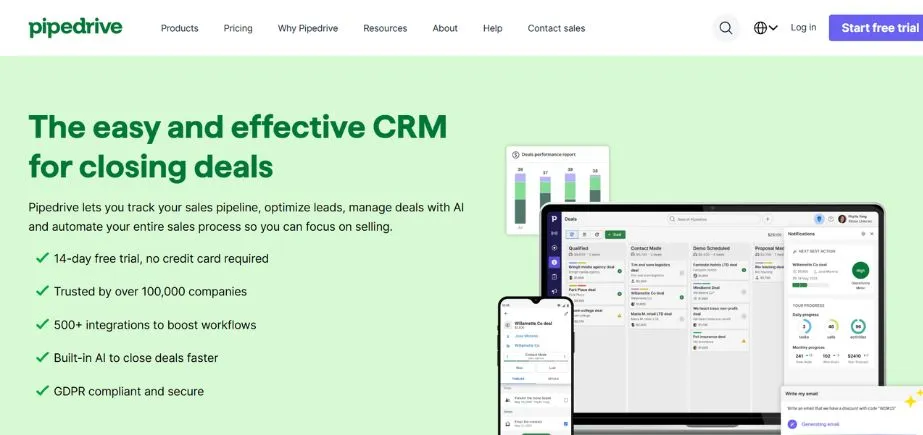
Pipedrive is a sales-centric CRM program suited specifically to salespeople; therefore, it is among the most optimal choices of CRM software programs for sales-oriented teams. Its visual pipeline interface displays all the exact locations where the various deals are and the next steps to be taken. The platform eradicates bad work through intelligent automation, which automates repetitive work.
The advantage oof fPipedrivee is its simplicity, it manages sales with a minimal amount of features that do not bombard the user with new features and capabilities. It has email capability, a scheduler, and goal trackers to ensure sales departments are focused. The reminders of the activities could guarantee the absence of any follow-up cracks.
Key Features
- Presentation of sales pipelines.
- As a sales strategy, activity-based selling is used.
- The email integration system is smart.
Pros
- The sales are considered in particular.
- Intuitive interface design and clean.
- Affordable for small teams
Cons
- Poor marketing characteristics.
- Basic reporting on lower
- Not ideal for support
Best For: Sales-teams
Pricing: Starts at $14/user/month
Website: https://www.pipedrive.com
6. Freshsales
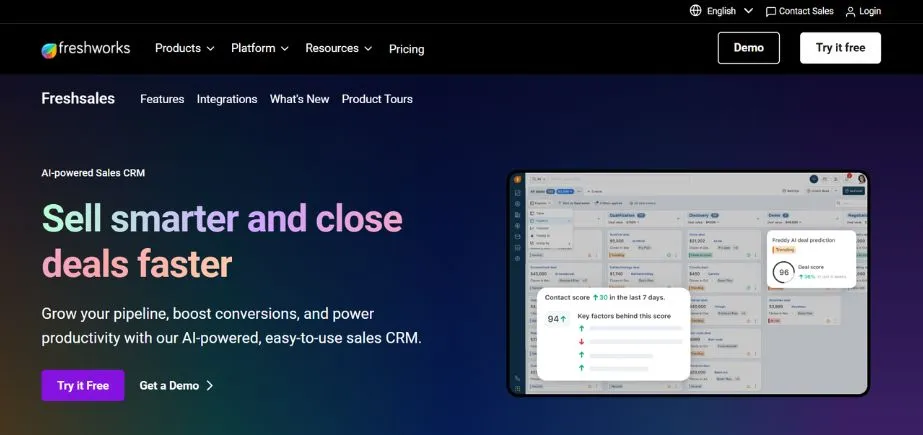
Freshsales is a Freshworks offering that enables companies to gain insights (AI-powered) on both small and large scales. It is known to be among the most popular CRM software programs that companies prefer to use, with a ppreference forthe benefits of simplicity and modernity. The phone and email system that is built implies that you are able to communicate with customers directly using CRM.
Freddy AI is the smart helper that automatically rates leads and proposes the ideal opportunities to get in touch with the prospects. Visual sales pipeline can be configured to fit your distinct process of sales process perfectly. Freshsales also has powerful appointment booking, which can be adhered to your schedule, and reminders are also automatic.
Key Features
- Built-in phone and email
- Lead scoring system based on AI.
- Image pipeline administration software.
Pros
- Quick and easy setup
- Standard AI features, great value for money
Cons
- Minimal integrations of third-party.
- High-tech features should be upgraded.
- Turnaround times in responding to customers.
Best For: Growing-businesses
Pricing: Free; Paid plans start at $15/user/month
Website: https://www.freshworks.com/crm/sales/
Know More to Read: Top Video Editing Software
7. Monday Sales CRM
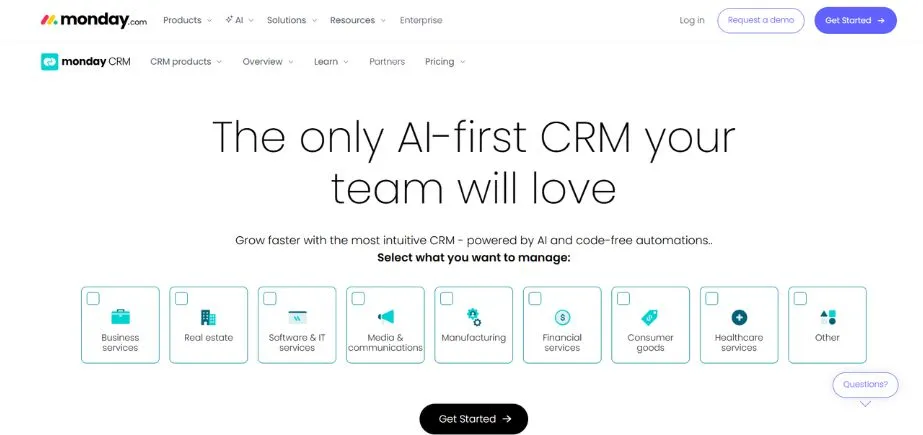
Monday Sales CRM is a formerly Monday.com work management platform, applied to CRM. It is one of the most useful CRM software among the teams that appreciate customization and visual workflow. The site has a color board, which makes the process of following sales activities interesting and open.
All things are adjustable, including fields and pipelines, automations, and views. Monday Sales CRM is famous in terms of teamwork as teams will be able to collaborate on deals and accounts without problems. It has the features of lead capture, email, and quotation.
Key Features
- Extremely tuned-up visual boards.
- Teamwork applications embedded everywhere.
- No-code automation recipes
Pros
- Very open and adaptable.
- Stunning, natural, user-friendly interface design.
- Superb in working as a team.
ConsIt will be a costly affair within a short time.
- Bogging down the customization choices at first.
- Learning curve for setup
Best For: Teams
Pricing: Starts at $12/user/month
Website: https://monday.com/crm
8. Insightly
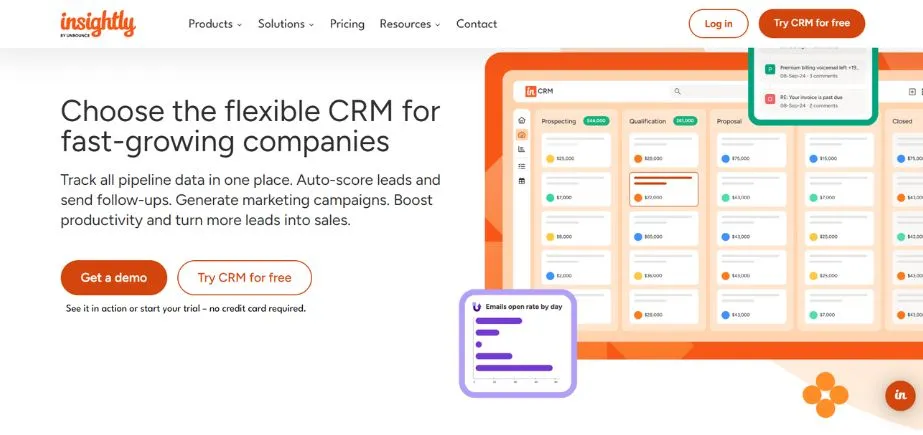
Insightly is an integrated CRM and project management system which makes it one of the best CRM programs for businesses that manage complex customer projects. It is especially common amongst agencies, consultancies and companies that provide B2B services. The platform connects customer relationships with project deliverables, and nothing goes to waste. To establish contacts, organizations, and opportunities, Insightly has a strong relationship linking.
The processes are routine and are done through automation of the workflow without any manual control. In-built project management tools can be used to monitor information on tasks, milestones, and deadlines in addition to customer information.
Key Features
- Deeply integrated project management.
- Formed relationship linking capabilities are
- Workflow automation tools
Pros
- Combines CRM and projects
- Good for B2B services
- Low-cost pricing policy.
Cons
- The user interface should be modernized.
- Limited marketing features
- Reporting could be better
Best For: B2B-services
Pricing: Starts at $29/user/month
Website: https://www.insightly.com
9. Keap (formerly Infusionsoft)
Keap is a company that focuses on providing businesses with small sizes with the help of powerful marketing automation the CRM functionality. It is regarded as one of the most effective CRM software for entrepreneurs and small teams with a multitude of hats. The platform also automates the marketing and the sales-related activities of repetition, and business owners are set free.
Keap is good at capturing leads and nurturing them via automated email lists until it is time to make a purchase. The visual campaign builder simplifies and makes the process of creating complicated marketing automations simple and user-friendly. It has in-built payment processing, where the processing of payments is done directly via the CRM.
Key Features
- Marketing automation was in full.
- Payment processing built-in
- Scheduling system of appointment.
Pros
- All-in-one solution for small
- Good automation features.
- Good email marketing tools
Cons
- A steeper learning curve is the first.
- Higher cost for features
- Not ideal for enterprises
Best For: Entrepreneurs
Pricing: Starts at $249/month
Website: https://keap.com
10. Copper
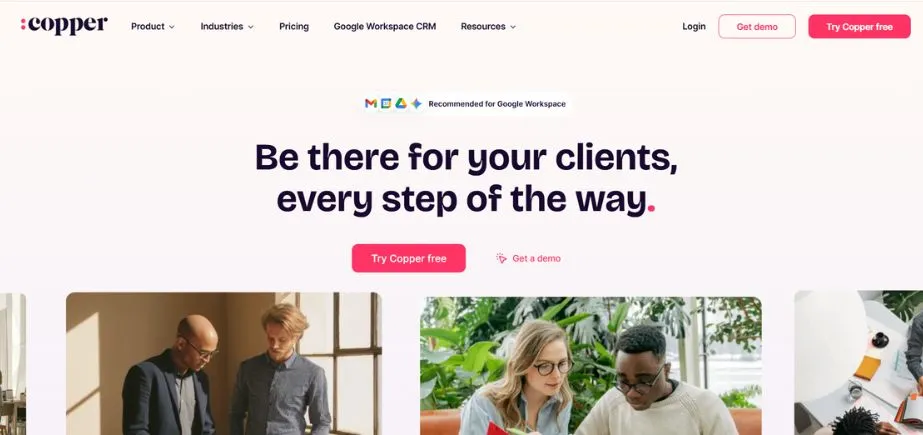
Google Workspace users are specially designed to build a set of copper, thereby becoming the most valuable CRM software used by businesses in Gmail, Google Drive, and Google Calendar. It combines so well with Google that it seems like a part of Google application. Relationship data captured in available emails, calendar events, and other Google products is automatically captured using Copper instead of being manually entered.
The design is clean and straightforward according to the design philosophy of Google. The Copper sidebar enables sales teams to work on their entire pipeline inside Gmail. The platform lays emphasis on relationship intelligence, displaying to you the history and context of all the interactions with customers.
Key Features
- Integration of deep Google workspaces.
- All automatic data capturing.
- Works inside Gmail inbox
Pros
- Perfect for Google users
- Minimal setup time required
- Clean, simple interface
Cons
- Needs a Google working environment.
- Limited for non-Google
- Less functionality than competitors.
Best For: Google users
Pricing: Starts at $25/user/month
Website: https://www.copper.com
Comparison Table: Best CRM Software
| CRM Software | Best For | Starting Price | Free Version | Key Strength |
| Salesforce | Enterprises | $25/user/month | No | Customization & Power |
| HubSpot | Startups | Free | Yes | Ease of Use |
| Zoho CRM | SMBs | $14/user/month | Yes | Value for Money |
| Dynamics 365 | Microsoft-users | $65/user/month | No | Microsoft Integration |
| Pipedrive | Sales-teams | $14/user/month | No | Sales Pipeline Focus |
| Freshsales | Growing-businesses | Free | Yes | AI Features |
| Monday Sales | Teams | $12/user/month | No | Customization |
| Insightly | B2B-services | $29/user/month | No | Project Management |
| Keap | Entrepreneurs | $249/month | No | Marketing Automation |
| Copper | Google-users | $25/user/month | No | Google Integration |
Common Use Cases of Best CRM Software
The most suitable CRM software plays different significant functions in business:
- Sales Management Track – Monitor deals, opportunities, and track leads through the sales funnel.
- Customer Service – Process support tickets and address customer problems in a short time.
- Marketing Campaigns – Overview, implementation, and estimation of marketing activities in multimedia.
- Contact Organization – Store all customer contacts, history, as well as interactions together.
- Performance Tracking – Track the productivity of teams and find the areas that require improvement.
How to Choose the Best CRM Software
To choose the most appropriate CRM software, follow these steps:
- Determine Your Requirements – Name certain issues that you would like the CRM to address.
- Establish Your Budget – Find out your amount of spend per user on a monthly basis.
- Test Before You Pay – Do more using free trials to check the software with actual data.
- Check Integration Options – Be sure that it can conform to those tools you currently use on a daily basis.
- Take the long term into account – Software should be selected by keeping in mind the future growth of the business.
Conclusion
Possibly, there is no need to make the selection of a CRM software complex. Members of this list have their own advantages when it comes to different kinds of businesses. HubSpot and Freshsales offer great free solutions to startups. Microsoft Dynamics 365 and Salesforce provide the enterprise power of big organizations. Zoho and Pipedrive are excellent tools in providing value to small to medium enterprises.
The CRM software that will suit you is based on the needs, financial capacity, and tools you have at hand. Of all CRM solutions mentioned above, these can be really chosen by everyone. Always keep in mind that having the best CRM software does not mean that your team uses it regularly.
Begin with a free-trial, engage your colleagues in decision-making, and do not hesitate to change in case something is not working. After comparing the CRM software and evaluating the features of CRM systems carefully, then you will have the one that matches.
By 2026, cloud-based CRM software will be the trend, with its flexibility and ease of use unavailable through traditional CRM systems. Go slow, experiment and spend a lot of your money on the best CRM software that will expand in the long run with your business.
FAQs
Q1: What is CRM software used for?
CRM software assists corporations in operating customer relations and manage saorganizinganizecategorizingorize contacts, and enhance customer care. It also keeps all the customer details at the same location hence easy communication and development of better relationships.
Q2: What is the cost of the most appropriate CRM software?
The most advantageous CRM software costs between free (such as HubSpot and Freshsales) and costly (such as Keap) of between $249 and higher every month. The prices of most of the options range between 12-65 per user per month, according to features and the size of the business.
Q3: Does the CRM software imply any use by small businesses?
Yes! There are numerous high-end CRM tools, such as HubSpot and Zoho, as well as Pipedrive, specifically created to suit the needs of small businesses. They have low prices, simple installation, and support functionalities to enable small teams to work effectively.
Q4: What is the difference between the cloud-based and traditional CRM?
CRM is a cloud-based software which helps users access it irrespective of distance, provided one is connected to the internet. Implementation of traditional CRM involves being installed on your computers. The reason why cloud systems are in demand is that they are easy to establish and maintain.
Q5: What is the length of time to implement CRM software?
Depending on the platform, implementation time is different. Even simple systems such as HubSpot or Copper may be configured within hours or days. Multi-faceted systems such as Salesforce or Dynamics 365 can require weeks or months of development based on the degree of customization.
Continue Exploring: Best SEO Reporting Software