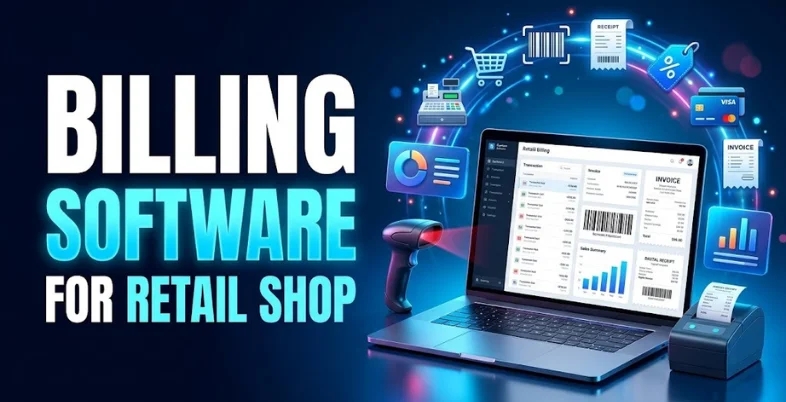
Running a retail shop involves more than selling products. From managing daily sales and tracking inventory to calculating GST and handling customer payments, shop owners have to manage multiple tasks simultaneously. A small billing mistake or an inventory mismatch can affect profits, customer satisfaction, and business growth. That’s where billing tools for retail shops makes a difference.
The right billing software helps retailers generate invoices quickly, manage stock levels, track sales, maintain customer records, and simplify GST billing from one platform. Many solutions also offer barcode scanning, purchase management, digital payment tracking, and business reports to reduce manual work and improve efficiency. Whether you run a grocery store, clothing shop, pharmacy, electronics store, or supermarket, choosing suitable billing software can make daily operations smoother. In this guide, we’ll explore the best billing software for retail shop in India, covering their key features, pros, and cons to help you find the right solution for your business.
What Is Billing Software for Retail Shops?
Billing software for retail shops is a digital tool that helps businesses manage sales transactions, generate invoices, calculate taxes, and maintain accurate records. Instead of preparing bills manually, retailers can use this software to create bills within seconds and automatically update inventory after each sale. Most retail billing solutions offer features such as GST invoicing, barcode scanning, stock management, customer records, purchase tracking, and sales reports. Some advanced tools also support multiple billing counters, loyalty programs, and integration with accounting software.
For example, a grocery store can use billing software to scan product barcodes, calculate the total bill, apply applicable GST, accept digital payments, and update stock levels automatically. This saves time, reduces calculation errors, and helps the shop owner monitor daily sales more efficiently.
Key Benefits of Using Billing Software for Retail Shops
Using billing software can make everyday retail operations faster, easier, and more organized. Here are the main benefits for shop owners:
- Faster Billing: Create bills within seconds instead of calculating prices and totals manually. This helps reduce waiting time, especially during busy shopping hours.
- Accurate GST Calculations: Calculate applicable taxes and generate GST invoices with less manual effort. This helps retailers maintain better transaction records and simplifies tax-related work.
- Better Inventory Management: Automatically update stock levels when products are sold or purchased. Shop owners can identify low-stock items and reorder products before they run out.
- Easy Sales Tracking: Check daily, weekly, and monthly sales through reports. These insights help retailers understand which products sell well and when their business performs best.
- Simplified Payment Tracking: Record cash, card, UPI, and other supported payment methods. This makes it easier to reconcile transactions and identify pending customer payments.
- Reduced Manual Errors: Automate calculations and routine recordkeeping to minimize mistakes in billing, pricing, and stock management.
- Improved Customer Experience: Generate clear invoices quickly and process transactions more smoothly, helping customers enjoy a faster checkout experience.
- Better Business Decisions: Use sales and inventory reports to identify popular products, manage expenses, and plan future purchases more effectively.
Who Needs Billing Software for Retail Shops?
Billing software can benefit almost any retail business that handles regular sales, inventory, and customer payments. The right solution depends on the products you sell and how you manage your daily operations.
- Grocery Stores and Kirana Shops: Billing software helps generate bills quickly, track daily sales, manage stock, and monitor products that need restocking.
- Clothing and Footwear Stores: Retailers can manage product variations such as sizes, colours, designs, and prices while keeping inventory records organized.
- Pharmacies and Medical Stores: Suitable software can help manage medicine inventory, batch numbers, expiry dates, and billing, depending on the features available.
- Electronics Stores: Shop owners can maintain product records, track purchases, manage invoices, and monitor sales of electronic items and accessories.
- Supermarkets: Advanced retail POS systems can support multiple billing counters, barcode scanning, inventory updates, and consolidated sales reports.
- Cosmetics and Beauty Stores: Billing tools help manage different product categories, track popular items, and monitor stock levels to avoid running out of frequently purchased products.
List of 10 Best Billing Software for Retail Shops in India
1. myBillBook
Website: https://mybillbook.in/
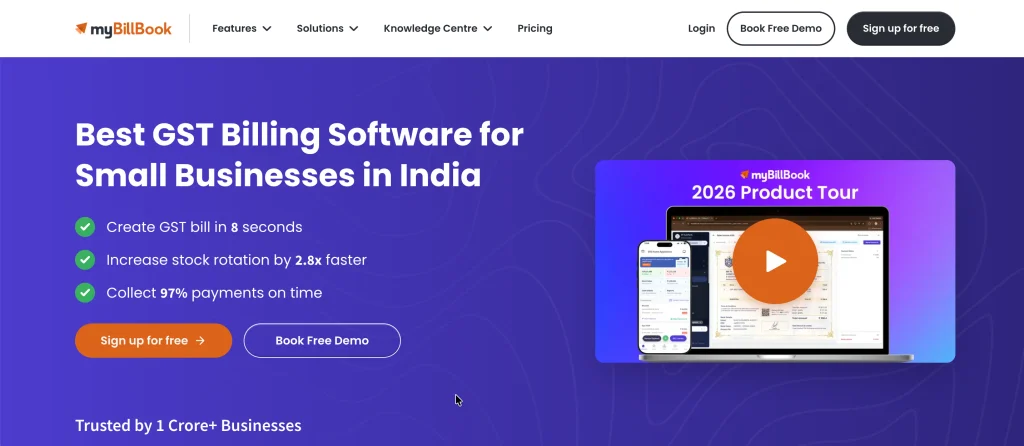
myBillBook is a billing and inventory management software designed for small and medium-sized retail businesses in India. It helps shop owners create GST-compliant invoices, manage stock, track sales, and maintain customer records from a single platform.
The software supports barcode billing, purchase management, expense tracking, and business reporting, making daily retail operations easier to handle. Retailers can use it for grocery stores, clothing shops, electronics stores, and other businesses that need efficient billing.
Its mobile-friendly interface allows business owners to access important information without always being at a computer. By automating routine tasks and maintaining organized transaction records, myBillBook helps retailers reduce manual work, improve inventory visibility, and monitor business performance more effectively.
Key features:
- GST-compliant billing and invoice generation.
- Inventory tracking with low-stock alerts.
- Barcode scanning and product management.
- Sales, purchase, and expense tracking.
- Business reports and customer management.
Pros:
- Easy to use for small retail businesses.
- Supports GST billing requirements.
- Helps manage inventory and sales together.
- Offers mobile-based business management.
- Reduces manual billing and recordkeeping.
Cons:
- Some features require paid plans.
- Advanced features may take time to learn.
- Pricing can vary by subscription plan.
- Certain capabilities may depend on the device or plan.
- Businesses should verify integrations before purchasing.
Pricing:
- Plus: ₹291/month
- Pro: ₹333/month
- Pro Max: Starting at ₹570/month
2. Vyapar
Website: https://vyaparapp.in/
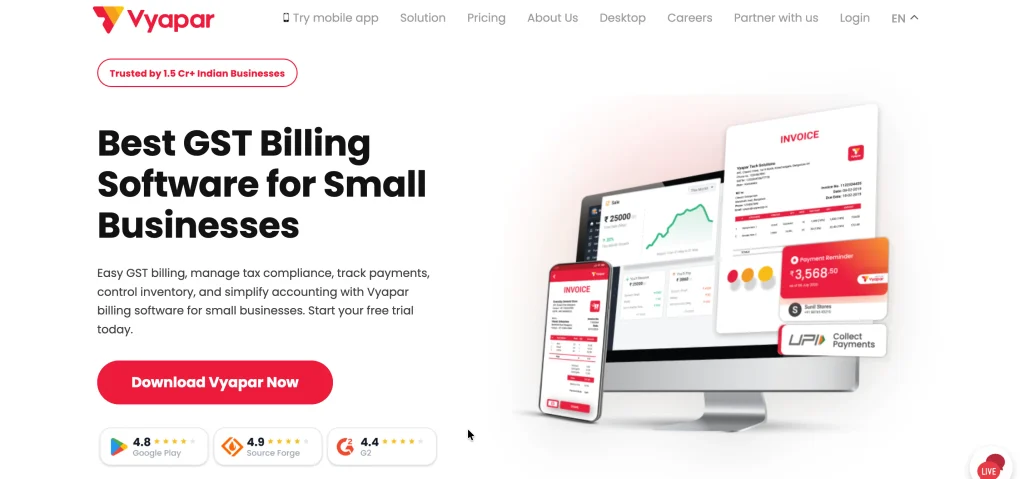
Vyapar is billing and accounting software developed for small businesses and retail shops in India. It is a practical billing software for retail shop owners who want to create invoices, manage inventory, record purchases, track expenses, and maintain customer payment records. The software supports GST billing and provides reports that help shop owners understand their sales and outstanding payments.
Retailers can use Vyapar for grocery stores, garment shops, hardware stores, and other small businesses. Its desktop and mobile options make it convenient for businesses that want to manage transactions from different devices. Features such as barcode billing, stock alerts, and payment reminders can help simplify routine activities.
Vyapar is particularly useful for shop owners who need a straightforward solution for billing and basic business accounting without implementing a complex enterprise system.
Key features:
- GST billing and invoice customization.
- Inventory and stock management.
- Expense tracking and accounting records.
- Customer credit and payment reminders.
- Sales reports and barcode billing.
Pros:
- Designed for Indian small businesses.
- Simple interface for everyday billing.
- Combines billing and inventory management.
- Helps track outstanding customer payments.
- Offers desktop and mobile usage options.
Cons:
- Some features require a paid subscription.
- Advanced accounting may require additional expertise.
- Multi-store functionality should be checked against the selected plan.
- Integrations may be limited for certain business workflows.
- Businesses with complex operations may need a more advanced system.
Pricing:
- Gold: ₹399.92/month (₹4,799/year)
- Silver: ₹366.58/month (₹4,399/year)
3. Zoho Books

Website: https://www.zoho.com/
Zoho Books is cloud-based accounting and invoicing software that helps retail businesses manage their financial transactions and billing processes. It supports GST invoicing, expense management, bank reconciliation, payment tracking, and financial reporting. Retailers can use it to maintain organized accounting records, monitor receivables, and understand their cash flow.
Its automation capabilities can reduce repetitive administrative work, while integration with other Zoho applications helps businesses connect accounting with sales and customer management processes. Zoho Books is suitable for retailers who want more than basic invoice generation and need a structured accounting system as their business grows.
However, shops requiring barcode-based checkout, cash-register functionality, or advanced point-of-sale operations should verify whether additional software or integrations are necessary.
Key features:
- GST-compliant invoices and tax reports.
- Automated recurring invoices and payment reminders.
- Expense tracking and bank reconciliation.
- Financial statements and business reports.
- Integration with other Zoho applications.
Pros:
- Strong accounting and financial reporting capabilities.
- Supports cloud-based access.
- Automates several routine accounting tasks.
- Helps track payments and outstanding invoices.
- Integrates with other business applications.
Cons:
- Advanced features may require paid plans.
- Not a complete retail POS solution by itself.
- Initial setup can take time.
- Some integrations require additional configuration.
- Retailers may need separate inventory or checkout tools.
Pricing:
- Free: $0/month
- Standard: $15/month
- Professional: $40/month
- Premium: $60/month
- Elite: $120/month
- Ultimate: $240/month
4. TallyPrime
Website: https://tallysolutions.com/
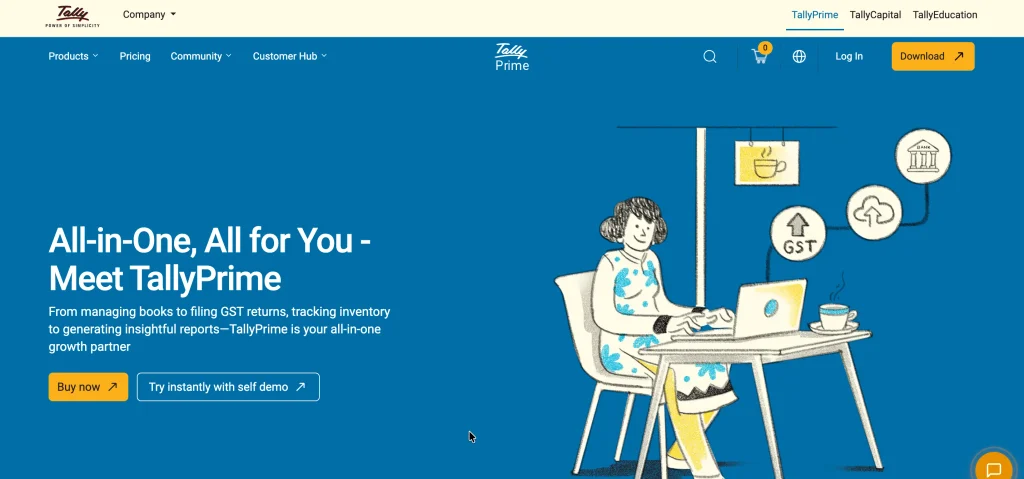
TallyPrime is established accounting and business management software used by retailers, wholesalers, distributors, and other businesses in India. It is a reliable billing software for retail shop owners who need invoicing, GST accounting, inventory management, purchase and sales tracking, and financial reporting.
Retail shops can use it to maintain transaction records, manage multiple stock items, monitor outstanding payments, and generate accounting reports. It is particularly useful for businesses that work closely with accountants or already use Tally-based financial processes. Retailers can configure invoices and inventory workflows according to their operational needs.
Its extensive accounting functionality makes it suitable for businesses with more complex financial requirements than basic billing apps can handle. However, shops looking for a modern, mobile-first checkout experience may need additional POS hardware or compatible integrations.
Key features:
- GST invoicing and accounting.
- Inventory and stock movement tracking.
- Purchase, sales, and order management.
- Financial statements and outstanding reports.
- Payroll and business reporting capabilities.
Pros:
- Comprehensive accounting functionality.
- Suitable for growing retail businesses.
- Supports detailed financial reporting.
- Helps manage inventory alongside accounts.
- Widely used by accounting professionals.
Cons:
- Beginners may need training.
- Interface may feel complex to some users.
- Advanced retail checkout may require configuration.
- Commercial licensing involves a cost.
- Remote access and connected workflows may require additional setup.
Pricing:
- 1 Month: ₹750
- 3 Months: ₹2,138 (₹712.50/month)
- 12 Months: ₹8,100 (₹675/month)
- Lifetime: ₹22,500
5. Marg ERP
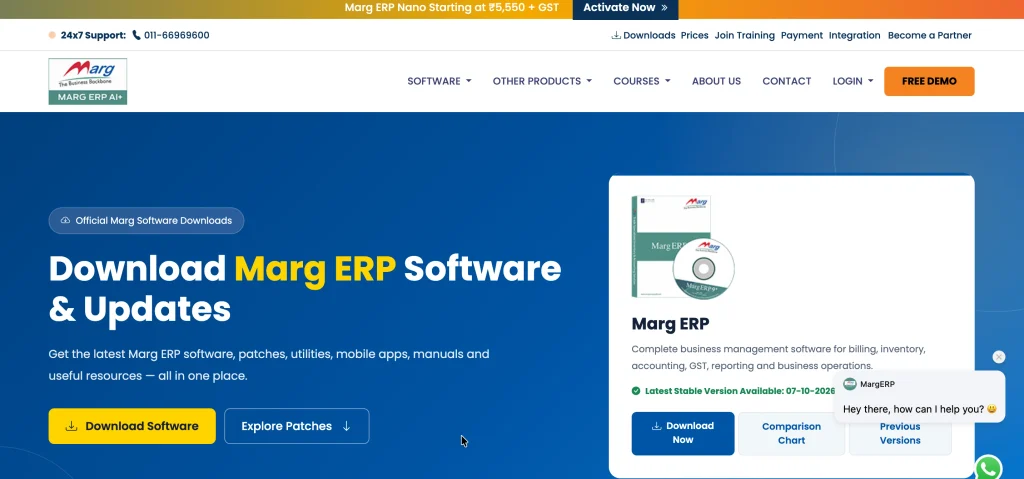
Website: https://margcompusoft.com/download.html
Marg ERP is business management software designed for retailers, wholesalers, distributors, and businesses that handle substantial inventory. It is a comprehensive billing software for retail shop owners who need detailed stock control, purchase management, and efficient billing operations. It is especially relevant to pharmacies, FMCG stores, and other businesses requiring advanced inventory management.
The software supports billing, inventory tracking, accounting, supplier records, and business reports. Depending on the configuration and industry edition, retailers can access capabilities such as batch management, expiry tracking, barcode billing, and GST invoicing.
These functions are particularly valuable for businesses managing products with different batches, purchase prices, or expiry dates. Marg ERP can help streamline transactions and improve visibility into stock movement. Because features vary by edition and implementation, retailers should confirm the availability of industry-specific functions before selecting a plan.
Key features:
- GST billing and invoice management.
- Inventory and purchase management.
- Batch and expiry tracking where supported.
- Barcode billing and product identification.
- Supplier records and financial reporting.
Pros:
- Useful for inventory-intensive retail businesses.
- Offers industry-specific configurations.
- Helps track purchases and stock movement.
- Supports detailed product records.
- Combines billing with business management functions.
Cons:
- Setup may require professional assistance.
- The interface may take time to learn.
- Pricing varies by edition and configuration.
- Training may be necessary for new users.
- Updates and support arrangements should be verified before purchase.
Pricing:
- Marg ERP Nano: ₹5,550/ month
- Basic Edition: ₹10,300/ month
- Silver Edition: ₹13,900/ month
- Gold Edition: ₹26,000/ month
6. BUSY Accounting Software
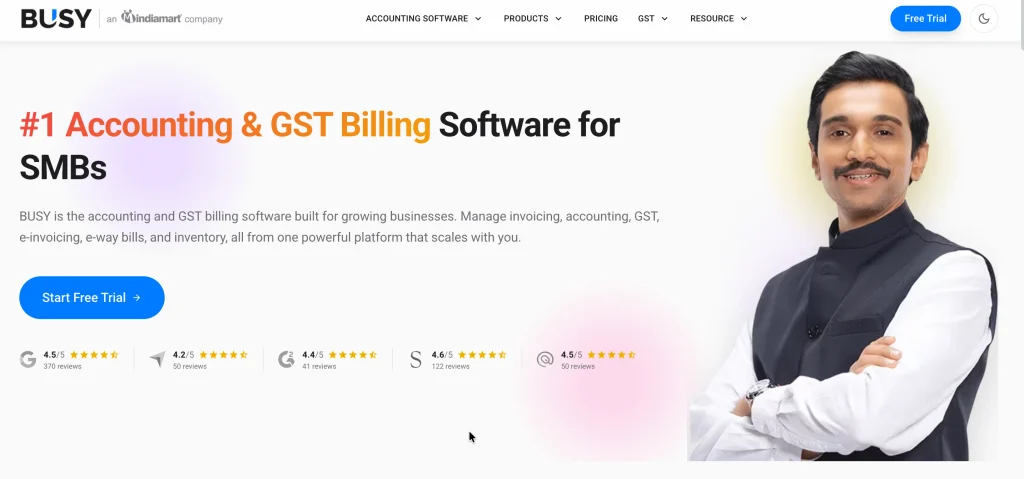
Website: https://busy.in/
BUSY is accounting and inventory management software used by retailers, wholesalers, manufacturers, and distributors. It is a reliable billing software for retail shop owners who need billing, GST accounting, stock management, purchase tracking, and financial reporting in one system. Retail shops can use it to generate invoices, monitor inventory, maintain customer and supplier accounts, and review outstanding payments.
Its reporting capabilities help business owners assess sales, expenses, and financial performance. BUSY can be useful for retailers operating multiple product categories or requiring more detailed accounting controls than a basic billing application offers.
Depending on the selected edition, businesses may also have access to multi-location inventory management and other advanced functions. Retailers should evaluate the required features, number of users, and deployment options before choosing the appropriate version.
Key features:
- GST billing and accounting.
- Inventory and stock valuation.
- Purchase and sales order tracking.
- Customer and supplier account management.
- Financial statements and business reports.
Pros:
- Combines accounting and inventory management.
- Supports detailed business reporting.
- Suitable for trading and distribution businesses.
- Helps maintain organized financial records.
- Offers different editions for business needs.
Cons:
- Some users may find the interface complex.
- Advanced features can increase overall costs.
- Initial configuration may require assistance.
- Mobile workflows may be less convenient than app-first alternatives.
- Businesses should verify compatibility with existing systems.
Pricing:
- START: ₹5,000 per 360 days
- SMART: ₹8,000 per 360 days
- POWER: ₹12,000 per 360 days
- POWER+: ₹50,000 per 360 days
7. Khatabook

Website: https://khatabook.com/
Khatabook is a digital ledger application that helps small retailers maintain customer credit records and track payments. It is especially useful for neighborhood shops where customers frequently purchase goods on credit and settle their balances later. Retailers can record transactions, maintain customer-wise ledgers, review outstanding amounts, and send payment reminders.
These capabilities reduce dependence on handwritten notebooks and make it easier to check previous transactions. Depending on the available version and services, users may also find additional business tools related to payments or financial management.
Khatabook is most suitable for shops that prioritize udhaar tracking and simple transaction records. Retailers needing comprehensive GST billing, barcode checkout, or advanced inventory control should assess whether a dedicated billing or POS system is also required.
Key features:
- Digital customer and supplier ledgers.
- Credit transaction recording.
- Payment reminders for outstanding balances.
- Transaction history and balance tracking.
- Business account management tools, where available.
Pros:
- Simple alternative to paper-based ledgers.
- Helps organize customer credit records.
- Makes outstanding balances easier to review.
- Convenient for neighborhood retail shops.
- Reduces manual ledger maintenance.
Cons:
- Not a full-featured retail POS system.
- Advanced inventory controls may be unavailable.
- GST billing capabilities should be verified.
- Some services or features may vary by version.
- Retailers may need separate accounting software.
Pricing:
- Starting Price: ₹99
- Typical Basic Accounting Software Price: ₹3,500
8. Swipe
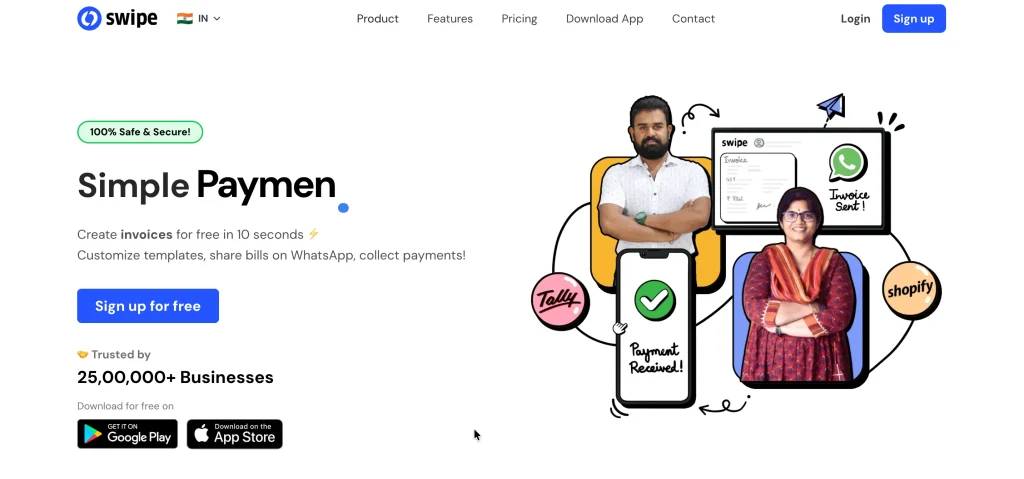
Website: https://getswipe.in/
Swipe is billing and invoicing software designed to help small businesses create invoices and manage routine sales transactions. It is a practical billing software for retail shop owners who want a straightforward way to prepare bills, maintain product records, and monitor payments without adopting a complex accounting platform.
Depending on the selected plan, available capabilities may include GST invoicing, inventory management, barcode billing, expense tracking, and business reports. Its digital invoicing workflows can help reduce paperwork and improve the organization of transaction records.
Retailers considering Swipe should evaluate how well its billing process fits their checkout environment, especially if they handle high transaction volumes or require dedicated POS hardware. Before subscribing, businesses should confirm the current plan limits, supported integrations, and availability of the features required for their particular store.
Key features:
- Digital invoice creation and customization.
- GST invoicing capabilities, where supported.
- Product and inventory record management.
- Payment tracking and transaction history.
- Business reports and sales monitoring.
Pros:
- Suitable for straightforward billing workflows.
- Helps digitize invoice management.
- Can reduce manual paperwork.
- Supports organized transaction records.
- May suit small businesses with basic billing needs.
Cons:
- Feature availability can depend on the plan.
- Advanced retail POS requirements may need other tools.
- Integration options should be checked before subscribing.
- High-volume inventory workflows may require evaluation.
- Current pricing and support terms need verification.
Pricing:
- Swipe: ₹233/month
- myBillBook: ₹256/month
- Vyapar: ₹353/month
- Tally, Zoho & Other Alternatives: ₹1,060/month
9. InvoPilot

Website: https://invopilot.com/
InvoPilot is an invoicing tool to consider for businesses that primarily need to create and manage invoices digitally. Retailers can evaluate it for preparing professional bills, organizing invoice records, and simplifying routine documentation. Such tools are particularly useful for smaller businesses that do not need extensive accounting or warehouse management functionality.
Before adopting InvoPilot as the main billing solution for a retail shop in India, business owners should verify its current product capabilities, including GST-compliant invoicing, tax calculations, inventory management, and payment tracking. They should also confirm whether it supports barcode-based checkout, local invoice requirements, and integration with accounting systems.
Its suitability depends on whether the available features match the shop’s day-to-day needs. Retailers requiring a complete POS solution should compare it carefully with dedicated retail billing platforms.
Key features:
- Digital invoice creation, subject to available functionality.
- Invoice records and document organization.
- Customizable billing formats, where supported.
- Invoice sharing and customer communication, where available.
- Online access, depending on the product offering.
Pros:
- May suit businesses with basic invoicing needs.
- Can help reduce paper-based documentation.
- Digital invoices are easier to organize.
- May simplify invoice sharing.
- Could be suitable for businesses seeking a lightweight solution.
Cons:
- Indian GST compliance must be verified.
- Retail inventory management may be limited.
- Barcode billing availability needs confirmation.
- Current pricing and plan details require verification.
- May not replace a full retail POS system.
Pricing:
- Free: $0/month
- Premium: $29/month or $290/year
- Enterprise: $79/month or $790/year
- AI Points Top-Ups:
- 100 points: $4.99
- 500 points: $18.99
- 2,000 points: $59.99
10. HDPOS Smart
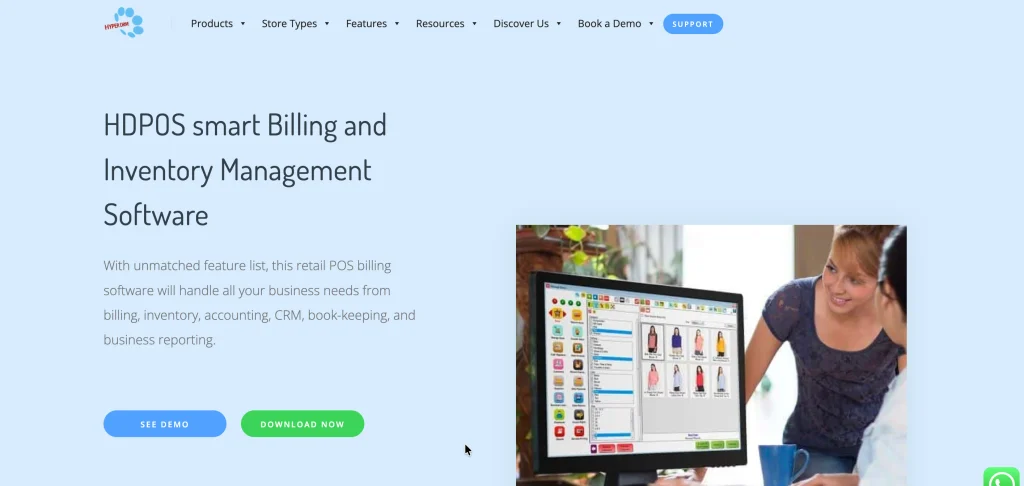
Website: https://www.hyperdrivesolutions.com/pos-home/pos-billing-software/
HDPOS Smart is retail point-of-sale software designed to support billing and store operations across different retail environments. It is a practical billing software for retail shop owners who need structured checkout processes, product management, and sales tracking.
Depending on the configuration, retailers may be able to manage barcode-based billing, inventory, purchase records, customer information, and business reports. These capabilities can help stores process transactions more consistently and maintain better visibility into stock levels. HDPOS Smart may be suitable for clothing stores, supermarkets, electronics retailers, and other businesses with multiple products or billing counters.
Retailers should review the required hardware, deployment options, integrations, and licensing arrangements before implementation. Businesses operating multiple outlets should also confirm how the selected configuration handles centralized reporting and inter-store inventory management.
Key features:
- Point-of-sale billing and checkout management.
- Barcode scanning and product management.
- Inventory and purchase tracking.
- Customer records and loyalty features, where supported.
- Sales reports and multi-store management, depending on configuration.
Pros:
- Designed around retail checkout workflows.
- Supports product and stock management.
- Can suit stores with multiple billing counters.
- Helps organize sales transactions and reports.
- Offers configurable capabilities for different retail setups.
Cons:
- Implementation may require compatible hardware.
- Setup can be more involved than basic billing apps.
- Licensing costs depend on the selected configuration.
- Staff may require training.
- Multi-store capabilities and integrations should be confirmed before purchase.
Pricing:
Custom pricing
How to Choose the Best Billing Software for Your Retail Shop
Choosing the right billing software can make your daily retail operations easier and more efficient. However, with so many options available, it is important to select one that matches your business needs, budget, and future goals. Here are the steps to help you make the right decision.
Step 1: Understand Your Business Needs
Start by identifying what you want the software to do for your shop. If you run a small grocery store, you may only need basic billing, GST invoices, and inventory tracking.
However, if you operate a supermarket or multiple retail outlets, you may need barcode scanning, multiple billing counters, and centralized stock management. Understanding your requirements will help you avoid paying for features you do not need.
Step 2: Check GST Compliance
If your business requires GST invoicing, choose software that supports the relevant GST billing and reporting requirements. It should help you calculate applicable taxes, generate appropriate invoices, and maintain organized transaction records.
Before purchasing, confirm that the software supports the specific GST features your business needs. This can simplify routine tax-related work and reduce manual calculation errors.
Step 3: Look for Inventory Management
Inventory management is important if your shop sells multiple products or handles frequent stock movements. Choose software that automatically updates stock after sales, records purchases, and alerts you when products are running low.
For example, if you own a clothing store, inventory tracking can help you monitor different sizes and colours. These features make it easier to reorder products on time and reduce the risk of overstocking or running out of popular items.
Step 4: Compare Pricing and Plans
Before choosing a billing solution, compare its subscription fees, available plans, and additional costs. Some providers offer free versions with basic features, while advanced options may require a paid subscription. Check whether the price includes inventory management, multiple users, technical support, and software updates.
You should also account for hardware expenses, such as receipt printers and barcode scanners, if required. Choose a plan that fits your current budget without compromising on essential business features.
Step 5: Evaluate Ease of Use
Billing software should make your work simpler, not more complicated. Look for an easy-to-understand interface that allows you and your employees to create invoices, search for products, and process payments quickly. Complicated software can slow down checkout and increase training time.
If possible, test the software before buying it to see how easily you can complete everyday tasks. A simple billing process can be especially helpful during busy shopping hours.
Step 6: Check Device Compatibility
Make sure the software works with the devices you already use in your shop. Depending on your setup, you may need compatibility with a desktop computer, laptop, smartphone, tablet, receipt printer, or barcode scanner. Also, consider whether you need offline billing if your internet connection is unreliable.
Checking these requirements beforehand can help you avoid unexpected hardware expenses and technical problems after installation.
Step 7: Review Reports and Integrations
Good billing software should help you understand how your business is performing. Look for reports covering daily sales, product performance, inventory levels, expenses, and outstanding payments, depending on your needs. Integrations with accounting software, payment systems, or e-commerce platforms can also reduce duplicate data entry.
For example, sales reports can help you identify popular products and plan future purchases more effectively. Check which reports and integrations are included in your selected plan.
Step 8: Consider Customer Support
Even reliable software can occasionally present technical issues or require assistance during setup. Before selecting a provider, check the availability of customer support through phone, email, chat, or other channels. Find out whether support is included in your subscription and whether assistance is available during your shop’s operating hours.
Reliable support can help you resolve billing problems quickly and minimize interruptions to your daily business activities.
Common Mistakes to Avoid When Choosing Retail Billing Software
Selecting billing software without checking your actual business requirements can lead to unnecessary expenses and operational problems. Here are some common mistakes retail shop owners should avoid:
- Choosing Software Based Only on Price: Free or inexpensive software may seem attractive, but it might lack essential features such as inventory tracking, GST reporting, or customer management. Compare features and overall value before making a decision.
- Ignoring Future Business Growth: Your shop may expand, add new products, or open additional outlets. Choose software that can accommodate your expected growth without requiring an immediate switch to another system.
- Overlooking Data Backup: Billing records and sales information are important for daily operations. Check whether the software offers automatic backups, secure data storage, and a reliable way to recover information if something goes wrong.
- Not Checking Hidden Costs: Some providers charge extra for additional users, premium features, installation, or technical support. Review the complete pricing structure before purchasing a subscription.
- Ignoring Employee Training: Even useful software can cause delays if employees do not know how to use it. Choose a solution that is easy to learn and offers helpful training resources.
- Skipping Security Checks: Retail billing systems may store customer details and sensitive business records. Review access controls, security measures, and data protection practices before selecting a provider.
- Failing to Test the Software: Do not rely only on advertisements or feature lists. Use a demo or free trial, if available, to test billing speed, inventory updates, invoice generation, and reporting.
- Overlooking Customer Support: Technical issues during busy hours can disrupt sales. Check the provider’s support channels, response times, and support availability before committing.
Conclusion
Choosing the right billing software for your retail shop can make everyday business operations faster, simpler, and more organized. From generating invoices and managing inventory to tracking sales and handling GST billing, the right solution helps reduce manual work and minimize common errors. However, the best software depends on your store’s size, budget, product categories, and operational requirements.
Tools such as myBillBook, Vyapar, Zoho Books, TallyPrime, and Marg ERP offer different capabilities for retail businesses, while other solutions may suit specific billing or POS requirements. Before making a decision, compare their features, pricing, ease of use, and customer support. Check the current subscription plans and try a demo whenever possible. Ultimately, investing in suitable retail billing software can help you manage transactions efficiently, maintain accurate records, and make better business decisions as your shop grows.
FAQs
1. Which is the Best Billing Software for Retail Shops in India?
The best billing software depends on your business needs. myBillBook and Vyapar are worth considering for small retail shops, while TallyPrime and Zoho Books may suit businesses requiring more comprehensive accounting. Compare features and pricing before choosing.
2. Is Free Billing Software Available for Retail Shops?
Yes, some billing software providers offer free plans or limited free versions. However, features such as advanced inventory management, multiple users, and detailed reporting may require a paid subscription. Check the current plan details before signing up.
3. Does Retail Billing Software Support GST Invoicing?
Many retail billing solutions support GST invoicing, tax calculations, and related reports. However, the available features vary by provider and subscription plan. Confirm that the software meets the GST requirements applicable to your business.
4. Can Billing Software Manage Inventory Automatically?
Yes, many retail billing systems automatically update stock records when sales are completed. Some also offer low-stock alerts, purchase tracking, and barcode scanning. Advanced features, such as batch and expiry tracking, depend on the software you choose.
5. How Much Does Retail Billing Software Cost in India?
The cost varies depending on the provider, subscription plan, number of users, and available features. Some solutions offer free versions, while paid plans may involve monthly or annual fees. Additional expenses may include hardware, installation, and premium support. Always check the vendor’s current pricing before purchasing.