

Managing memberships shouldn’t mean spending hours updating spreadsheets, chasing renewal payments, and answering repetitive member queries. Whether you’re running an online community, selling courses, managing a nonprofit, or operating a professional association, the right membership management software can make these tasks much easier.
Membership management platform helps businesses and organizations manage member information, automate recurring payments, control access to exclusive content, track renewals, and communicate with members from a centralized platform. Some tools focus on helping creators monetize their audiences, while others offer advanced features for associations, clubs, and large membership organizations.
However, choosing the right platform depends on your budget, membership size, and specific business needs. To help you make an informed decision, we’ve reviewed the 10 best membership management platforms for 2026, comparing their key features, pricing, pros, and cons so you can find the right solution for your organization.
What Is Membership Management Platform?
Membership management system is a digital tool that helps businesses and organizations manage their members, subscriptions, payments, and communication from one centralized platform. Instead of manually tracking member details in spreadsheets, sending renewal reminders, or processing payments individually, you can automate these tasks and manage everything more efficiently. Depending on the platform, you can also create member directories, restrict access to premium content, organize events, send email campaigns, and monitor membership growth.
For example, an online course creator can use membership software to collect recurring payments and provide exclusive lessons to subscribers, while a professional association can use it to manage member registrations, annual dues, and event participation. Some platforms offer all these features in one package, whereas others specialize in specific functions, such as community building or payment processing. The right software helps reduce administrative work, improve the member experience, and support long-term business growth.
Key Benefits Of Using Membership Management Software
Choosing the right membership management platform can help you save time, improve member satisfaction, and manage your organization more efficiently. Here are the key benefits to consider:
- Saves Time Through Automation: Automate repetitive tasks such as membership renewals, payment reminders, registrations, and welcome emails. This reduces manual work and allows your team to focus on more important activities.
- Improves Member Experience: Give members a convenient way to update their profiles, manage subscriptions, access exclusive content, and make payments without contacting your team for every request.
- Reduces Payment Delays: Automated billing and renewal notifications help members pay on time. You can also track failed payments and follow up with members to reduce missed renewals.
- Strengthens Member Retention: Use engagement reports and communication tools to identify inactive members, understand their needs, and encourage them to continue their memberships.
- Keeps Member Data Organized: Store membership records, contact details, payment history, and engagement information in one centralized system. This makes information easier to access and manage.
- Supports Business Growth: Manage increasing numbers of members without adding the same amount of administrative work. Many platforms offer scalable plans and integrations to support your growing requirements.
- Improves Team Collaboration: Allow authorized team members to access relevant membership information, manage support requests, and coordinate activities from a shared platform.
Who Needs Membership Management System?
Membership management platform is useful for any business or organization that manages a group of members, collects recurring payments, or provides exclusive benefits. Different organizations can use these tools to simplify administration, improve engagement, and grow their membership base.
- Content Creators and Influencers: Creators can use membership software to monetize their audiences through paid subscriptions, exclusive videos, premium content, and private communities. It also helps manage subscriber payments and renewals.
- Online Course Creators and Coaches: Educators and coaches can manage student memberships, restrict access to learning materials, automate course enrollment, and offer subscription-based learning programs.
- Professional Associations: Industry associations can maintain member databases, collect annual dues, organize conferences, and send updates about industry events and professional opportunities.
- Nonprofits and Charitable Organizations: Nonprofits can manage supporter memberships, coordinate events, communicate with donors, and automate membership renewals while reducing administrative work.
- Clubs and Community Organizations: Sports clubs, hobby groups, alumni associations, and local organizations can track registrations, manage member directories, collect fees, and coordinate activities.
- SaaS and Subscription Businesses: Software companies can use membership platforms to manage customer subscriptions, control access to premium features, track recurring revenue, and automate account-related communication.
- Fitness Centers and Wellness Businesses: Gyms, yoga studios, and wellness centers can manage membership plans, recurring payments, class registrations, and renewal reminders.
Comparison Of Membership Management Software
| Software | Best For | Pros | Cons | Starting Price |
| Outseta | SaaS startups, subscription businesses, and online communities | All-in-one platform, multiple integrations, membership analytics | No complete website builder, transaction fees on lower plans, setup can take time | $37–$47/month |
| Podia | Solo creators, educators, coaches, and small businesses | Easy to use, supports multiple digital products, integrated marketing tools | Limited customization, no dedicated CRM, limited advanced membership features | $42/month |
| Patreon | YouTubers, podcasters, artists, musicians, and content creators | Simple setup, recurring revenue opportunities, built-in community features | Platform and payment processing fees, limited branding, basic CRM capabilities | Custom pricing |
| Kajabi | Course creators, coaches, consultants, and entrepreneurs | Comprehensive business tools, automated marketing, integrated course delivery | High starting price, learning curve, potentially excessive for basic membership needs | $143/month (billed annually) |
| GroupApp | Coaches, educators, corporate trainers, and online learning businesses | Free plan available, supports corporate enrollments, tracks learner progress | No native sales CRM, limited livestreaming, fewer advanced marketing tools | Free |
| Circle | Businesses, creators, educators, and community managers | Strong community engagement, integrated courses and events, branded mobile app options | Higher starting price, annual commitment, advanced features require higher plans | $89/month |
| Mighty Networks | Creators, coaches, educators, and community-based businesses | Strong engagement tools, mobile apps, multiple monetization options | Limited CRM, fewer traditional website management features, advanced branding may cost more | $79/month |
| Skool | Coaches, creators, entrepreneurs, and paid online communities | Simple interface, encourages participation, combines courses and communities | Limited customization, basic CRM capabilities, transaction fees vary by plan | $9/month |
| Wild Apricot | Nonprofits, clubs, associations, and professional organizations | Designed for associations, self-service member portal, integrated event management | Limited website customization, interface may feel dated, costs increase with database size | $66/month |
| Glue Up | Professional associations, nonprofits, chambers of commerce, and international organizations | Comprehensive association management, international support, advanced event tools | Custom pricing, potentially lengthy implementation, may be expensive for small organizations | Custom pricing |
List Of 10 Best Membership Management Software
1. Outseta
Website: https://www.outseta.com
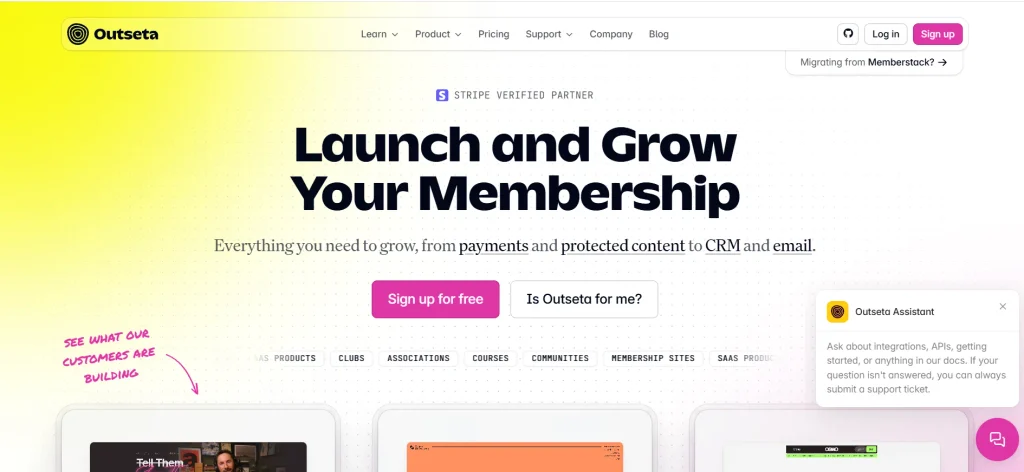
Outseta is an all-in-one membership management platform designed for businesses that want to manage subscriptions, member data, payments, and customer communication from a single platform. It combines membership functionality with CRM, email marketing software, and help desk tools, making it suitable for SaaS startups, online communities, and subscription-based businesses. Businesses looking for dedicated customer relationship management solutions can also compare these CRM tools for SaaS to find an option that meets their needs.
The platform integrates with existing websites built using Webflow, Framer, Squarespace, and WordPress, as well as custom-developed websites. Users can manage recurring subscriptions, control access to premium content, automate email communication, and track membership performance. Outseta also supports server-side content protection, making it useful for businesses that require additional security.
Key Features
- Recurring subscriptions, one-time payments, and free trials.
- Built-in CRM for managing member information and subscriptions.
- Email marketing and transactional email automation.
- Membership authentication and protected content access.
- Help desk, reporting, and membership analytics.
Pros
- Combines billing, CRM, email, and customer support in one platform.
- Integrates with multiple website builders and custom websites.
- Supports server-side content protection.
- Offers unlimited team members without per-seat fees.
- Provides membership and revenue reporting.
Cons
- May not suit large nonprofits with complex chapter structures.
- Does not include a complete website builder.
- The starting plan includes a 2% transaction fee.
- Businesses with specialized CRM needs may require additional tools.
- Its extensive features may take time to configure.
Pricing
- Start: $37–$47/month for up to 1,000 contacts, with a 2% transaction fee.
- Scale: $97–$127/month for up to 10,000 contacts, with a 1% transaction fee.
- Pro: $197–$247/month for up to 25,000 contacts, with a 1% transaction fee.
- Max: $697–$897/month for up to 100,000 contacts, with no transaction fee.
2. Podia

Website: https://www.podia.com
Podia is a membership management software designed for solo creators, educators, coaches, and small businesses that want to sell digital products and subscriptions online. It combines a website builder, online store, email marketing, and membership functionality within one platform.
Users can sell online courses, downloadable resources, coaching sessions, webinars, and community memberships without requiring advanced technical knowledge. Podia also provides email automation tools to help businesses communicate with subscribers and promote their products. Its straightforward interface makes it particularly useful for creators who want to focus on producing content instead of managing multiple software applications.
Key Features
- Website builder with customizable templates and custom domains.
- Online store for courses, downloads, and coaching services.
- Membership subscriptions and community features.
- Built-in email marketing and automation.
- Affiliate marketing tools on eligible plans.
Pros
- Easy to set up and use without coding.
- Combines website creation, product sales, and email marketing.
- Supports multiple types of digital products.
- Helps creators manage their businesses from one dashboard.
- Higher-tier plans eliminate platform transaction fees.
Cons
- Offers limited website design customization.
- Does not include a dedicated CRM system.
- Lacks a built-in help desk for member support.
- Advanced membership management capabilities are limited.
- Costs can increase as businesses require more advanced features.
Pricing
- Mover: $42/month ($504 billed annually) with a 5% transaction fee.
- Shaker: $84/month ($1,008 billed annually) with no transaction fees.
- Earthquaker: $150/month ($1,800 billed annually) with no transaction fees.
3. Patreon

Website: https://www.patreon.com/pricing
Patreon is a creator-focused membership platform that helps YouTubers, podcasters, musicians, artists, and other content creators earn recurring revenue from their audiences. Creators can establish membership tiers and offer exclusive content, community discussions, behind-the-scenes updates, and other subscriber benefits. The platform provides community features such as chats, polls, comments, and direct messaging, allowing creators to maintain relationships with paying supporters.
Its native mobile applications make it convenient for members to access exclusive content and interact with creators. Patreon is particularly suitable for individuals who already have an audience on social media or other channels and want to monetize their content without building a separate membership website. Its standard platform fee is 10% of processed payments, with payment processing fees potentially charged separately.
Key Features
- Monthly and annual membership subscriptions.
- Multiple membership tiers with exclusive benefits.
- Community chats, polls, comments, and direct messaging.
- Digital product sales and creator content pages.
- Native mobile applications for creators and members.
Pros
- No traditional monthly subscription is required to get started.
- Simple setup for creators without technical expertise.
- Offers mobile applications for convenient content access.
- Supports recurring revenue through paid memberships.
- Provides community tools for audience engagement.
Cons
- Platform and payment processing fees can reduce earnings.
- Branding and website customization options are limited.
- Creators have less control over the overall member experience.
- Advanced CRM and business automation tools are limited.
- Building an audience may still require external marketing channels.
Pricing
- Custom pricing
4. Kajabi
Website: https://www.kajabi.com
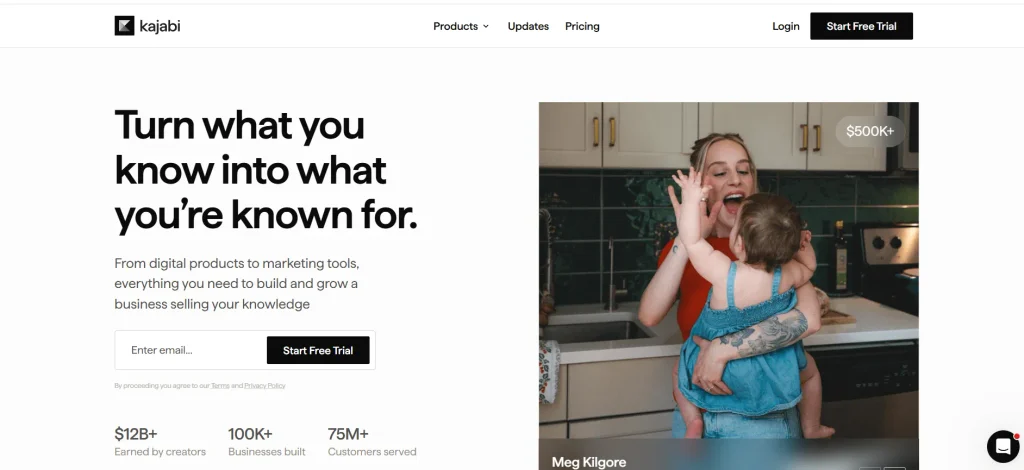
Kajabi is an all-in-one platform for course creators, coaches, consultants, and entrepreneurs who want to build and grow knowledge-based businesses. It combines online course hosting, paid memberships, community management, email marketing, landing pages, sales funnels, and payment processing. Users can create structured learning experiences, deliver content gradually, automate marketing campaigns, and track business performance through analytics.
Kajabi also supports coaching products and community-based offerings, making it useful for businesses that sell expertise through digital products and subscriptions. Its integrated approach reduces the need for separate tools for course delivery, marketing, and sales management. Kajabi is best suited to businesses that need comprehensive features rather than basic membership functionality.
Key Features
- Online course hosting with assessments and drip content.
- Email marketing with visual automation workflows.
- Landing pages and sales funnel creation.
- Paid memberships and community management.
- CRM capabilities and performance analytics.
Pros
- Combines courses, marketing, and membership tools.
- Supports automated sales and marketing workflows.
- Provides customizable landing pages and sales funnels.
- Includes community features for engaging members.
- Offers customer support and business analytics.
Cons
- Higher starting price than many alternatives.
- Can be complicated for beginners.
- May be excessive for businesses needing simple membership features.
- Advanced functionality may require time to configure.
- Additional payment processing costs may apply depending on the payment method.
Pricing
- Basic: $143/month, billed annually ($179/month without annual billing).
- Growth: $199/month, billed annually ($249/month without annual billing).
- Pro: $399/month, billed annually ($499/month without annual billing).
5. GroupApp
Website: https://www.group.app
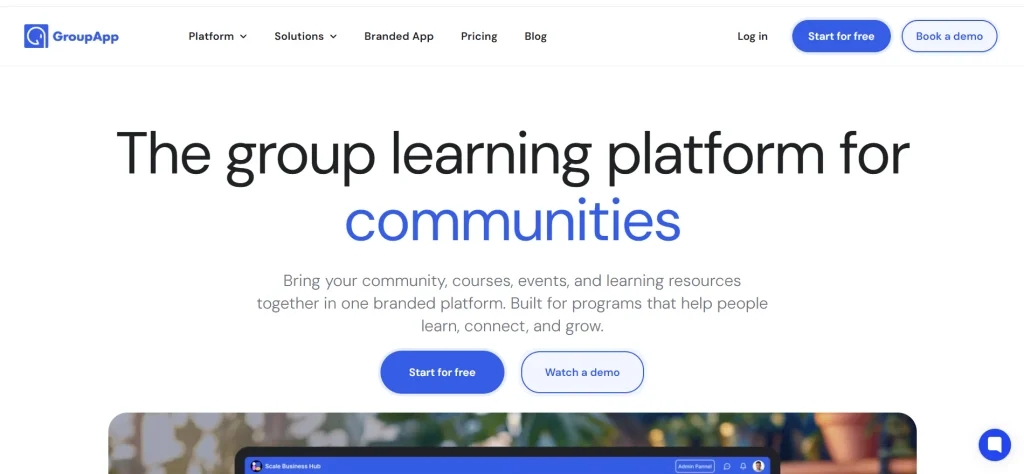
GroupApp is a membership and group learning platform built for coaches, educators, trainers, and businesses offering structured online programs. It combines course hosting, community discussions, student progress tracking, and membership payments to help organizations deliver interactive learning experiences. One of its main advantages is its lesson-level discussion functionality, which allows learners to discuss specific course materials instead of relying exclusively on general community forums.
GroupApp also supports cohort-based learning, graded assignments, completion certificates, and automated workflows. Its group subscription feature enables companies to purchase access for multiple employees through a single invoice, making it suitable for corporate training providers looking for membership management software with integrated learning and collaboration features.
Key Features
- Cohort-based courses with lesson-level discussions.
- Group subscriptions for corporate training programs.
- Student progress tracking and graded assignments.
- Automated course access and welcome messages.
- Completion certificates and structured learning paths.
Pros
- Offers a free plan for small communities.
- Charges no platform transaction fees according to the supplied pricing information.
- Supports corporate enrollment through group subscriptions.
- Keeps discussions connected to individual lessons.
- Provides tools for tracking learner progress.
Cons
- Does not include a native CRM for sales pipeline management.
- Lacks built-in livestreaming capabilities.
- Live sessions require integrations such as Zoom or Google Meet.
- Primarily focuses on structured learning rather than general communities.
- May not suit businesses needing advanced marketing and sales tools.
Pricing
- Free: $0/month
- Build: $57/month
- Scale: $127/month
- Branded App: $427/month
6. Circle

Website: https://circle.so
Circle is a community-focused membership management platform designed for creators, businesses, educators, and entrepreneurs who want to build branded online communities. It combines discussion spaces, paid memberships, online courses, events, livestreaming, and community engagement tools within one platform. Businesses can use Circle to create private member spaces, deliver educational content, host virtual events, and monetize their audiences through paid subscriptions.
The platform also includes website-building capabilities and automation features on eligible plans. Its organized interface helps community owners manage discussions and learning activities without relying on several disconnected applications. Circle is particularly useful for businesses that prioritize member interaction and community engagement alongside recurring revenue.
Key Features
- Branded online community spaces and discussion forums.
- Paid memberships and subscription checkout.
- Online courses, events, and livestreaming.
- Website builder and member directory.
- Automation workflows and AI-powered community tools on eligible plans.
Pros
- Combines community engagement with membership monetization.
- Supports courses and virtual events.
- Provides website-building capabilities.
- Offers automation features for community management.
- Supports branded mobile applications on higher-tier plans.
Cons
- Requires an annual commitment according to the listed pricing.
- Has a higher starting price than simpler alternatives.
- Some features require more expensive plans.
- Email marketing capabilities may be less comprehensive than dedicated tools.
- The platform can have a steeper learning curve for beginners.
Pricing
- Professional: $89/month
- Business: $199/month
- Scale: $419/month
- Circle Plus: Custom pricing
7. Mighty Networks
Website: https://www.mightynetworks.com
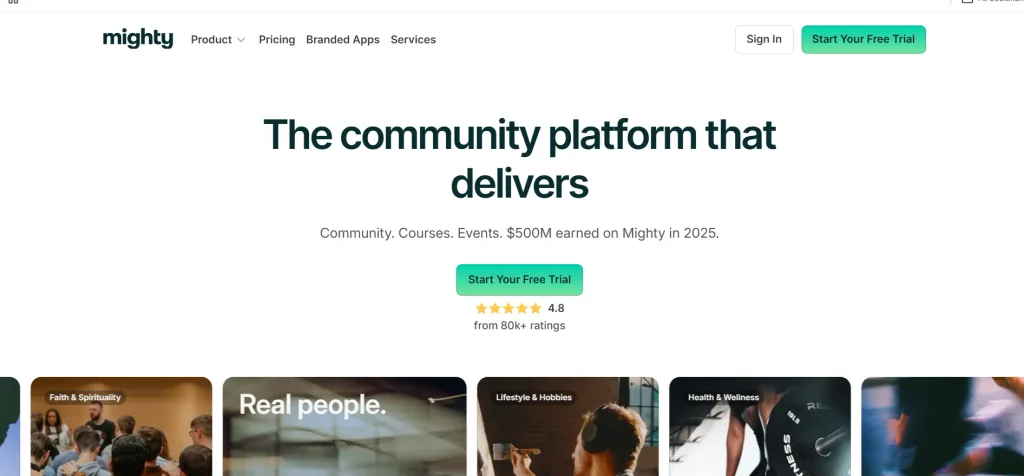
Mighty Networks is a membership and community platform designed for creators, coaches, educators, and businesses that want to build interactive digital communities. It combines discussion spaces, online courses, events, livestreaming, and paid memberships within a unified environment. The platform emphasizes community engagement and supports native mobile applications, allowing members to participate in discussions and access content from their smartphones.
Creators can organize members into different spaces, deliver structured learning experiences, and monetize their communities through paid subscriptions. Mighty Networks also offers AI-powered community assistance to support onboarding and member engagement. It is particularly suitable for businesses that prioritize interaction, learning, and community building rather than advanced website integrations or complex CRM workflows.
Key Features
- Branded community spaces and discussion forums.
- Online courses with drip content.
- Event management and livestreaming.
- Paid memberships and subscription management.
- Native mobile apps and AI-powered community assistance.
Pros
- Offers strong community engagement features.
- Combines courses, events, and memberships.
- Provides mobile applications for member access.
- Supports automated onboarding and re-engagement.
- Helps creators monetize engaged communities.
Cons
- Less suitable for traditional membership websites and SaaS businesses.
- Offers limited CRM functionality compared with dedicated platforms.
- Billing flexibility may not meet every business requirement.
- Advanced branding options can require higher-tier plans.
- May be unnecessarily complex for businesses needing only payment and access controls.
Pricing
- Launch Plan: $79/month
- Scale Plan: $179/month
- Growth Plan: $354/month
8. Skool
Website: https://www.skool.com
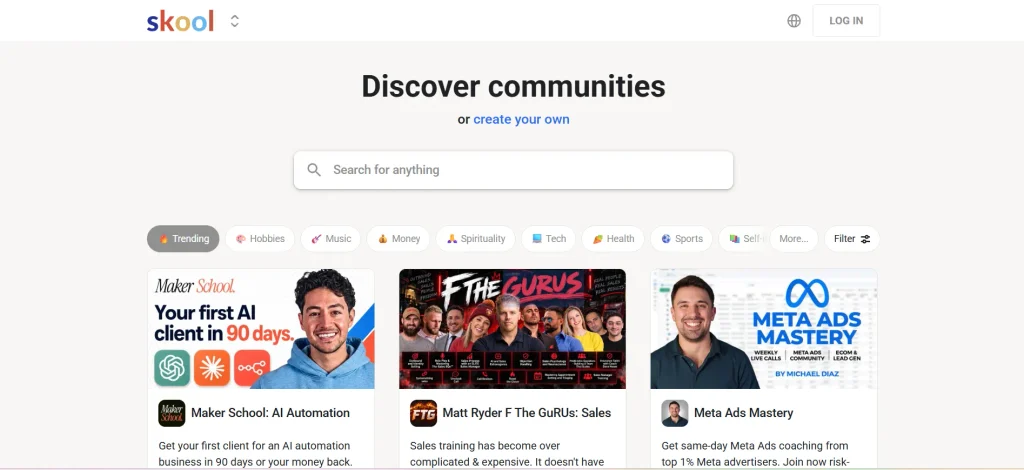
Skool is a community and membership platform designed for creators, coaches, and entrepreneurs who want to build engaged online communities without managing complicated software. It combines discussion forums, online courses, gamification, and membership payments in a straightforward interface. Community owners can organize learning materials, encourage participation through points and leaderboards, and offer paid access to their groups.
Its simplified design makes it appealing to beginners who want to launch a membership business quickly. Skool focuses primarily on community interaction and course delivery rather than advanced CRM, email marketing, or customer support features. This makes it suitable for small communities and independent creators looking for membership management software that prioritizes simplicity and engagement.
Key Features
- Online community discussions and member interaction.
- Course hosting and learning content organization.
- Gamification through points, levels, and leaderboards.
- Membership subscriptions and payment collection.
- Community analytics and livestreaming capabilities.
Pros
- Simple interface with a relatively short learning curve.
- Low advertised starting price.
- Encourages participation through gamification.
- Combines community discussions and courses.
- Suitable for creators launching their first paid community.
Cons
- Offers limited customization and branding control.
- Course features are less comprehensive than dedicated LMS platforms.
- Lacks a built-in CRM system.
- Does not provide comprehensive email marketing tools.
- Transaction fees can be high depending on the plan.
Pricing
- Pro: $99/month with a 2.9% transaction fee.
- Hobby: $9/month with a 10% transaction fee.
9. Wild Apricot
Website:https://www.wildapricot.com
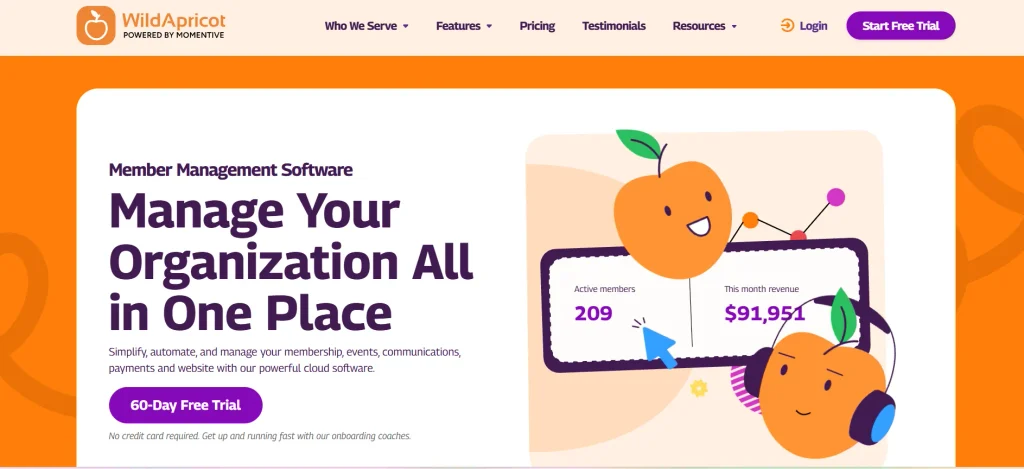
Wild Apricot is membership management system designed for small and medium-sized associations, nonprofit organizations, clubs, and professional groups. It helps organizations manage member records, collect membership dues, automate renewals, organize events, and communicate with their members. The platform includes a website builder, member self-service portal, email marketing tools, and event registration functionality.
Members can update their information and manage their accounts, reducing the administrative workload for staff and volunteers. Wild Apricot is particularly useful for organizations that want membership administration and website management within a single system. It also supports integrations with external applications to extend its capabilities.
Key Features
- Centralized member database and self-service portal.
- Automated membership dues and recurring billing.
- Website builder with customizable templates.
- Event registration and payment collection.
- Email campaigns and membership communication tools.
Pros
- Designed specifically for associations and nonprofits.
- Combines membership management with website building.
- Supports event registration and payments.
- Provides self-service tools for members.
- Offers integrations with external applications.
Cons
- Website customization options are limited.
- The interface may feel dated or difficult to navigate.
- Some users report issues with email reliability and customer support.
- Pricing may increase as membership databases grow.
- May not provide the flexibility of modern SaaS-focused platforms.
Pricing
- Monthly Plan: $66/month for 100 contacts.
- Annual Plan: $59.40/month, billed yearly.
- Two-Year Plan: $56.10/month, billed every two years.
10. Glue Up
Website:https://www.glueup.com/pricing
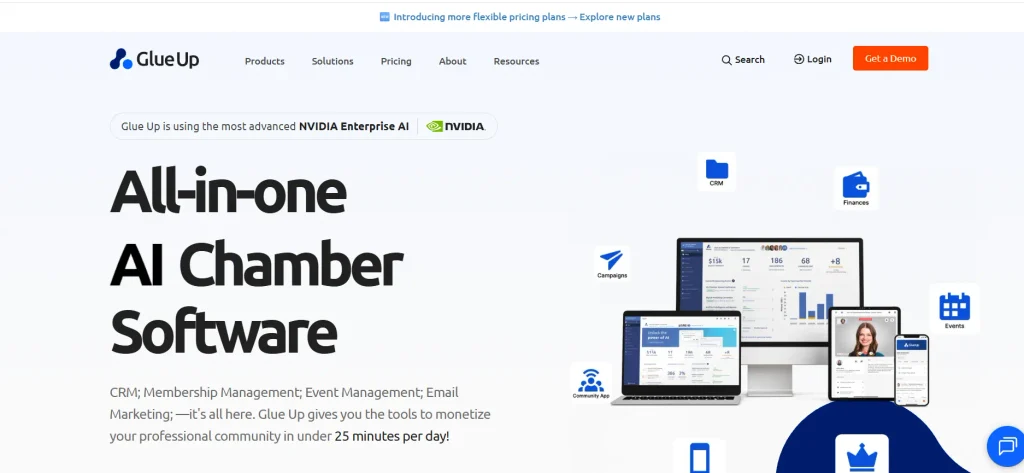
Glue Up is an association management platform designed for professional associations, nonprofit organizations, chambers of commerce, and international membership organizations. It combines membership management, CRM, event planning, email marketing, financial tools, and community engagement features in one system. Organizations can manage member lifecycles, automate communications, collect membership payments, and organize in-person, virtual, and hybrid events.
The platform also supports chapter management and multi-currency payments, making it useful for organizations operating across different countries and regions. Its CRM and engagement tools help teams monitor member activity and improve retention. Glue Up is particularly suitable for organizations with complex administrative requirements and large-scale event operations.
Key Features
- CRM with membership lifecycle tracking.
- Event management for in-person, virtual, and hybrid events.
- Chapter and multi-location organization management.
- Multi-currency payment processing.
- Email marketing, community tools, and engagement analytics.
Pros
- Supports international membership organizations.
- Offers comprehensive event management capabilities.
- Includes CRM and member engagement features.
- Supports multi-chapter organizational structures.
- Combines several association management functions in one platform.
Cons
- Relatively expensive for small organizations.
- Pricing generally requires contacting the sales team.
- Implementation may require considerable time.
- Extensive functionality can create a learning curve.
- May be excessive for organizations with basic membership requirements.
Pricing
- Custom pricing
Comparison Of Membership Management Software
| Software | Best For | Key Features | Pros | Cons | Starting Price |
| Outseta | SaaS startups, subscription businesses, and online communities | Subscription billing, CRM, email marketing, help desk, and access control | All-in-one platform, multiple integrations, membership analytics | No complete website builder, transaction fees on lower plans, setup can take time | $37–$47/month |
| Podia | Solo creators, educators, coaches, and small businesses | Website builder, online courses, digital products, memberships, and email marketing | Easy to use, supports multiple digital products, integrated marketing tools | Limited customization, no dedicated CRM, limited advanced membership features | $42/month |
| Patreon | YouTubers, podcasters, artists, musicians, and content creators | Paid memberships, subscription tiers, exclusive content, community chats, and mobile apps | Simple setup, recurring revenue opportunities, built-in community features | Platform and payment processing fees, limited branding, basic CRM capabilities | Custom pricing |
| Kajabi | Course creators, coaches, consultants, and entrepreneurs | Course hosting, paid memberships, email automation, sales funnels, and analytics | Comprehensive business tools, automated marketing, integrated course delivery | High starting price, learning curve, potentially excessive for basic membership needs | $143/month (billed annually) |
| GroupApp | Coaches, educators, corporate trainers, and online learning businesses | Cohort-based courses, lesson discussions, student progress tracking, assignments, and group subscriptions | Free plan available, supports corporate enrollments, tracks learner progress | No native sales CRM, limited livestreaming, fewer advanced marketing tools | Free |
| Circle | Businesses, creators, educators, and community managers | Community spaces, paid memberships, courses, events, livestreaming, and automation | Strong community engagement, integrated courses and events, branded mobile app options | Higher starting price, annual commitment, advanced features require higher plans | $89/month |
| Mighty Networks | Creators, coaches, educators, and community-based businesses | Community discussions, online courses, events, livestreaming, paid memberships, and AI-powered assistance | Strong engagement tools, mobile apps, multiple monetization options | Limited CRM, fewer traditional website management features, advanced branding may cost more | $79/month |
| Skool | Coaches, creators, entrepreneurs, and paid online communities | Community discussions, course hosting, gamification, membership payments, and leaderboards | Simple interface, encourages participation, combines courses and communities | Limited customization, basic CRM capabilities, transaction fees vary by plan | $9/month |
| Wild Apricot | Nonprofits, clubs, associations, and professional organizations | Member database, automated dues, website builder, event registration, and email campaigns | Designed for associations, self-service member portal, integrated event management | Limited website customization, interface may feel dated, costs increase with database size | $66/month |
| Glue Up | Professional associations, nonprofits, chambers of commerce, and international organizations | Membership CRM, event management, chapter management, multi-currency payments, and email marketing | Comprehensive association management, international support, advanced event tools | Custom pricing, potentially lengthy implementation, may be expensive for small organizations | Custom pricing |
How To Choose The Right Membership Management System?
Choosing the right membership management platform doesn’t have to be complicated. The key is to understand your requirements, compare available options, and select a platform that fits your budget and long-term goals. Follow these steps to make an informed decision.
Step 1: Identify Your Membership Needs
Start by identifying what you want the software to help you manage. For example, if you’re a content creator, you may need paid subscriptions, exclusive content access, and community features. If you run a professional association, you’ll likely need member directories, event registration, and automated membership renewals. Understanding your primary requirements helps you narrow down your options and avoid paying for features you don’t need.
Step 2: Check the Essential Features
Once you’ve identified your needs, compare the features offered by different platforms. Look for essential capabilities such as member database management, recurring billing, automated renewals, email communication, reporting, and access controls. If you regularly organize events or offer online courses, make sure the software supports those activities as well. Prioritize features that solve your current challenges and make everyday membership management easier.
Step 3: Compare Pricing and Transaction Fees
Before choosing a platform, look beyond its advertised monthly or annual subscription price. Some membership tools charge additional transaction fees, payment processing costs, or extra fees for team members and premium features. These expenses can increase as your membership business grows. Calculate the total expected cost based on your membership size, payment volume, and required features. Comparing the overall cost helps you choose software that fits your budget without compromising essential functionality.
Step 4: Evaluate Integrations
Your membership software should work smoothly with the tools you already use. Check whether it integrates with your website builder, payment gateway, email marketing platform, CRM, and other business applications. For example, connecting your membership platform with a payment processor can simplify subscription management. Understanding the difference between recurring payments and subscription billing can help you choose the right payment setup for membership fees and renewals, while email integrations help automate member communications.
Good integrations reduce duplicate data entry, minimize manual work, and make it easier to manage your membership operations from a connected system. You can also use AI workflow automation tools to automate repetitive tasks across connected business applications.
Step 5: Consider Ease of Use
Choose software that your team can learn and use without unnecessary difficulty. A platform with a clear dashboard, simple navigation, and straightforward setup can save time during onboarding and daily operations. If the software requires extensive technical knowledge, you may need additional training or developer support. Before making a decision, explore the interface, test common tasks, and check whether members can easily update their profiles, make payments, and access their benefits.
Step 6: Review Security and Data Protection
Membership platforms often store personal information, payment-related details, and private content, so security should be a priority. Look for features such as secure authentication, role-based access controls, encrypted data transmission, and secure payment processing. You should also review the provider’s privacy policy, data handling practices, backup procedures, and compliance commitments relevant to your organization. Choosing a platform with appropriate security measures helps protect member information and build trust with your community.
Step 7: Look for Scalability
Think about how your membership requirements may change over time. You might begin with a small group of subscribers but eventually need to manage thousands of members, additional membership tiers, or multiple teams. Check whether the platform supports growing membership limits, advanced automation, detailed reporting, and flexible integrations. Also, review how pricing changes as your organization expands. Selecting scalable software helps you avoid switching platforms too early and disrupting the member experience.
Step 8: Test Customer Support and Free Trials
Before committing to a subscription, take advantage of any available free trial or product demonstration. Use this opportunity to test important features, explore integrations, and understand how the platform handles everyday tasks. You should also evaluate customer support options, onboarding assistance, help documentation, and response times. If possible, test a complete membership workflow, from registration and payment to content access and renewal. This practical experience will help you determine whether the software meets your expectations and is suitable for your organization.
Common Mistakes to Avoid When Choosing Membership Management System
Choosing membership management platform based only on price or popularity can lead to unnecessary expenses and operational challenges. Before making your final decision, watch out for these common mistakes.
- Choosing Software Based Only on Price: A low-cost plan may look attractive, but it might lack essential features such as automated renewals, reporting, or member communication. Compare the overall value and total cost rather than focusing only on the starting price.
- Ignoring Transaction Fees: Some platforms charge additional fees for every membership payment. These costs can add up as your revenue grows, so review both subscription costs and transaction charges before signing up.
- Overlooking Integration Requirements: Selecting software that doesn’t work with your existing website, payment gateway, or CRM can create extra manual work. Check integration compatibility before making a commitment.
- Paying for Unnecessary Features: All-in-one platforms may offer extensive functionality, but you might not need every feature. Identify your essential requirements first and choose a solution that matches your current operations.
- Neglecting Member Experience: Complicated registration forms, confusing payment processes, and difficult-to-navigate member portals can discourage sign-ups and renewals. Test the member experience before selecting a platform.
- Underestimating Security Needs: Membership systems often store personal information and payment-related data. Review security controls, authentication options, and data protection practices instead of assuming every platform offers the same level of protection.
- Ignoring Future Growth: Software that works for 50 members may become restrictive when your organization reaches 5,000 members. Check membership limits, pricing tiers, and scalability before committing.
- Skipping the Free Trial or Demo: Relying entirely on marketing claims can lead to a poor choice. Test the software’s core features, explore its interface, and evaluate customer support before purchasing a subscription.
Conclusion
The right membership management software can make a significant difference in how you manage members, collect payments, and build lasting relationships with your community. Instead of spending time on repetitive administrative tasks, you can automate daily operations and focus on improving member satisfaction and business growth. From creator-focused platforms like Patreon to all-in-one solutions like Outseta and association tools like Wild Apricot, there are options for different budgets and requirements. Before choosing a platform, consider your essential features, ease of use, integration needs, and long-term costs. Compare a few suitable options and test their features before committing. Ultimately, choose a membership management solution that simplifies your workflow today and grows with your organization tomorrow.
FAQs
1. What Is Membership Management System?
Membership management platform helps organizations manage member records, subscriptions, payments, renewals, communication, and exclusive content access.
2. What Is The Best Membership Management System In 2026?
Outseta, Podia, Kajabi, Circle, and Wild Apricot are popular options, depending on your membership management requirements.
3. Is There Free Membership Management Platform?
Yes, some platforms, including GroupApp, offer free plans with membership limits, while others provide free trials.
4. How Much Does Membership Management System Cost?
Pricing ranges from free plans to hundreds of dollars per month, depending on features, membership limits, and transaction fees.
5. What Features Should I Look For In Membership Management Platform?
Look for member databases, recurring billing, automated renewals, communication tools, access controls, reporting, and integrations.