If you feel like you are spending more time staring at spreadsheets, tracking broken links, and manually pulling keyword reports than actually growing your traffic, you are not alone. Standard SEO workflows have become too massive for manual handling. Between tracking volatile rankings and dodging regular search engine algorithm updates, managing a modern organic growth strategy by hand is a quick way to burn out.
Industry data shows that 58.4% of all everyday SEO tasks are now fully automated. Teams using dedicated automation tools are completing their routine site maintenance and technical checkups in just over 6 hours a month a massive drop from the 31 hours it takes teams stuck doing everything manually. Automation isn’t about cutting corners; it’s about buying your time back so you can focus on high-level strategy and creative content.
To stay competitive, you need systems that run seamlessly in the background. In this guide, we break down the top 15 SEO automation tools designed to take the tedious heavy lifting off your plate covering everything from hands-off content planning to scheduled technical site audits, along with their exact pricing tiers.
What Is SEO Automation?
SEO automation is the process of using software, artificial intelligence, and programmatic workflows to handle repetitive search engine optimization tasks without direct human intervention. Instead of manually auditing pages for broken links, pulling individual competitor keyword reports, or spending hours formatting data schemas, automation allows you to build systems that monitor, analyze, and execute these tasks in the background, making it easier to scale programmatic SEO initiatives efficiently.
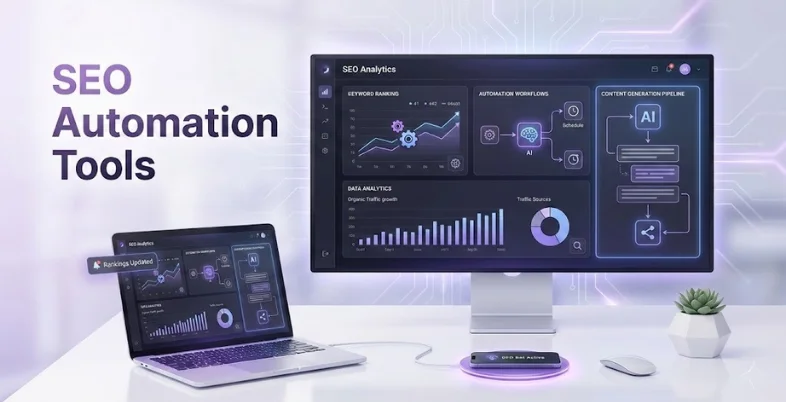
In practice, this means setting up structured pipelines where tools automatically run your site audits on a schedule, trigger real-time alerts for traffic drops, and surface immediate optimization opportunities straight to your dashboard.
In 2026, automation has shifted from a luxury to a baseline survival mechanism due to the massive rise of AI-driven search experiences. With tools like Google AI Overviews and answer engines fundamentally changing how users consume information, search queries have become more complex, and traditional click-through rates are shifting. To build topical authority today, you have to cover entire clusters of user intent swiftly and maintain a technically flawless site. Automation eliminates production drag, allowing you to scale up content operations, instantly adapt to volatile algorithmic shifts, and dedicate your energy to high-level strategy and creative brand positioning.
What Tasks Can SEO Automation Tools Handle?
While software cannot replace your overarching growth strategy, it can reliably handle the repetitive, data-heavy operational work. Delegating these friction points to software ensures continuous site monitoring and faster execution across your entire digital footprint.
- Technical Site Audits: Automatically running deep crawls to catch broken links, layout issues, or crawl errors before they impact your rankings.
- Rank Tracking & Monitoring: Tracking movement across thousands of target keywords daily using advanced rank tracking tools and alerting your team to sudden volatility or losses.
- Competitor Intelligence: Instantly pulling data on your competitors’ fresh backlink profile wins, keyword expansions, and strategic moves using advanced competitor analysis tools.
- Content Gap Analysis: Automatically scanning top-ranking pages to uncover missing semantic entities, subtopics, and structural recommendations.
- Data Integration & Reporting: Compiling cross-platform search metrics into auto-refreshing dashboards to eliminate manual spreadsheet updates.
Key Factors to Consider When Choosing an SEO Automation Tool
Every automation tool approaches search data differently, meaning the most expensive software isn’t automatically the best fit for your workflow. Finding the right platform comes down to checking how well a tool integrates with your existing tech stack and handles your specific data workloads.
- API Quality and Integration Options: Look for native connections with critical platforms like Google Search Console, Looker Studio, or your CMS to avoid manual data exports.
- Accuracy of Live Data: Ensure the platform pulls real-time keyword rankings and backlink changes rather than relying on outdated, cached databases.
- Custom Alert Triggers: The software should allow you to set specific thresholds for sudden ranking drops or crawl errors, sending automated notifications straight to Slack or email.
- Scale and Resource Limits: Check if the tool’s seat allocations, keyword tracking limits, and monthly page crawl allowances align with your current site size and future growth.
- Learning Curve vs. Execution Speed: Prioritize platforms with clean interfaces or drag-and-drop workflow builders so your team spends time optimizing rather than troubleshooting the software itself.
List of 14 Best SEO Automation Tools by Use Case
All-in-One SEO Platforms
1. Semrush
Website: https://www.semrush.com
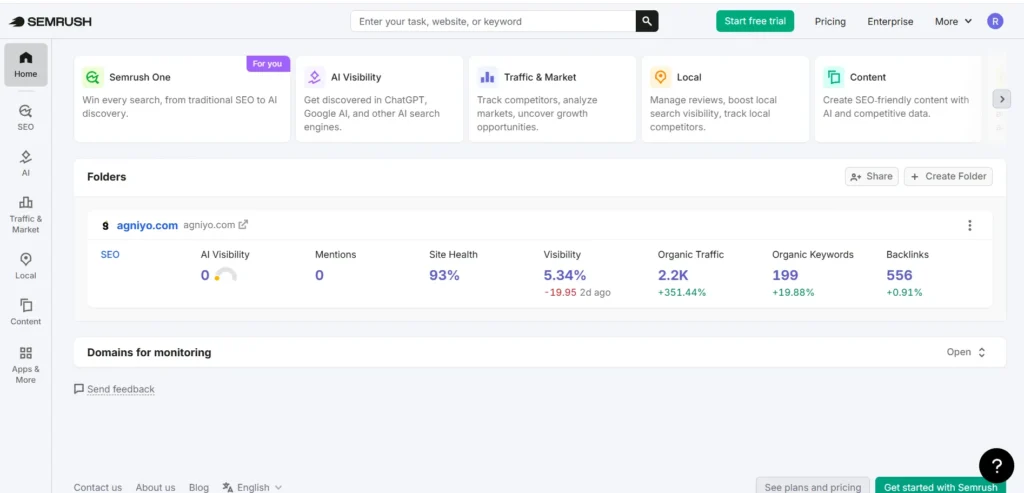
Semrush is an industry-standard organic growth platform that unifies search tracking, comprehensive technical auditing, and deep competitor analysis within a centralized database. Once a digital asset is mapped inside its system, it deploys background processes that continuously track dynamic position tracking, discover shifts in competitor ad strategy, and catch underlying optimization bugs. Its comprehensive layout maps clear opportunities across search intent clusters, letting production teams run automated marketing checkups and generate clean, presentation-ready organic performance updates for active clients on a predictable loop.
Key Features:
- Automated keyword monitoring with regular volatility notifications.
- Scheduled technical site diagnostics across complex web hierarchies
- Competitor historical data backlink tracking and backlink profile tracking
- Integrated semantic content gap discovery across organic visibility layouts
- Cross-channel performance reporting with third-party application connections
Pros:
- Unmatched competitive intelligence dataset spanning years of search footprint history.
- All-in-one suite setup minimizes the need to buy separate technical or keyword index tools.
- Clean workflow logic bridges keyword extraction straight into strategic optimization templates.
Cons:
- High starting monthly financial commitment compared to single-focus optimization alternatives.
- Adding distinct team seats or advanced local tracking packages carries significant add-on fees.
- Dense, menu-heavy user interface presents a steep training curve for brand-new operators.
Pricing:
| Starter | Pro+ | Advanced |
| $199/month | $299/month | $549/month |
Best For: High-growth digital teams, cross-channel search agencies, and enterprise web operations.
2. Ahrefs
Website: https://ahrefs.com
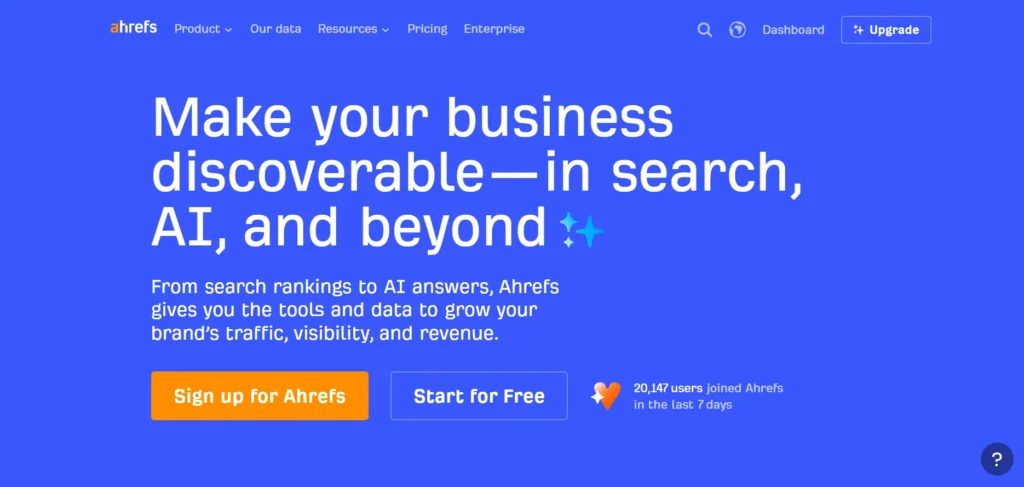
Ahrefs commands a massive live crawler infrastructure that makes it highly effective for uncovering technical site problems, exploring historic backlink distributions, and breaking down competitor search traffic distributions. As one of the leading SEO Automation Tools, the software executes background crawl patterns on a fixed routine, recording subtle movements in keyword distributions, link drops, and layout health changes. This continuous tracking loop prevents teams from manually running visibility profiles, exposing immediate programmatic internal linking opportunities and providing clean organic data layouts that let production teams map out long-term authority plays.
Key Features:
- Programmatic site health audits via scheduled cloud-based web crawls.
- Intent-based competitor search visibility and backlink gap analysis.
- Live backlink profile tracking with immediate drop notifications.
- Position monitoring across global indexes with SERP layout changes.
- Custom API configurations and Looker Studio data connections.
Pros:
- World-class backlink database accuracy powered by highly responsive background crawlers.
- Highly granular historical index filtering makes tracking competitor actions straightforward.
- Clean looker studio integrations allow effortless external extraction for agency presentations.
Cons:
- Rigid usage-credit consumption logic can rapidly exhaust account balances during deep crawls.
- Pay-per-user fee structures quickly multiply total tool operation overhead for larger teams.
- No ongoing native interactive execution workspace exists to write content inside the software.
Best For: Dedicated technical SEO agencies, performance marketers, and link-building operations.
Pricing:
| Lite | Standard | Advanced |
| $129/month | $229/month | $449/month |
3. SE Ranking
Website: https://seranking.com
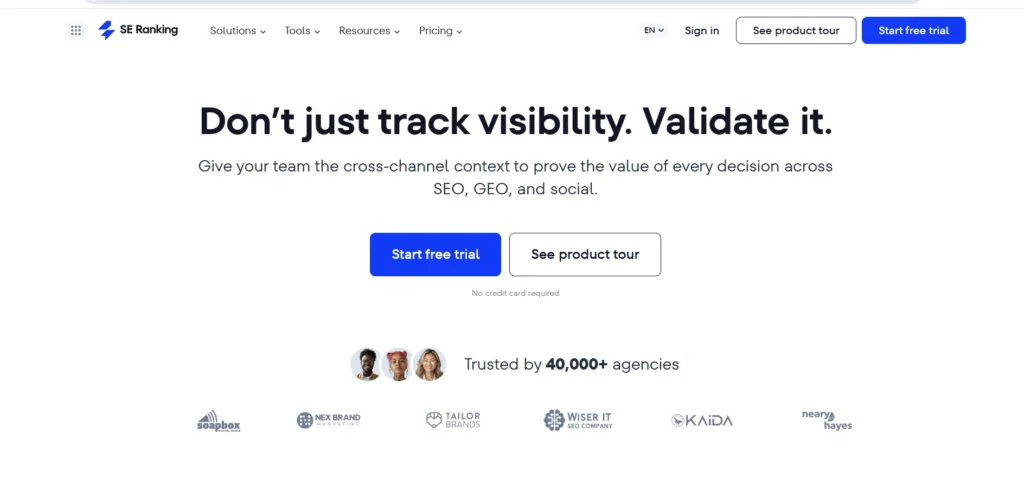
SE Ranking delivers robust ranking analytics, site health scoring, and white-label report creation through an accessible, cloud-backed operating environment. The platform reduces daily monitoring friction by handling keyword tracking loops, running technical health indexing scripts, and compiling performance matrices on auto-pilot. Because it scales effortlessly across multi-client frameworks without breaking the bank, it functions as a highly reliable operations center for managing complex organic campaigns and maintaining clean white-label dashboards for client reporting.
Key Features:
- Automatic recurring keyword ranking tracking across desktop and mobile views.
- Scheduled technical health scanning with custom error message distribution.
- Hyper-local position tracking across explicit geo-coordinates and cities.
- Customizable white-label marketing dashboards with automatic client delivery.
- Multi-site portfolio monitoring from a consolidated technical command view.
Pros:
- Substantially lower starting pricing compared to matching all-in-one organic suites.
- Generous baseline keyword tracking allowance limits relative to the monthly cost tier.
- White-label client portal layouts look highly professional and require little active upkeep.
Cons:
- The absolute depth and update frequency of the backlink database lags behind larger market leaders.
- Historical dataset access is tighter on entry-level subscription tiers.
- Lacks the advanced, deep-level ad intelligence tools found in enterprise-focused applications.
Pricing:
| Essential | Pro | Business |
| $65.00/month | $119.00/month | $259.00/month |
Best For: Freelance search practitioners, boutique marketing firms, and mid-sized company portfolios.
Technical SEO and Crawling Tools
4. Screaming Frog
Website: https://www.screamingfrog.co.uk
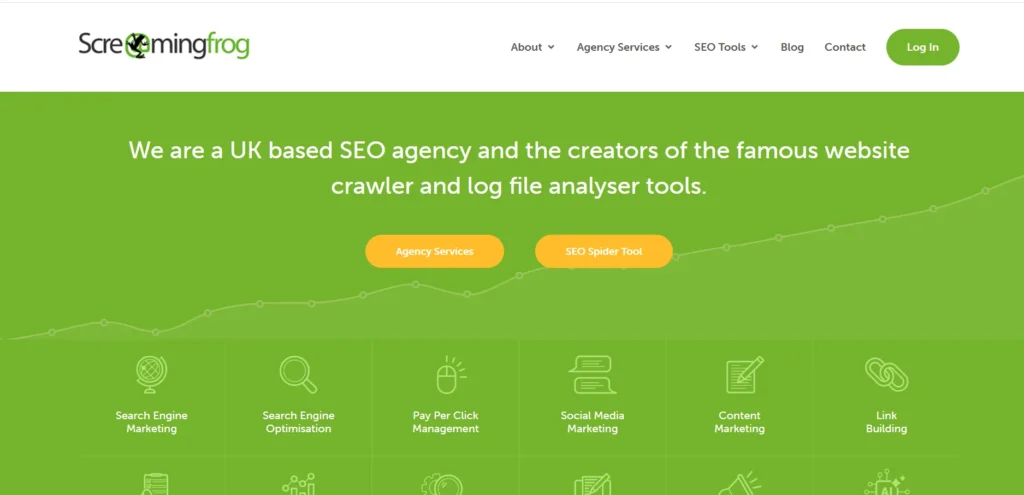
Screaming Frog is an industry-essential technical site crawler and on page SEO tools that shifts into high gear when executed via command-line scripting or automated system scheduling. The platform systematically indexes target websites to catch server timeouts, broken redirect chains, missing structured schema data, and duplicate indexing bugs before they hit search engine live indexes. Rather than forcing technical operators to sit through manual scans, it runs autonomously in the background, exporting structured diagnostic tables and populating cloud storage buckets on a fixed routine to ensure continuous structural health.
Key Features:
- Automated technical site parsing through custom scheduled cron tasks.
- Bulk discovery of 404 response codes, loops, and faulty redirect paths.
- Programmatic generation and updating of multi-tier XML site structures.
- Direct data matching against Google Search Console and Analytics dashboards.
- Scheduled system exports straight into localized spreadsheets or cloud drives.
Pros:
- Unmatched structural parsing depth that surfaces deep code errors other platforms skip.
- Highly resource-efficient when running automated headless crawls via command-line scripts.
- Fixed annual pricing model offers massive cost efficiency over monthly usage tiers.
Cons:
- Desktop-centric local architecture relies heavily on your individual system RAM and processor speeds.
- Visually dense spreadsheet interface carries a sharp learning curve for non-technical teams.
- Does not offer ongoing cloud-backed dashboard hosting for continuous multi-user monitoring.
Pricing:
| Free | Paid |
| Free | $279/year |
Best For: Technical web masters, development-heavy search departments, and deep site auditors.
5. Alli AI
Website: https://www.alliai.com
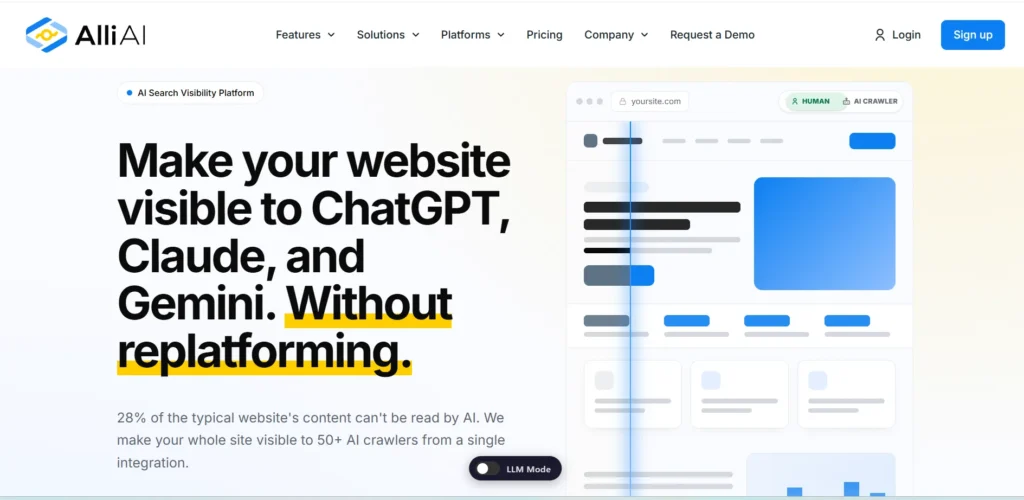
Alli AI transforms the slow development loop of on-page optimization by pushing technical adjustments directly through a singular background cloud script. As one of the most advanced SEO Automation Tools, it reads structural layouts and deploys global metadata fixes, internal anchor distributions, and schema parameters without ever opening a CMS once the snippet is integrated with a web asset. This architectural design completely bypasses slow development backlogs, letting strategy leads automate complex text transformations across massive e-commerce architectures or multi-site code networks in seconds.
Key Features:
- Script-deployed on-page updates that execute directly inside user browsers.
- Bulk transformation and rule execution for metadata setups across deep catalogs.
- Programmatic link mapping that deploys semantic anchors on auto-pilot.
- Immediate operational deployment or complete rolled-back adjustments with one click.
- Complete CMS compatibility across custom frameworks, Shopify, or WordPress.
Pros:
- Completely eliminates operational friction caused by slow developer turnaround times.
- Automates complex schema deployments across thousands of matching layout templates at once.
- Simplifies bulk multi-site maintenance loops through a unified technical panel.
Cons:
- Changes are bound entirely to the JavaScript overlay, disappearing instantly if you cancel the plan.
- Requires initial technical clearance to embed the script tag directly inside root layouts.
- High monthly subscription baseline can become cost-prohibitive for smaller portfolios.
Pricing:
| Business | Agency | Enterprise |
| $299/month | $599/month | Custom |
Best For: Multi-site marketing firms, enterprise content catalogs, and engineering-strapped growth teams.
Content Optimization Tools
6. Surfer AI

Website: https://surferseo.com
Surfer AI blends real-time search engine results page (SERP) scraping with semantic data modeling to automatically generate highly structured, optimized content drafts. The platform processes leading competitor structures to establish contextual entity distributions, target word ranges, and optimal header structures. Because it maps real-time search criteria directly into its interactive writing panel, editorial teams can skip manual search intent mapping, run structured content refreshes on aging articles, and scale production footprints while keeping tight control over their final editorial standards.
Key Features:
- Programmatic structural outline creation derived from live SERP scraping.
- Interactive on-page text scoring using advanced entity weighting rules.
- Scheduled tracking parameters that notify teams of changing keyword trends.
- One-click content refresh layouts to quickly update declining assets.
- Smooth technical integrations with Google Docs and WordPress workflows.
Pros:
- Speeds up structural brief generation by processing multiple ranking pages instantly.
- Built-in natural language processing engine offers highly accurate topic cluster mapping.
- Direct content scoring systems provide writers clear, actionable production benchmarks.
Cons:
- The core SERP parsing engine carries add-on fees on some baseline plans.
- AI credit consumption limits can empty monthly accounts rapidly under heavy use.
- Outlines require manual editing to avoid producing a generic competitor-copying structure.
Pricing:
| Essential | Scale | Enterprise |
| $79/month | $175/month | Custom |
Best For: Fast-moving content agencies, growth managers, and copywriters looking to optimize drafts efficiently.
7. Clearscope
Website: https://www.clearscope.io
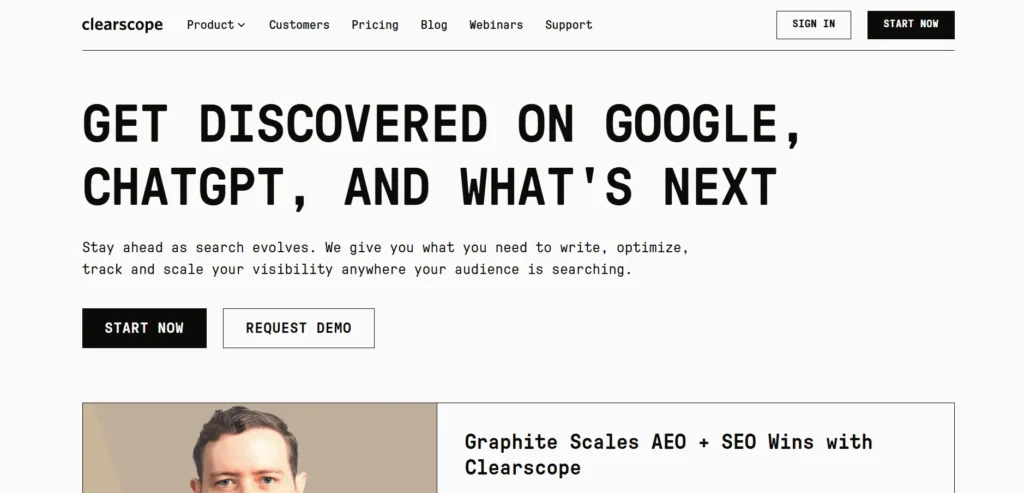
Clearscope leverages advanced NLP (Natural Language Processing) technology to remove the guesswork from creating authoritative, search-optimized content. The tool scans top-performing search entities to generate rich, data-driven content blueprints, mapping clear readability thresholds and core topical targets. This allows writers and editors to track dynamic optimization scores natively within their preferred writing environments, making it a highly reliable tool for maintaining strict standards across large corporate resource libraries.
Key Features:
- Data-driven content briefs built using natural language processing.
- Real-time optimization scoring built directly inside interactive editors.
- Automatic entity mapping to ensure deep topic coverage.
- Integrated content decay monitoring to flag falling rankings early.
- Platform expansions for seamless Google Docs and WordPress workflows.
Pros:
- Allows unlimited user seats on core plans, making it ideal for large freelance teams.
- Extremely clean interface design minimizes software training time for new writers.
- Topical recommendations look natural and focus on high-value semantic entities.
Cons:
- Entry-level plan limits restrict total monthly research credits and reports.
- Carries a premium price tag that might strain smaller boot-strapped operations.
- Lacks broader multi-tool capabilities like all-in-one domain backlink analytics.
Pricing:
| Essentials | Business | Enterprise |
| $129/month | $399/month | Custom |
Best For: Large content editorial teams, corporate brands, and premium content studios.
8. Page Optimizer Pro
Website: https://pageoptimizer.pro
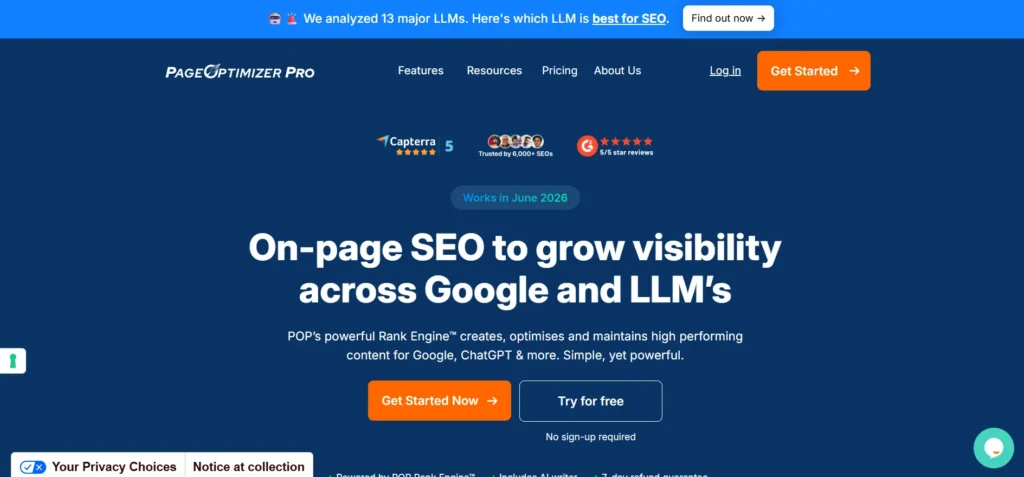
Page Optimizer Pro relies on patented, mathematical on-page formulas to analyze the core HTML elements of top-ranking pages. As one of the data-driven SEO Automation Tools available today, it eliminates much of the guesswork involved in content optimization. Instead of estimating how to structure a webpage, the software provides precise directives detailing exactly how many times keywords should appear in your title tags, subheadings, anchor text, and body copy.
By comparing your technical footprint directly with actual search competitors, it offers a fast, mathematical path to building better topical relevance without over-optimizing.
Key Features:
- On-page structural recommendations backed by core mathematical tracking.
- Direct HTML competitive analysis against specific ranking targets.
- Dynamic entity optimization metrics to help fine-tune keyword density.
- Dedicated browser extension for live scoring directly inside your CMS.
- Bulk reporting engines built to handle multi-page auditing tasks quickly.
Pros:
- Offers highly clear data instructions that remove subjective guesswork from editing.
- The unlimited reporting tier provides excellent cost efficiency for scaling agencies.
- Focuses heavily on high-impact structural adjustments like headings and schema data.
Cons:
- Technical, data-heavy interface design can feel intimidating to non-technical writers.
- The rigid adherence to keyword counts requires careful editing to maintain a natural human tone.
- The step-by-step setup process takes more upfront time than basic scoring platforms.
Pricing:
| Unlimited | Teams | White Glove |
| $56/month | $108/month | From $275 |
Best For: Technical SEO practitioners, affiliate site operators, and data-driven optimizers.
Keyword Research and Planning Tools
9. Mangools
Website: https://mangools.com
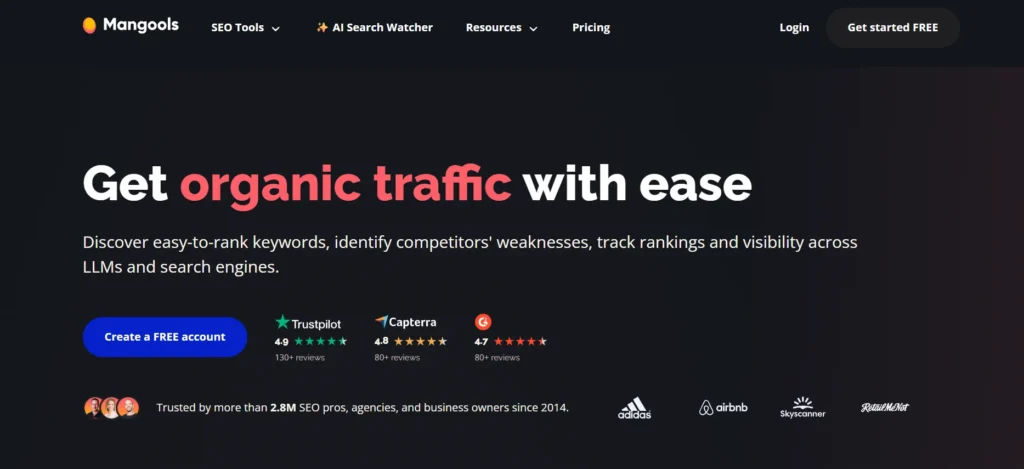
Mangools simplifies data-heavy keyword discovery and position tracking by packaging essential search research tools into an accessible, highly visual cloud suite. The software streamlines daily operations by automating tracking updates, surfacing hyper-local search engine trends, and calculating search intent difficulty metrics on a rolling schedule. Because it skips complex interface engineering in favor of clear data design, it allows operators to manage active keyword lists, track localized map packs, and detect rising competitive trends across targeted niches without getting bogged down in tool navigation.
Key Features:
- Automated daily position monitoring with custom localized rank lookups.
- Instant semantic grouping filters to categorize keyword intent lists.
- Search engine volatility notifications via automated platform dashboards.
- Granular geo-targeted position tracking narrowed down to specific city levels.
- Quick data distribution exports for seamless team review sessions.
Pros:
- Streamlined dashboard interfaces offer exceptional visual clarity for fast data analysis.
- Provides direct local tracking metrics at a fraction of standard market tool pricing.
- Bundled AI additions make monitoring brand prominence across newer search engines simple.
Cons:
- Lacks the deep crawling capabilities required to audit complex technical errors.
- Historical competitor search data indexes are limited compared to major tracking suites.
- Account query caps can exhaust quickly if multiple operators run simultaneous bulk lookups.
Pricing:
| Mangools Basic + AI SW PRO | Mangools Premium + AI SW PRO | Mangools Agency + AI SW PRO |
| $24/month | $34/month | $63/month |
Best For: Indie bloggers, niche site builders, and freelancers managing targeted local keyword campaigns.
10. Ahrefs
Website: https://ahrefs.com
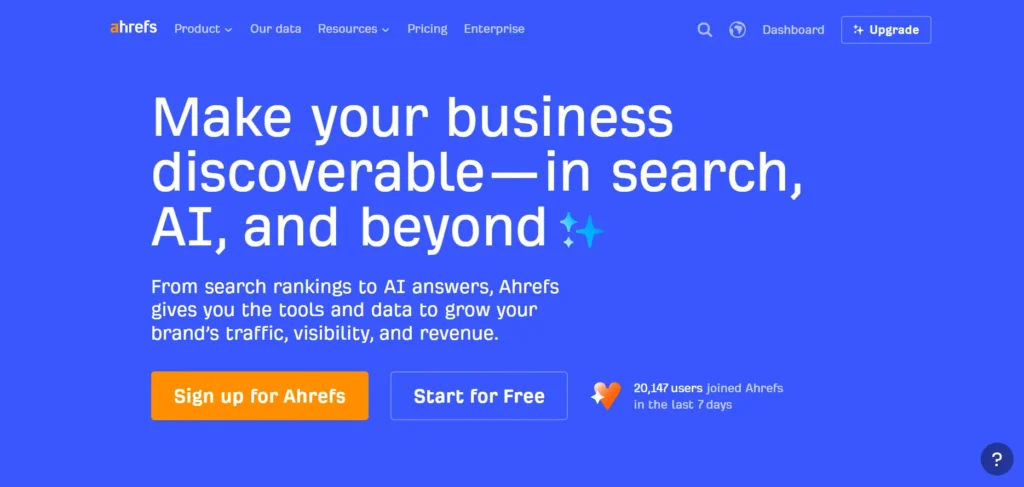
While highly regarded for structural crawling, Ahrefs acts as a robust automated planning framework when utilized via its comprehensive Keywords Explorer engine. The tool runs automated background tracking across massive global search indexes, recording structural movements in search volume, parent topic hierarchies, and intent distribution metrics. Content planning departments can leverage these background lookups to bypass manual keyword data collection, running programmatic filtering loops that expose hidden seasonal search queries and map out long-term keyword clusters automatically.
Key Features:
- Automatic search metric updates across ten distinct global platform indexes.
- Programmatic filtering to isolate terms by explicit intent and traffic potential.
- Automated click-stream data modeling to predict actual user click distribution.
- Instant historical search volume trend breakdowns over multi-year scales.
- Dynamic parental category clustering to group terms into logical content nodes.
Pros:
- Accesses a massive, highly responsive keyword database for unparalleled phrase discovery.
- Click-stream tracking accurately filters out zero-click queries from your target planning lists.
- Smooth programmatic structuring makes creating massive topically relevant outlines effortless.
Cons:
- High starting financial requirements might squeeze small or bootstrapping businesses.
- Individual keyword lookups expend monthly account execution credits rapidly.
- The extensive feature layout can cause initial feature paralysis for newer researchers.
Pricing:
| Lite | Standard | Advanced |
| $129/month | $229/month | $449/month |
Best For: Content strategists, enterprise site planners, and competitive organic search agencies.
Reporting and Dashboard Tools
11. Looker Studio

Website: https://lookerstudio.google.com
Looker Studio is a cloud-based business intelligence engine and popular SEO reporting software that completely eliminates the need for manual organic data extraction and spreadsheet formatting. As one of the most effective SEO Automation Tools for reporting and analytics, the platform links directly to data pipelines from Google Search Console, Google Analytics 4, and various third-party search software APIs to refresh live analytics reports automatically. Once a reporting interface is constructed, it runs completely in the background, updating performance timelines, device distribution ratios, and technical KPIs dynamically to ensure that cross-departmental stakeholders have instant access to real-time marketing metrics.
Key Features:
- Dynamic data refreshing that populates dashboards on a rolling automated loop.
- Native, single-click integration models for core Google search data pipelines.
- Multi-source schema blending to evaluate cross-platform metrics inside a single view.
- Programmatic, hands-off PDF generation and automated delivery schedules.
- Custom dashboard styling rules with complete data access governance for separate users.
Pros:
- Completely removes manual execution friction from weekly or monthly client reporting routines.
- The base tier is highly functional and costs nothing for standard Google-ecosystem tracking.
- Drag-and-drop report assembly offers highly flexible spatial layouts for specialized key metrics.
Cons:
- Connecting non-Google marketing pipelines requires paying separate monthly third-party connector fees.
- Processing multi-source data calculations across millions of rows can cause processing lags.
- Lacks any native keyword discovery features or built-in site parsing tools.
Pricing:
| Free | Pro | Enterprise |
| Free | $9 / user / project / month | Custom |
Best For: Client-facing digital agencies, internal optimization leads, and cross-channel growth marketers.
Workflow and Integration Tools
12. Zapier
Website: https://zapier.com
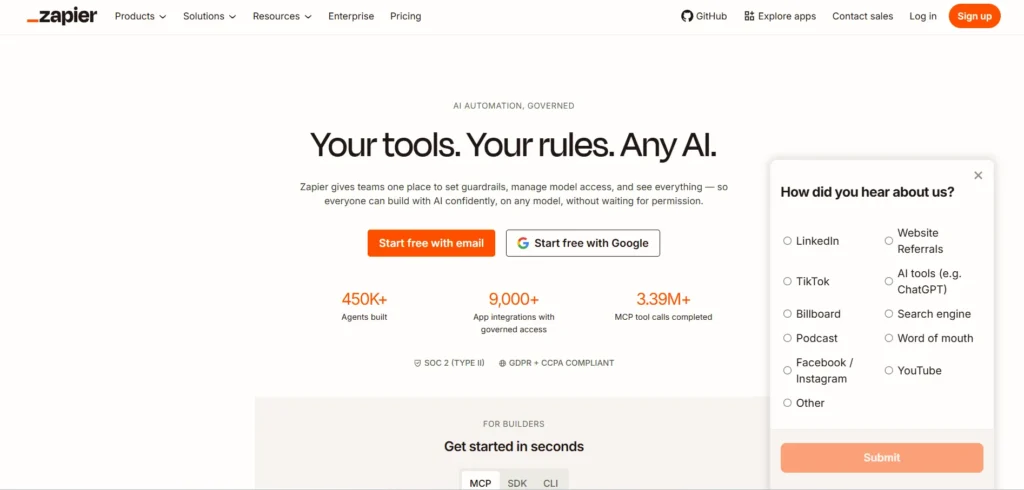
Zapier is a leading cloud orchestration tool that connects disparate software applications to automate custom, multi-app workflows. While not built strictly for search marketing, it serves as the operational connective tissue that removes the friction of manual data migration between separate software platforms. It allows you to build rules-based pipelines that perform instant tasks, such as feeding newly discovered crawl errors directly into your engineering team’s task boards, pinging a team chat whenever your target rankings experience volatility, or pushing fresh lead submissions directly into your CRM platform without writing a line of code.
Key Features:
- Visual drag-and-drop workflow creator connecting thousands of web applications.
- Custom conditional filtering rules and multi-step data processing paths.
- Trigger-based responses linked to scheduled internal webhooks and APIs.
- Automated status notifications routed to communication systems like Slack.
- Native data cleaning modules to reformat text outputs before delivery.
Pros:
- Broad application library ensures almost every modern marketing tool can connect seamlessly.
- Complete no-code execution makes building complex logic paths accessible to non-technical users.
- Background processing runs reliably on tight intervals without active human overwatch.
Cons:
- Multi-step workflow logic is restricted behind premium subscription tiers.
- Heavy data execution loads can rapidly consume monthly task quotas and inflate operating costs.
- It does not generate native keyword metrics or perform standalone site crawling functions.
Pricing:
| Free | Professional | Team | Enterprise |
| $0/month | $19.99/month | $69/month | Custom |
Best For: Operational marketing managers, operations leads, and agencies looking to synchronize separate tools.
13. AirOps
Website: https://www.airops.com
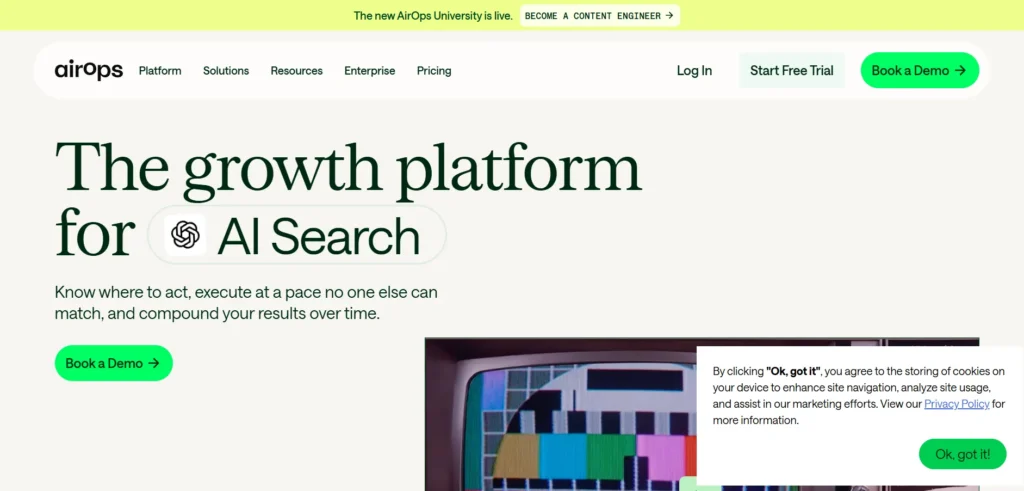
AirOps approaches search operations by giving teams a visual, no-code workspace to assemble custom keyword clustering pipelines, web scraping engines, and data enrichment flows. The platform focuses heavily on giving digital teams total freedom over their production pipelines rather than forcing them to use generic, hard-coded reporting views. This flexible structure lets content strategists extract specific live SERP values, build specialized processing nodes, and pipe fully enriched topic frameworks directly into localized storage formats or internal messaging systems on auto-pilot.
Key Features:
- Flexible no-code workflow editor to build custom processing pipelines.
- Automated keyword list clustering logic to group intent trends quickly.
- Live extraction systems to scrape and organize search results page components.
- Automated context enrichment using advanced machine learning models.
- Smooth webhooks and integrations that route processed data to Sheets or Slack.
Pros:
- Visual node architecture makes modifying data flows incredibly fast and flexible.
- Combines bulk machine learning capabilities with live data collection features.
- Greatly reduces the need for internal engineers to build custom script solutions.
Cons:
- Assembling custom logic maps requires an initial period of testing and onboarding.
- Broad focus requires you to manually define structures instead of using plug-and-play report setups.
- Running heavy, text-heavy data workloads can drain resource task limits faster than anticipated.
Pricing:
| Solo | Pro | Enterprise |
| Start for free | Start for free | Talk to sales |
Best For: Technical growth marketers, analytical SEO strategists, and agile agency operators.
End-to-End Content Automation
14. RankYak
Website: https://rankyak.com
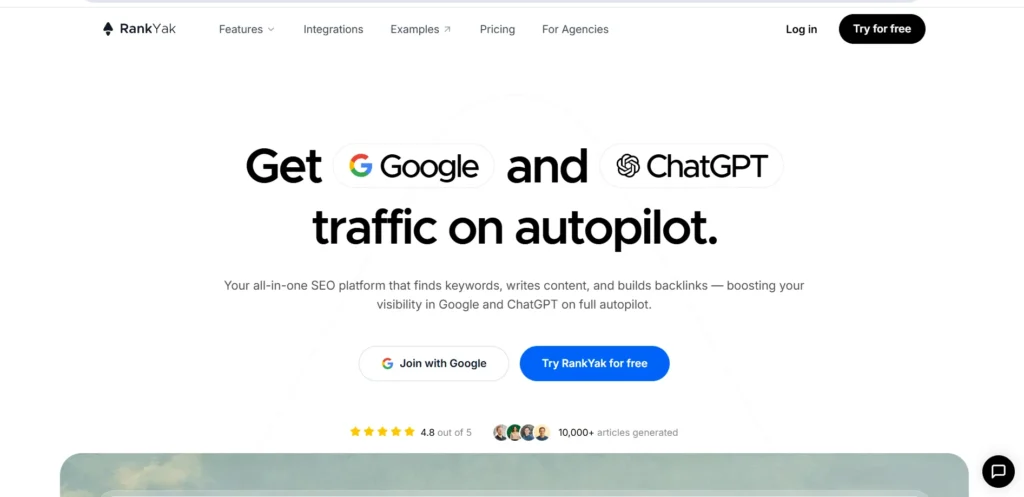
RankYak operates as a hands-off organic growth asset designed to handle the entire lifecycle of content production from initial concept mapping to final publishing. As one of the more comprehensive SEO Automation Tools, it operates silently in the background, continually running intent-focused keyword analysis, mapping out monthly editorial calendars, and building completely optimized long-form articles paired with structural internal linking frameworks. Once a web asset is integrated, it maintains a highly predictable publication frequency, automatically pushing tailored articles directly to connected content management systems to scale digital operations without the overhead of freelance management loops.
Key Features:
- Hands-off search discovery loops driven by real-time target audience analysis.
- Programmatic monthly editorial layout and topic cluster construction.
- Daily generation of long-form, structurally optimized semantic articles.
- Automated media formatting, asset injection, and internal linking adjustments.
- Direct CMS synchronization using webhooks, APIs, and native platform plug-ins.
Pros:
- Streamlines multi-site portfolio growth by taking keyword research and drafting completely off your plate.
- Flat billing structure offers predictable, budget-friendly software overhead for small sites.
- Connects seamlessly with major platforms like WordPress, Shopify, Wix, and Webflow via native webhooks.
Cons:
- The fixed one-article-per-day production limit restricts rapid bulk content loading strategies.
- Relying entirely on hands-off publishing means you still need human oversight to inject distinct brand voices.
- Lacks broader historical backlink monitoring tools or technical site crawling features.
Pricing: $99/mo
Best For: Solopreneurs, automated niche site builders, and lean teams looking for consistent content production.
Comparison Table of Top SEO Automation Tools
To help you quickly compare your options, the table below breaks down the top platforms covered so far. This comparison maps each tool’s primary automation focus, core strengths, and starting price points so you can easily identify which software aligns with your operational workflows and marketing budget.
| Tool Name | Primary Automation Focus | Best Feature | Starting Price |
| Semrush | All-in-One Organic Operations | Comprehensive Competitor Footprint Analytics | $199 / month |
| Ahrefs | Backlink Monitoring & Crawling | Live Global Crawler & Keyword Indexing | $129 / month |
| SE Ranking | White-Label Multi-Client Management | Hyper-Local Position Tracking & Reporting | $65 / month |
| Screaming Frog | Deep Technical Site Parsing | Scheduled, Headless Code-Structure Crawling | Free ($279/year) |
| Alli AI | JavaScript-Based On-Page Edits | Direct Meta and Schema Optimization Scripts | $299 / month |
| Surfer AI | Real-Time Competitor SERP Scoring | Semantic Topic Cluster Mapping & Outlining | $79 / month |
| Clearscope | NLP-Driven Content Blueprints | High-Value Semantic Entity Recommendations | $129 / month |
| Page Optimizer Pro | Mathematical On-Page Structure | Precise Target HTML Element Optimization | $56 / month |
| Mangools | Visual Local Metric Tracking | Simplified Geo-Targeted Rank Lookups | $24 / month |
| Looker Studio | Cross-Platform Data Visualization | Dynamic Google API Reporting Dashboards | Free |
| Zapier | Multi-App Task Synchronization | No-Code Alert and Task Creation Pipelines | Free ($19.99/mo) |
| AirOps | Custom Node Data Processing | Visual Drag-and-Drop Workflow Builder | Free to start |
| RankYak | Full Lifecycle Content Publishing | Hands-Off Automated Article Production | $99 / month |
How to Build Your SEO Automation Stack in 2026
Building an efficient operations pipeline means moving away from a single, clunky tool and instead connecting a collection of specialized software. A modern, multi-tool setup ensures that your technical site diagnostics, keyword research, and reporting workflows pass data to one another completely hands-free.
- Establish an All-in-One Foundation: Use an enterprise-grade platform like Semrush or Ahrefs to handle your massive keyword tracking arrays, historical competitor metrics, and primary domain oversight.
- Deploy Cloud-Based Structural Crawling: Configure an autonomous technical system like Screaming Frog to execute weekly headless background scans, pushing diagnostic tables straight to your cloud storage.
- Integrate a Native Semantic Engine: Layer in specialized natural language processing software like Clearscope or Surfer AI directly into your content production workspace to build data-driven briefs automatically.
- Orchestrate Cross-App Pipelines: Connect your search tools with a no-code orchestrator like Zapier or AirOps to instantly pipe crawl errors, traffic spikes, or rank drops directly to your internal communication boards.
- Automate Client-Facing Reports: Link all your data streams natively into Looker Studio dashboards to build auto-refreshing visual performance reports, completely eliminating manual spreadsheet pulling.
What Should You Not Automate in SEO?
While automation excels at handling repetitive, data-heavy tasks, relying too much on software can backfire if applied blindly. Certain strategic areas require human empathy, deep critical thinking, and nuanced brand alignment that algorithms simply cannot replicate.
- Final Editorial Review and Brand Voice: Relying entirely on automated text generation risks stripping out your brand’s unique point of view, original research, and the real-world expertise required to rank well.
- Core Search Intent and UX Evaluation: Software can flag technical keyword patterns, but it cannot authentically experience a page to judge if the visual layout and structure truly satisfy a human user’s intent.
- High-Level Growth Strategy and Topical Planning: While scripts can instantly cluster data patterns, deciding where to invest marketing budgets and which high-level topical concepts to target requires human market insight.
- Digital PR and Strategic Partnership Outreach: Automated, template-driven email blasting destroys outreach response rates; building real brand relationships and earning high-value backlinks requires personalized, human communication.
- Interpreting Complex Data Anomaly Context: When a site experiences a sudden traffic drop, automation can track the chart decline, but diagnosing the true cause such as a complex, multi-layered search engine algorithm update requires manual human analysis.
Frequently Asked Questions
1. Can Using SEO Automation Tools Lead To A Google Penalty?
No, using automation for data gathering, site crawling, running technical audits, or scheduling reports will never cause a penalty. These tasks are strictly operational. However, if you use end-to-end publishing tools to automatically generate and publish thousands of low-quality, unedited AI articles without human verification or original research, your site can be flagged under Google’s spam and helpful content guidelines for scaling manipulative content.
2. How Do Modern AI Overviews And Answer Engines Change What We Need To Automate?
With engines like Google AI Overviews directly answering queries on the search results page, organic click-through rates have declined by roughly 20-30% for informational terms. Because of this shift, automation should be focused on scraping SERPs to track brand mentions and source citations within AI summaries, rather than tracking your position in standard blue links.
3. What Is The Difference Between Custom API Automation And Standard Scripts?
Standard software scripts (like the ones used by Alli AI or OTTO SEO) act as a visual code overlay, injecting temporary tags and meta metadata directly into the visitor’s browser on top of your existing CMS. Custom API automation involves writing code to link data pipelines directly into your backend server or visual dashboards, making the changes permanent and avoiding reliance on browser-side execution.
4. Is It Possible To Automate Internal Link Building Completely Hands-Free?
Yes, using tools that analyze text semantics like Alli AI or specialized Python scripts. These systems scan your entire database of pages, map out corresponding anchor text phrases based on entity relevance, and insert structural hyperlinks automatically. While efficient for large e-commerce platforms, it is still recommended to set these systems to a “review before publishing” mode to prevent awkward, out-of-context link placement.
5. How Often Should Technical Site Audits Be Set To Run Automatically?
For mid-sized content blogs and local business websites, a weekly automated crawl schedule is ideal for catching broken paths or missing schema data without overloading server bandwidth. However, large enterprise e-commerce platforms or active marketplace directories with dynamic daily inventory modifications should be crawled continuously or set to daily runs to catch fatal indexation issues immediately.
Final Thoughts
In conclusion, embracing SEO automation isn’t about removing human ingenuity from your digital strategy; it is about freeing yourself from the manual grind of data extraction and repetitive workflows. By leveraging modern SEO Automation Tools, you can let software handle background technical audits, dynamic position tracking, and real-time competitor profiling while buying back the time needed to solve complex growth problems. In a modern search environment that moves incredibly fast, trying to manage every optimization point by hand is no longer a viable option if you want to scale effectively. Investing in the right SEO Automation Tools allows businesses to streamline operations, improve efficiency, and focus on the strategic initiatives that drive sustainable organic growth.
Building your ideal technical setup comes down to identifying where your daily execution bottlenecks are hiding. Whether you need an all-in-one suite like Semrush to act as your core data command center, a specialized optimization engine like Clearscope to streamline editing, or a no-code link like Zapier to handle team alerts, there is a tool designed to fill that operational gap. Start by automating one or two manual friction points today, and watch your growth strategy become far more systematic, predictable, and scalable.