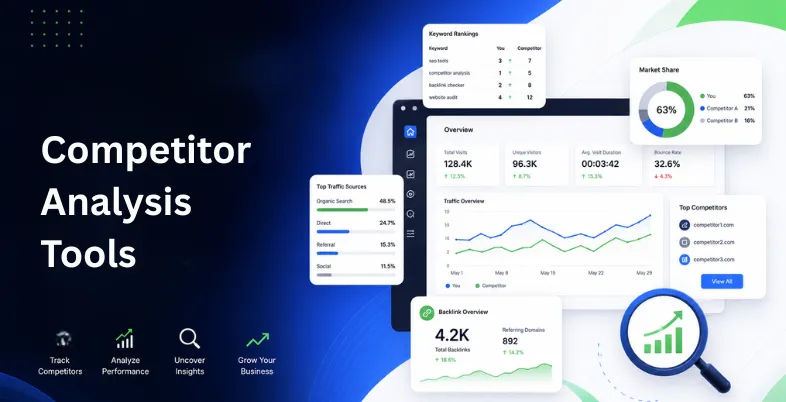
Every successful business needs to understand the market it operates in and the competitors it is up against. Knowing how other brands attract customers, rank online, and promote their services can help you discover new ways to improve your own strategy. Competitor Analysis Tools allow businesses to study competitor keywords, traffic sources, backlinks, content performance, and marketing techniques in one place. Instead of relying on assumptions, these tools provide real data that helps identify strengths, weaknesses, and growth opportunities.
They are useful for marketers, SEO professionals, and businesses looking to create more effective campaigns and gain a competitive advantage. From finding content gaps to improving search rankings, competitor analysis helps turn market insights into actionable strategies. With the right tools and approach, businesses can better understand their audience, make smarter decisions, and build a stronger presence in their industry.
What Is Competitor Analysis?
Competitor analysis is the process of researching and studying businesses that operate in the same industry or target the same audience as you. It helps you understand how your competitors perform, what strategies they use, and where they succeed or struggle. This analysis usually includes checking their website, SEO performance, keywords, content strategy, backlinks, social media activities, pricing, customer reviews, and overall online presence.
By collecting and comparing this information, businesses can identify their competitors’ strengths and weaknesses. It also helps uncover opportunities such as untapped keywords, content gaps, better marketing approaches, and areas where your brand can offer more value. Instead of making decisions based only on assumptions, competitor analysis provides real market insights that help create more effective strategies.
Why Does Competitor Analysis Matter?
Competitor analysis matters because it gives businesses a clearer understanding of the market and helps them stay prepared for changes. In a competitive environment, knowing what others are doing allows brands to adjust their strategies, improve their offerings, and find new ways to attract customers.
It helps businesses discover what attracts their target audience, identify areas for improvement, and avoid mistakes competitors may already have made. Whether it is improving SEO rankings, creating better content, or building stronger marketing campaigns, competitor insights help companies make smarter decisions. By using competitor research effectively, brands can stay relevant, find growth opportunities, and build a stronger position in their industry.
How We Selected These Tools (Our Testing Criteria)
To identify the most effective competitor analysis tools, we evaluated each platform based on practical factors that impact its performance and usefulness. Our testing focused on how well these tools help users research competitors, find opportunities, and improve their marketing strategies.
- Data Accuracy: We checked whether the tools provide reliable competitor data, including keyword rankings, traffic estimates, backlinks, and website performance insights. Accurate data helps businesses make better decisions.
- Feature Availability: We reviewed the range of features offered, such as competitor tracking, SEO analysis, content research, keyword comparison, social media monitoring, and market research capabilities.
- Ease of Use: A good tool should be simple to navigate. We considered the user interface, learning curve, and how easily users can access and understand important insights.
- Competitor Research Depth: We analyzed how much information each tool provides about competitors, including their top-performing content, strategies, audience reach, and areas where they have an advantage.
- Reporting & Analytics: We looked at the quality of reports, dashboards, and visual data presentation to ensure users can quickly understand findings and take action.
- Pricing & Value: We compared pricing plans, free features, and overall value to determine whether the tool is worth the investment for different types of users.
- Integration Options: We checked whether the tools work well with other platforms like analytics, SEO, and marketing systems for smoother workflows.
- Regular Updates: We considered how often the tools refresh their data and add new features to keep up with changing market trends.
Quick Comparison
| Tool | Pricing | Main Purpose | Competitor Data Type | Ease of Use | Best suited for |
|---|---|---|---|---|---|
| Google Trends | Free | Trend & market research | Search interest, topic popularity, brand comparison | Very Easy | Beginners, content creators, marketers |
| Google Search Console | Free | Website SEO monitoring | Keywords, rankings, impressions, clicks | Easy | Website owners, SEO beginners |
| Similarweb | Free plan available; Paid plans vary | Traffic & market intelligence | Traffic sources, audience, industry comparison | Easy | Businesses, marketers, agencies |
| Ubersuggest | Free plan available; Paid starts around $29/month | SEO competitor research | Keywords, backlinks, top pages | Easy | Small businesses, bloggers |
| SpyFu | Free limited access; Paid starts around $39/month | SEO & PPC competitor tracking | Competitor keywords, ads, ranking history | Moderate | SEO professionals, PPC marketers |
| Social Blade | Free; Premium available | Social media tracking | Followers, growth, engagement trends | Very Easy | Influencers, social media teams |
| Google Alerts | Free | Competitor monitoring | Mentions, news, online updates | Very Easy | Brand monitoring, businesses |
| SEO PowerSuite | Free version; Paid starts around $299/year | Complete SEO analysis | Rankings, backlinks, audits | Moderate | SEO experts, agencies |
| MozBar | Free; Moz Pro starts around $99/month | Quick SEO comparison | Domain authority, page authority, SERP data | Very Easy | Content marketers, SEO beginners |
| KeywordTool.io | Free version; Paid starts around $69/month | Keyword research | Search suggestions, keyword ideas | Easy | Content writers, SEO users |
| Yandex Metrica | Free | User behavior analysis | Heatmaps, sessions, visitor behavior | Moderate | UX teams, analytics users |
| Marketing Miner | Free plan available; Paid plans vary | SEO data analysis | Keyword gaps, rankings, SERP insights | Moderate | SEO professionals |
| BuiltWith | Free lookup; Paid starts around $295/month | Technology research | Website tech stack, CMS, tools used | Easy | Developers, sales teams |
| CheckCompetitor | Paid (pricing varies) | Competitor monitoring | Website changes, updates, pricing changes | Easy | Small businesses |
| ToolerBox Competitor Finder | Free | Competitor discovery | SEO/PPC overlap, competitor domains | Very Easy | Beginners, quick research |
List of Top 15 Free Competitor Analysis Tools
1. Google Trends
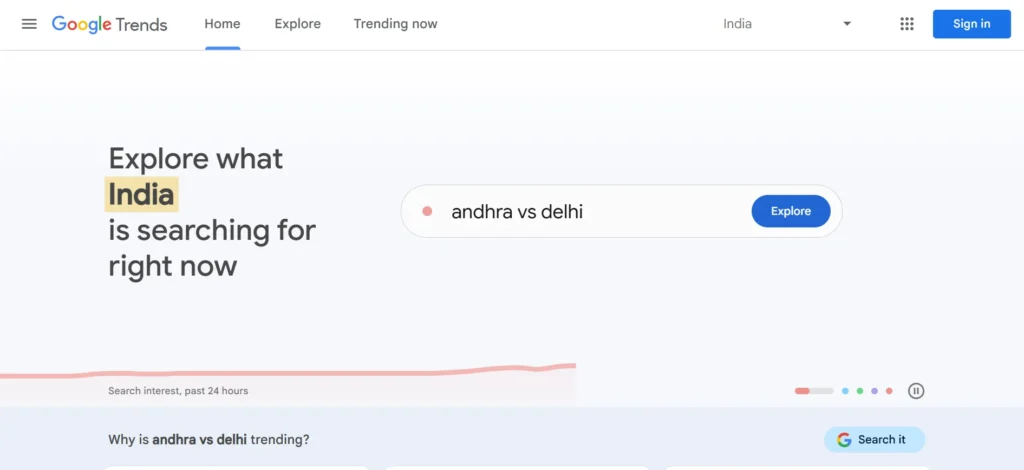
Google Trends is a free utility that assists the company in determining the demand in the market in terms of search interest. It enables users to make comparisons of several keywords, brands or topics by regions and even by time.
This is particularly practical in determining seasonal trends, new entrants, and consumer behavior change. Google Trends helps marketers validate content ideas, plan campaigns and track the popularity of their brands against competitors.
Although it does not specify the number of searches, the visual trend data it provides is a great source of strategic information related to SEO, content marketing, and product positioning. It can also be used alongside SEO automation tools to streamline keyword tracking, trend monitoring, and data-driven optimization workflows.
Website: https://trends.google.com
Key Features:
- Tracks keyword and brand popularity trends over time and across regions.
- Compares multiple competitors, products, or topics side by side.
- Identifies seasonal demand and emerging market trends.
- Provides real-time insights into user search behavior.
- Ideal for market research, content planning, and trend-based competitor analysis.
Pros:
- Completely free and easy to use.
- Helps identify trending topics, keywords, and customer interests.
- Allows comparison of multiple keywords, brands, or topics.
- Provides regional and seasonal trend insights.
- Useful for content planning and market research.
Cons:
- Does not provide exact keyword search volume.
- Limited competitor performance data.
- Does not show backlink or traffic analysis.
- Requires other tools for deeper SEO research.
Pricing:
- Free to use
- No paid subscription required.
2. Google Search Console
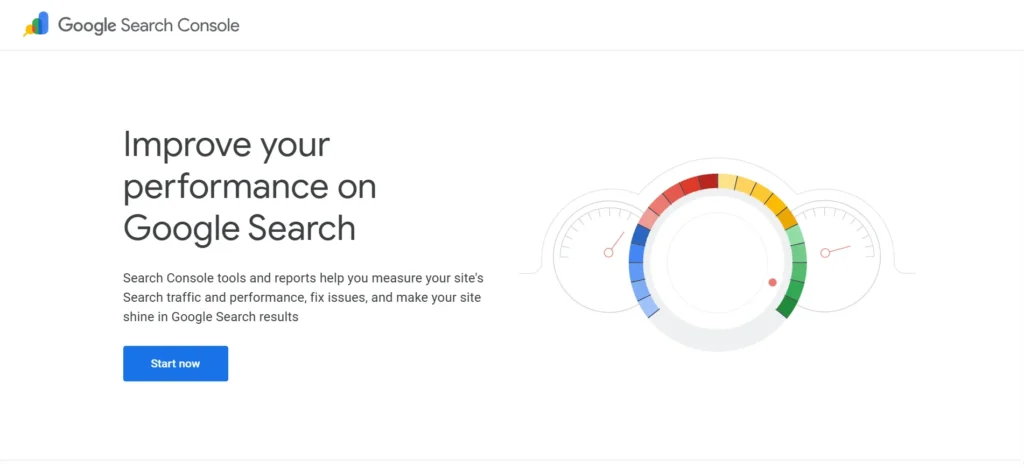
The Search Console is a strong free application by Google offering first-hand information regarding the performance of a site in search engines. It indicates the impressions of keywords, clicks, rank, indexing, and problems.
In a way it does not show competitor websites but it assists in analysing competing keywords as it shows queries where competitors can beat you. Businesses are able to determine gaps, optimize pages, and monitor improvement in performance.
Since the data is provided by Google directly, it is very helpful and necessary to comprehend organic visibility and competitive positioning in search results.
Website: https://search.google.com/search-console
Key Features:
- Displays search performance data directly from Google.
- Tracks keyword impressions, clicks, and average rankings.
- Helps identify competitor-dominated keywords and gaps.
- Monitors indexing issues and technical SEO health.
- Ideal for analysing organic search competition and visibility.
Pros:
- Provides accurate data directly from Google.
- Tracks clicks, impressions, rankings, and keywords.
- Helps find SEO issues and improve website performance.
- Useful for identifying keyword opportunities.
- Free for website owners.
- SEO Reporting solution
Cons:
- Only provides data for your own website.
- Cannot directly analyze competitors.
- Limited backlink and market analysis features.
- Requires website verification.
Pricing:
- Free to use
- Available for all website owners.
3. Similarweb
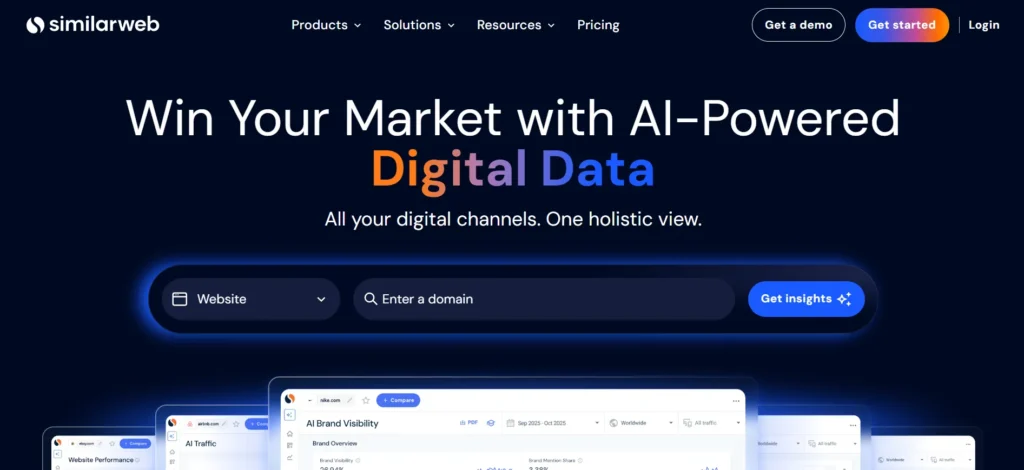
SimilarWeb is a powerful platform that helps businesses understand competitor performance by analyzing website traffic, audience behavior, and referral channels. Among various competitor analysis tools, Similarweb provides valuable insights by showing how competitors attract visitors through search, social media, direct traffic, and other sources. The free version allows users to study competitor websites and explore their visitors’ sources across different channels.
It is especially useful for benchmarking digital performance, identifying growth opportunities, and understanding market trends. While paid plans provide more detailed and accurate data, the free version still offers helpful insights for businesses and marketers.
Similarweb enables marketers to compare competitor strategies, evaluate market positioning, and discover areas where they can improve their own digital marketing efforts.
Website: https://www.similarweb.com
Key Features:
- Provides website traffic estimates and audience insights.
- Analyses competitor traffic sources, including search, social, and referrals.
- Identifies top-performing competitor pages and markets.
- Offers industry benchmarking and trend comparisons.
- Ideal for high-level competitive intelligence and digital strategy planning.
Pros:
- Provides competitor traffic estimates.
- Shows traffic sources, audience insights, and engagement data.
- Helps compare market performance.
- Useful for digital strategy planning.
- Offers industry benchmarking.
Cons:
- Free version has limited data.
- Traffic estimates may not always be exact.
- Advanced features require paid plans.
- Less useful for small websites with low traffic.
Pricing:
- Free Plan: Limited competitor insights and traffic data.
- Paid Plans: Start around $199/month (varies by package).
- Enterprise pricing available.
4. Ubersuggest
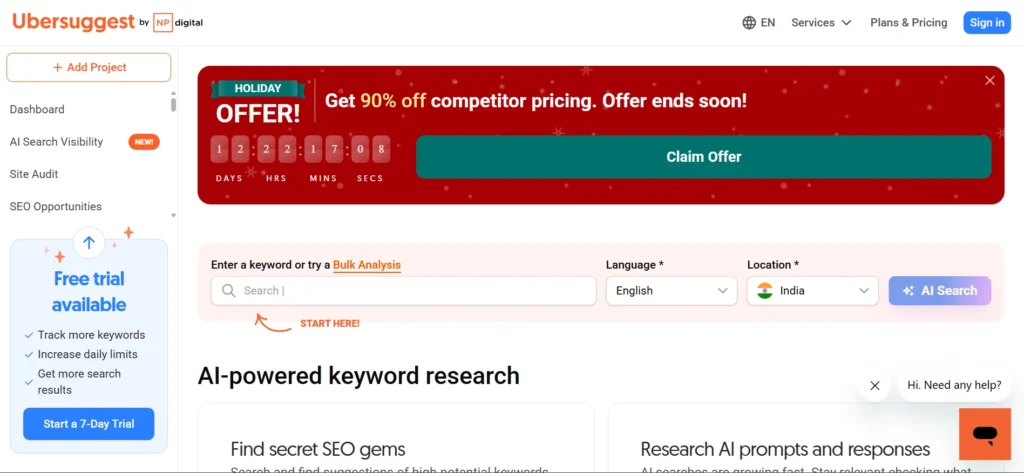
Ubersuggest is a free-to-use SEO/competitor analysis software that is created by Neil Patel, aimed at beginners. It also gives ideas on keywords, search engine optimization, backlinks information, and rival site information.
It allows users to analyse top-performing pages and keywords of the competitors and enhance personal strategies. The free plan has a number of daily searches, but it is enough to suit small businesses and bloggers.
Ubersuggest is the most user-friendly competitor SEO tool due to a lack of complicated dashboard features, so it can be a favorite among startups and individual marketers.
Website: https://neilpatel.com/ubersuggest
Key Features:
- Keyword research with SEO difficulty and traffic estimates.
- Competitor domain analysis and top pages insights.
- Backlink overview for competitive link-building strategies.
- Simple interface suitable for beginners.
- Ideal for startups and small businesses conducting SEO competitor research.
Pros:
- Beginner-friendly SEO tool.
- Provides keyword research and competitor insights.
- Shows competitor top pages and backlinks.
- Offers simple reports.
- Suitable for small businesses.
Cons:
- Limited searches in free version.
- Advanced data requires paid access.
- Less detailed compared to premium SEO tools.
- Smaller database than some competitors.
Pricing:
- Free Plan: Limited daily searches.
- Paid Plans: Start around $29/month.
- Lifetime plans may also be available.
5. SpyFu
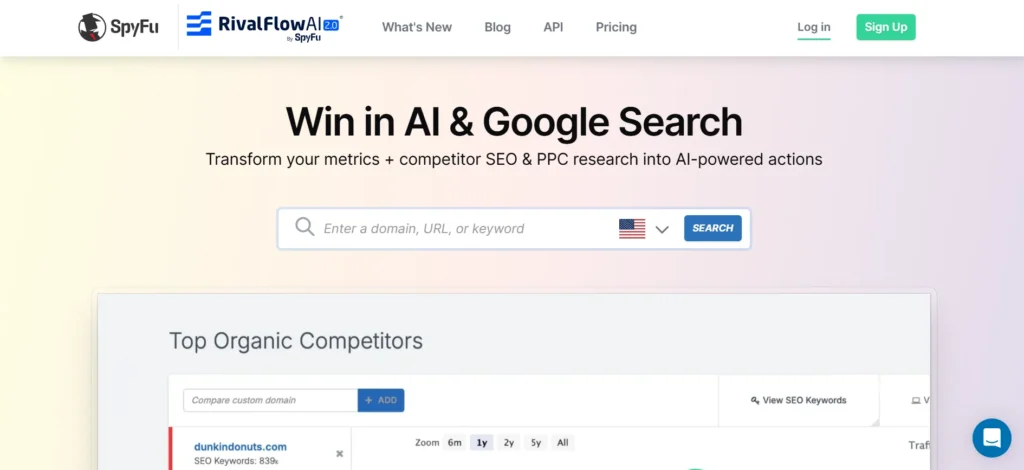
SpyFu is a powerful SEO and PPC research platform that focuses on competitor keyword analysis, helping businesses understand what keywords competitors rank for and bid on in Google Ads. Among various competitor analysis tools, SpyFu provides insights into competitor search strategies, paid campaigns, keyword performance, and advertising history.
The free version offers limited access to important data and domain overviews, but it still helps users discover competitor tactics and valuable keyword opportunities. It is especially useful for marketers who want to analyze paid advertising strategies, improve keyword targeting, and identify profitable search terms.
While advanced features require a paid subscription, the available free insights can help businesses understand competitor marketing approaches and make more informed decisions to improve their SEO and PPC campaigns.
Website: https://www.spyfu.com
Key Features:
- Reveals competitor SEO and Google Ads keywords.
- Tracks ranking and PPC data.
- Identifies profitable keywords competitors are targeting.
- Provides domain-level competitive insights.
- Ideal for SEO and paid advertising competitor analysis.
Pros:
- Strong competitor keyword research capabilities.
- Provides SEO and PPC competitor insights.
- Shows competitor ad history.
- Helps identify profitable keywords.
- Useful for paid advertising research.
Cons:
- Free access is limited.
- Full historical data requires a subscription.
- The interface may feel complex for beginners.
- Focuses mainly on Google search data.
Pricing:
- Free Access: Limited searches and data.
- Paid Plans: Start around $39/month.
- Higher plans available for agencies.
6. Social Blade
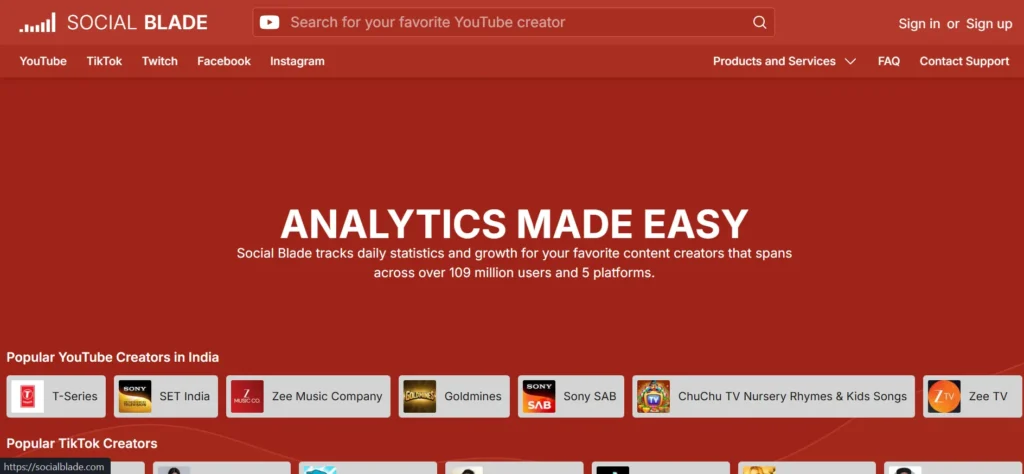
Social Blade is another free competitor performance analyzer of such social networks as YouTube, Instagram, TikTok, and Twitter. It displays the number of followers, activity, predicted revenues, and content statistics.
That is why it is perfect to analyse influencers and benchmark social media. Although it does not offer any SEO insights, Social Blade can be of great help in terms of knowing how competitors grow their social strategies.
It assists the brand to measure the consistency of its content, audience development, and positioning in the competitive markets that are driven by social media.
Website: https://socialblade.com
Key Features:
- Tracks social media growth across YouTube, Instagram, TikTok, and Twitter.
- Displays follower trends, engagement, and estimated earnings.
- Compares influencer and brand performance easily.
- Offers daily analytics updates.
- Ideal for social media competitor and influencer analysis.
Pros:
- Tracks social media growth trends.
- Supports YouTube, Instagram, TikTok, and other platforms.
- Shows follower growth and engagement data.
- Useful for influencer research.
- Provides easy competitor comparisons.
Cons:
- Does not provide SEO insights.
- Limited website analysis features.
- Estimated earnings may not be fully accurate.
- Not suitable for deep marketing research.
Pricing:
- Free Plan: Available with basic analytics.
- Premium Plans: Start around $3.99/month.
- Higher tiers available.
7. Google Alerts
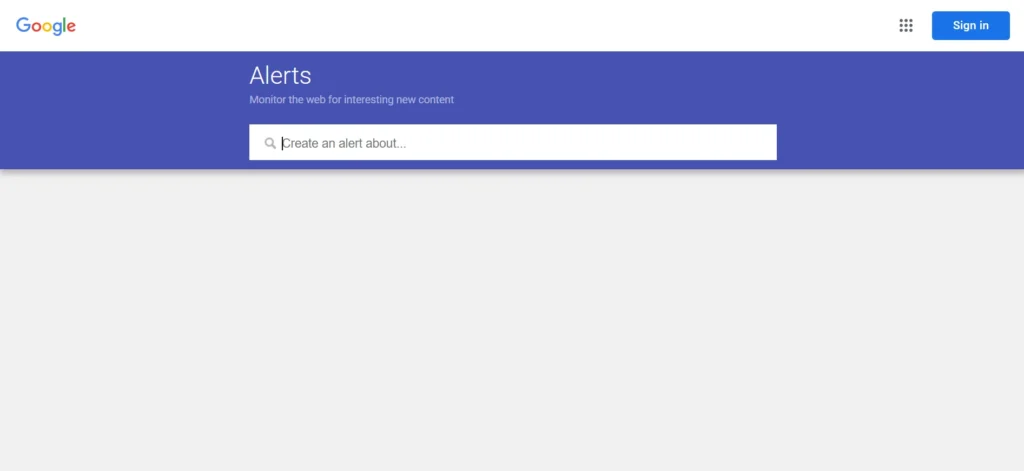
Google Alerts is a simple yet effective competitor monitoring tool that sends email notifications whenever specific keywords, brand names, or topics are mentioned online. It helps businesses track competitor news, product launches, PR activities, industry updates, and online mentions without manually searching.
Among different competitor analysis tools, Google Alerts is useful for staying updated on competitor activities and monitoring changes in the market. It supports reputation management and helps businesses identify new opportunities, although it does not provide detailed analytics, traffic insights, or SEO performance data.
Google Alerts works best when combined with other research tools to build a complete competitor monitoring strategy. It allows businesses to stay informed about market trends, competitor movements, and important industry developments in real time.
Website: https://www.google.com/alerts
Key Features:
- Sends notifications for competitor brand mentions.
- Tracks news, blogs, and online discussions automatically.
- Helps monitor PR, backlinks, and reputation.
- Requires no technical setup.
- Ideal for real-time competitor monitoring and brand tracking.
Pros:
- Completely free.
- Tracks competitor mentions automatically.
- Helps monitor news, blogs, and brand mentions.
- Easy to set up.
- Useful for reputation monitoring.
Cons:
- Does not provide detailed analytics.
- No competitor traffic or SEO data.
- Can miss some online mentions.
- Limited reporting features.
Pricing:
- Completely Free
- No premium version available.
8. SEO PowerSuite
SEO PowerSuite is an offline SEO tool that provides tracking of keywords, competition, backlink audit, and site health. Its free version also enables competition research ,which is limited but useful such as ranking and on-page comparisons.
Since it is locally operated, it offers a greater level of control regarding the use of data. Although it is not a free tool and may need installation, it is a good option when the user needs to conduct a thorough analysis of SEO without incurring immediate expenses.
SEO PowerSuite is the best fit to the user who likes the search engine optimization details and long-term project monitoring.
Website: https://www.seopowersuite.com
Key Features:
- Desktop-based SEO and competitor analysis toolkit.
- Tracks keyword rankings and competitor positions.
- Performs backlink and site audits.
- Offers project-based SEO tracking.
- Ideal for detailed SEO competitor analysis with free usage limits.
Pros:
- Offers complete SEO analysis features.
- Includes keyword tracking and backlink research.
- Provides competitor ranking analysis.
- Desktop-based tool gives more control.
- Good for long-term SEO projects.
Cons:
- Requires software installation.
- Free version has limitations.
- Can be overwhelming for beginners.
- Some advanced features require paid plans.
Pricing:
- Free Version: Available with limited features.
- Paid Plans: Start around $299/year.
- Professional and Enterprise options available.
9. MozBar (by Moz)
MozBar is a free browser extension that indicates important metrics of SEO when browsing websites. It displays the Domain Authority, page Authority, back links and the difficulty of the keyword immediately.
This simplifies competitor research and makes it readily available when one is browsing. MozBar is best suited to identify its robust competitors and assess the SERP outcomes.
Though the free version does not have all the advanced metrics, it comes in very handy when one needs quick comparisons in SEO and competitive analysis, particularly when one is a content marketer or learning SEO.
Website: https://moz.com/products/pro/seo-toolbar
Key Features:
- Browser extension displaying Domain Authority and Page Authority.
- Instantly analyzes competitor SERP results.
- Provides backlink and keyword insights.
- Easy to use during browsing.
- Ideal for quick SEO competitor comparisons.
Pros:
- Free browser extension.
- Quickly shows Domain Authority and Page Authority.
- Useful for SERP competitor analysis.
- Easy to use while browsing.
- Helps evaluate competitor websites quickly.
Cons:
- Limited features in free version.
- Requires Moz Pro for advanced insights.
- Does not provide complete competitor analysis.
- Limited reporting options.
Pricing:
- Free Version: Browser extension with basic metrics.
- Moz Pro: Starts around $99/month.
- Advanced plans available.
10. KeywordTool.io
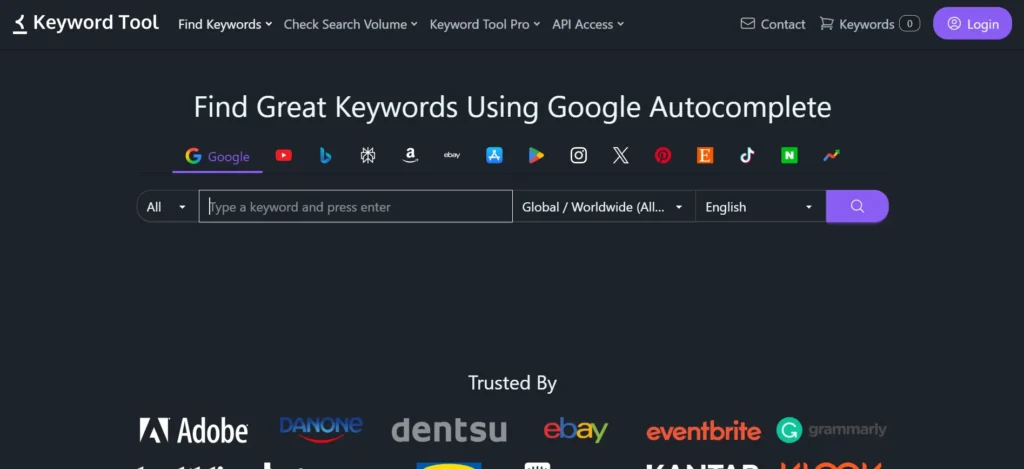
KeywordTool.io is a keyword research platform that generates keyword suggestions from Google, YouTube, Bing, Amazon, and other search platforms. It helps businesses discover competitor keywords and content opportunities by analyzing user search behavior and popular queries.
Among various competitor analysis tools, KeywordTool.io is especially useful for finding long-tail keywords, improving content planning, and understanding what audiences are searching for. The free version provides a wide range of keyword ideas but does not include advanced metrics like search volume, competition level, or detailed SEO data.
Marketers can use KeywordTool.io to identify search trends, explore new content topics, and align their strategies with competitive keyword opportunities. It is a useful option for businesses looking to strengthen their content and SEO approach.
Website: https://keywordtool.io
Key Features:
- Generates keyword ideas from Google, YouTube, Bing, and Amazon.
- Helps identify competitor keyword opportunities.
- Focuses on long-tail keyword discovery.
- No account required for basic usage.
- Ideal for content and keyword-based competitor research.
Pros:
- Generates many keyword ideas.
- Supports Google, YouTube, Amazon, and Bing.
- Good for finding long-tail keywords.
- Helps discover content opportunities.
- Simple interface.
Cons:
- Search volume data requires paid plans.
- Limited competitor analysis features.
- Does not provide deep SEO metrics.
- Less useful for backlink research.
Pricing:
- Free Version: Keyword suggestions available.
- Paid Plans: Start around $69/month.
- Business plans available.
11. Yandex Metrica
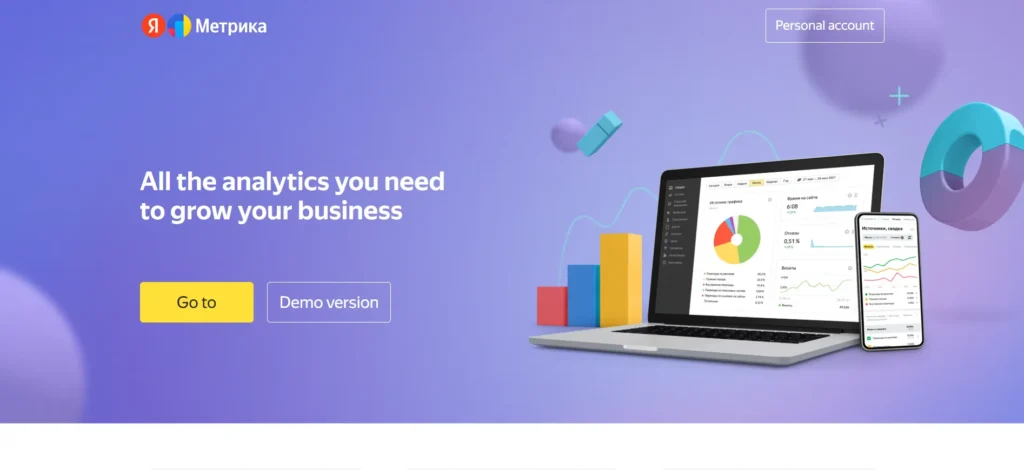
Yandex Metrica is a free tool like Google Analytics, which provides great user behaviors, heat maps, and session recordings.
It is particularly useful in competitor research in the areas where Yandex is prevalent. Though mainly used on your own site, it is also a good resource of benchmarking information when it is employed in a strategic manner.
It can be used to analyse competitor behaviour in UX-oriented competitor analysis and conversion optimization because it includes detailed behavioural analytics to comprehend user interaction with content.
Website: https://metrica.yandex.com
Key Features:
- Advanced analytics with heatmaps and session recordings.
- Provides detailed user behavior insights.
- Useful for benchmarking user engagement.
- Strong presence in European and Asian markets.
- Ideal for UX-focused competitor analysis.
Pros:
- Provides heatmaps and user behavior insights.
- Includes session recordings.
- Helps understand visitor actions.
- Useful for UX analysis.
- Free analytics solution.
Cons:
- More useful in Yandex-focused markets.
- Limited direct competitor research.
- Not ideal for Google-focused SEO.
- Requires setup and technical understanding.
Pricing:
- Free to use
- No paid subscription required.
12. Marketing Miner
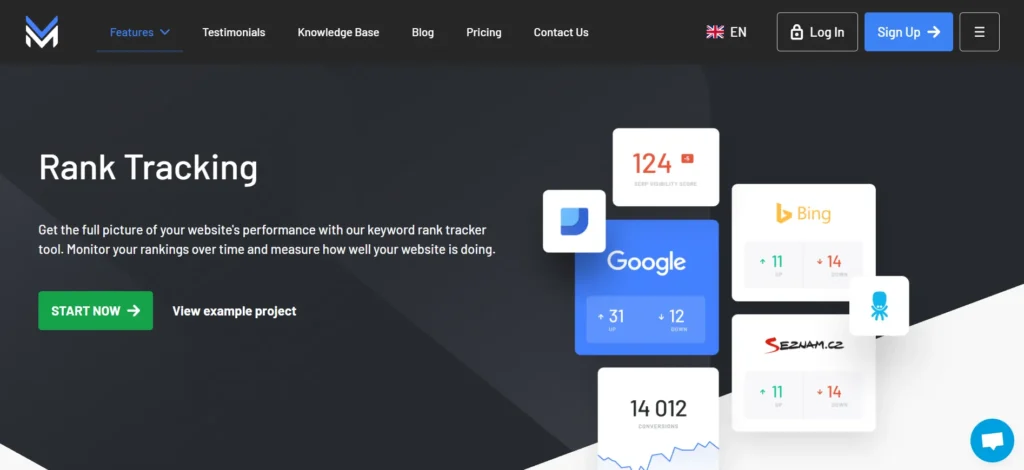
Marketing Miner is a data-driven SEO tool and rival research service that provides the analysis of keywords, tracks the search engine results, and domain comparisons. The free option offers few daily credits but offers quality information.
It is especially robust when it comes to analysis of keyword gaps as well as competitor benchmarking. Marketing Miner would be appropriate to any marketer who wants to have more organised and data-driven information without incurring excessive expenses.
Although there are usage boundaries, it is still a good free alternative to competitor research in terms of SEO.
Website: https://www.marketingminer.com
Key Features:
- Data-driven SEO and competitor analysis software.
- Tracks keyword rankings and SERP features.
- Identifies competitor keyword gaps.
- Offers limited free daily credits.
- Ideal for structured SEO competitor research.
Pros:
- Provides keyword and SERP analysis.
- Helps identify competitor keyword gaps.
- Offers structured SEO reports.
- Useful for SEO professionals.
- Provides actionable insights.
Cons:
- Free usage has daily limits.
- Advanced features require paid plans.
- Less popular compared to bigger SEO platforms.
- May require SEO knowledge.
Pricing:
- Free Plan: Limited daily credits.
- Paid Plans: Start around €29/month.
- Higher plans available.
13. BuiltWith
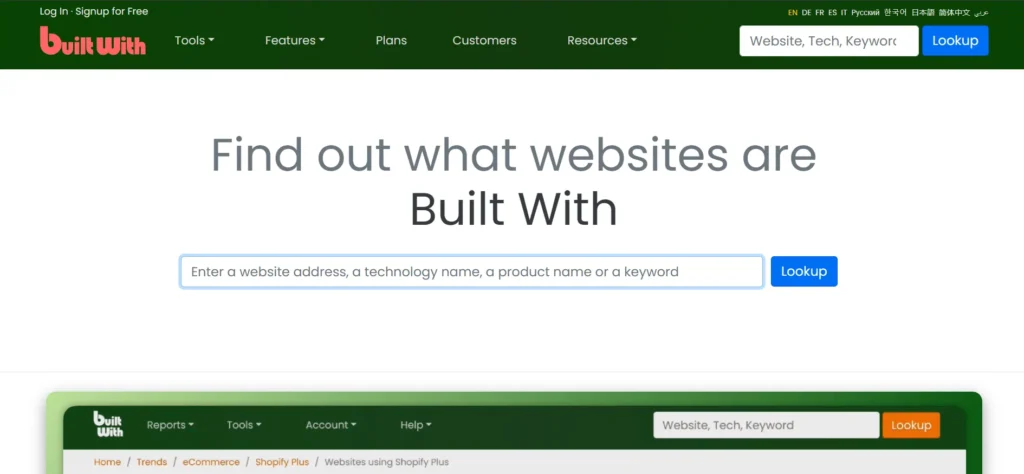
BuiltWith is a technology inspection tool that reveals the software, frameworks, and applications used by competitor websites. It helps businesses understand the technology stack behind other websites, including CMS platforms, analytics tools, hosting providers, and marketing technologies.
Among different competitor analysis tools, BuiltWith provides valuable technical insights that help companies study competitor infrastructure and make better decisions for sales, marketing, and development strategies. By understanding the tools competitors use, businesses can identify technology trends and discover potential opportunities.
Although BuiltWith does not provide traffic reports, keyword research, or SEO performance data, it is a useful resource for technical competitor research. The free version offers enough information for basic analysis, while advanced features provide deeper technology insights.
Website: https://builtwith.com
Key Features:
- Identifies technologies used on competitor websites.
- Tracks CMS, hosting, analytics, and marketing tools.
- Helps understand competitors’ tech stacks.
- Useful for sales and development research.
- Ideal for technical and infrastructure competitor analysis.
Pros:
- Identifies technologies used by competitor websites.
- Shows CMS, hosting, analytics, and marketing tools.
- Useful for technical research.
- Helps sales and development teams.
- Easy to understand.
Cons:
- Does not provide traffic analysis.
- Limited SEO insights.
- Does not show competitor strategies.
- More focused on technology research.
Pricing:
- Free Lookup: Basic technology checks.
- Paid Plans: Start around $295/month.
- Enterprise plans available.
14. CheckCompetitor
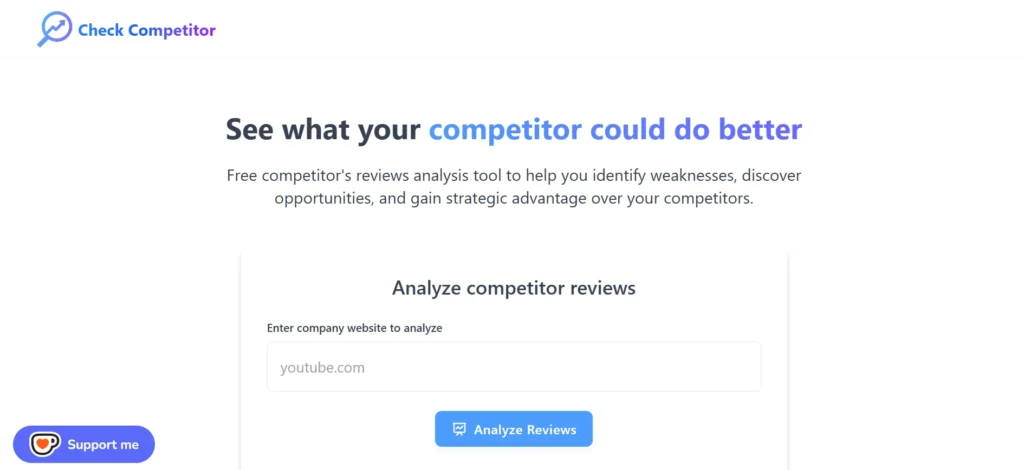
CheckCompetitor is a lightweight application that keeps track of competitor sites in terms of changes and updates. It assists in monitoring the price fluctuations, content updates, and product releases.
This is the right tool to use in small businesses that require straightforward monitoring of their competitors. It does not involve deep analytics, but it aids in maintaining a consistent competitive awareness.
Check Competitor is a helpful tool to use alongside SEO or traffic tools in order to develop a complex competitor analysis workflow.
Website: https://checkcompetitor.com
Key Features:
- Monitors competitor website changes automatically.
- Tracks pricing, content, and product updates.
- Sends alerts for competitor activity.
- Simple and lightweight tool.
- Ideal for ongoing competitor monitoring.
Pros:
- Monitors competitor website changes.
- Tracks pricing, content updates, and product changes.
- Sends alerts automatically.
- Simple and lightweight tool.
- Useful for ongoing monitoring.
Cons:
- Lacks advanced SEO features.
- No keyword or backlink analysis.
- Limited reporting options.
- Not suitable for large-scale competitor research.
Pricing:
- Pricing depends on subscription plan.
- Offers paid monitoring features.
15. ToolerBox Competitor Finder
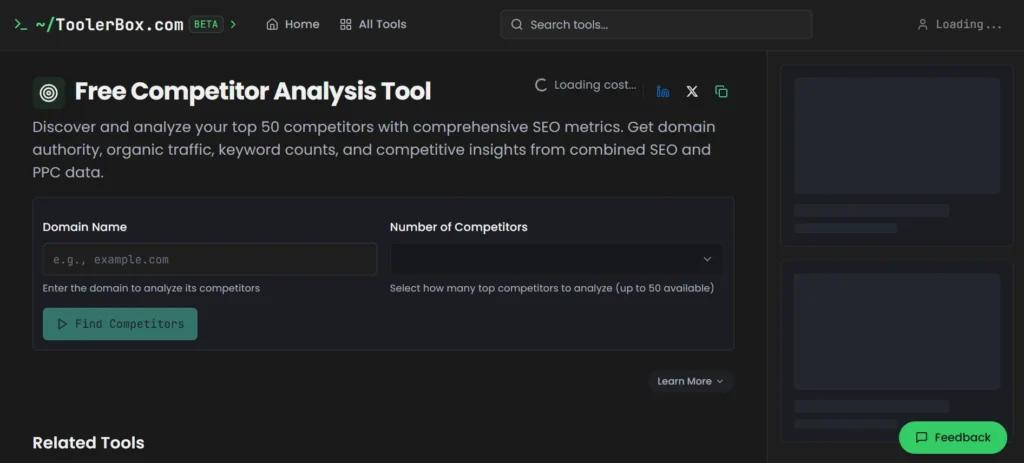
ToolerBox Competitor Finder is a free web-based platform designed to help businesses identify competitors using SEO and PPC data. It helps users discover competitor domains, analyze keyword overlaps, and understand basic market competition without requiring complex research.
Among various competitor analysis tools, ToolerBox Competitor Finder is a simple option for beginners who want to quickly identify direct competitors and explore keyword opportunities. It provides a quick overview of competitor relationships and can support initial SEO and PPC research.
Although the tool offers limited data depth compared to advanced platforms, its easy-to-use interface makes it useful for basic competitor discovery. Businesses can use ToolerBox to understand their competitive landscape and find potential areas for improving their online strategy.
Website: https://toolerbox.com/tools/competitor-finder
Key Features:
- Identifies competitors based on SEO and PPC data.
- Shows keyword overlap and domain competition.
- Quick and easy competitor discovery.
- No signup required for basic usage.
- Ideal for fast market and competitor identification.
Pros:
- Quickly finds SEO and PPC competitors.
- Identifies keyword overlap.
- Easy for beginners.
- No complex setup required.
- Useful for basic competitor discovery.
Cons:
- Limited data depth.
- Few customization options.
- Not suitable for advanced analysis.
- Lacks detailed reporting features.
Pricing:
- Free to use
- No paid plan required.
Free vs Paid Competitor Analysis Tools — Which Should You Choose?
| Factor | Free Competitor Analysis Tools | Paid Competitor Analysis Tools |
|---|---|---|
| Cost | Available at no cost, making them suitable for beginners, students, and small businesses with limited budgets. | Requires a subscription but offers more advanced features and deeper insights. |
| Data Access | Provides basic competitor information with limited searches, reports, or data ranges. | Offers detailed data on keywords, traffic, backlinks, competitors, and market trends. |
| Features | Includes basic keyword checks, limited SEO insights, and simple competitor tracking. | Provides advanced features like competitor monitoring, content analysis, rank tracking, and detailed reporting. |
| Accuracy & Depth | Good for quick research but may have limited data accuracy and coverage. | Usually provides more comprehensive and frequently updated data. |
| Reporting | Offers basic reports with fewer customization options. | Provides advanced dashboards, export options, and detailed analytics. |
| Best For | Beginners, small projects, and businesses starting competitor research. | Agencies, SEO professionals, marketers, and businesses focused on growth. |
| Limitations | Limited searches, fewer insights, and less flexibility. | Higher cost and may require time to learn all features. |
| Overall Value | Great for basic understanding and initial research. | Better for long-term strategies and data-driven decision-making. |
Competitor Analysis Tools by Use Case
Different businesses have different goals when researching competitors, so the best competitor analysis software depends on what you want to achieve. Some tools focus on SEO performance, while others help with content research, social media tracking, advertising insights, or overall market analysis. Choosing a tool based on your specific use case helps you get more relevant data and better results.
- SEO & Keyword Research: These tools help analyze competitor rankings, target keywords, organic traffic, and search visibility. They are useful for finding keyword opportunities and improving your own SEO strategy.
- Backlink Analysis: These tools help you discover where competitors are getting backlinks from and identify potential link-building opportunities for your website.
- Content Research: Content-focused tools show competitors’ top-performing pages, popular topics, and content gaps, helping you create more valuable content.
- Social Media Monitoring: These tools track competitor posts, engagement, audience response, and trending content to improve social media strategies.
- Paid Advertising Analysis: They help analyze competitor ads, keywords, and promotional campaigns, allowing businesses to create better advertising plans.
- Market & Brand Research: These tools provide insights into competitor positioning, audience behavior, and industry trends to support better business decisions.
Selecting the right tool based on your goal makes competitor research faster, more accurate, and more effective.
How to Do Competitor Analysis Step by Step
Competitor analysis is a structured process that helps businesses understand their competitors, identify opportunities, and improve their own strategies. By following a step-by-step approach, you can collect useful insights and turn them into actionable plans.
1. Identify Your Competitors
Start by finding businesses that compete with you directly or target the same audience. Look at companies offering similar products, services, or solutions. You can identify competitors through Google searches, industry directories, social media, and customer research.
2. Analyze Their Website and Online Presence
Review competitor websites to understand their design, user experience, content quality, product offerings, pricing, and customer engagement strategies. Check what makes their website successful and where there may be gaps.
3. Research Keywords and SEO Strategies
Analyze the keywords competitors rank for, their search visibility, and their top-performing pages. This helps you discover new keyword opportunities and improve your own SEO approach.
4. Study Their Content Strategy
Examine competitor blogs, guides, videos, and other content formats. Identify popular topics, content gaps, and the type of information their audience finds valuable.
5. Check Backlinks and Authority
Review competitor backlinks to understand which websites link to them. This can reveal potential link-building opportunities and help improve your website authority.
6. Analyze Social Media Activities
Monitor competitor social media profiles, posting frequency, engagement levels, and audience reactions. This helps you understand what content performs well.
7. Compare Strengths and Weaknesses
Create a comparison of competitors’ strengths, weaknesses, pricing, services, and marketing approaches. This makes it easier to identify areas where your business can stand out.
8. Apply the Insights
Use the collected information to improve your SEO, content, marketing campaigns, products, and customer experience. Competitor analysis works best when insights are converted into practical strategies.
Common Mistakes to Avoid in Competitor Analysis
Competitor analysis can provide valuable insights, but making the wrong approach can lead to inaccurate conclusions and ineffective strategies. Many businesses focus only on collecting data but fail to analyze it properly. Avoiding these common mistakes helps you get more meaningful results from your research.
- Focusing Only on Big Competitors: Many businesses analyze only industry leaders and ignore smaller competitors. Smaller brands can often reveal new strategies, niche opportunities, and innovative approaches that are worth studying.
- Copying Competitors Instead of Learning: Competitor analysis is meant to provide insights, not encourage copying. Using the same strategies as competitors can make your brand look similar. Instead, focus on understanding what works and improving it.
- Using Outdated or Inaccurate Data: Market trends, rankings, and customer preferences change frequently. Relying on old information can lead to poor decisions. Always use updated data from reliable sources.
- Ignoring Your Own Strengths: Studying competitors should not mean forgetting your own advantages. A successful strategy combines competitor insights with your brand’s unique value.
- Looking at Only One Area: Analyzing only keywords or website traffic gives an incomplete picture. A complete analysis should include SEO, content, pricing, social media, customer feedback, and marketing strategies.
- Not Turning Insights Into Action: Collecting competitor data without applying it does not create results. The goal is to use findings to improve campaigns, content, products, and business decisions.
- Analyzing Too Many Competitors: Tracking every competitor can waste time and create confusion. Focus on the most relevant competitors who share your audience or market position.
Ending Thoughts
Free competitor analysis tools play a vital role in helping businesses understand their market landscape without increasing costs. They provide valuable insights into competitors’ keywords, traffic sources, content strategies, social engagement, and backlink profiles, enabling smarter decision-making. By using these tools effectively, businesses can identify strengths, weaknesses, and untapped opportunities within their niche.
They are especially useful for startups, small businesses, and marketers working with limited budgets who still want data-driven strategies. While free tools may have certain limitations compared to paid versions, they are powerful enough to guide planning, optimization, and competitive positioning. Consistently analysing competitors ensures continuous improvement, smarter marketing execution, and sustainable growth in an increasingly competitive digital environment.
FAQs
What Are Free Competitor Analysis Tools?
Free competitor analysis software helps businesses study competitors’ online strategies, including keywords, traffic sources, backlinks, and content performance without paid subscriptions.
Is Free Competitor Analysis Software Reliable?
Yes, they provide accurate high-level insights, though data depth and limits may be lower compared to premium tools.
Who Should Use Free Competitor Analysis Tools?
Startups, small businesses, freelancers, bloggers, and digital marketers with limited budgets can greatly benefit from these tools.
What kind of Insights Can These Tools Provide?
They offer data on keyword rankings, website traffic trends, social media performance, backlinks, and content strategies.
Can free tools replace paid competitor analysis software?
Free tools are excellent for basic research, but advanced analysis often requires paid plans.