With over 5.6 billion active users across the globe tapping, scrolling, and typing away every single day, social media is no longer just a digital hangout it is a massive, real-time focus group. The sheer volume of conversations is staggering, with the average internet user bouncing between nearly 7 different platforms each month. For businesses, this means your customers are talking about your products, your industry, and your competitors around the clock. The real challenge isn’t finding where they are talking; it’s making sense of what they are saying before the conversation moves on without you.
Trying to track every mention manually is a losing battle, which is exactly why the global social media listening market is exploding, currently valued at over $11 billion. Today’s consumers expect instant gratification, and studies show that a staggering 73% of people will jump ship to a competitor if a brand fails to respond to them on social media. Waiting to be tagged in a post is a strategy of the past; modern brand management requires you to catch untagged complaints, viral trends, and shifts in consumer sentiment the exact second they happen.
That is where specialized software and other digital marketing tools come into play. Instead of drowning in notifications, top-tier monitoring tools act as an early-warning system and a goldmine for market research all at once. Whether you are a small business trying to stay on top of local reviews or an enterprise brand tracking your global share of voice, we have broken down the top 15 social media monitoring tools on the market to help you find the exact fit for your workflow.
What is Social Media Monitoring?
Social media monitoring is the continuous process of tracking, gathering, and analyzing digital conversations to see what people are saying about a specific brand, competitor, or industry topic. Think of it as a digital listening post that scans the internet not just Facebook and Instagram, but also forums, blogs, review sites, and news outlets. Instead of waiting for a user to explicitly tag your official handle with an “@” mention, monitoring software actively searches for keywords, brand names, product variations, and even common misspellings across the web. This ensures you capture the true, unvarnished feedback of your audience, whether they are singing your praises or airing frustration.
While it is easy to confuse monitoring with basic notification tracking, the real value lies in how it transitions a business from reactive to proactive. By analyzing these gathered mentions, companies can immediately spot a brewing customer service crisis, measure the success of a marketing campaign, or discover what features customers wish a product had.
Furthermore, it allows you to keep a close eye on your competitors’ weaknesses and strengths in real time, much like dedicated competitor analysis tools that help businesses uncover market opportunities and competitive gaps. Ultimately, social media monitoring turns billions of fragmented internet voices into clean, actionable data that directly informs your business strategy and protects your brand reputation.
Social Media Monitoring vs Social Listening What is the Difference?
While these terms are often used interchangeably, they represent two distinct phases of audience analysis. Monitoring tells you what is happening by gathering data, while listening tells you why it is happening by looking at the bigger picture.
| Feature | Social Media Monitoring | Social Listening |
| Core Focus | Gathering individual mentions, trackbacks, and direct customer interactions. | Analyzing the overarching trends, themes, and root causes behind the data. |
| Approach | Reactive — responding to specific queries, complaints, or notifications as they appear. | Proactive — tracking long-term shifts in industry sentiment and consumer behavior. |
| Scope | Micro-level; deals with the short-term present and immediate brand reputation. | Macro-level; looks at industry-wide conversations to guide future strategy. |
| Action | Replying to a tweet, solving a customer service ticket, or thanking a user. | Launching a new product line or changing brand messaging based on widespread feedback. |
Why Social Media Monitoring Matters in 2026?
With algorithms prioritizing hyper-personalized feeds and video-first content, conversations about your brand are fragmented across more platforms than ever before. If you aren’t actively monitoring these spaces, you are essentially operating in the dark while your community shapes your reputation without you.
- Catching Stealth Mentions: Up to 96% of untagged brand conversations happen without a direct “@” notification, making automated tracking essential to see the full picture.
- Predicting Viral Crises: A single negative video or post can escalate into a full-blown PR crisis within hours; real-time monitoring alerts you before a trend gains critical mass.
- Hyper-Speed Customer Support: Today’s consumers expect brands to acknowledge social complaints in under an hour, turning rapid monitoring into a core customer retention strategy.
- Uncovering Blind Competitor Flaws: Tracking your competitors’ unaddressed complaints lets you swoop in with timely solutions, directly poaching dissatisfied prospects.
- Real-Time Influencer Discovery: Instead of hunting for expensive creators, monitoring helps brands identify potential partners for influencer marketing campaigns by highlighting organic brand advocates who are already championing their products to engaged audiences.
Quick Comparison Table
To give you a much deeper breakdown, we have expanded this directory to contrast how each platform actually handles data tracking. The table below maps out the primary strength, the tracking coverage (where it actually hunts for data), and the starting price for all 15 options so you can choose based on your exact infrastructure needs.
While exploring these platforms, it is also worth reviewing all SMO tools used for content scheduling, audience engagement, analytics, and brand monitoring to build a complete social media strategy.
| Tool Name | Core Strength / Differentiation | Tracking Coverage (Data Scope) | Starting Price |
| Brandwatch | Deep AI consumer research and 15+ years of archive web data | Social networks, deep web forums, blogs, review sites, news outlets | Custom Quote Only |
| Sprout Social | Collaborative smart inbox with boardroom-ready client reports | Core social platforms, Yelp, TripAdvisor, Glassdoor, Google Reviews | $99 / user/month |
| Hootsuite | Multi-column live streams for visual side-by-side keyword views | Core social platforms, extensive app integration marketplace | $99 / user / month |
| Mention | Rapid automated crisis tracking across obscure web channels | Social networks, digital news platforms, blogs, forums | $599 / month (Annually) |
| Agorapulse | Linking social data to hard Google Analytics conversions | Facebook/Instagram ad comments, core social networks | $79 / user/month |
| Keyhole | Real-time live analytics for specific event hashtags and URLs | Twitter/X, Instagram, YouTube, TikTok, Facebook | $79 / month |
| Brand24 | Instant automated sentiment scores and author influence tracking | Social media, video platforms, forums, blogs, podcast audio streams | $199 / month |
| BuzzSumo | Identifying viral online articles and tracking specific journalists | Web articles, blog tracking, backlinks, core social shares | $199 / month |
| Meltwater | Blending digital social data with legacy offline broadcast media | Television, radio, print news, podcasts, social networks | Custom Quote Only |
| Awario | Finding recommendation threads to pull in direct sales pipelines | Reddit, forums, blogs, web-wide search, core social spaces | $39 / month |
| Sendible | Complete separation of multi-client workspaces for agencies | Mainstream social platforms, core blog networks, review sites | $29 / month |
| Zoho Social | Syncing monitored digital leads straight into a native CRM | Core social channels, direct customer interaction feeds | $15 / month |
| Iconosquare | In-depth competitor benchmarking without per-user seat taxes | Instagram, Facebook, TikTok, LinkedIn, Twitter/X | $55 / month |
| YouScan | Computer vision AI that tracks unlabelled brand logos in photos | Image databases, social networks, review blogs, forums | $299 / month |
| Vista Social | Low-cost profiling that includes app stores and directory reviews | Modern social spaces, app stores, local business directories | $39 / month |
List of 15 Best Social Media Monitoring Tools – Detailed Reviews
1. Brandwatch – Best for Deep Consumer Intelligence and Enterprise Research
Website: https://www.brandwatch.com
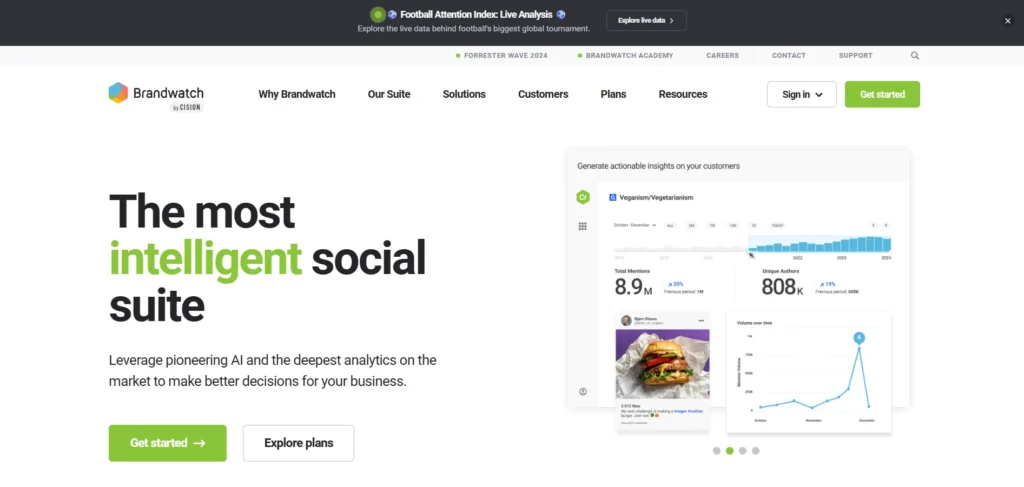
This enterprise-grade powerhouse specializes in converting massive amounts of unstructured internet chatter into structured, market-defining insights. Utilizing an archive that spans nearly two decades, it allows large organizations to trace historical patterns, analyze multi-year consumer behavior shifts, and monitor their global share of voice.
The platform uses advanced artificial intelligence to handle image recognition and sentiment categorization across billions of data points daily. It goes beyond major social networks to scrape deep web forums, blogs, review aggregators, and traditional news sources, ensuring large corporations never miss a single conversation regarding their brand ecosystem.
Key Features:
- Advanced Boolean search query setup with 48 distinct logical operators.
- AI-powered sentiment analysis and automated visual image recognition.
- Massive historical data archive tracing web conversations back to 2008.
- Customizable Vizia data visualization dashboards for real-time command centers.
- Automated threat detection and immediate alert triggers for PR crisis management.
Pros:
- Unrivaled depth of data collection across obscure web forums, blogs, and news sites.
- Exceptional predictive AI that spots developing crises before they go viral.
- Highly customizable reporting that fits complex organizational structures perfectly.
Cons:
- Extremely high price point that prices out small businesses and mid-market startups.
- Steep learning curve requiring weeks of technical onboarding and employee training.
Pricing:
- Custom
Best For: Global enterprises and dedicated market research teams requiring massive scale data analysis.
2. Sprout Social – Best for Unified Social Management and Team Workflows
Website: https://sproutsocial.com
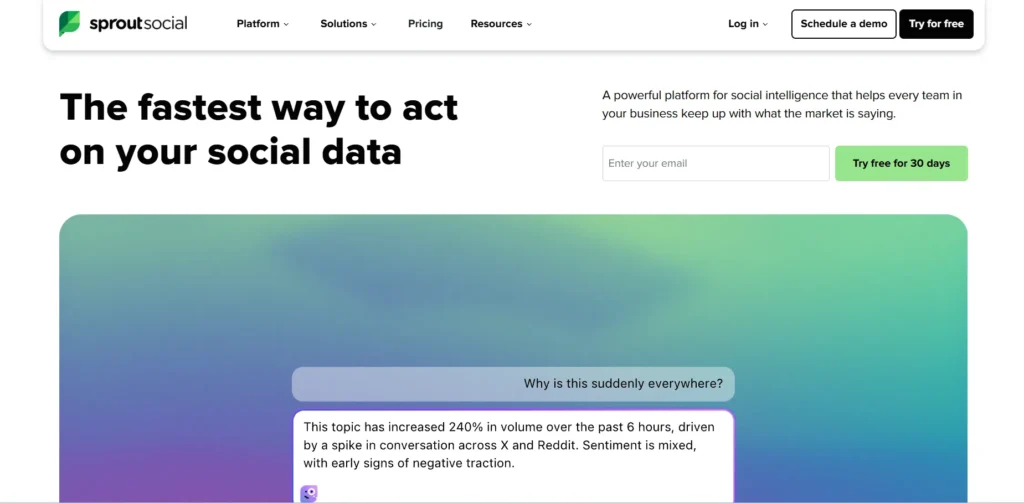
Designed for scaling mid-market and enterprise teams, this platform perfectly marries social media listening with daily publishing and community management, making it one of the most effective Social Media Monitoring Tools for growing brands. Its standout feature is a beautifully streamlined, unified smart inbox that aggregates messages, reviews, and untagged brand mentions into a single collaborative feed.
Instead of forcing teams to jump between isolated monitoring dashboards and engagement tabs, it allows community managers to tag colleagues, assign customer service tickets, and respond to conversations directly from the monitoring feed. It excels at turning daily sentiment data into presentation-ready reports that help marketing teams demonstrate tangible social media impact to stakeholders.
Key Features:
- Unified Smart Inbox combining all profiles, direct messages, and brand mentions.
- Advanced automated review management integration for Yelp, TripAdvisor, and Google.
- Customizable drag-and-drop report builders with white-label exporting features.
- Built-in internal team collaboration tools, task routing, and audit logs.
- Automated premium listening add-on for granular industry trend tracking.
Pros:
- Incredibly intuitive user interface that reduces team onboarding time to minutes.
- Seamless collaboration infrastructure that eliminates overlapping or duplicate team replies.
- Gorgeous, boardroom-ready analytics reports that require zero extra editing.
Cons:
- Strict per-seat pricing model makes it incredibly expensive for larger social media teams.
- Advanced listening features require a costly add-on subscription above the base plans.
Pricing:
| Standard | Professional | Advanced | Enterprise |
| $249 / user / month | $399 / user / month | $499 / user / month | Custom Quote Only |
Best For: Growing marketing departments and agencies that prioritize team collaboration and sleek client reporting.
3. Hootsuite – Best for Multi-Platform Scheduling and Brand Tracking
Website: https://www.hootsuite.com
As one of the earliest pioneers in the social media management space, this platform provides a highly customizable, stream-based interface for monitoring the digital landscape. Users can build side-by-side dashboard columns dedicated to specific keywords, hashtags, geographic locations, or list feeds, making it exceptionally easy to track multiple campaigns simultaneously.
While it acts as a robust everyday publishing engine, its enterprise tier integrates directly with deep listening tools like Talkwalker to provide comprehensive sentiment analysis. It remains a reliable staple for businesses that need to manage a high volume of outgoing content while keeping a watchful eye on incoming industry trends.
Key Features:
- Customizable stream-based monitoring layout for real-time multi-column viewing.
- Bulk message scheduling capabilities supporting up to 350 social media posts simultaneously.
- AI-powered caption generators, hashtag suggestions, and automated image sourcing.
- Advanced 30-day retroactive brand mention search capabilities on higher plans.
- Comprehensive integration ecosystem featuring hundreds of third-party business apps.
Pros:
- Highly flexible stream layout allows you to view multiple search queries side-by-side.
- Massive app directory makes it easy to sync with CRM systems like Salesforce.
- Reliable, heavy-duty publishing queue perfect for high-frequency content strategies.
Cons:
- Base plans restrict deep historical search capabilities and advanced custom reporting.
- Drastic pricing updates over recent years make it less viable for budget-conscious creators.
Pricing:
| Standard | Advanced | Enterprise |
| $99 / user / month | $249 / user / month | Custom Quote Only |
Best For: Brands managing heavy content calendars who want customizable, column-based dashboard monitoring.
4. Mention – Best for Real-Time Crisis Monitoring and Web Alerts
Website: https://mention.com/
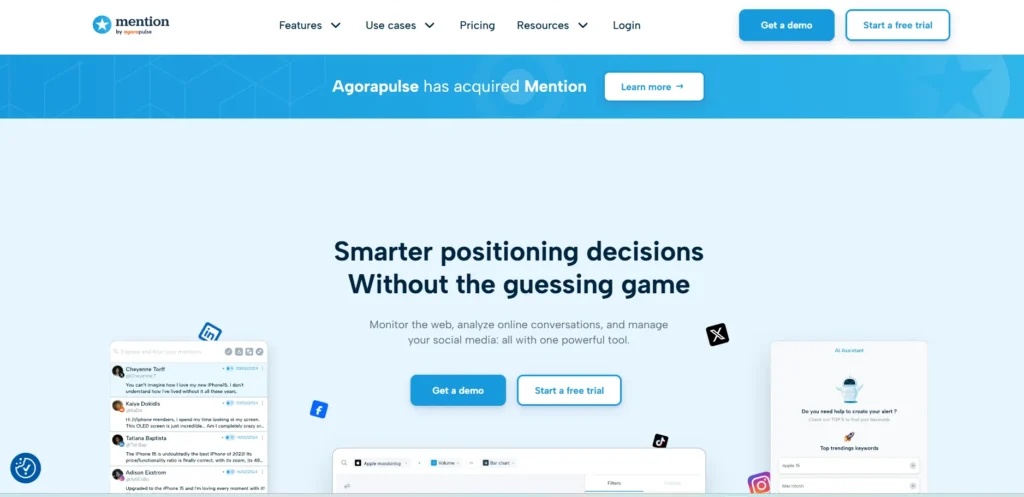
Operating with an enterprise-first mentality, this platform focuses heavily on speed and real-time awareness across the broader web. It acts as an automated search party, scanning millions of sources including obscure forums, review pages, blogs, and mainstream social channels to catch references to your brand within seconds of publication.
Following recent updates, it has leaned heavily into a streamlined single-plan model designed to alleviate notification fatigue for mid-sized operations. By focusing purely on listening, analytics, and competitor benchmarking rather than trying to be an all-in-one publishing scheduler, it provides crisp, unpolluted data streams optimized for rapid crisis mitigation.
Key Features:
- Real-time monitoring across digital news, blogs, forums, and mainstream social networks.
- Advanced Boolean search functionality supporting up to 22 custom logical parameters.
- Automated AI summaries that highlight developing mention trends and sentiment spikes.
- Comprehensive competitor benchmarking modules to map industry market share side-by-side.
- Custom automated email digests and instant push notifications for immediate crisis warnings.
Pros:
- Unlimited user seats on the standard tier make it highly cost-effective for large teams.
- Lightning-fast crawling speeds ensure you catch critical complaints almost instantly.
- Clean, minimalist dashboard that strips away confusing, unnecessary formatting bloat.
Cons:
- Completely retired native publishing and responding features, requiring external software for replies.
- A rigid 50,000 monthly mention cap can be burned through quickly by broad search terms.
Pricing:
| Company Plan | Historical Data Add-on | API Access Add-on |
| $599 / month (Billed Annually) | Custom Quote Only | Custom Quote Only |
Best For: Mid-market organizations that need immediate web-wide crisis alerts and competitor benchmarking without per-user fees.
5. Agorapulse – Best for Social Inbox Management and ROI Tracking
Website: https://www.agorapulse.com
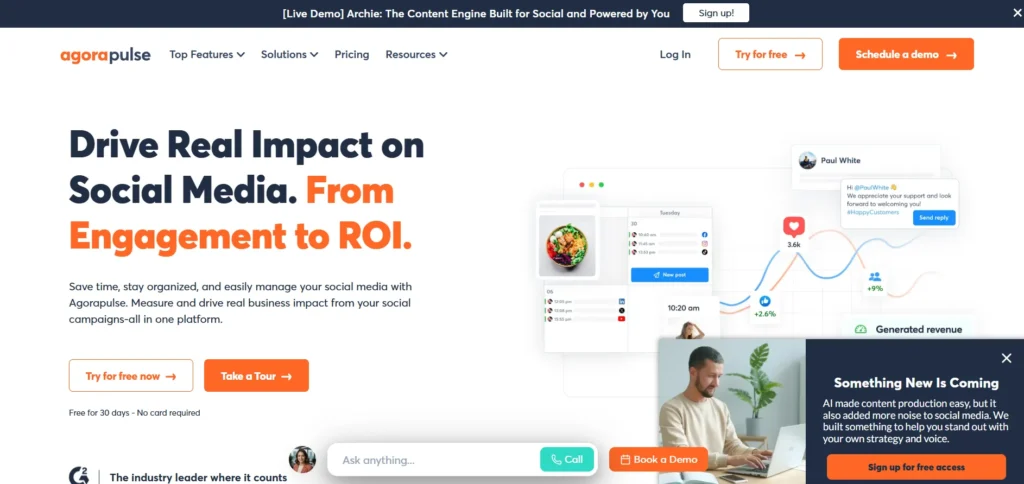
This user-friendly solution treats your incoming social interactions like an organized email inbox, focusing heavily on customer care and quantifiable financial impact. As one of the more practical Social Media Monitoring Tools available, its unique value proposition centers on built-in social media ROI tracking, which links your monitoring efforts and post links directly to Google Analytics data to prove exactly which conversations drive conversions.
While it features clean listening functionality, it is predominantly praised for its excellent ad comment monitoring, letting teams capture and respond to feedback left on paid Facebook and Instagram campaigns that traditional monitoring tools completely miss.
Key Features:
- Zero-clearance Social Inbox that organizes messages and mentions into review queues.
- Dedicated tracking for Facebook and Instagram ad comments to optimize ad spend performance.
- Direct Google Analytics integration to trace social interactions back to hard website revenue.
- One-step team approval workflows and internal calendar notation systems.
- White-label reporting exports with automated scheduling options for client delivery.
Pros:
- Incredible ad comment tracking prevents paid lead opportunities from falling through cracks.
- Saves massive amounts of time by organizing community interactions into an actionable to-do list.
- Built-in ROI reporting clarifies exactly how much revenue your social spaces generate.
Cons:
- Core social listening features and deep competitor benchmarking require paid premium add-ons.
- Per-user pricing can compound quickly if you scale your customer support team.
Pricing:
| Standard | Professional | Advanced | Custom |
| $79 / user / month | $119 / user / month | $149 / user / month | Custom Quote Only |
Best For: Agencies and mid-sized e-commerce brands focused on turning social monitoring into direct website revenue.
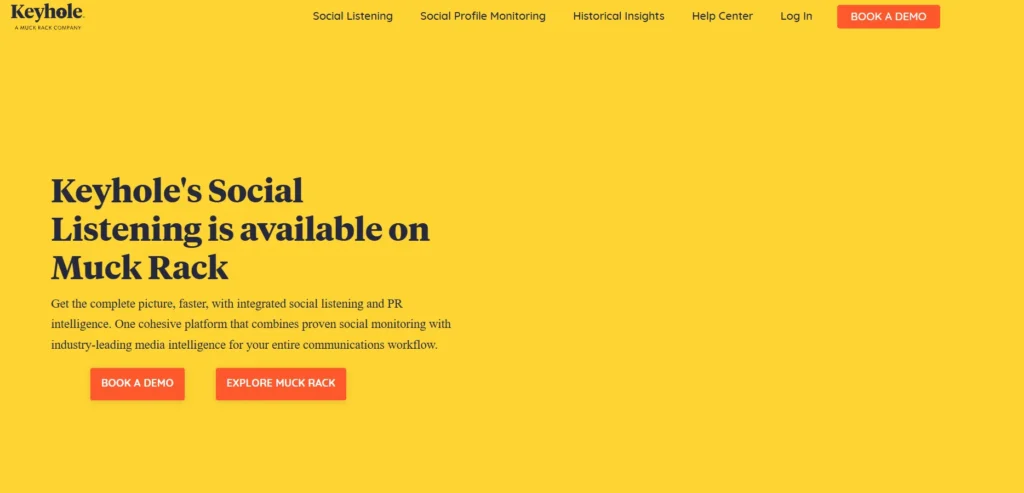
6. Keyhole – Best for Hashtag Campaigns and Real-Time Event Tracking
Website: https://keyhole.co
This tool is built from the ground up to deconstruct live trends, event-specific hashtags, and viral marketing campaigns. It offers users immediate clarity on how a single search term expands across the internet, tracking metrics like aggregate reach, total impressions, and active user sentiment as it happens. By organizing data into distinct visualization charts, it allows brand managers to see exactly who is driving conversations around a marketing campaign. Now integrated deeper into media pipelines, it serves as a highly functional, live dashboard perfect for monitoring multi-channel product launches or large-scale digital activations.
Key Features:
- Real-time tracker configuration for specific hashtags, keywords, and active URLs.
- Automated historical data gathering options for back-dated analytical reviews.
- Deep influencer tracking profiles measuring exact conversion and engagement weight.
- Live public dashboard link sharing for easy reporting access without seat licensing.
- Advanced automated optimization recommendations suggesting ideal times to post.
Pros:
- Exceptional live hashtag metric updates make it the best tool for checking active events.
- Clean visual dashboard modules translate complex impression volumes into easy graphics.
- Effortless tracking of third-party profiles lets you audit influencer accounts cleanly.
Cons:
- Deep multi-year historical insights require significant extra step-up investment fees.
- Dashboard feels specialized toward campaign numbers rather than a daily message inbox.
Pricing:
| Individual | Team | Pro | Custom |
| $79 / month | $149 / month | $249 / month | Custom Quote Only |
Best For: Event planners and digital marketing agencies executing high-profile hashtag campaigns.
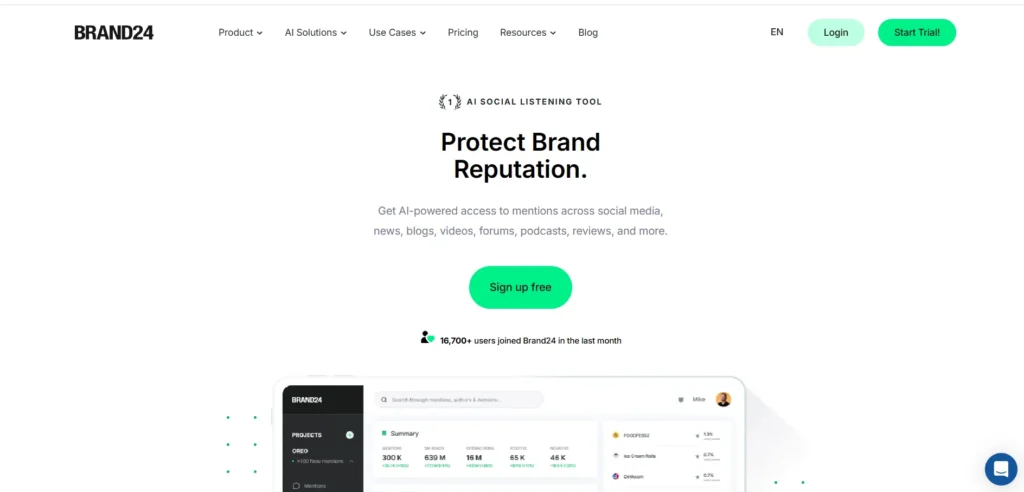
7. Brand24 — Best for Automated Sentiment Analysis and Customer Footprint Tracking
Website: https://brand24.com
This specialized listening software prioritizes accessibility and instant setup, making it easy for scaling brands to monitor their digital footprint without complex technical overhead. Its primary engine categorizes online mentions into positive, negative, or neutral buckets automatically, allowing customer success reps to identify and address public complaints before they escalate.
It tracks brand keywords across social platforms, video channels, forums, podcasters, and news sites. It also scores every single mention based on the relative popularity of the poster, helping teams quickly prioritize high-value customer interactions over low-traffic noise.
Key Features:
- Automated sentiment identification engine sorting conversations into clear emotive streams.
- Customized “Influence Score” calculations to prioritize accounts with large networks
- Instantaneous notification system triggering text or email warnings during traffic spikes
- Visual “Discussion Volume” graphs that immediately map sudden mentions growth
- Integrated AI-powered summary metrics that condense major daily conversations into text blocks
Pros:
- Incredibly fast account onboarding that begins fetching data within minutes of creation.
- Excellent sentiment mapping that clearly indicates ongoing brand reputation status.
- Includes non-standard audio platforms like popular podcasts inside its search index.
Cons:
- Entry-level subscription caps monthly mention gathering, which broad keywords can exhaust.
- Dashboard updates on the cheapest tier occur on a delayed half-day cadence.
Pricing:
| Individual | Team | Pro | Business | Enterprise |
| $199 / month | $299 / month | $399 / month | $599 / month | $999 / month |
Best For: Mid-sized businesses that need immediate, AI-driven sentiment tracking and crisis notifications.
8. BuzzSumo – Best for Content Marketing Research and Influencer Monitoring
Website: https://buzzsumo.com/
This platform bridges the gap between pure brand monitoring and organic content strategy, making it a favorite for content marketing departments and modern PR professionals. Among the leading Social Media Monitoring Tools, it monitors the digital ecosystem by analyzing which articles, videos, and social posts are gathering the highest volume of shares, links, and engagement across the web.
Instead of focusing solely on customer care tickets, it enables creators to track industry-wide keywords to see what trends are gaining traction in real time. It also features a comprehensive author database, allowing businesses to pinpoint exactly which journalists and creators regularly write about specific industry subjects.
Key Features:
- Comprehensive content engagement analyzer parsing global social network performance.
- Retroactive content performance databases tracking top viral articles across five years.
- Customized brand notification alerts for specific competitors, backlink gains, and authors.
- Dedicated journalist exploration database to refine targeted public relations distribution.
- Real-time trending news monitors filtered by specific category or niche vertical.
Pros:
- Unrivaled insights into what specific content styles and topics are getting shared online.
- Simplifies media outreach by connecting brand mentions directly to matching journalist profiles.
- Robust historical index makes it easy to run seasonal content audits across any niche.
Cons:
- Does not function as a primary day-to-day customer service or direct messaging workspace.
- The pricing structure places it on the premium side for individual freelance writers.
Pricing:
| Content Creation | PR & Comms | Suite | Enterprise |
| $199 / month | $299 / month | $499 / month | $999 / month |
Best For: Content strategy leads and public relations teams who want to build outreach based on proven digital trends.
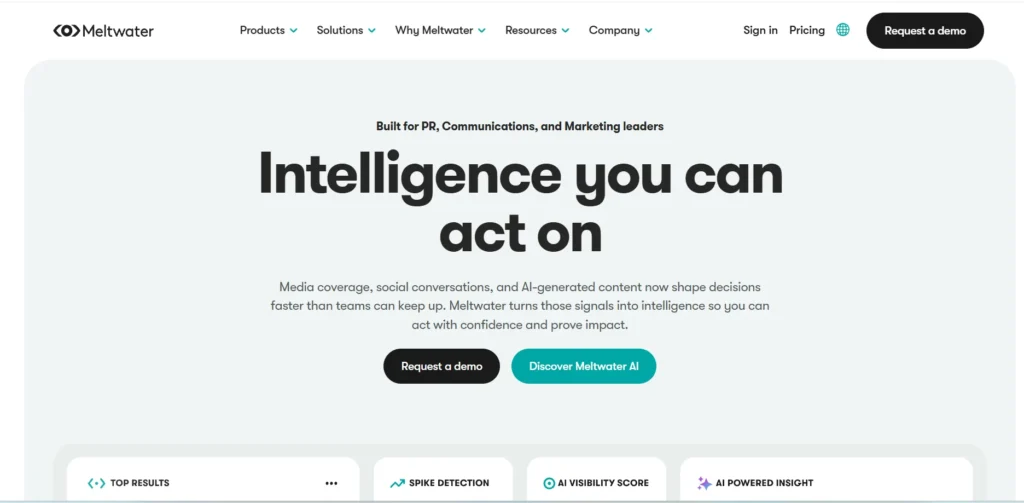
9. Meltwater – Best for Media Intelligence and Comprehensive PR Monitoring
Website: https://www.meltwater.com
This enterprise-grade intelligence platform is engineered for global organizations requiring deep visibility across both traditional broadcast media and modern social applications. It processes billions of data points daily, matching standard social tracking with podcast transcripts, online publications, television broadcasts, radio segments, and print media.
This dual approach gives corporate communications teams an expansive view of their media footprint, enabling them to evaluate how offline press coverage translates into online social sentiment. Its analytics dashboards focus heavily on executive reporting, calculating complex market share metrics and brand value equivalents for leadership review.
Key Features:
- Integrated media monitoring capturing web, television, radio, print, and social feeds.
- AI-driven global sentiment mapping supporting natural language sorting in dozens of languages.
- Advanced competitive landscape modeling measuring industry market share over time.
- Interactive media contact database mapping profiles for thousands of international journalists.
- Custom report exporting tools optimized for direct boardroom presentations.
Pros:
- Unmatched tracking depth that pairs traditional press coverage with digital social metrics.
- Excellent international data extraction suited for cross-border global corporations.
- Highly granular filtering tools that eliminate irrelevant background internet noise.
Cons:
- The contract model requires annual commitments with premium enterprise custom pricing.
- The sheer quantity of settings and features can feel overwhelming for small teams.
Pricing:
- Custom
Best For: Large enterprise companies and global PR firms looking to track both corporate press and social media mentions in one place.
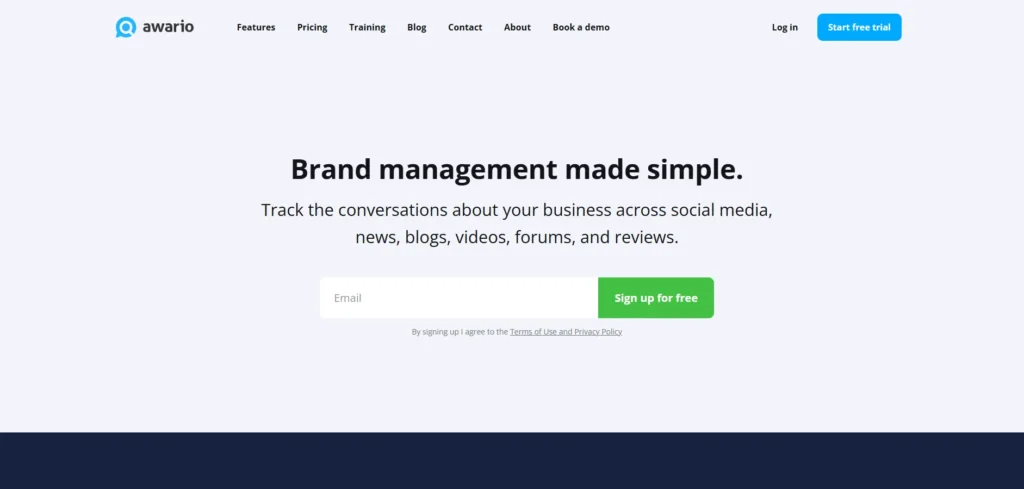
10. Awario – Best for Budget-Conscious Brand Listening and Lead Generation
Website: https://awario.com
This nimble monitoring tool focuses on providing high-value social listening capabilities at an accessible price point for bootstrap operations, freelancers, and small businesses. It crawls the web continuously to index mentions of your targeted keywords across major social networks, blogs, forums, and Reddit. Beyond standard reputation tracking, it features a unique internal module designed to scrape the web for consumer inquiries phrased as requests for product recommendations. This turns the platform into a direct sales pipeline, alerting small business owners to active threads where prospects are seeking the exact products or services they offer.
Key Features:
- Continuous background crawling engine collecting keyword data from multiple digital sources.
- Dedicated lead generation tracking system filtering for buying intent and recommendations.
- Side-by-side multi-brand tracking to contrast your growth metrics against direct competitors.
- Boolean search interface enabling granular filter setup even on lower-tier accounts.
- Daily automated email roundups highlighting critical traffic fluctuations and core mentions.
Pros:
- Highly affordable entry plan provides functional listening tools to small businesses.
- Built-in lead identification module provides actionable sales opportunities out of the box.
- Allows users to organize complex Boolean search queries without needing enterprise contracts.
Cons:
- Data indexing speeds on lower-tier plans can be slower than premium, instant-alert tools.
- Lacks native team task management workflows, requiring external tools for multi-user coordination.
Pricing:
| Starter | Pro | Enterprise | Custom |
| $39 / month | $119 / month | $399 / month | Contact Sales |
Best For: Small business owners, solo founders, and freelance marketers looking for affordable brand tracking and sales leads.
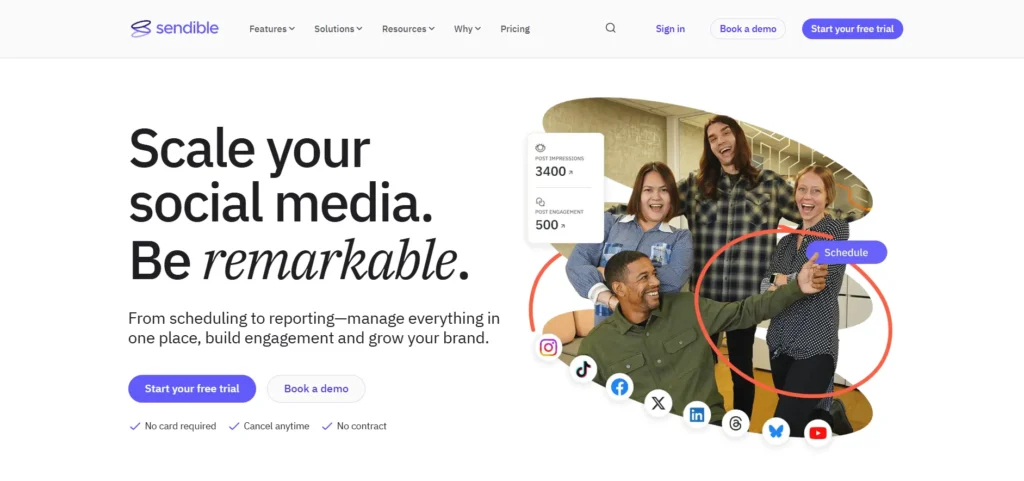
11. Sendible – Best for Client Management and Agency Dashboards
Website: https://www.sendible.com
This agency-centric platform is engineered specifically for marketing professionals who manage social spaces for multiple distinct clients. As one of the most versatile Social Media Monitoring Tools for agencies, its architecture is built around isolated client dashboards, ensuring that data, scheduled posts, and tracked keywords for one brand never bleed into another.
It monitors keyword references across major social platforms, blogs, and review sites, aggregating them into a collaborative feed optimized for team task delegation. By emphasizing structured approval pipelines, it allows account managers to easily send flagged mentions or drafted responses to external clients for sign-off before publication, streamlining the entire agency workflow.
Key Features:
- Isolated client dashboard structures to maintain clean account separation.
- Integrated multi-channel listening streams tracking brand keywords and competitors.
- Customizable mobile app notifications for immediate on-the-go mention alerts.
- Automated client approval pipelines for seamless content and response sign-off.
- Deep integrations with Canva, Dropbox, and Google Drive for resource management.
Pros:
- Bundled user and profile pricing structure is highly cost-effective for growing agencies.
- Smooth client review workflows eliminate the friction of external email chains.
- Excellent white-label dashboard and reporting customization on higher tiers.
Cons:
- Adding complete white-label capabilities requires an expensive monthly add-on fee.
- Single sign-on options are restricted exclusively to the highest enterprise tier.
Pricing:
| Creator | Traction | Scale | Advanced | Enterprise |
| $29 / month | $89 / month | $199 / month | $299 / month | $750+ / month |
Best For: Marketing agencies looking to streamline multi-client collaboration and brand approval systems.
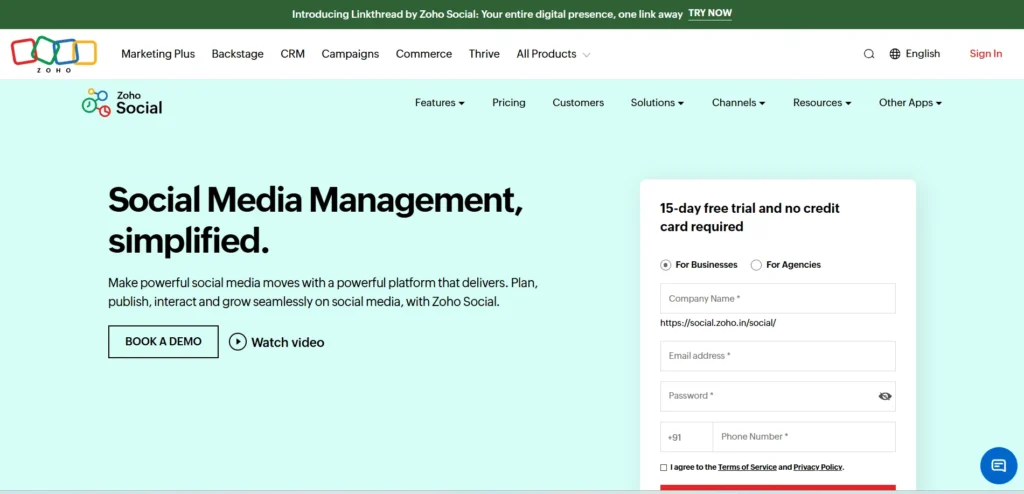
12. Zoho Social – Best for Cost-Effective Social Monitoring and Zoho Ecosystem Users
Website: https://www.zoho.com/social
This budget-friendly alternative excels at providing core social monitoring features without the premium price tag typically associated with enterprise tools. It functions as a flexible live stream dashboard where users can create distinct columns to track specific search phrases, user interactions, and direct messages side-by-side. For companies already anchored within the broader Zoho business environment, it offers a distinct operational advantage by pushing monitored leads and customer service tickets directly into Zoho CRM and Zoho Desk. This allows customer care teams to track a lead’s full conversational history from public social mention to closed sale.
Key Features:
- Multi-column live listening dashboard tracking real-time keywords and tags.
- Direct data syncing pipelines into Zoho CRM and Zoho Desk platforms.
- Visual content calendar equipped with bulk scheduling capabilities.
- Customizable automated reporting modules with scheduled email delivery.
- Smart browser extension allowing users to curate content while surfing the web.
Pros:
- Highly accessible entry-level pricing makes it perfect for solo operators and small businesses.
- Flawless native integration with the expansive Zoho product software ecosystem.
- Priced per brand rather than strictly per user, lowering costs for small collaborative teams.
Cons:
- Deep monitoring dashboards and live keyword streams are locked behind the mid-tier plans.
- Lacks advanced automated sentiment sorting, requiring manual review of mention tone.
Pricing:
| Standard | Professional | Premium | Agency | Agency Plus |
| $15 / month | $40 / month | $65 / month | $320 / month | $460 / month |
Best For: Small business owners and teams seeking an affordable management tool that links directly to their CRM system.
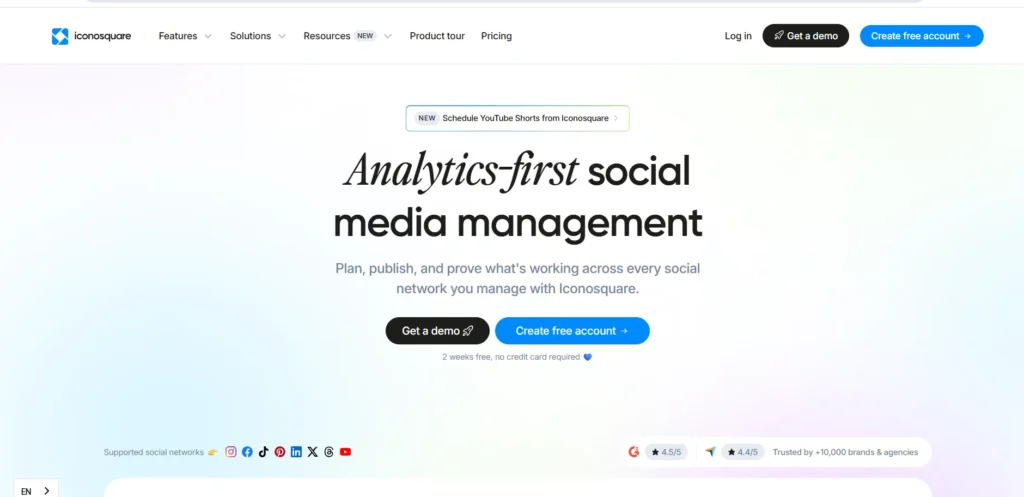
13. Iconosquare – Best for Data-Driven Agencies and Instagram Tracking
Website: https://pro.iconosquare.com
While originally built as a dedicated Instagram analytics platform, this tool has grown into a multi-network engine tailored for data-obsessed marketers. It stands out by providing an exceptionally clean, analytics-first dashboard that tracks competitor benchmarks and community performance side-by-side.
Its monitoring functionality focuses on unpacking the exact metrics behind tracking data, evaluating hashtag usage patterns, and dissecting community engagement trends over rolling multi-month periods. By avoiding the restrictive user-seat fees common among enterprise tools, it provides a highly scalable framework for marketing agencies that need to onboard multiple staff members without seeing their software bills spike.
Key Features:
- Deep multi-platform community analytics with emphasis on Instagram performance.
- Advanced competitor benchmarking tools to map industry rivals across identical metrics.
- Automated PDF reporting engines designed for instant white-label client delivery.
- Comprehensive hashtag performance tracking measuring engagement and impression weight.
- Visual grid planning boards paired with cross-platform scheduling queues.
Pros:
- Generous user seat allocations on mid-tier plans eliminate typical software seat taxes.
- In-depth performance analytics that clearly demonstrate social growth patterns to clients.
- Excellent community engagement metrics that evaluate exactly how users respond to posts.
Cons:
- Historical data retention windows are strictly capped on the lower subscription options.
- Does not offer broad web scraping for untagged forum or news site references.
Pricing:
| Single | Teams | Scale | Custom |
| $55 / month | $89 / month | $155 / month | Custom Quote Only |
Best For: Analytical marketing agencies and brands focused on deep competitor benchmarking and visual channel metrics.
14. YouScan – Best for Visual Listening and Image Recognition
Website: https://youscan.io
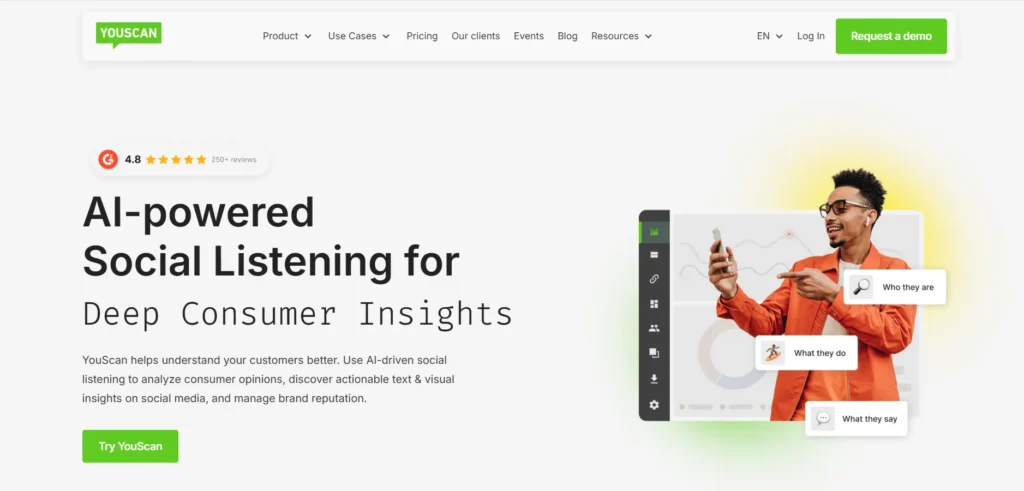
This cutting-edge, intelligence-driven platform addresses a major blind spot in traditional monitoring: visual-only brand mentions. Among the most innovative Social Media Monitoring Tools available today, this software uses advanced computer vision to scan images for corporate logos, objects, specific settings, and even human demographics, recognizing that millions of internet users share photos of products without typing the brand name in the caption.
It parses text and images simultaneously across social networks, review blogs, forums, and online news aggregators. By utilizing an AI assistant titled Copilot, it allows research teams to ask natural language questions about their data streams to instantly surface hidden consumer usage trends and demographic insights.
Key Features:
- Advanced AI image recognition tracking logos and objects inside uploaded photos.
- Natural language AI Copilot for immediate conversational data querying and summaries.
- Granular aspect-based sentiment analysis parsing exact reasons behind user emotions.
- Comprehensive data indexing covering forums, blogs, review pages, and social channels.
- Custom webhooks, data exporting formats, and full developer API access streams.
Pros:
- Industry-leading visual tracking catches millions of untagged image mentions missed by text tools.
- Conversational AI assistant cuts down data compilation times from hours to seconds.
- Includes unlimited user seats across all available subscription options.
Cons:
- The entry-level pricing tier is significantly higher than general social media scheduling software.
- Starter plan enforces a rigid monthly mention limit that highly viral brands will exceed.
Pricing:
| Starter | Unlimited Plans |
| $299 / month | Custom Quote Only |
Best For: Global consumer brands and product manufacturers who need to track how their items are visually used in real-world photos.
15. Vista Social – Best for High-Volume Profile Scaling and Modern Platforms
Website: https://vistasocial.com
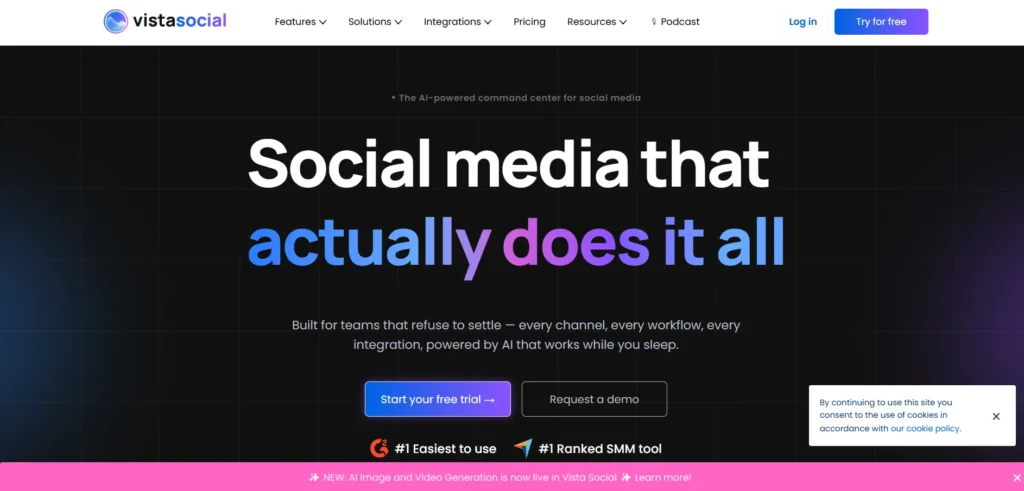
This modern, agile platform has disrupted the monitoring landscape by offering high profile limits and robust cross-platform features at a highly competitive price. It is engineered to support newer, rapidly evolving digital channels alongside traditional networks, making it a favorite for brands targeting younger consumer demographics. The software organizes incoming mentions, direct messages, and public reviews into a clean, unified workflow workspace optimized for quick turnaround times. Furthermore, it treats public review management as a core monitoring asset, allowing teams to seamlessly track and reply to customer feedback left on business directories, app stores, and local review pages from one hub.
Key Features:
- Unified conversation inbox tracking direct messages, mentions, and local reviews.
- Deep platform coverage including support for emerging social channels and business networks.
- Comprehensive local review platform management with automated comment-level tracking.
- Built-in AI writing assistant for drafting rapid, personalized responses to mentions.
- Flexible external link tools and personalized bio page building configurations.
Pros:
- Highly competitive profile-to-price ratio provides exceptional value for agency scaling.
- Tracks platform-specific local business reviews that traditional social media tools ignore.
- Clean, minimalist interface layout makes it very easy to train community managers.
Cons:
- Deep enterprise social listening analytics require a separate optional monthly add-on fee.
- The standard base plan is locked down to a single user workspace allocation.
Pricing:
| Standard | Professional | Advanced | Enterprise |
| $39 / month | $79 / month | $149 / month | $379 / month |
Best For: Growing brands and modern agencies looking for an affordable, review-inclusive dashboard that scales across multiple profiles.
What Should You Look for in a Social Media Monitoring Tools?
Finding the right software depends heavily on your team’s size and specific marketing goals. To ensure you invest in a platform that actually streamlines your workflow rather than adding to your notification fatigue, look for these five core capabilities:
- Multi-Platform Scrape Depth: Ensure the tool tracks conversations beyond standard social networks to include obscure web forums, Reddit, blogs, and local review sites where untagged feedback often lives.
- Contextual Sentiment Accuracy: Look for advanced NLP (Natural Language Processing) engines that can differentiate sarcasm from genuine praise, preventing false alarms in your data reporting.
- Real-Time Spike Alerts: The system must offer instantaneous text or email triggers during unexpected mention spikes so you can address a brewing PR crisis before it goes viral.
- A Scalable Pricing Model: Avoid hidden software taxes by picking platforms that match your growth whether you prefer predictable per-profile pricing or unlimited user seats for large teams.
- CRM and Helpdesk Syncing: High-quality monitoring software should feed data directly into tools like Salesforce, HubSpot, or Zendesk, converting public mentions into actionable customer service tickets and integrating seamlessly with the best CRM software for better customer relationship management.
How to Set Up Social Media Monitoring in 5 Steps?
Setting up an automated monitoring system takes less than an hour, but configuring it correctly is the difference between getting clean insights and drowning in background noise. Follow this simple five-step framework to build an efficient digital listening post for your business:
- Define Your Tracking Parameters: Brainstorm and list your core brand assets, exact product names, high-profile executive handles, and common typos or common misspellings that users use online.
- Map Out Competitor Keywords: Identify three to five direct industry competitors and track their specific product names, handles, and unique campaign hashtags to monitor their customer friction in real time.
- Establish Boolean Filtering Logic: Use search operators like AND, OR, and NOT inside your monitoring software to filter out irrelevant background chatter and zero in on high-intent customer conversations.
- Configure Real-Time Spike Alerts: Set up automated text or email notifications that trigger immediately if your daily mention volume jumps above normal thresholds, giving you an early warning system for crises.
- Build an Internal Response Playbook: Create clear guidelines for your team detailing who handles positive praise, who addresses untagged complaints, and when a negative mention should be escalated to management.
Which Social Media Monitoring Tool is Right for You?
With so many excellent options available, the right choice ultimately comes down to your primary business objective and budget. To narrow down your decision, match your team’s specific day-to-day workflow with one of these clear operational paths:
- For Enterprise Research: Choose Brandwatch or Meltwater if you are a global brand that requires multi-year historical archives, massive web scraping capabilities, and boardroom-ready consumer intelligence.
- For Collaborative Teams: Opt for Sprout Social if you want an incredibly polished, user-friendly interface that focuses heavily on turning daily social data into structured team tasks and client reports.
- For Multi-Client Agencies: Select Sendible or Iconosquare to keep your client workspaces completely isolated while enjoying flexible profile limits that let you scale your agency without paying steep per-user seat taxes.
- For Visual Product Brands: Invest in YouScan if your products are highly visual and you need advanced AI image recognition to track untagged customer logos, objects, and settings in photos across the web.
- For Bootstrap Startups: Stick with Awario or Zoho Social if you need functional, budget-friendly monitoring tools that track your online reputation and surface hot sales leads without requiring long-term enterprise contracts.
Final Verdict – Which Tool Should You Pick in 2026?
Selecting the ultimate social media monitoring tools for your workflow boils down to matching the platform’s data extraction depth with your daily operational goals. If you are operating a large enterprise, managing a global brand reputation, or executing deep market research, investing in heavy-duty platforms like Brandwatch or Meltwater is non-negotiable for their extensive historical data archives and traditional media tracking. On the other hand, if you run a growing marketing agency or a mid-sized brand that needs to coordinate customer service, Sprout Social and Sendible offer the most efficient collaborative workspaces and polished reporting dashboards without overwhelming your team with raw, unorganized data.
For bootstrap startups, solo founders, and agile e-commerce brands, the strategy shifts toward maximum cost efficiency and direct business growth. Solutions like Vista Social and Awario prove that you don’t need a multi-thousand-dollar enterprise budget to build an incredibly effective listening post that captures local reviews and hot sales leads. The best approach is to take advantage of free trials with two distinct styles of tools, one focused entirely on deep automated listening and one built for day-to-day inbox management to see exactly which dashboard fits naturally into your team’s routine.