
Running a business involves more than managing employees and serving customers. Teams also spend hours creating content, analyzing data, handling customer queries, managing sales, and completing repetitive administrative tasks. This is where artificial intelligence can make a real difference. AI tools are helping businesses simplify complex workflows, improve team productivity, and manage daily operations through solutions such as AI workflow tools.
Whether you run a startup, a small business, or a large organization, the right AI software can help you save valuable time and get more work done with fewer resources. From AI-powered assistants like ChatGPT and Gemini to automation platforms like Zapier and customer management solutions like HubSpot, there are tools for almost every business requirement. However, choosing the right one depends on your budget, business goals, and existing software. In this guide, we’ll explore the best AI tools for business in 2027, including their features, pricing, free plans, pros, and cons.
Why Are AI Tools Important For Businesses?
Managing a business efficiently requires balancing multiple activities, from customer communication and marketing to financial planning and employee management. As business operations become more demanding, AI tools are helping organizations handle these responsibilities with less manual effort. Instead of spending hours on repetitive tasks, employees can use AI to focus on strategic decisions, customer relationships, and business growth. Here are some important ways AI tools are helping businesses in 2027:
- Automate repetitive tasks: AI tools can automate activities such as data entry, email responses, appointment scheduling, report generation, and workflow management, saving employees valuable time.
- Improve decision-making: Businesses can analyze large amounts of data, identify trends, and generate useful insights using business intelligence tools to make informed decisions.
- Enhance customer support: AI-powered chatbots and virtual assistants can answer common customer questions, provide instant assistance, and support customers beyond regular business hours.
- Reduce operational costs: Automating routine activities helps businesses minimize manual workloads, use resources more effectively, and reduce unnecessary operational expenses. Similarly, AI tools for HR departments can help automate recruitment, employee management, and other HR activities.
- Strengthen marketing and sales: AI can help create marketing content, personalize campaigns, identify potential customers, and improve sales follow-ups.
- Increase team productivity: AI writing assistants, meeting summarizers, and collaboration tools help employees complete everyday tasks faster and work more efficiently.
What Features Should You Look For In AI Tools For Business?
The right features can make daily workflows easier, improve collaboration, and help your business get better value from its investment. Here are some important features to consider when evaluating AI business tools:
- AI-powered automation: Look for tools that can automate repetitive activities, such as email management, data entry, lead generation, scheduling, and report creation. This helps employees spend more time on important business activities.
- Data analysis and reporting: Choose AI software that can process business information, identify patterns, generate reports, and provide actionable insights to support better decision-making.
- Integration capabilities: Your AI tool should connect with existing business applications, such as CRM platforms, project management software, email services, and productivity tools. This helps maintain a smooth workflow.
- Data security and privacy: Check whether the platform offers encryption, access controls, administrative settings, and suitable data protection policies to keep confidential business information secure.
- Scalability: Consider whether the software can support your business as it grows. Features such as additional users, higher usage limits, and advanced automation can become important as your requirements change.
- Ease of use: Select a platform with a simple interface, helpful documentation, and an easy onboarding process so employees can start using it without extensive technical training.
- Pricing and free plans: Compare subscription costs, free-plan limitations, usage restrictions, and additional charges before making a decision. Make sure the features justify the investment.
- Evaluating these features before purchasing helps you avoid unnecessary software expenses and select an AI solution that supports your business goals.
List Of 10 Best AI Tools For Business
1. ChatGPT

Website: https://chatgpt.com/pricing/
ChatGPT is an all-purpose AI assistant that helps businesses simplify everyday tasks, improve productivity, and make better decisions. It supports teams with content creation, market research, data analysis, brainstorming, customer communication, and report writing. Businesses can use it to draft professional emails, create business proposals, summarize lengthy documents, analyze spreadsheets, and generate new ideas.
Its ability to understand natural language makes it accessible to employees without technical expertise. Teams can also create custom GPTs for recurring tasks, helping standardize workflows and save time. With integrations and business-focused plans, ChatGPT is suitable for startups, small businesses, and large organizations looking to incorporate AI into their daily operations.
Key Features:
- Generates emails, reports, proposals, and business documents.
- Analyzes spreadsheets and provides data-driven insights.
- Creates custom GPTs for specific business workflows.
- Supports brainstorming, research, and content development.
- Integrates with business tools and connected applications.
Pros:
- Supports a wide range of business activities.
- Easy to use, even for non-technical employees.
- Offers a free plan for individuals.
- Helps reduce manual work and improve productivity.
Cons:
- Can occasionally generate inaccurate information.
- Advanced features require paid subscriptions.
- AI-generated content may need human editing.
- Requires proper data-handling practices for sensitive business information.
Pricing:
- Free: ₹0/month
- Go: ₹399/month
- Plus: ₹1,999/month
- Pro: Starting at ₹10,699/month
2. Microsoft 365 Copilot

Website: https://www.microsoft.com/en-in/copilot/pricing/individuals
Microsoft 365 Copilot is an AI-powered productivity assistant designed to help businesses work more efficiently across Microsoft applications. It integrates with familiar tools such as Word, Excel, PowerPoint, Outlook, and Teams, allowing employees to complete everyday tasks without switching between multiple platforms. Businesses can use it to summarize meetings, draft professional emails, create presentations, analyze spreadsheet data, and extract important information from company documents.
Its ability to work with organizational content makes it particularly useful for teams that already depend on Microsoft 365. By reducing repetitive administrative work and improving collaboration, Microsoft 365 Copilot helps employees focus on important business activities. As one of the AI tools for business, it is especially suitable for medium-sized businesses and enterprises managing large volumes of information.
Key Features:
- Summarizes Microsoft Teams meetings and identifies action items.
- Drafts documents and presentations using AI assistance.
- Analyzes Excel spreadsheets and identifies data patterns.
- Summarizes lengthy email conversations in Outlook.
- Works across Word, Excel, PowerPoint, Outlook, and Teams.
Pros:
- Integrates seamlessly with Microsoft 365 applications.
- Saves time on documentation and administrative tasks.
- Improves team collaboration and communication.
- Uses organizational data according to existing permissions.
Cons:
- Requires an additional paid subscription for full Copilot features.
- Can increase software expenses for larger teams.
- Incorrect file permissions can create data exposure risks.
- Some advanced features may require employee training.
Pricing:
- Microsoft 365 Personal: ₹689/month
- Microsoft 365 Family: ₹819/month
- Microsoft 365 Premium: ₹1,999/month
- Microsoft 365 Pro: ₹9,999/month
3. Google Gemini
Website: https://gemini.google/subscriptions/?
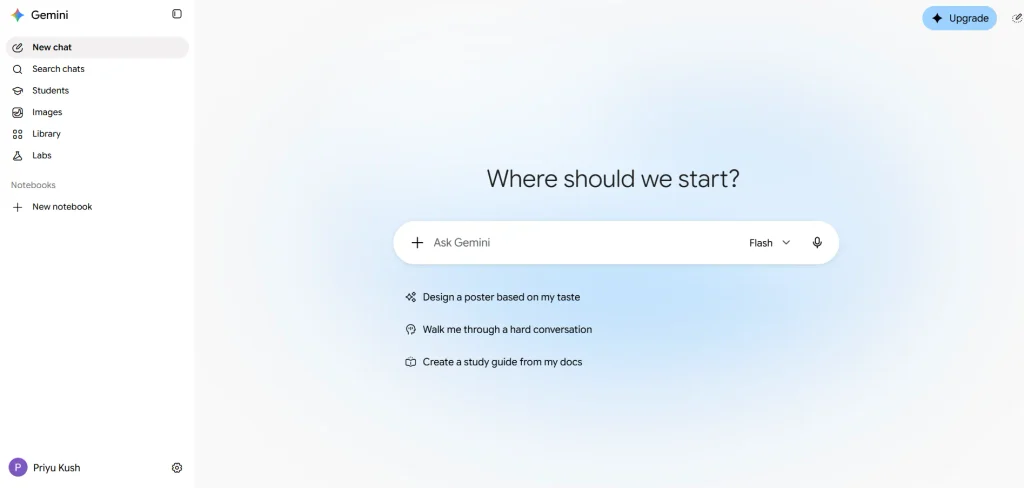
Google Gemini is an AI assistant that helps businesses manage content, research, communication, and everyday productivity tasks. Integrated with Google Workspace, it supports applications such as Gmail, Google Docs, Sheets, Slides, Meet, and Drive. Businesses can use Gemini to draft emails, summarize conversations, generate reports, organize spreadsheet information, and create professional presentations.
It also helps employees brainstorm ideas, analyze information, and complete routine tasks more efficiently. Its natural language capabilities make it useful for teams with different technical skill levels. Companies already using Google’s productivity ecosystem can benefit from its connected workflow and familiar interface. From startups to growing organizations, Gemini provides an accessible way to introduce AI into daily business operations.
Key Features:
- Drafts and summarizes emails directly in Gmail.
- Generates and rewrites business documents in Google Docs.
- Helps analyze and organize data in Google Sheets.
- Creates presentations and content in Google Slides.
- Supports meeting summaries and productivity tasks in Google Meet.
Pros:
- Integrates with Google Workspace applications.
- Offers a free version for individual users.
- Helps automate everyday writing and research tasks.
- Easy for existing Google Workspace users to adopt.
Cons:
- Some advanced features require paid plans.
- Works best within the Google ecosystem.
- AI-generated responses may contain factual errors.
- Features and availability can vary by subscription and region.
Pricing:
- Free: ₹0/month
- Google AI Plus: ₹399/month
- Google AI Pro: ₹1,950/month
- Google AI Ultra: Starting at ₹6,500/month (up to ₹19,500/month)
- Gemini for Google Workspace Business: Starting at $14/user/month
- Gemini Enterprise: Starting at $30/user/month
4. Claude
Website: https://claude.com/pricing
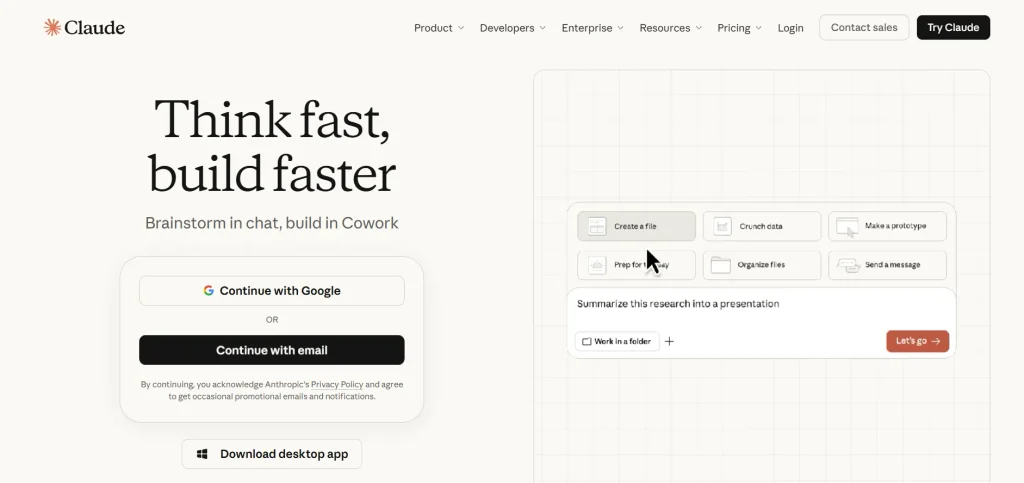
Claude is an AI assistant developed by Anthropic that helps businesses handle complex writing, research, analysis, and document-related tasks. It is particularly useful for organizations working with lengthy reports, contracts, business proposals, policies, and research materials. Employees can upload documents, ask questions, compare information, summarize important findings, and generate structured responses.
Claude also supports content editing, brainstorming, and problem-solving, making it valuable for finance, consulting, legal, and research teams. Its Projects feature allows users to organize relevant files and instructions for ongoing work. Businesses looking for an AI assistant that can support detailed analysis and high-quality writing can use Claude to improve efficiency and simplify information-heavy workflows.
Key Features:
- Analyzes and summarizes lengthy business documents.
- Compares contracts, reports, and research materials.
- Generates professional emails, proposals, and reports.
- Uses Projects to organize files and recurring instructions.
- Supports complex reasoning, research, and content editing.
Pros:
- Produces natural and well-structured written content.
- Handles lengthy documents and detailed analysis.
- Useful for research-intensive business activities.
- Offers a free plan for individual users.
Cons:
- Can occasionally provide incorrect information.
- Advanced usage requires a paid subscription.
- Offers fewer built-in creative tools than some competitors.
- Usage limits may interrupt longer working sessions.
Pricing:
- Free: $0/month
- Pro: $17/month (annual billing) or $20/month (monthly billing)
- Max: $100/month
- Ultra: $200/month
5. Zapier AI
Website: https://zapier.com/pricing
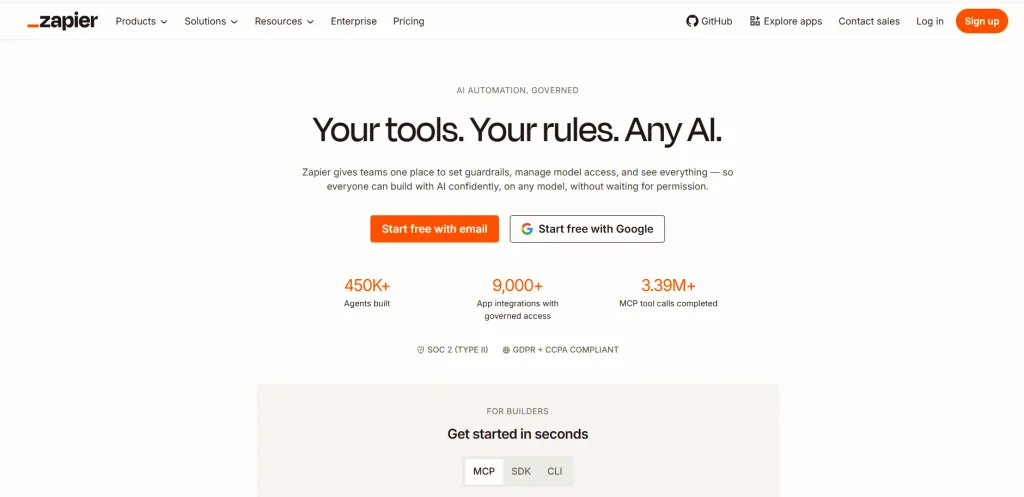
Zapier AI is an automation platform that helps businesses connect applications and streamline repetitive workflows without requiring coding knowledge. Businesses comparing automation platforms can also explore these Zapier alternatives to find solutions that match their workflow requirements.It allows teams to automate everyday processes between tools such as Gmail, Slack, HubSpot, Google Sheets, and thousands of other applications. Businesses can use it to transfer information, manage leads, send notifications, update customer records, and trigger actions automatically.
Its AI capabilities also help users build workflows using natural language and incorporate AI-powered steps for summarizing, classifying, and extracting information. For example, a business can automatically collect website leads, analyze their details, update its CRM, and notify the sales team. As one of the useful AI tools for business automation, Zapier AI is particularly useful for operations, marketing, and sales teams.
Key Features:
- Connects thousands of business applications.
- Creates automated workflows using natural language.
- Adds AI-powered data extraction and summarization steps.
- Automates lead management and customer information updates.
- Supports multi-step workflows across different applications.
Pros:
- Requires little or no coding knowledge.
- Connects a wide range of business applications.
- Reduces repetitive manual tasks.
- Offers a free plan for basic automation.
Cons:
- Advanced automation requires paid plans.
- Costs can increase with higher task volumes.
- Complex workflows require regular monitoring.
- Troubleshooting integrations can be time-consuming.
Pricing:
- Free: $0/month
- Professional: Starting at $19.99/month
- Team: Starting at $69/month
- Enterprise: Custom pricing (Contact sales)
6. HubSpot AI
Website: https://www.hubspot.in/pricing/marketing
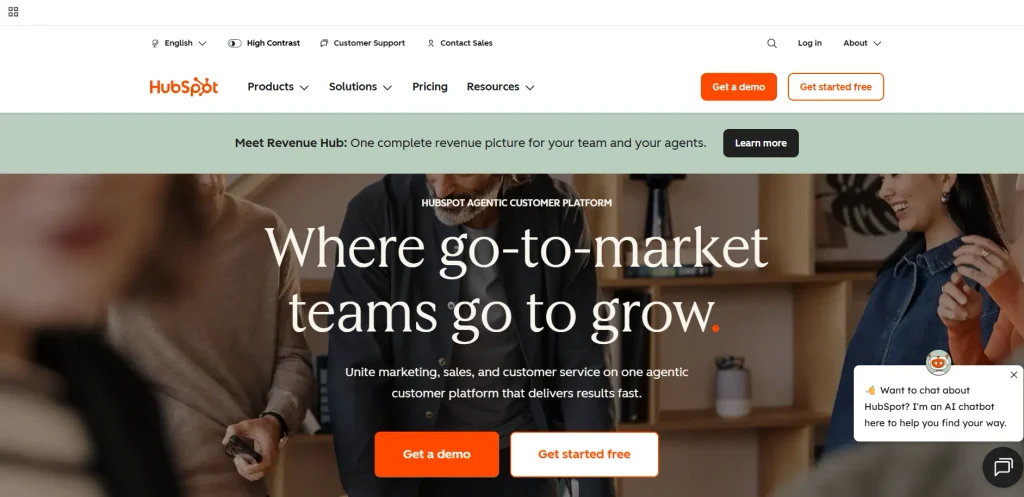
HubSpot AI, powered by its Breeze AI capabilities, helps businesses improve sales, marketing, customer relationship management, and service operations. Integrated into the HubSpot CRM platform, it allows teams to use customer information to create more personalized campaigns and manage business relationships efficiently. Companies can use its AI capabilities to generate marketing emails, write website content, and identify promising sales leads. Businesses can also explore email marketing tools to manage campaigns and customer communication.
Its AI-powered agents can also support customer service and automate selected business activities. HubSpot is particularly useful for small and medium-sized businesses that want to manage their sales pipeline, marketing campaigns, and customer communications from one platform. Its free CRM tools also make it accessible to businesses starting with limited budgets.
Key Features:
- Generates marketing emails, landing pages, and social media content.
- Helps identify and prioritize potential sales leads.
- Summarizes customer interactions and CRM activities.
- Supports AI-powered customer service workflows.
- Integrates sales, marketing, and customer information.
Pros:
- Offers free CRM tools for small businesses.
- Combines sales, marketing, and service activities.
- Uses existing customer data for personalized communication.
- Provides multiple integrations with business applications.
Cons:
- Advanced AI features require paid subscriptions.
- Pricing can increase as teams and requirements grow.
- The platform may take time to configure.
- Some features require additional onboarding and training.
Pricing:
- Free: ₹0/month
- Starter: Starting at ₹585/month/seat
- Professional: Starting at ₹66,697/month
- Enterprise: Starting at ₹3,00,000/month
7. Canva AI

Website: https://www.canva.com/en_in/pricing/
Canva AI is a creative design solution that helps businesses produce professional-looking marketing materials without requiring advanced graphic design skills. Marketing teams can also explore AI tools for social media agencies to simplify content creation and campaign management.Its AI-powered tools allow users to generate images, create presentations, design social media posts, and produce short videos using simple text prompts. Businesses can use Canva to develop advertisements, promotional graphics, product visuals, brochures, and branded content for different marketing channels.
Features such as background removal, image editing, and Magic Design help teams create and customize designs more quickly. Its Brand Kit also allows organizations to maintain consistent colors, fonts, and logos across their marketing materials. Canva AI is particularly useful for startups, small businesses, entrepreneurs, and marketing teams that need affordable visual content creation.
Key Features:
- Generates designs and visuals from text prompts.
- Creates social media graphics and presentations.
- Uses AI-powered image editing and background removal.
- Resizes designs for different marketing platforms.
- Maintains brand consistency through Brand Kit.
Pros:
- Easy to use without professional design experience.
- Offers a free plan with selected AI features.
- Provides ready-made templates for business needs.
- Saves time when creating marketing materials.
Cons:
- Some AI features have usage limitations.
- Premium templates and tools require paid plans.
- Designs can look generic without customization.
- AI-generated visuals may require additional editing.
Pricing:
- Free Plan: ₹0/year per person
- Pro Lite Plan: ₹1,590/year per person
- Pro Plan: ₹4,000/year per person
- Business Plan: ₹6,800/year per person
8. Jasper AI
Website: https://www.jasper.ai/pricing
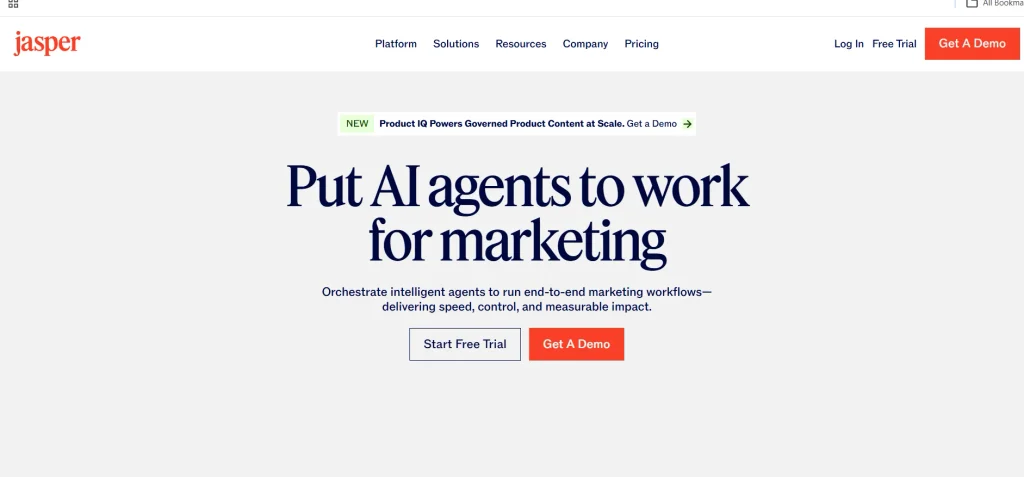
Jasper AI is an AI-powered content creation platform designed primarily for businesses, marketing professionals, and agencies. It helps teams produce consistent, brand-focused content for blogs, advertisements, emails, landing pages, and social media campaigns. Its Brand Voice feature allows businesses to define their communication style so that generated content follows their preferred tone and messaging guidelines.
Teams can also use Jasper to transform a single campaign brief into multiple content formats, reducing the time spent creating marketing materials. Its content workflows support businesses managing large-scale marketing operations and multiple campaigns. As one of the specialized AI tools for business, Jasper is particularly suitable for organizations that regularly publish promotional content and want to maintain a consistent brand identity across different communication channels.
Key Features:
- Generates marketing copy for multiple content formats.
- Maintains consistent messaging through Brand Voice.
- Converts campaign briefs into different marketing assets.
- Supports reusable brand knowledge and content guidelines.
- Helps teams organize and manage marketing workflows.
Pros:
- Designed specifically for marketing content creation.
- Helps maintain a consistent brand voice.
- Speeds up large-scale content production.
- Supports multiple content formats and campaigns.
Cons:
- Does not offer a permanent free plan.
- Can be more expensive than general AI assistants.
- Generated content may require fact-checking.
- May not be necessary for businesses with limited content needs.
Pricing:
- Pro Plan: $59/month per seat.
- Business Plan: Custom pricing (contact sales).
9. Intercom (Fin AI Agent)
Website: https://fin.ai/
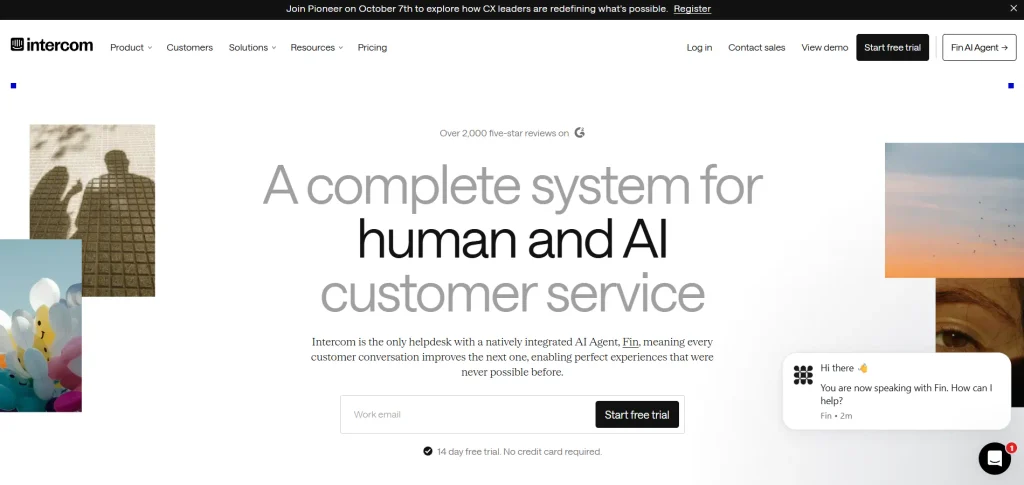
Intercom’s Fin AI Agent is an AI-powered customer support solution that helps businesses automate customer conversations and resolve common queries. It uses company knowledge bases, help articles, and support information to provide relevant answers across customer communication channels. Businesses can use Fin to respond to frequently asked questions, assist customers around the clock, and reduce the workload on human support agents.
When a query requires personal attention or additional expertise, the AI agent can transfer the conversation to a human representative with relevant context. It also helps businesses identify recurring customer concerns and improve their support processes. Fin is particularly useful for companies handling large volumes of customer inquiries and looking to improve response times and service efficiency.
Key Features:
- Answers common customer questions automatically.
- Provides 24/7 AI-powered customer support.
- Transfers complex queries to human support agents.
- Uses company help content to generate relevant responses.
- Provides insights into customer conversations and support trends.
Pros:
- Reduces the workload on customer support teams.
- Helps businesses provide round-the-clock assistance.
- Speeds up responses to common customer queries.
- Supports human handovers for complex issues.
Cons:
- Does not offer a permanent free plan.
- Resolution-based charges can increase overall costs.
- Response quality depends on available knowledge content.
- Complex customer issues may still require human intervention.
Pricing:
- Essential Plan: From $0.99 per Fin outcome + $29 per seat/month.
- Advanced Plan: From $0.99 per Fin outcome + $85 per seat/month.
- Expert Plan: From $0.99 per Fin outcome + $132 per seat/month.
- Fin AI Agent: From $0.99 per outcome, with no seat requirement.
- Pro Add-on: From $100/month.
- Copilot Add-on: Custom per-agent/month pricing.
- Proactive Support Plus Add-on: $99/month.
10. Reply.io
Website : https://reply.io/pricing/?
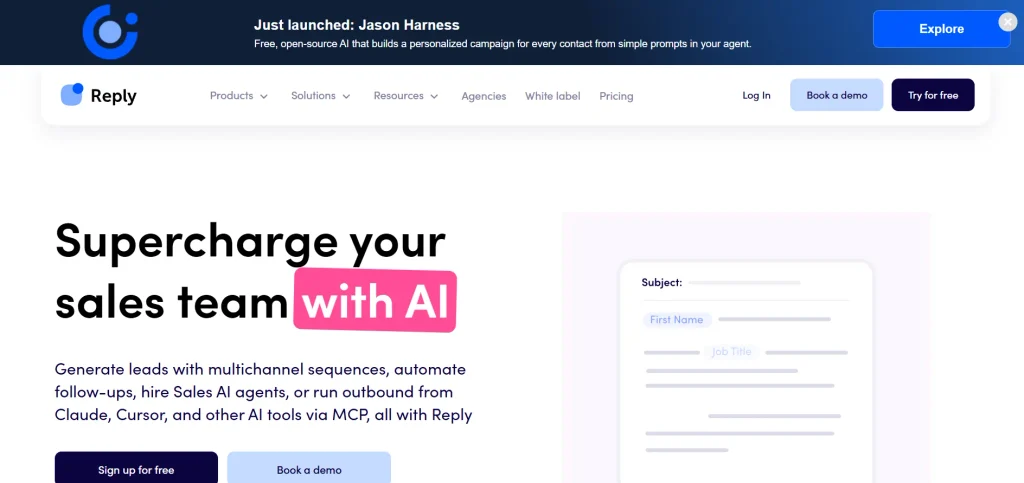
Reply.io is an AI-powered sales engagement platform that helps businesses automate prospecting, outreach, and follow-up activities. It enables sales teams to connect with potential customers through multiple communication channels, including email, LinkedIn, and phone calls. Its AI capabilities help generate personalized email messages, create outreach sequences, and streamline communication with prospects.
Businesses can also use its tools to manage follow-ups, monitor email deliverability, and organize sales engagement activities. By automating repetitive prospecting tasks, Reply.io allows sales representatives to spend more time building relationships and converting leads. It is particularly suitable for B2B companies, sales agencies, and outbound sales teams that need to manage large prospect lists and maintain consistent communication.
Key Features:
- Automates multichannel sales outreach campaigns.
- Generates personalized sales emails using AI.
- Creates automated follow-up sequences.
- Supports email deliverability and warm-up tools.
- Integrates with CRM platforms such as HubSpot and Salesforce.
Pros:
- Saves time on repetitive sales follow-ups.
- Supports multiple outreach channels.
- Helps personalize communication with prospects.
- Integrates with popular CRM platforms.
Cons:
- Advanced capabilities require paid subscriptions.
- Poorly targeted outreach can damage sender reputation.
- Requires regular monitoring of automated campaigns.
- Setup and campaign management may take time.
Pricing:
- Free: $0/month
- Email Volume: Starting at $49/user/month
- Multichannel: Starting at $89/user/month
- AI SDR: Starting at $500/month
- Agency: Starting at $166/month
- Enterprise: Custom pricing (Contact sales)
How To Choose The Best AI Tools For Business?
Choosing the best AI tool for your business requires more than comparing popular platforms or selecting the one with the most features. You need to understand your daily business challenges, identify tasks that consume the most time, and find software that can solve those problems effectively. A tool that works well for a marketing agency may not be the right choice for a finance team or an e-commerce business. Following a step-by-step approach can help you make a practical investment.
Step 1: Identify Your Business Requirements
Start by identifying the areas where your business needs the most support. For example, if your marketing team spends hours creating content, an AI writing assistant such as ChatGPT or Jasper can help. Similarly, businesses struggling with repetitive workflows can consider Zapier AI, while customer support teams may benefit from Intercom’s Fin AI Agent. Understanding your requirements helps you shortlist relevant tools.
Step 2: Set a Realistic Budget
Before choosing an AI platform, decide how much your business can spend on software subscriptions. Many tools offer free plans or trial periods, allowing you to explore their capabilities before purchasing. Compare monthly and annual pricing, user limits, usage restrictions, and additional charges. Also, consider whether the time saved and productivity improvements justify the subscription cost.
Step 3: Check Integrations With Existing Software
Your AI tool should work smoothly with the applications your employees already use. For instance, Microsoft 365 Copilot is suitable for teams working with Word, Excel, Outlook, and Teams, while Google Gemini fits businesses using Google Workspace. Check available integrations with your CRM, communication platforms, project management tools, and other business applications to avoid unnecessary workflow disruptions.
Step 4: Evaluate Features and Ease of Use
Compare the features offered by different platforms based on your business requirements. Explore relevant digital marketing platforms to find tools that support content generation, workflow automation, data analysis, customer support, and reporting. Also, consider how easily employees can navigate the platform. A feature-rich tool may not deliver much value if your team finds it difficult to use or requires extensive training.
Step 5: Review Security and Data Privacy
Businesses often handle confidential information, including customer records, financial documents, employee details, and internal reports. Before adopting an AI solution, review its privacy policy, data retention practices, encryption standards, user permissions, and compliance options. Choose business or enterprise plans when stronger administrative controls and data protection features are necessary.
Step 6: Test the Tool Before Making a Commitment
Take advantage of free plans, demos, or trial subscriptions to understand how an AI tool performs in real business situations. Ask a small group of employees to test it on everyday tasks and collect their feedback. Evaluate its accuracy, response quality, ease of use, and time-saving potential before introducing it across the organization.
Step 7: Measure Performance and ROI
Once you start using an AI tool, monitor whether it is actually improving business operations. Track metrics such as hours saved, task completion time, customer response rates, lead conversions, and operational expenses. Compare these results with your initial goals to understand whether the software is delivering measurable value.
Common Mistakes To Avoid When Using AI Tools For Business
Adopting AI software can improve business productivity, but using these tools without a clear strategy can create unnecessary expenses and operational challenges. Many businesses invest in multiple AI platforms without understanding their actual requirements or training employees to use them effectively. To get better results, organizations should understand the limitations of AI and establish clear guidelines for its use.
Here are some common mistakes businesses should avoid:
- Choosing tools based only on popularity: A popular AI platform may not meet your specific business requirements. Compare features, integrations, pricing, and usability before making a decision.
- Ignoring data privacy: Avoid uploading confidential customer information, financial records, or internal business documents without checking the platform’s data protection policies and security settings.
- Relying entirely on AI-generated content: AI-generated reports, emails, marketing materials, and research may contain inaccurate information. Always review important outputs before sharing or publishing them.
- Investing in too many AI tools: Subscribing to multiple platforms with overlapping features can increase software expenses. Start with tools that solve your most important business challenges.
- Skipping employee training: Employees may struggle to use advanced AI features without proper guidance. Provide basic training and explain how AI can support their daily responsibilities.
- Ignoring integration requirements: Using disconnected AI platforms can create additional manual work. Prioritize solutions that integrate with your existing business applications.
- Not measuring results: Simply introducing AI software does not guarantee better performance. Track productivity, operational costs, and task completion rates to understand its actual business impact.
Conclusion
AI is becoming an important part of modern business operations, helping organizations save time, automate repetitive tasks, improve customer experiences, and make smarter decisions. Whether you need an AI assistant for everyday work, an automation platform for managing workflows, or specialized software for marketing, sales, and customer support, choosing the right AI tools for business depends on your business goals and budget.
Tools like ChatGPT, Microsoft 365 Copilot, Google Gemini, Claude, Zapier, and HubSpot offer different capabilities to support business requirements. Before investing, compare their features, pricing, integrations, security options, and free plans. You don’t need to adopt multiple AI platforms at once. Start with one or two tools that address your biggest challenges, evaluate their performance, and expand gradually as your business grows.
Frequently Asked Questions
1. What Are The Best AI Software For Business In 2027?
ChatGPT, Microsoft 365 Copilot, Google Gemini, Claude, Zapier, and HubSpot are among the best AI tools for improving business productivity and automating workflows.
2. Are There Free AI Business Tools?
Yes, tools like ChatGPT, Google Gemini, Claude, Canva AI, Zapier, and HubSpot offer free plans with limited features or usage.
3. How Can AI Tools Help Small Businesses?
AI tools help small businesses automate repetitive tasks, create marketing content, manage customer inquiries, analyze data, and reduce operational workloads.
4. Which AI Tools Are Best For Business Automation?
Zapier AI is a popular choice for connecting applications and automating workflows, while Intercom and Reply.io support customer service and sales automation.
5. How Do I Choose The Right AI Tool For My Business?
Compare your business requirements, budget, features, integrations, security, ease of use, and scalability before selecting an AI tool.