
Notion has become a popular workspace for taking notes, managing projects, creating databases, documenting processes and collaborating with teams. Its flexible block-based system allows users to build everything from a simple personal notebook to a complete company workspace. However, that flexibility is not ideal for everyone. Some users want stronger project management, while others prefer a faster note-taking experience, better offline access, stronger database capabilities or more control over their data.
This is where Notion alternatives come in. Tools such as ClickUp, Coda, Obsidian, Airtable, Confluence and Microsoft Loop offer different approaches to organising information and work. Some focus on tasks and project execution, while others are built around documents, databases, knowledge management or privacy.
The best choice depends on what you actually need from a productivity tool. Instead of looking for an application that copies every Notion feature, it is better to choose one that solves the specific problem you have with Notion.
Why Look For Notion Alternatives?
Notion is a flexible platform, but its flexibility can also become a limitation. New users may need time to understand databases, relations, views, and workspace structures before they can build a system that works well for them. For simple note-taking, this can feel like unnecessary setup. This is why many users consider Notion Alternatives that offer simpler interfaces and more straightforward workflows.
Another reason is task management. Notion can manage tasks using databases, boards and calendars, but dedicated project management tools such as ClickUp, Asana and monday.com are designed around task execution from the beginning. They offer features such as task dependencies, project views, status tracking and workflow management that may be more suitable for teams.
Offline access and data ownership can also influence the decision. Obsidian, for example, stores notes locally as Markdown files and offers optional Sync rather than requiring users to keep their notes entirely inside a cloud workspace. Its core application is free without limits.
Businesses may also want a more specialised system. Confluence is built around team knowledge and documentation, while Airtable is more focused on structured databases and business workflows. Coda takes a document-first approach but adds tables, formulas, automations and app-like functionality.
Are Notion Alternatives Better Than Notion?
Not necessarily. A Notion alternative is only better if it fits your specific needs more effectively.
For example, someone who mainly manages marketing campaigns may prefer ClickUp because its task management is more central to the platform. A researcher who wants local files and linked notes may prefer Obsidian. A company building structured internal databases may find Airtable more useful, while an organisation already using Jira may benefit from Confluence because it connects closely with the Atlassian ecosystem. For teams managing online campaigns, digital marketing tools can also complement these platforms by bringing essential marketing tasks into a more organised workflow.
Notion Alternative Comparison
| Tool | Best For | Task Management | Note-Taking | Collaboration | Free Plan |
| ClickUp | Project and task management | Excellent | Yes | Excellent | Yes |
| Coda | Docs, databases and automation | Strong | Excellent | Excellent | Yes |
| Obsidian | Personal knowledge management | Limited | Excellent | Limited | Yes |
| Airtable | Database-heavy workflows | Strong | Basic | Excellent | Yes |
| Confluence | Team documentation and knowledge bases | Strong with Jira | Excellent | Excellent | Yes |
| Microsoft Loop | Microsoft 365 users | Strong with Planner | Excellent | Excellent | Yes/Included with Microsoft 365 |
| Asana | Project and team management | Excellent | Basic | Excellent | Yes |
| monday.com | Visual project management | Excellent | Good | Excellent | Yes |
| Craft | Writing and document management | Moderate | Excellent | Good | Yes |
| Anytype | Private and local-first workspace | Moderate | Excellent | Good | Yes |
List Of 10 Best Notion Alternatives
1. ClickUp
- Website: ClickUp.com
- Best For: Project management, task management and all-in-one team workflows
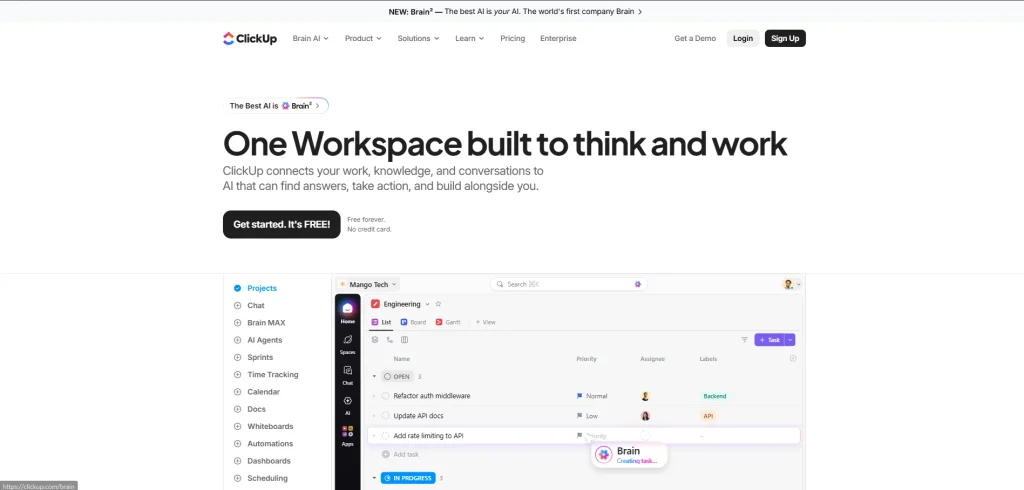
ClickUp is one of the closest alternatives to Notion for teams that want documents and knowledge management alongside stronger task management. Instead of making users build a task system from databases, ClickUp puts tasks and projects at the centre of the workspace. Teams can organise work using lists, boards, documents, and different project views. ClickUp also allows users to create tasks directly from Docs or wikis, which helps connect written information with actionable work. For teams comparing Notion Alternatives, ClickUp is a strong option when project management and task tracking are the main priorities.
Key Features
- Task and project management
- Docs and wikis
- Multiple project views
- Custom fields
- Task dependencies
- Automations
- Goals and dashboards
- Team collaboration
- AI features on supported plans
Pros
- Strong project management
- Good combination of tasks and documents
- Suitable for teams
- Large feature set
- Free plan available
Cons
- Large number of features can feel overwhelming
- Requires setup for complex workspaces
- Some advanced features are paid
Pricing
- Free Forever plan available
- Paid plans start with the Unlimited tier
- ClickUp pricing and plan structures can vary as new plans are introduced.
Why Choose ClickUp
- Choose ClickUp if your main problem with Notion is task and project management. It is particularly useful for teams that want documents connected directly to everyday tasks.
2. Coda
- Website: Coda.com
- Best For: Documents, databases, formulas and workflow automation
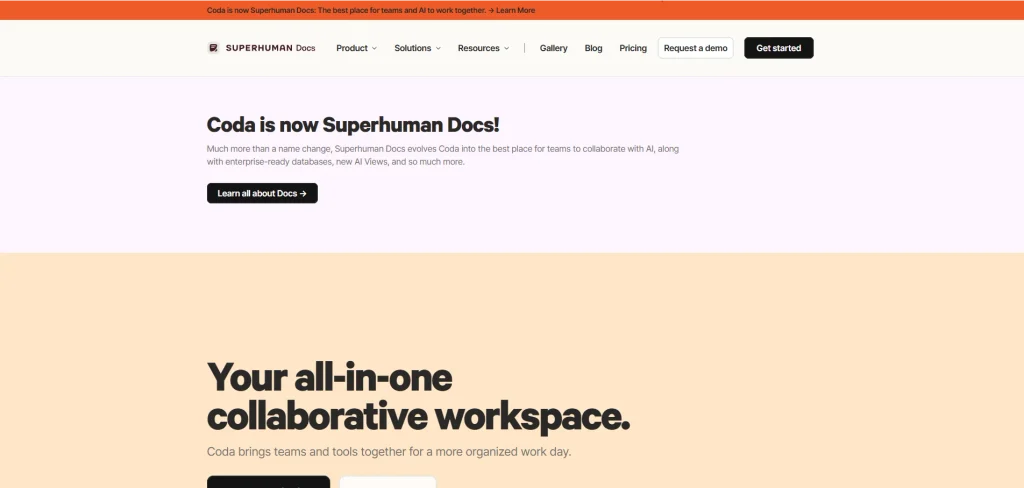
Coda is a strong choice for people who like the flexibility of Notion but want documents to behave more like applications. It combines documents, tables, formulas, buttons, and automations in a single workspace. This makes it useful for teams building project trackers, content calendars, business dashboards, meeting systems, and internal tools. For teams managing digital workflows, SEO automation tools can also complement Coda by reducing repetitive SEO tasks and improving efficiency. Coda’s billing model is also different from many productivity platforms. Paid workspaces charge for Doc Makers, while editors and viewers can use the documents without being charged as makers.
Key Features
- Collaborative documents
- Tables and databases
- Formulas
- Automations
- Buttons
- Templates
- Integrations
- AI features
Pros
- Powerful document system
- Strong database capabilities
- Excellent automation options
- Flexible for business workflows
- Free plan available
Cons
- Advanced features require learning
- Shared free documents have limits
- Can become complex for simple note-taking
Pricing
- Free plan available
- Pro starts around $12 per Doc Maker/month when billed annually
- Higher plans are available for teams and organisations
- Editors and viewers are not charged as Doc Makers.
Why Choose Coda
- Coda is ideal if you want Notion’s document flexibility but need more powerful formulas, tables, and automation. It is particularly useful for teams creating custom business workflows. Teams can also pair these workflows with AI workflow tools to automate repetitive tasks and improve productivity across projects.
3. Obsidian
- Website: Obsidian.com
- Best For: Personal notes, research and knowledge management
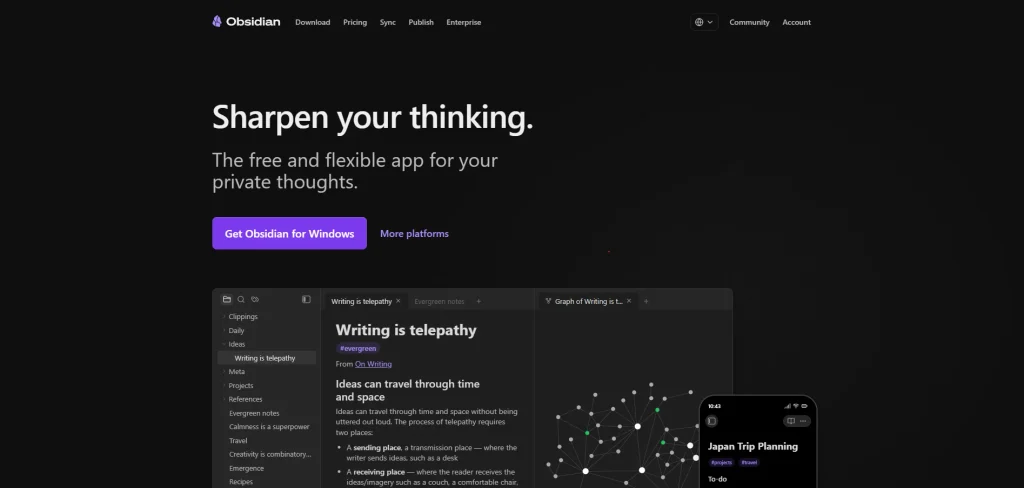
Notion is a flexible platform, but its flexibility can also become a limitation. New users may need time to understand databases, relations, views, and workspace structures before they can build a system that works well for them. For simple note-taking, this can feel like unnecessary setup. This is one reason users looking for Notion Alternatives often consider platforms with simpler interfaces and more focused workflows.
Key Features
- Local Markdown files
- Backlinks
- Graph view
- Knowledge management
- Extensive plugin ecosystem
- Themes and customisation
- Optional encrypted Sync
- Note publishing
Pros
- Free for personal use
- Local-first approach
- Excellent for linked notes
- Highly customisable
- Strong privacy and data ownership
Cons
- Collaboration is not its main strength
- Requires more setup than simple note apps
- Advanced functionality may require plugins
Pricing
- Core app: Free
- Sync: $4/user/month billed annually
- Publish: $8/site/month billed annually
- Commercial licence: $50/user/year.
Why Choose Obsidian
- Choose Obsidian if your priority is personal knowledge management rather than team project management. It is particularly useful for researchers, writers, students and people who want local control over their notes.
4. Airtable
- Website: Airtable.com
- Best For: Database-heavy workflows and business operations
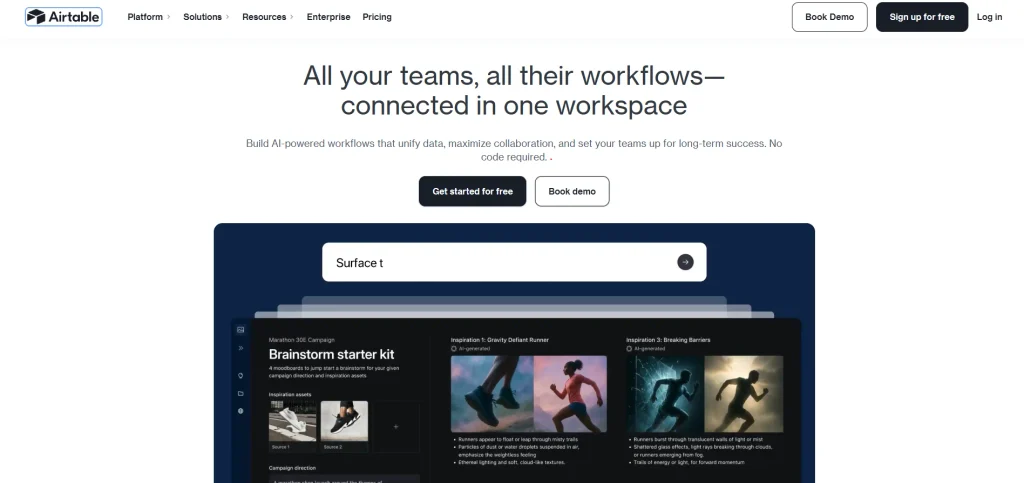
Airtable is better suited to users who think of their information as structured data rather than traditional documents. It combines spreadsheet-like tables with database functionality, views, automations and business workflows. Teams can use it for content calendars, customer databases, product catalogues, event management, inventory tracking and other structured processes. Airtable’s Free plan is available at no cost, while its Team plan currently starts at $20 per user per month when billed annually.
Key Features
- Relational databases
- Multiple views
- Forms
- Automations
- Interfaces
- Integrations
- API access
- Team collaboration
Pros
- Excellent database functionality
- Flexible business workflows
- Strong automation
- Good for structured information
- Free plan available
Cons
- Not as focused on long-form notes
- Pricing can increase with team size
- Can require database knowledge
Pricing
- Free plan: $0
- Team: $20/user/month when billed annually
- Business: $45/user/month when billed annually
- Enterprise Scale: Custom pricing.
Why Choose Airtable
- Airtable is a better choice when your Notion workspace has become primarily a database. It works especially well for teams managing structured records, workflows and operational information.
5. Confluence
- Website: Confluence.com
- Best For: Team documentation, internal knowledge and enterprise collaboration
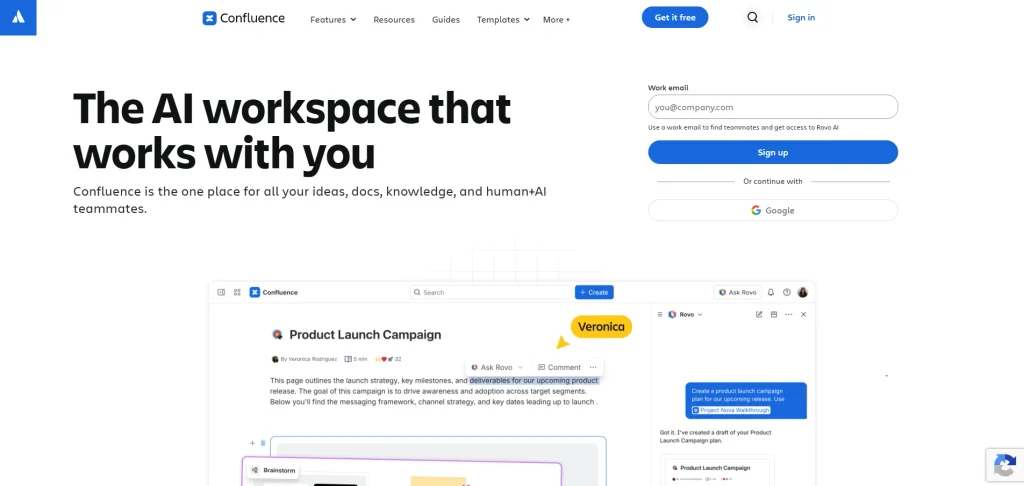
Confluence is an established workspace for creating and managing organisational knowledge. It is especially useful for companies that already use Jira or other Atlassian products. Teams can create pages, organise information into spaces, maintain project documentation and use templates for areas such as product management, marketing and programme management. Its current Free plan supports up to 10 users and includes pages, spaces, databases, templates, whiteboards and integrations.
Key Features
- Team documentation
- Knowledge bases
- Pages and spaces
- Databases
- Whiteboards
- Templates
- Permissions
- Atlassian integrations
- Automation
Pros
- Excellent for company knowledge
- Strong enterprise features
- Good Jira integration
- Free plan for small teams
- Strong permissions on paid plans
Cons
- Less flexible for personal knowledge management
- Can feel enterprise-focused
- Best value often comes within the Atlassian ecosystem
Pricing
- Free: $0 for up to 10 users
- Standard: starts around $5.42/user/month
- Premium: starts around $10.44/user/month
- Enterprise: Custom pricing.
Why Choose Confluence
- Choose Confluence if your main requirement is organised team knowledge. It is especially suitable for companies that already use Jira and need a central place for documentation.
6. Microsoft Loop
- Website: Microsoft Loop.com
- Best For: Microsoft 365 users and collaborative work
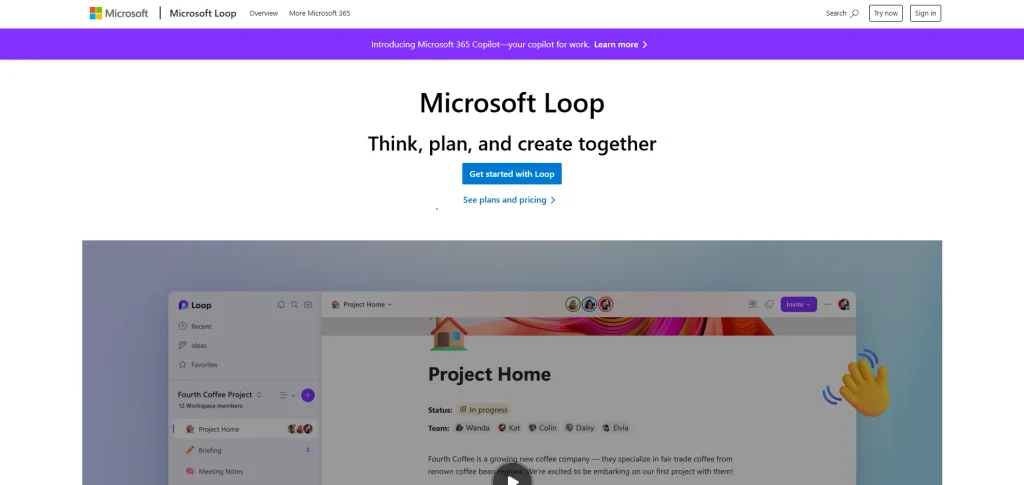
Microsoft Loop is a collaborative workspace designed to help teams work together across Microsoft 365. It allows users to create collaborative pages and workspaces while connecting information with applications such as Teams and other Microsoft services. This makes it particularly useful for organisations that already rely heavily on Microsoft’s ecosystem. Microsoft currently lists Loop among the applications included with its Microsoft 365 Business plans, alongside Planner, Forms and other business applications.
Key Features
- Collaborative workspaces
- Pages and components
- Microsoft 365 integration
- Real-time collaboration
- Teams integration
- Task collaboration
- Templates
- Copilot integration on supported plans
Pros
- Strong Microsoft ecosystem integration
- Good real-time collaboration
- Useful for distributed teams
- Familiar environment for Microsoft users
Cons
- Best value depends on Microsoft 365 usage
- Less mature as a standalone Notion replacement
- Some advanced AI capabilities require additional licensing
Pricing
- Loop is included with eligible Microsoft 365 plans
- Microsoft 365 Business Premium with Copilot is currently listed at ₹2,660/user/month when paid yearly, with GST extra
- Standard Microsoft 365 Business plans can also include Loop.
Why Choose Microsoft Loop
- Choose Loop if your company already works inside Microsoft 365. Its biggest advantage is the ability to connect collaborative work with the tools your team already uses.
7. Asana
- Website: Asana.com
- Best For: Project management and team task tracking
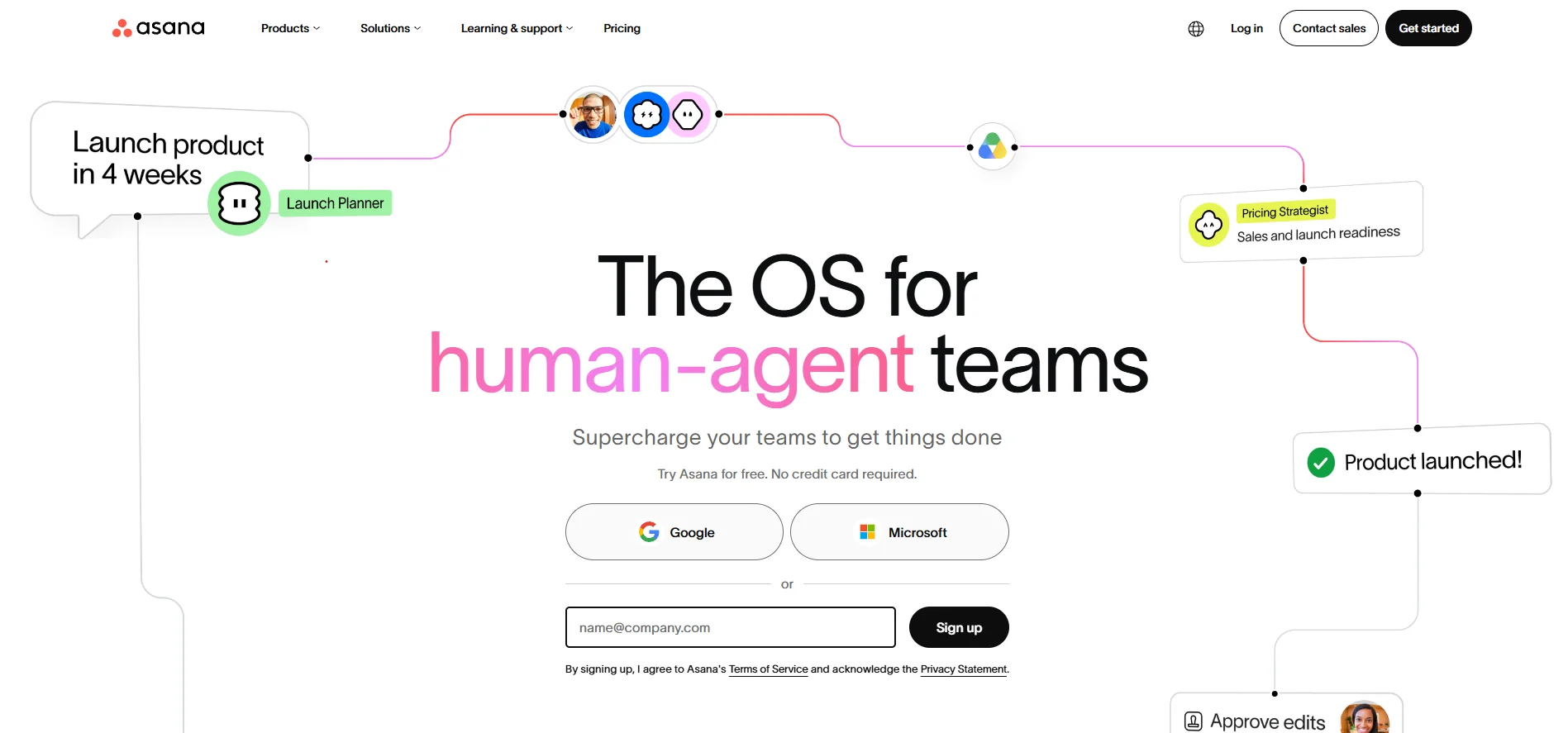
Asana is a project management platform focused on tasks, projects, and team coordination. It works well as a Notion alternative for users who primarily need to manage projects rather than store large amounts of information. Teams can organise work with list, board, and calendar views, assign tasks, and track progress. When project management is combined with customer relationship management, the CRM software can help businesses keep sales and customer data organised in one place. Its free Personal plan supports up to two users and includes unlimited tasks and projects, making it suitable for individuals and small teams.
Key Features
- Task management
- Project management
- List and board views
- Calendar
- Status updates
- Goals
- Workflow management
- Team collaboration
Pros
- Excellent task management
- Easy to understand
- Good project visibility
- Strong team collaboration
- Free plan available
Cons
- Less suitable for detailed knowledge management
- Not as flexible as Notion for databases
- Some advanced features require paid plans
Pricing
- Personal: Free
- Starter: paid per user
- Advanced and Enterprise plans available
- Exact pricing depends on billing cycle and plan.
Why Choose Asana
- Asana is a good choice if your Notion workspace is mostly a project tracker. It gives teams a more structured way to assign, monitor and complete work.
8. monday.com
- Website: monday.com
- Best For: Visual project management and team workflows
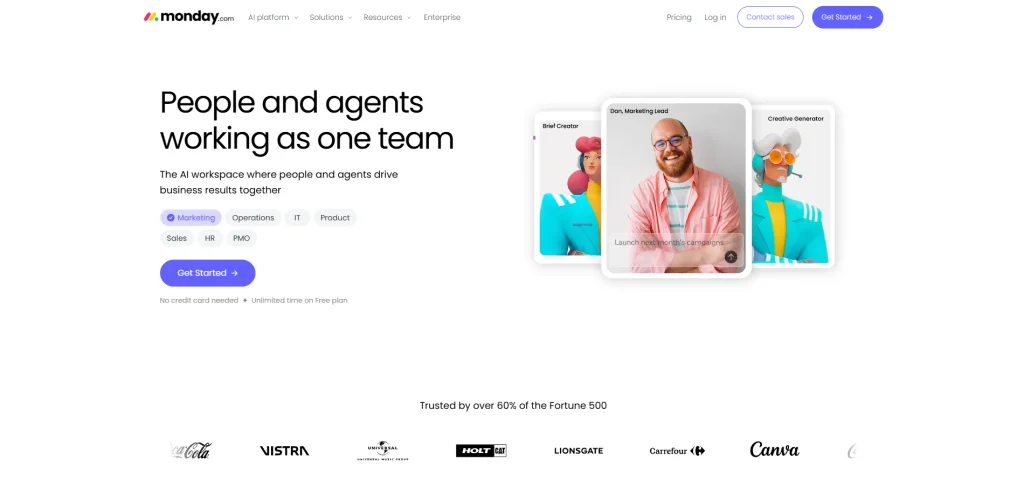
monday.com is a visual work management platform that helps teams organise projects, processes, and operational work. Its boards are central to the platform, allowing teams to track tasks, owners, statuses, and other information in a visual format. It also provides collaborative documents, templates, and mobile applications. For SEO teams, rank tracking software can be useful alongside monday.com for monitoring keyword positions and keeping SEO projects organised. The Free plan currently supports up to two seats and three boards, while paid plans add greater capacity and functionality.
Key Features
- Visual project boards
- Task management
- Custom workflows
- Automations
- Dashboards
- Templates
- Collaborative docs
- Mobile apps
Pros
- Highly visual
- Easy project tracking
- Strong workflow options
- Good for cross-functional teams
- Free plan available
Cons
- Pricing is based on seats
- Less focused on knowledge management
- Can become expensive as teams grow
Pricing
- Free: $0 for up to 2 seats
- Basic: around $9/seat/month on annual billing
- Higher plans provide additional automation and reporting features
- Enterprise pricing is customised.
Why Choose monday.com
- Choose monday.com if your team prefers visual boards and structured workflows. It is especially useful when project progress needs to be visible to several departments.
9. Craft
- Website: Craft.do
- Best For: Writing, documents and personal knowledge management
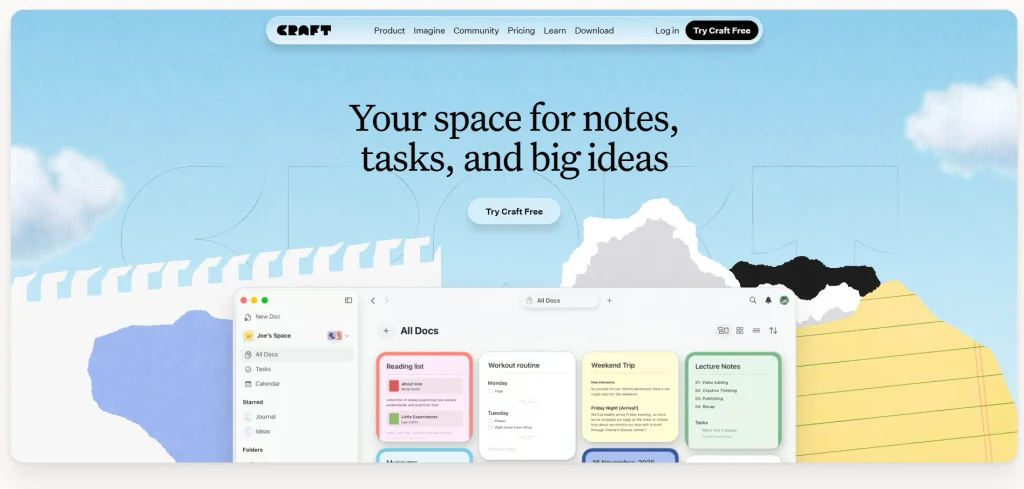
Craft is a document-focused productivity tool that places greater emphasis on writing, presentation and organisation than traditional project management platforms. It is useful for creating meeting notes, personal documents, research material and structured knowledge. The platform also offers collaboration and AI functionality. Its current Free plan includes up to 1,500 blocks and 1 GB of storage, while the Plus plan removes the content limit and provides unlimited storage.
Key Features
- Document creation
- Note-taking
- Templates
- Document sharing
- Cross-device sync
- AI assistance
- Structured pages
- Collaborative spaces on supported plans
Pros
- Clean writing experience
- Attractive interface
- Good for long-form documents
- Useful note organisation
- Free plan available
Cons
- Not as powerful for complex project management
- Free plan has content limits
- Some collaboration features require paid plans
Pricing
- Free: $0/month
- Plus: $6.40/month when billed annually
- Family: $12/month when billed annually
- Pricing can vary by region.
Why Choose Craft
- Craft is a good option if you mainly use Notion for writing and organising documents. It offers a polished environment without requiring users to build complex databases for basic work.
10. Anytype
- Website: Anytype.io
- Best For: Privacy-focused and local-first knowledge management
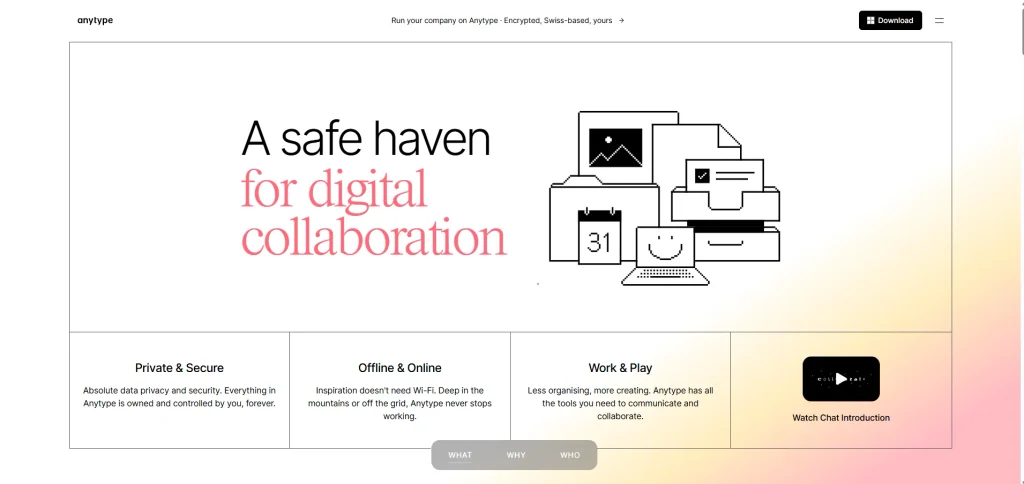
Anytype takes a privacy-first approach to personal knowledge management. It is designed around objects and relationships rather than a traditional folder structure, allowing users to connect different types of information. Its local-first approach makes it attractive to people who want greater control over their data. For users who also need to analyse and organise business data, business intelligence software can complement Anytype by providing deeper insights from structured information. Current comparisons position Anytype among the stronger choices for privacy, local storage, and data ownership.
Key Features
- Local-first workspace
- Linked objects
- Knowledge management
- End-to-end encryption
- Peer-to-peer synchronisation
- Custom object types
- Offline-first functionality
Pros
- Strong privacy focus
- Local-first approach
- Flexible knowledge model
- Good alternative for personal use
- Free option available
Cons
- Collaboration is less mature than some team platforms
- Can require time to understand
- Not the best option for conventional project management
Pricing
- Free plan available
- Paid plans are available for additional storage and functionality
- Pricing and plan availability can change as the product develops.
Why Choose Anytype
- Anytype is worth considering if privacy and data ownership are more important to you than having a traditional cloud workspace. It is particularly suited to personal knowledge management.
How To Choose The Best Notion Alternative
The right Notion alternative depends on what you use Notion for today. Before switching, make a list of the features you actually use instead of comparing every feature available in each application.
Identify Your Main Requirement
Ask what you actually want to replace. Is Notion too complicated for note-taking? Is project management too basic? Do you need better databases? Or are you concerned about offline access and data ownership?
Your answer will immediately reduce the number of alternatives worth testing.
Check the Free Plan
A free plan can be useful for testing how a platform fits your workflow. However, do not compare the word “free” alone. Check user limits, storage, collaboration restrictions and feature limitations.
For example, Coda’s free plan has different limits for personal and shared documents, while Confluence’s free plan supports up to 10 users.
Consider Team Size
A tool that works perfectly for one person may become expensive or difficult to manage with 50 employees. Check how the provider charges for users, editors, guests and viewers.
Coda, for example, uses a Doc Maker billing model rather than charging every person who edits or views a document.
Think About Your Data
If your workspace contains years of notes, documents and business information, migration should be part of your decision. Check whether the platform supports exports and whether your existing Notion content can be transferred without losing important databases, links or formatting.
Test Before You Migrate
Do not move your entire workspace immediately. Create a small test project in two or three alternatives. Add a few notes, tasks, databases and collaborators. This will show you how the tool behaves in a real workflow.
A short test can reveal problems that a feature comparison cannot.
Conclusion
Notion remains one of the most flexible productivity platforms available, but it is not the perfect fit for every individual or team. Its strength comes from combining notes, documents, databases and project organisation, but some users may prefer a platform that focuses more strongly on one particular area.
ClickUp and Asana are better suited to structured project and task management. Obsidian is a strong choice for local-first notes and personal knowledge management. Coda is useful for documents, databases and automation, while Airtable is more suitable for structured business data. Confluence works well for organisational documentation, and Microsoft Loop makes sense for teams already using Microsoft 365.
The best Notion alternative is therefore the one that matches your actual workflow. Before switching, identify the features that are missing or frustrating in Notion, test a few alternatives and compare their free plans, pricing, collaboration features and data-management options. A tool does not need to copy Notion to be a better choice for you.
FAQs
What Is The Best Notion Alternatives
There is no single best Notion alternative. ClickUp is a strong choice for project management, Obsidian for personal knowledge management, Coda for documents and automation, Airtable for databases and Confluence for team documentation. The right choice depends on how you currently use Notion.
Is There A Free Alternatives To Notion?
Yes. Several Notion alternatives have free plans. Obsidian’s core application is free without limits, ClickUp has a Free Forever plan, Asana offers a free Personal plan for up to two users, and Confluence provides a free plan for up to 10 users.
Is ClickUp Better Than Notion?
ClickUp can be better for users who primarily need project and task management. It provides dedicated task functionality and allows teams to connect Docs and wikis with actionable tasks. However, Notion may still be preferable for users who prioritise flexible databases, notes and custom workspace structures.
Is Obsidian Better Than Notion?
Obsidian can be better for users who prioritise local data storage, linked notes and personal knowledge management. Its core application is free and stores notes as local Markdown files. Notion is generally more suitable for people who need a collaborative cloud workspace with databases and team features.
What Is The Best Notion Alternatives For Teams?
ClickUp, Coda, Asana, monday.com and Confluence are strong options for teams, but each has a different focus. ClickUp is suited to project execution, Coda to collaborative documents and workflows, Asana to structured project management, monday.com to visual workflows and Confluence to organisational knowledge.