Understanding your competitors is essential for building smarter marketing and growth strategies in today’s competitive digital landscape. Free competitor analysis tools help businesses uncover valuable insights without stretching their budgets. These tools allow you to analyse competitors’ traffic sources, keywords, backlinks, content strategies, social media performance, and overall online presence.
Whether you are a startup, blogger, freelancer, or small business owner, using the right tools can help you identify gaps, refine your strategy, and stay ahead of industry trends. With the right competitor insights, businesses can improve positioning, optimize campaigns, and make informed decisions that support long-term digital success and consistent growth.
Why Do You Need Competitor Analysis Tools?
- Understand Market Trends: Competitor analysis tools help identify emerging market trends, consumer preferences, and industry shifts, enabling businesses to adapt strategies proactively and stay relevant in competitive environments.
- Identify Strengths and Weaknesses: These tools reveal competitors’ strengths and weaknesses, allowing you to benchmark performance, improve your offerings, and avoid mistakes others are making in the market.
- Improve SEO Strategy: By analysing competitors’ keywords, backlinks, and rankings, these tools help refine your SEO approach, uncover content gaps, and target opportunities with higher chances.
- Enhance Content Planning: Competitor insights highlight top-performing content formats and topics, helping you create more engaging, relevant, and conversion-focused content for your target audience.
- Optimise Pricing and Positioning: Studying competitors’ pricing models and value propositions helps businesses position products better and set competitive prices aligned with market expectations.
- Discover Marketing Opportunities: These tools uncover competitors’ traffic sources, ad strategies, and social performance, helping identify untapped marketing channels and growth opportunities.
- Reduce Business Risks: Regular competitor analysis minimises risks by anticipating market moves, identifying threats early, and preparing strategic responses before challenges escalate.
- Support Data-Driven Decisions: Competitor analysis tools provide actionable data, enabling informed decision-making rather than assumptions, leading to more effective strategies and measurable business growth.
Quick Comparison
| Tools | Pros | Cons |
| Google Trends | Excellent for identifying trending keywords and comparing brand interest over time across regions. | Does not provide exact search volume or deep competitor performance metrics. |
| Google Search Console | Offers accurate data directly from Google on keywords, impressions, and clicks. | Only shows data for your own website, not direct competitor insights. |
| Similarweb | Provides traffic estimates, audience insights, and competitor traffic sources. | The free version offers limited data accuracy and restricted access. |
| Ubersuggest | Easy-to-use tool for keyword ideas and basic competitor SEO analysis. | Free searches per day are heavily limited. |
| SpyFu | Strong competitor keyword and PPC insights even in the free version. | Detailed historical data is locked behind paid plans. |
| Social Blade | Useful for tracking competitors’ social media and YouTube growth trends. | Lacks deep SEO or website performance analysis. |
| Google Alerts | Helps monitor competitor mentions, brand news, and industry updates automatically. | Does not provide analytical or performance-based competitor metrics. |
| SEO PowerSuite | Desktop-based tool offering solid competitor SEO audits for free. | Requires software installation and has data export limitations. |
| MozBar | Instantly shows domain authority and page metrics while browsing competitor sites. | Limited insights without upgrading to Moz Pro. |
| KeywordTool.io | Generates large volumes of keyword ideas based on competitor and search data. | Search volume and competition metrics are mostly paid features. |
| Yandex Metrica | Provides advanced behavioral analytics and heatmaps for market analysis. | More useful for Yandex-focused markets than Google-dominated regions. |
| Marketing Miner | Offers competitive keyword analysis and SERP insights in its free tier. | Daily usage limits restrict extensive competitor research. |
| BuiltWith | Identifies technologies and tools used by competitor websites. | Does not analyze traffic, SEO, or marketing performance. |
| CheckCompetitor | Simple interface for monitoring competitor websites and changes. | Lacks advanced SEO, keyword, or traffic analytics. |
| ToolerBox Competitor Finder | Allows quick discovery of competitors using combined SEO and PPC data for free. | Data depth and customization options are limited compared to premium tools. |
List of Top 15 Free Competitor Analysis Tools
1. Google Trends
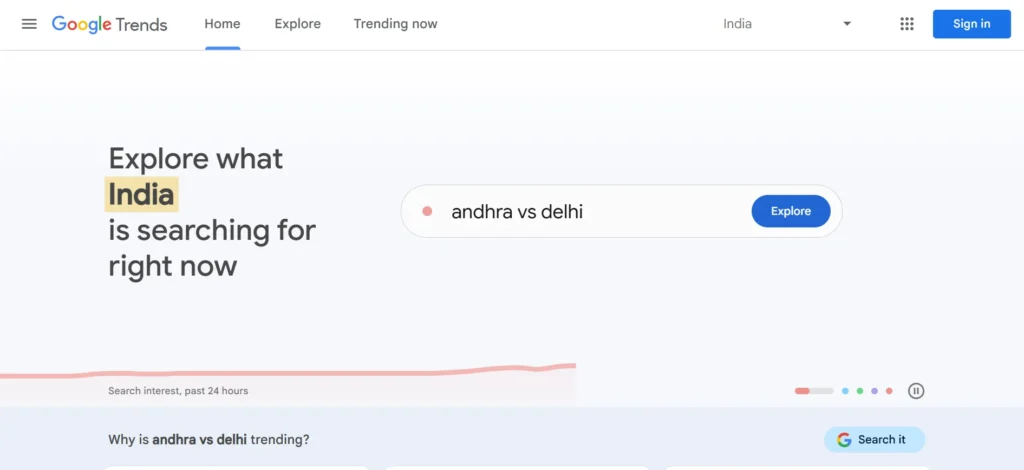
Google Trends is a free utility that assists the company in determining the demand in the market in terms of search interest. It enables users to make comparisons of several keywords, brands or topics by regions and even by time.
This is particularly practical in determining seasonal trends, new entrants, and consumer behavior change. Google Trends helps marketers validate content ideas, plan campaigns and track the popularity of their brands against competitors.
Although it does not specify the number of searches, the visual trend data it provides is a great source of strategic information related to SEO, content marketing, and product positioning.
Website: https://trends.google.com
Key Features:
- Tracks keyword and brand popularity trends over time and across regions.
- Compares multiple competitors, products, or topics side by side.
- Identifies seasonal demand and emerging market trends.
- Provides real-time insights into user search behavior.
- Ideal for market research, content planning, and trend-based competitor analysis.
2. Google Search Console
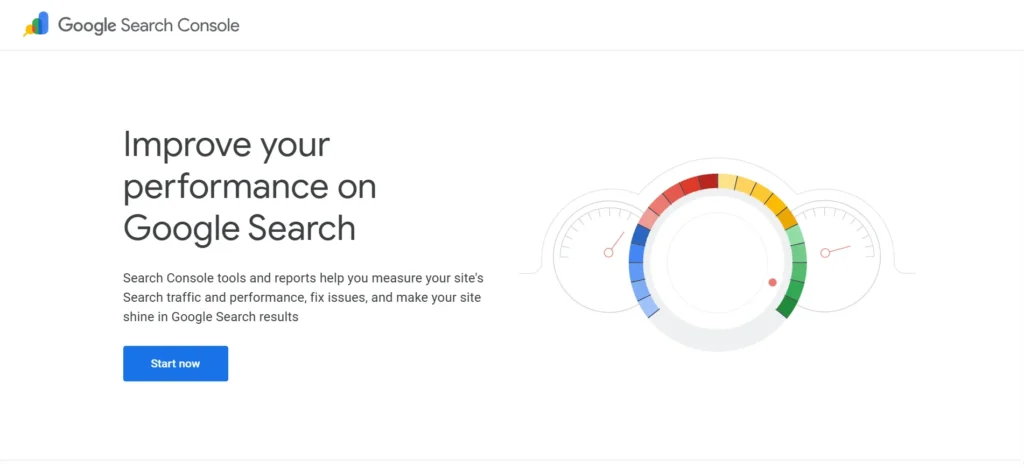
The Search Console is a strong free application by Google offering first-hand information regarding the performance of a site in search engines. It indicates the impressions of keywords, clicks, rank, indexing, and problems.
In a way it does not show competitor websites but it assists in analysing competing keywords as it shows queries where competitors can beat you. Businesses are able to determine gaps, optimize pages, and monitor improvement in performance.
Since the data is provided by Google directly, it is very helpful and necessary to comprehend organic visibility and competitive positioning in search results.
Website: https://search.google.com/search-console
Key Features:
- Displays search performance data directly from Google.
- Tracks keyword impressions, clicks, and average rankings.
- Helps identify competitor-dominated keywords and gaps.
- Monitors indexing issues and technical SEO health.
- Ideal for analysing organic search competition and visibility.
3. Similarweb
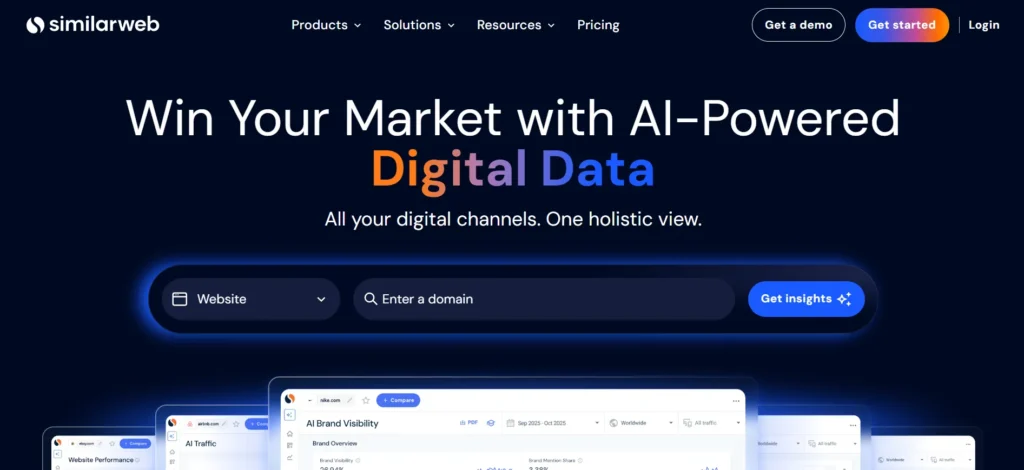
Competitive intelligence provided by SimilarWeb approximates the traffic and traffic sources of websites, their audience behavior, and referral channels. The free version enables the user to study competitor websites and see their visitors in terms of search, social, and referrals.
It is especially applicable when benchmarking the digital performance and growth opportunities. Although the accuracy of data is better with paid plans, even the free version has useful insights at a higher level.
Similarweb allows marketers to compare the digital strategies of competitors and market share trends in any industry.
Website: https://www.similarweb.com
Key Features:
- Provides website traffic estimates and audience insights.
- Analyses competitor traffic sources, including search, social, and referrals.
- Identifies top-performing competitor pages and markets.
- Offers industry benchmarking and trend comparisons.
- Ideal for high-level competitive intelligence and digital strategy planning.
4. Ubersuggest
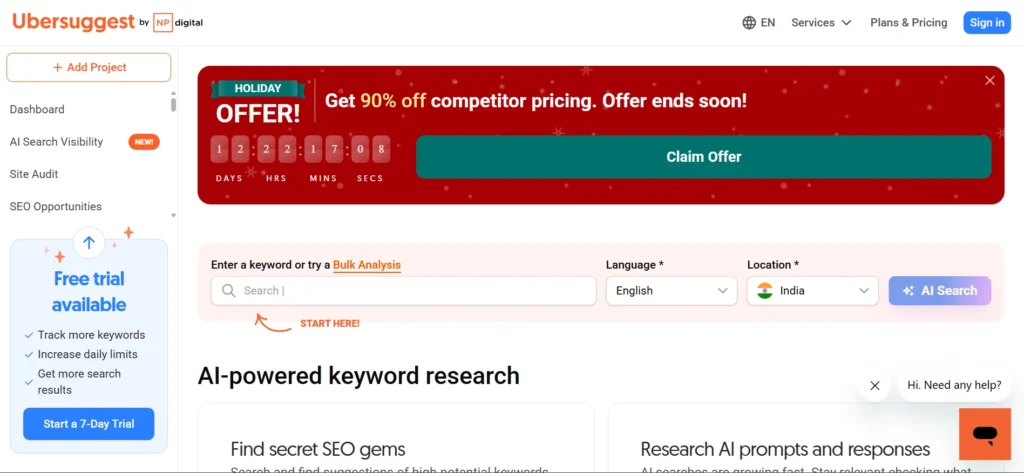
Ubersuggest is a free-to-use SEO/competitor analysis tool that is created by Neil Patel, aimed at beginners. It also gives ideas on keywords, search engine optimization, backlinks information, and rival site information.
It allows users to analyse top-performing pages and keywords of the competitors and enhance personal strategies. The free plan has a number of daily searches, but it is enough to suit small businesses and bloggers.
Ubersuggest is the most user-friendly competitor SEO tool due to a lack of complicated dashboard features, so it can be a favorite among startups and individual marketers.
Website: https://neilpatel.com/ubersuggest
Key Features:
- Keyword research with SEO difficulty and traffic estimates.
- Competitor domain analysis and top pages insights.
- Backlink overview for competitive link-building strategies.
- Simple interface suitable for beginners.
- Ideal for startups and small businesses conducting SEO competitor research.
5. SpyFu
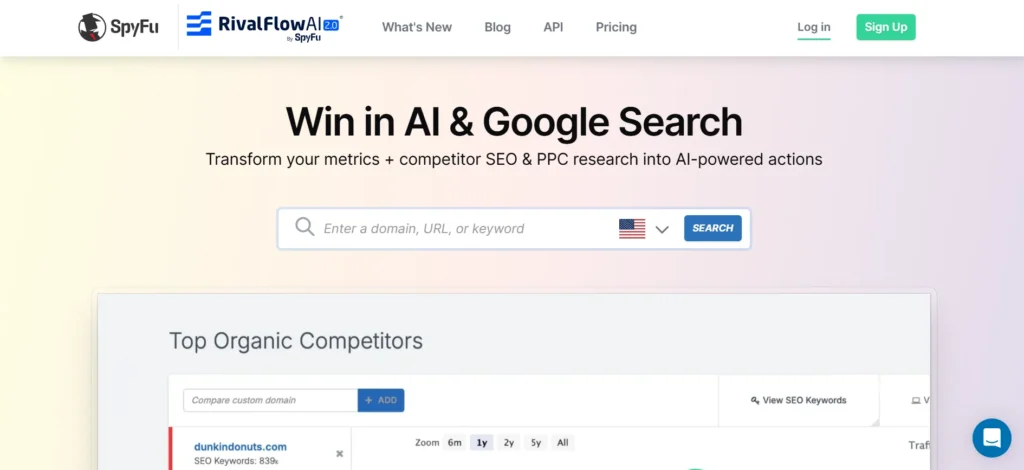
SpyFu focuses on competitor keyword research of both search engine optimization and pay per click. It enables the user to view what Google Ads competitors rank or bid on with the help of keywords.
The free version has restricted access to key-data and domain overviews. SpyFu is particularly applicable to comprehending the advertising tactics of competitors and the discovery of lucrative keywords.
Although a paid plan is necessary to access more advanced features, even the free access is a valuable source of information to businesses willing to optimize their marketing efficiency and the way they target the targeted keyword.
Website: https://www.spyfu.com
Key Features:
- Reveals competitor SEO and Google Ads keywords.
- Tracks historical ranking and PPC data.
- Identifies profitable keywords competitors are targeting.
- Provides domain-level competitive insights.
- Ideal for SEO and paid advertising competitor analysis.
6. Social Blade
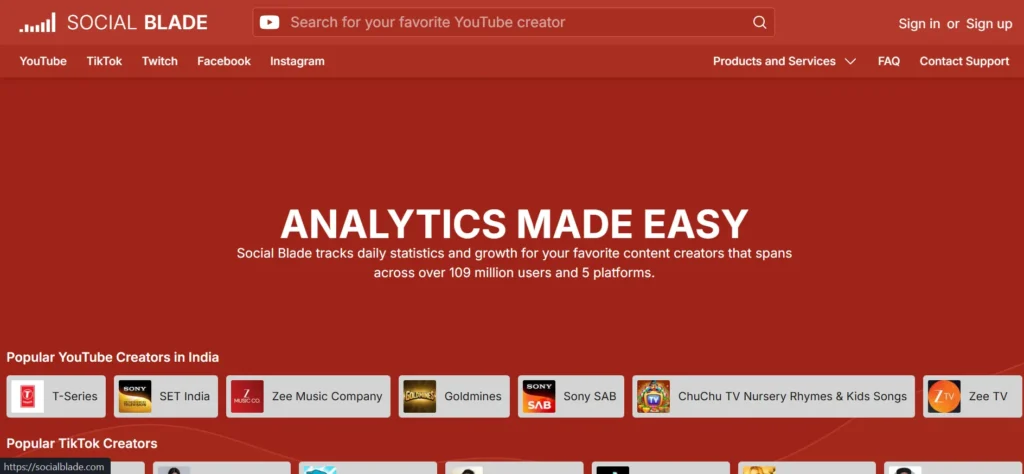
Social Blade is another free competitor performance analyzer of such social networks as YouTube, Instagram, TikTok, and Twitter. It displays the number of followers, activity, predicted revenues, and content statistics.
That is why it is perfect to analyse influencers and benchmark social media. Although it does not offer any SEO insights, Social Blade can be of great help in terms of knowing how competitors grow their social strategies.
It assists the brand to measure the consistency of its content, audience development, and positioning in the competitive markets that are driven by social media.
Website: https://socialblade.com
Key Features:
- Tracks social media growth across YouTube, Instagram, TikTok, and Twitter.
- Displays follower trends, engagement, and estimated earnings.
- Compares influencer and brand performance easily.
- Offers daily analytics updates.
- Ideal for social media competitor and influencer analysis.
Suggested Read: Email Marketing Tools
7. Google Alerts
Google Alerts is a simple and yet efficient competitor monitoring tool which reminds through email notification once the particular keywords or brand names have been referred to in the Internet. The companies are able to monitor the competition news, product releases, PR, and back links.
It assists in keeping track without having to search by hand. Google Alerts is useful in reputation management and competitive intelligence though it does not provide analytical data.
It is most appropriate when combined with other tools to be aware of market trends and competitor actions at any given moment.
Website: https://www.google.com/alerts
Key Features:
- Sends notifications for competitor brand mentions.
- Tracks news, blogs, and online discussions automatically.
- Helps monitor PR, backlinks, and reputation.
- Requires no technical setup.
- Ideal for real-time competitor monitoring and brand tracking.
8. SEO PowerSuite
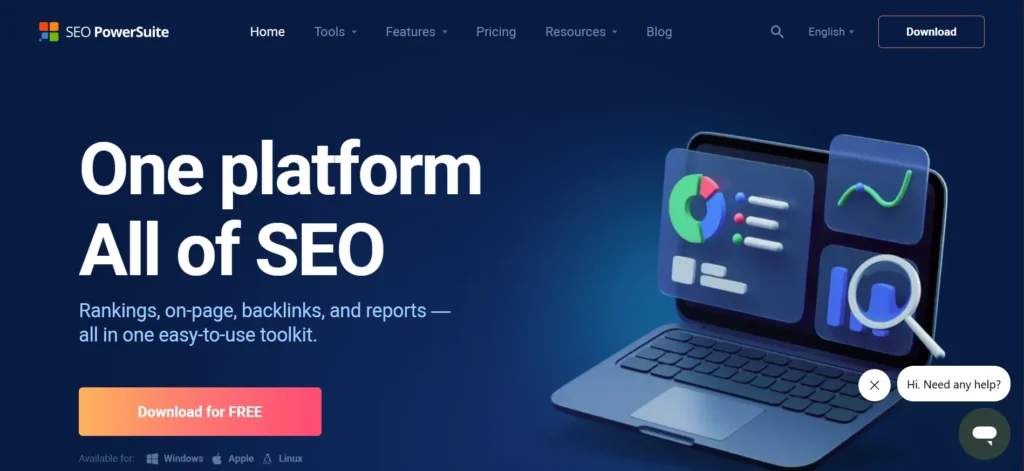
SEO PowerSuite is an offline SEO tool that provides tracking of keywords, competition, backlink audit, and site health. Its free version also enables competition research ,which is limited but useful such as ranking and on-page comparisons.
Since it is locally operated, it offers a greater level of control regarding the use of data. Although it is not a free tool and may need installation, it is a good option when the user needs to conduct a thorough analysis of SEO without incurring immediate expenses.
SEO PowerSuite is the best fit to the user who likes the search engine optimization details and long-term project monitoring.
Website: https://www.seopowersuite.com
Key Features:
- Desktop-based SEO and competitor analysis toolkit.
- Tracks keyword rankings and competitor positions.
- Performs backlink and site audits.
- Offers project-based SEO tracking.
- Ideal for detailed SEO competitor analysis with free usage limits.
9. MozBar (by Moz)
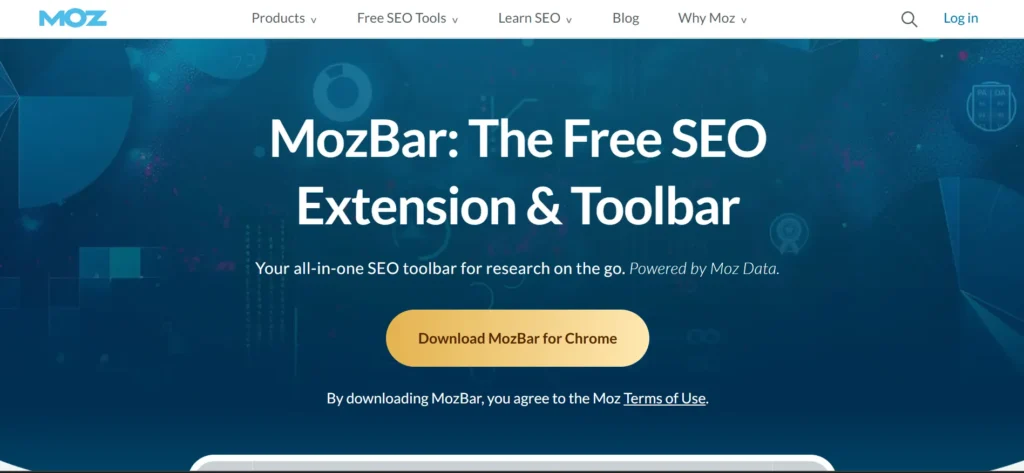
MozBar is a free browser extension that indicates important metrics of SEO when browsing websites. It displays the Domain Authority, page Authority, back links and the difficulty of the keyword immediately.
This simplifies competitor research and makes it readily available when one is browsing. MozBar is best suited to identify its robust competitors and assess the SERP outcomes.
Though the free version does not have all the advanced metrics, it comes in very handy when one needs quick comparisons in SEO and competitive analysis, particularly when one is a content marketer or learning SEO.
Website: https://moz.com/products/pro/seo-toolbar
Key Features:
- Browser extension displaying Domain Authority and Page Authority.
- Instantly analyzes competitor SERP results.
- Provides backlink and keyword insights.
- Easy to use during browsing.
- Ideal for quick SEO competitor comparisons.
10. KeywordTool.io
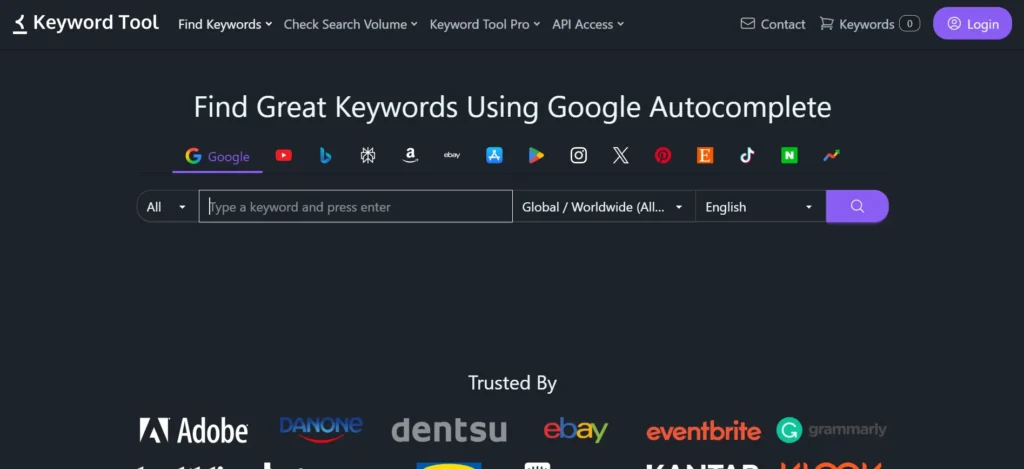
KeywordTool.io is a tool that suggests keywords based on Google, YouTube, and Bing, along with Amazon, and others. It assists in naming competitor keywords and content opportunities on the basis of the search activity of the user.
The free option suggests a broad range of keyword concepts but does not offer any helpful metrics such as search volume. It works especially well on content planning, as well as long-tail keyword discovery.
Marketers with KeywordTool.io can see what people are searching and match their content strategies with competitive keyword environments.
Website: https://keywordtool.io
Key Features:
- Generates keyword ideas from Google, YouTube, Bing, and Amazon.
- Helps identify competitor keyword opportunities.
- Focuses on long-tail keyword discovery.
- No account required for basic usage.
- Ideal for content and keyword-based competitor research.
11. Yandex Metrica
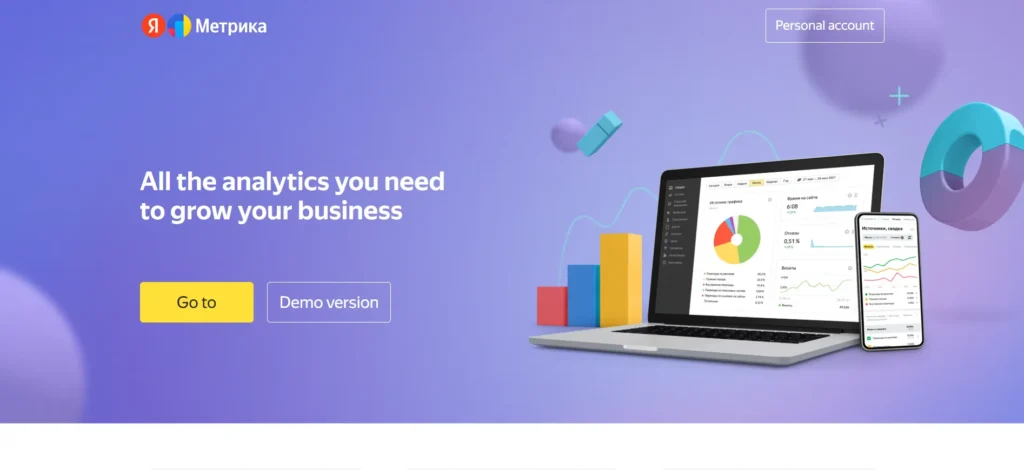
Yandex Metrica is a free tool like Google Analytics, which provides great user behaviors, heat maps, and session recordings.
It is particularly useful in competitor research in the areas where Yandex is prevalent. Though mainly used on your own site, it is also a good resource of benchmarking information when it is employed in a strategic manner.
It can be used to analyse competitor behaviour in UX-oriented competitor analysis and conversion optimization because it includes detailed behavioural analytics to comprehend user interaction with content.
Website: https://metrica.yandex.com
Key Features:
- Advanced analytics with heatmaps and session recordings.
- Provides detailed user behavior insights.
- Useful for benchmarking user engagement.
- Strong presence in European and Asian markets.
- Ideal for UX-focused competitor analysis.
12. Marketing Miner
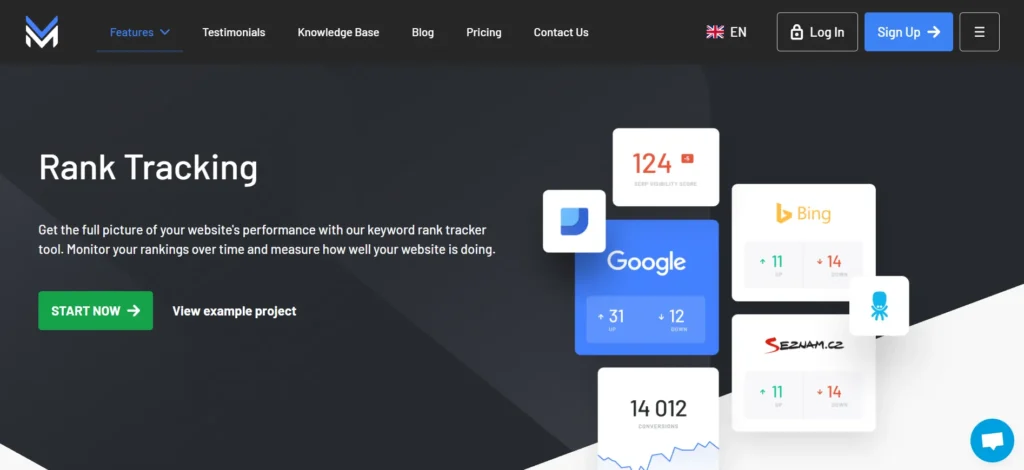
Marketing Miner is a data-driven SEO tool and rival research service that provides the analysis of keywords, tracks the search engine results, and domain comparisons. The free option offers few daily credits but offers quality information.
It is especially robust when it comes to analysis of keyword gaps as well as competitor benchmarking. Marketing Miner would be appropriate to any marketer who wants to have more organised and data-driven information without incurring excessive expenses.
Although there are usage boundaries, it is still a good free alternative to competitor research in terms of SEO.
Website: https://www.marketingminer.com
Key Features:
- Data-driven SEO and competitor analysis platform.
- Tracks keyword rankings and SERP features.
- Identifies competitor keyword gaps.
- Offers limited free daily credits.
- Ideal for structured SEO competitor research.
13. BuiltWith
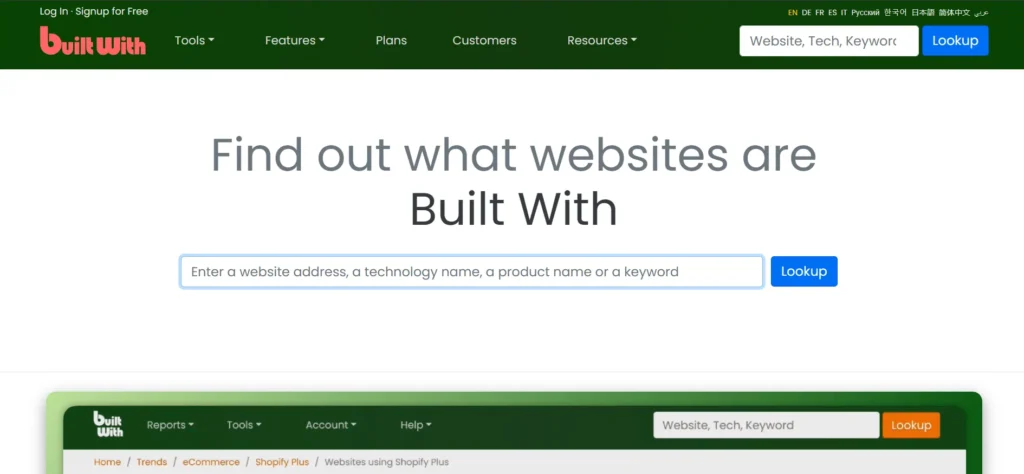
BuiltWith is a technology inspection instrument that discloses the software, structures, and applications employed by rival websites.
It assists companies in knowing about the technology stack of competitors, such as CMSs, analytics solutions, hosting companies, and marketing software. This data is useful in sales and marketing as well as development strategies.
Although it does not examine traffic or keywords, BuiltWith is a strong competitor intelligence tool in the technical industry. The free edition gives sufficient information to conduct simple competition research.
Website: https://builtwith.com
Key Features:
- Identifies technologies used on competitor websites.
- Tracks CMS, hosting, analytics, and marketing tools.
- Helps understand competitors’ tech stacks.
- Useful for sales and development research.
- Ideal for technical and infrastructure competitor analysis.
14. CheckCompetitor
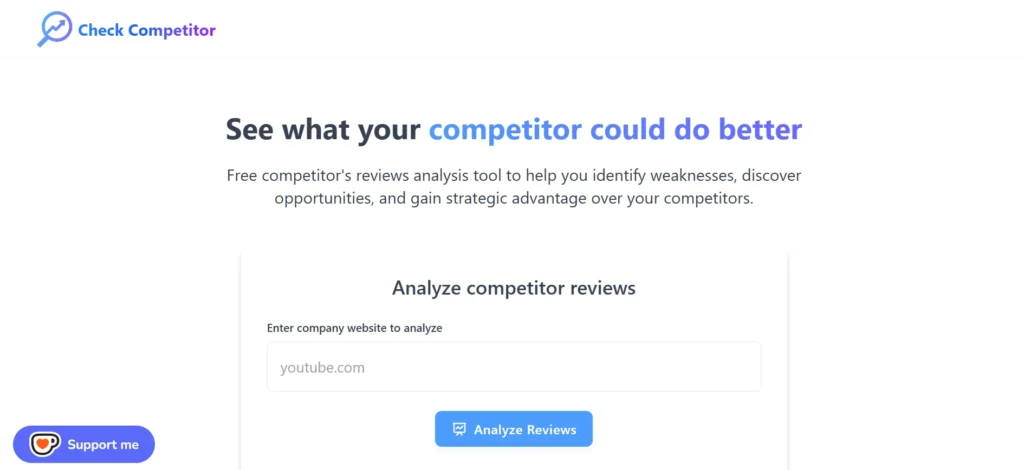
CheckCompetitor is a lightweight application that keeps track of competitor sites in terms of changes and updates. It assists in monitoring the price fluctuations, content updates, and product releases.
This is the right tool to use in small businesses that require straightforward monitoring of their competitors. It does not involve deep analytics, but it aids in maintaining a consistent competitive awareness.
Check Competitor is a helpful tool to use alongside SEO or traffic tools in order to develop a complex competitor analysis workflow.
Website: https://checkcompetitor.com
Key Features:
- Monitors competitor website changes automatically.
- Tracks pricing, content, and product updates.
- Sends alerts for competitor activity.
- Simple and lightweight tool.
- Ideal for ongoing competitor monitoring.
15. ToolerBox Competitor Finder
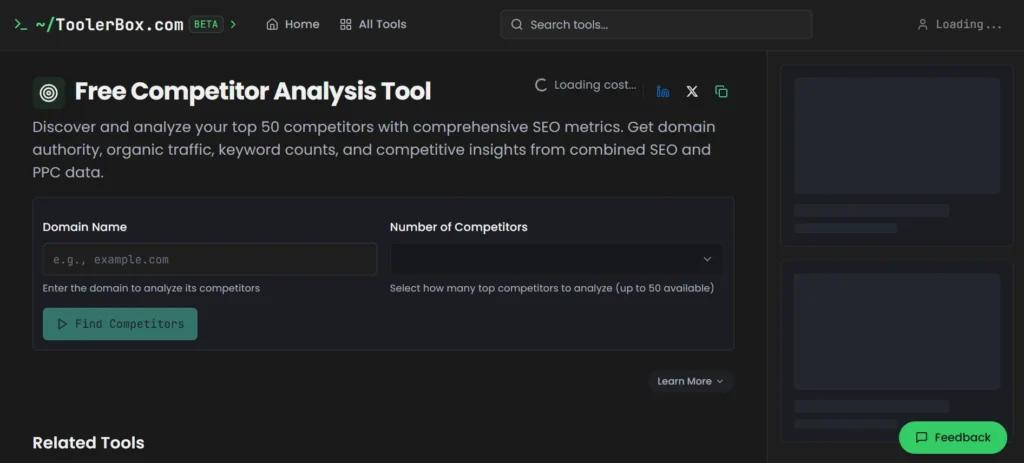
ToolerBox Competitor Finder is a free web-based tool that assists in the identification of competitors in terms of SEO and PPC data.
It is efficient at locating competitor domains and keywords and can be used to conduct basic research about the market. In spite of the fact that the depth of data is insufficient, it is fast and straightforward to beginners.
ToolerBox is the perfect one to find out who the direct competitors are and comprehend the overlap of keywords without spending money on high-quality tools.
Website: https://toolerbox.com/tools/competitor-finder
Key Features:
- Identifies competitors based on SEO and PPC data.
- Shows keyword overlap and domain competition.
- Quick and easy competitor discovery.
- No signup required for basic usage.
- Ideal for fast market and competitor identification.
Ending Thoughts
Free competitor analysis tools play a vital role in helping businesses understand their market landscape without increasing costs. They provide valuable insights into competitors’ keywords, traffic sources, content strategies, social engagement, and backlink profiles, enabling smarter decision-making. By using these tools effectively, businesses can identify strengths, weaknesses, and untapped opportunities within their niche.
They are especially useful for startups, small businesses, and marketers working with limited budgets who still want data-driven strategies. While free tools may have certain limitations compared to paid versions, they are powerful enough to guide planning, optimization, and competitive positioning. Consistently analysing competitors ensures continuous improvement, smarter marketing execution, and sustainable growth in an increasingly competitive digital environment.
FAQs
What Are Free Competitor Analysis Tools?
Free competitor analysis tools help businesses study competitors’ online strategies, including keywords, traffic sources, backlinks, and content performance without paid subscriptions.
Are Free Competitor Analysis Tools Reliable?
Yes, they provide accurate high-level insights, though data depth and limits may be lower compared to premium tools.
Who Should Use Free Competitor Analysis Tools?
Startups, small businesses, freelancers, bloggers, and digital marketers with limited budgets can greatly benefit from these tools.
What kind of Insights Can These Tools Provide?
They offer data on keyword rankings, website traffic trends, social media performance, backlinks, and content strategies.
Can free tools replace paid competitor analysis software?
Free tools are excellent for basic research, but advanced analysis often requires paid plans.