Let’s be real, we’ve all been in this position, with our noses buried in a Canva template that seems to be on every other Instagram account. Although a personal favorite, Canva truly is a force to be reckoned with, boasting a staggering 170 million monthly active users. However, there has to be a better way to get that professional look without taking a financial hit.
Although Canva is impressive, nearly 40% of professional-level designers use a service for which they have more control over individual pixels. It doesn’t matter whether you’re reaching a paywall on your beloved font of choice or feel like you’re living that “drag-and-drop” life a bit too much; seeking a free Canva Alternatives will be the absolute best move you can make on your creative journey. There is an entire world of design software out there, which comes with its own different vibes ranging from professional-grade vector editing to magic using AI, which will make you feel as if it’s the year 3000 or something.
Not to mention the fact that switching things up will actually allow you to increase the amount of creativity produced, as it allows you to view things from a different angle. In this article, we will walk you through the very best tools that give you that “pro” feel without costing a single penny.
What Canva Is and Why People Use It
Canva is an online graphic design service that makes designing an image easy for anyone, irrespective of how knowledgeable they are. This is a drag-and-drop service that lets you pick a template and insert your own copy and pics.
Here are a few common reasons why people use it:
- Easy Interface: With the drag and drop functionality, you do not need to know how to operate complex software.
- Massive Library: You get access to an enormous library of templates for resumes, videos, and reels.
- Cloud Storage: Since you can access it directly from the browser, you can create a design from your phone and finish it from your laptop without the need for downloading the app.
- Team Collaboration Tools: This will enable several individuals to comment and edit on one design simultaneously.
Why Consider Canva Alternatives?
While Canva is fantastic for quick wins, it does come with a particular set of limitations that might restrict your brand’s growth. Here are some reasons why considering a free Canva alternative is a smart move:
- Advanced Editing Tools: The features available in some of the options allow for layers and masks that go beyond the editing capabilities of Canva.
- No Paywalls: There are resources available with no paywalls through which you can access all the ‘pro’ features for free.
- Unique Assets: Employing different software ensures you do not have the “generic template” with the same look as everyone else.
- Offline Access: There are options that enable you to download and use the application offline.
- Vector Control: The software allows you to resize your logos to any size without reducing the quality.
Quick Comparison: 10 Best Free Canva Alternatives (2206 Edition)
| Name | Ease of Use | Key Free Features | Best For |
| Figma | Medium | Unlimited drafts, 3 collaborative files, 30-day version history, community plugins. | UI/UX design, web mockups, and professional team collaboration. |
| Photopea | Medium | Full layer/mask management, PSD/AI file support, custom brushes, advanced color grading. | Advanced photo editing and Photoshop users on a zero budget. |
| Pixlr | Easy | One-click AI background removal, animation presets, decorative overlays, retouching tools. | Quick social media edits and AI-enhanced photo fixes. |
| Lunacy | Easy | Built-in icons/illustrations, AI upscaler, full offline mode, auto-layout for responsive design. | Native desktop performance, vector graphics, and working without Wi-Fi. |
| VistaCreate | Easy | 100k+ templates, 1M+ assets, free Brand Kit, social media scheduler, 10GB storage. | Small business owners, print marketing, and animated social stories. |
| Vectr | Very Easy | Real-time URL collaboration, unlimited path editing, cross-platform sync, high-res exports. | Beginners in vector art, simple logos, and collaborative brainstorming. |
| Desygner | Easy | Massive template library, advanced PDF editor, royalty-free images, shared team library. | Social media managers, flyer design, and editing existing PDF documents. |
| Adobe Express | Easy | High-end Adobe templates, Generative AI (Text-to-Image), Adobe Fonts, 25MB cloud storage. | Professional branding, high-quality social posts, and AI-driven art. |
| Krita | Hard | 100+ professional brushes, frame-by-frame animation, stabilization tools, no ads or accounts. | Digital illustrators, concept artists, and frame-by-frame animators. |
| GIMP | Hard | High-level photo manipulation, 3rd party plugins, task automation scripts, offline access. | Serious photo editors, developers, and open-source enthusiasts. |
Top 10 Free Canva Alternatives for 2026
1. Figma
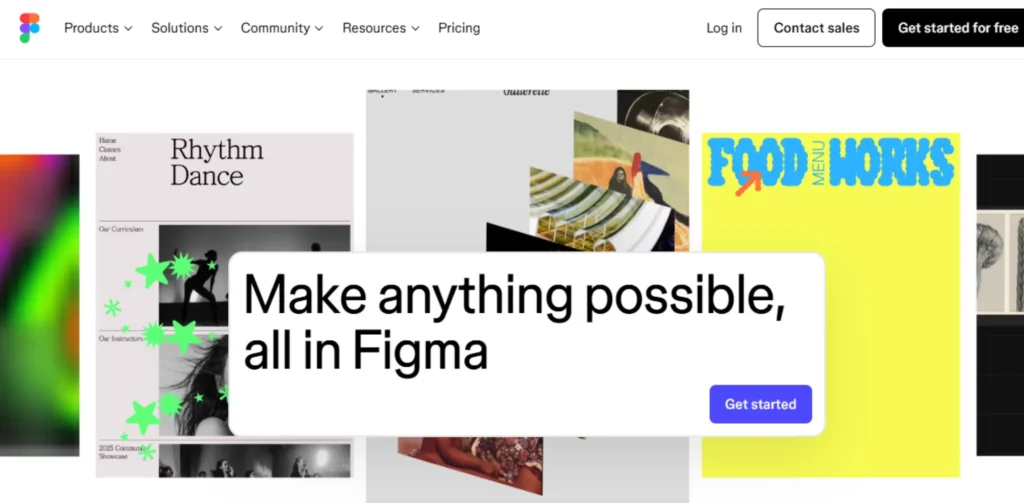
Figma is a giant that is mainly designed for UI/UX purposes, but it has also recently become a favorite platform for graphic designers. It is a browser-based platform and provides a level of detail that template editors simply cannot. In addition, their team collaboration capabilities are among the very best, and they are currently considered the bar that everyone needs to strive for.
They enable you to develop a consistent look throughout your entire page. Further, they allow you to see your design right on a real phone screen before actually publishing your content. However, it is a little tricky if you are a beginner.
Free Features:
- Unlimited files in personal drafts
- Access to thousands of community-created plugins
- 3 files simultaneously for collaborative design
- Complete version history for 30 days
- Professional vector “pen” tool
Pros:
- Collaborating in real-time is exceptionally smooth.
- Advanced vector tools for custom icon creation.
- Massive community library with free kits and assets.
Cons:
- It can be daunting for complete novices.
- No in-built stock picture library like Canva.
Best For: UI/UX designers, web mockups, team collaboration, and professional layouts.
Website Link: https://www.figma.com/
2. Photopea
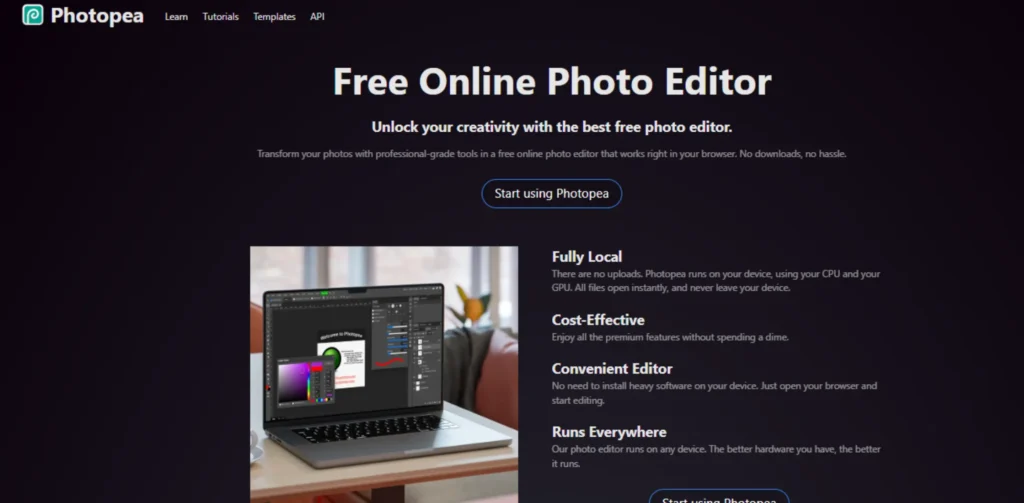
If you’re one of those people missing the good old days of Photoshop but can’t shell out the big bucks for such pricey subscription fees every month, then trust me when I say that your new BFF is Photopea. This online photo editing software is literally identical to other industry-standard photo editing software like Adobe, making it one of the most powerful Canva alternatives for designers who want advanced features without paying a premium.
This means that it is compatible with almost all file types, such as .PSD and .AI formats. Moreover, it doesn’t require you to download such heavy software to work. You can work using this software just by opening your browser on any computer you can find!
Free Features:
- Complete layer and folder management
- An entire range of Selection and Masking tools
- Support for uploading custom brushes
- Advanced color grading and filter gallery
- Ability to save in PSD, PDF, and SVG Formats
Pros:
- Supports layers, masks, and smart objects.
- There is no account needed for designing.
- Works with Photoshop and Illustrator files.
Cons:
- There are many ads on the interface in its free version.
- Not as “fun” or “friendly” as Canva.
Best For: Advanced photo editing, file type conversions, and Photoshop users on a budget.
Website Link: https://www.photopea.com/
3. Pixlr
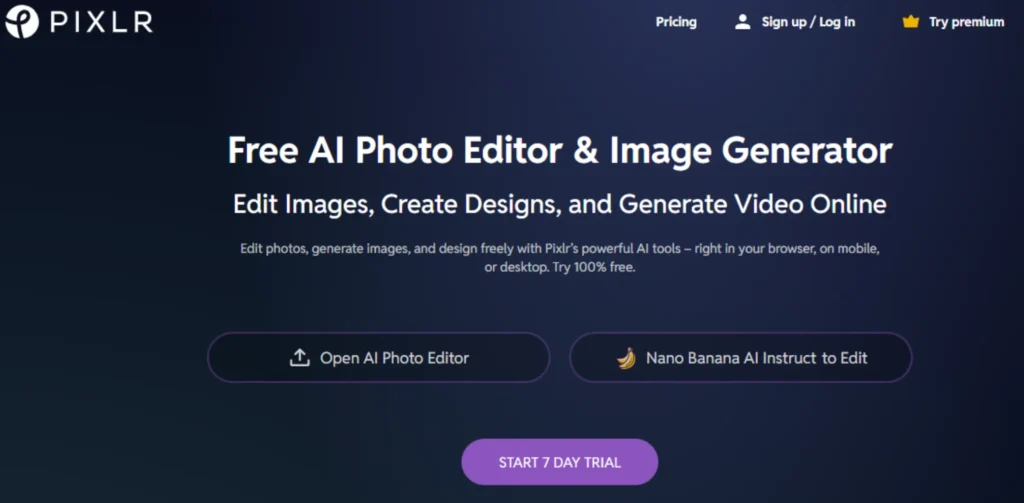
Pixler is a highly agile and fast free Canva alternatives that provides an ideal blend of usability and sophisticated functionality. This service is divided into distinct apps, such as “Pixler E” for editing and “Pixler X” for rapid designs. Moreover, it has incorporated a host of AI services for background removal and image creation.
This service is particularly ideal for all social media managers seeking to enhance their pictures easily and rapidly without requiring a lot of training. Also, animation presets enable you to create animated advertisements from any still picture with a single click. However, it restricts your daily savings in a free form.
Free Features:
- One-click AI Background Removal Tool
- Collection of decorative overlays and stickers
- Basic animation and motion presets
- Basic photo retouching and blemish correction
- Access to a small number of free fonts
Pros:
- Rapid loading speed in the browser.
- Great mobile app for editing on the go.
- One-click AI background remover.
Cons:
- The number of images that can be saved on a day.
- Many of the best features are locked behind a pro wall.
Best For: Social media photo editing, iPhone designers, and AI-enhanced photos.
Website Link: https://pixlr.com/
4. Lunacy (by Icons8)
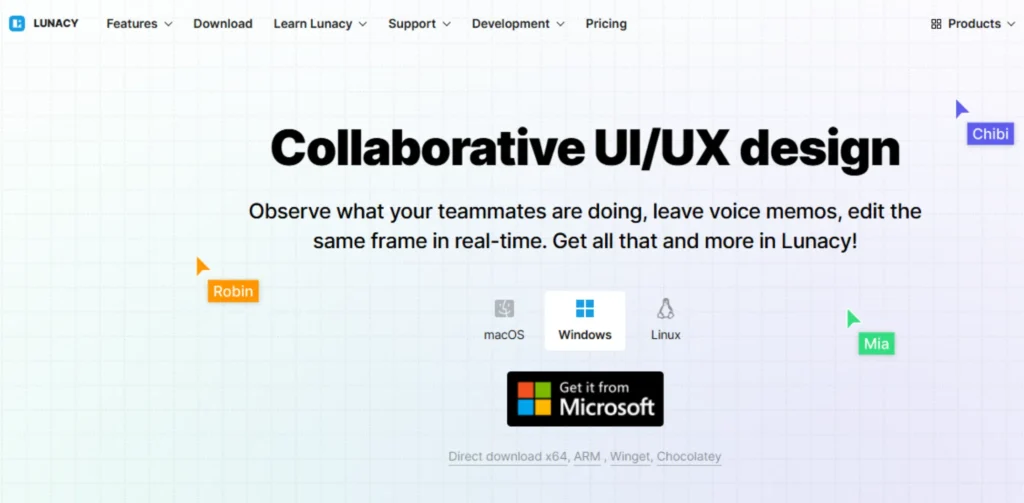
Lunacy is a super-fast graphic design application that is always free and performs incredibly well on Windows, Mac, and Linux. Also, what makes it so unique is the presence of in-built assets such as icons, images, and illustrations directly in the sidebar. Moreover, the application employs AI technology for the purpose of helping you to upscale a picture or even remove an image background instantly.
As a native application, it consumes very little memory compared to how a web application consumes memory because of the browser. In addition, it is an excellent free Canva alternatives for those who feel that the browser application is a bit laggy.
Free Features:
- Thousands of Built-in Icons and Vectors
- AI image upscaler for low-resolution images
- Funcionalidades completas para viajeros para uso
- Export support for sketch files
- Auto-layout feature for responsive design
Pros:
- Ultra-fast and does not lag, unlike browser analytics.
- Library of icons and illustrations of high quality.
- It works entirely without internet connectivity.
Cons:
- The software is a desktop application and does not offer a web version for fast editing.
- The library can feel limited if you don’t like their specific art style.
Best For: Vector graphics, offline activities, and wireframing for apps
Website Link: https://icons8.com/lunacy
5. VistaCreate (Free Tier)
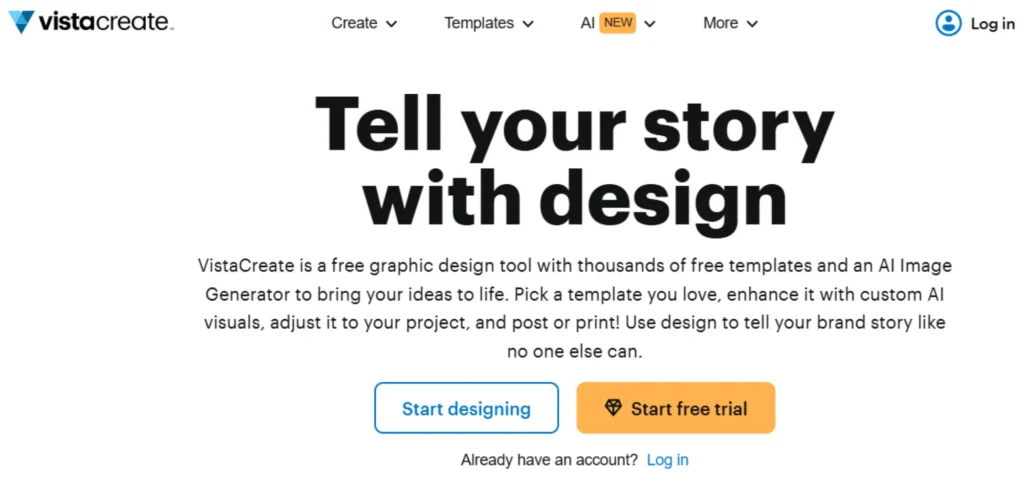
VistaCreate (previously Crello) is an incredibly potent and easy-to-use design tool that is actually a direct rival to Canva with a very familiar drag-and-drop interface. It is specifically geared towards delivering the best possible quality trendy templates that often seem modern and far less “worn out” compared to what you’d see on similar services.
Moreover, it is a product of the well-known Vista (Vistaprint) company and is therefore the best option available if you’re planning on using the end result as physical business cards or posters later on anyway. It is specifically praised for being geared towards delivering the best possible tools for creating content for different social media platforms with an enormous library of animations that make sure your posts pop out in the crowd.
Free Features:
- Access to over 100,000 professionally designed free templates
- Over 1 million high-quality photos, videos, and vectors
- One Brand Kit to store your specific logo, colors, and fonts
- Social media scheduler for Facebook, Instagram, and Pinterest
- 10GB of cloud storage for all your creative projects
Pros:
- Highly specialized in animated graphics and video stories.
- Seamless integration with Vistaprint for physical marketing.
- Includes a Brand Kit on the free version (unlike Canva).
Cons:
- Background removal and resizing tools are locked in Pro.
- Fewer third-party app integrations compared to Canva.
Best For: Small business owners, social media creators, and print marketing.
Website Link: https://create.vista.com/
6. Vectr
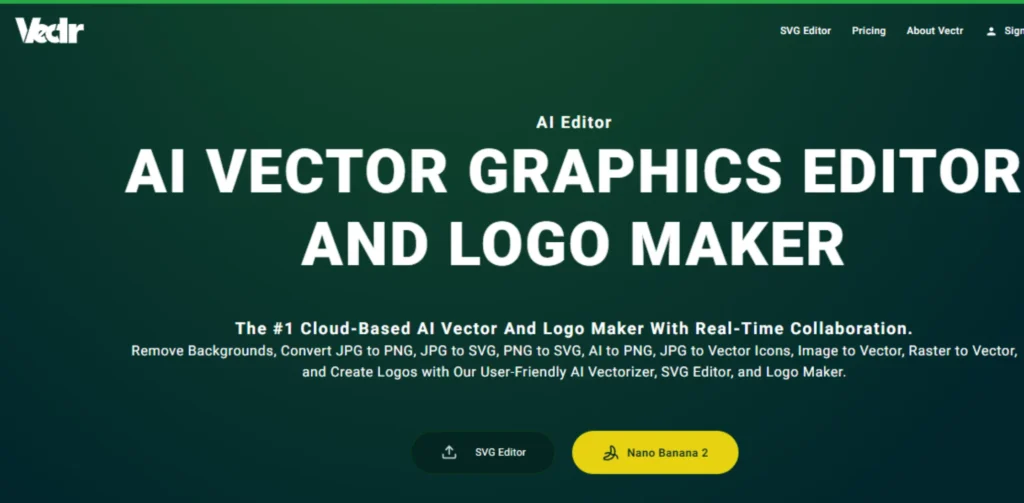
Vectr is a simplistic and free application solely for the purpose of 2D vector graphic designing. The application is very elementary in comparison to Figma or Lunacy, which is a good thing because it is one of the great canva alternatives for those who are afraid of using actual design software.
Moreover, the application has a “live link” feature that allows you to collaborate on the design process in real-time with others. It is a perfect learning platform for teaching students or showing a design progression draft to a client. In addition, the application has no hidden charges in its primary application tools.
Free Features:
- Collaboration in Real-Time Using URLs
- Unlimited Vector Path Editing
- Simple shape and text addition tools
- Exporting designs in high-res PNG or SVG
- Cross-platform synchronisation between web and desktop
Pros:
- Extremely low learning curve for a vector tool.
- Great for group brainstorming.
- Entirely free for its basic functions.
Cons:
- Does not offer features such as gradients or complex masks.
- Sometimes the application can feel buggy when handling huge files.
Best For: Basic logos, basic shapes, beginning vector artists.
Website Link: https://vectr.com/
7. Desygner (Free Tier)
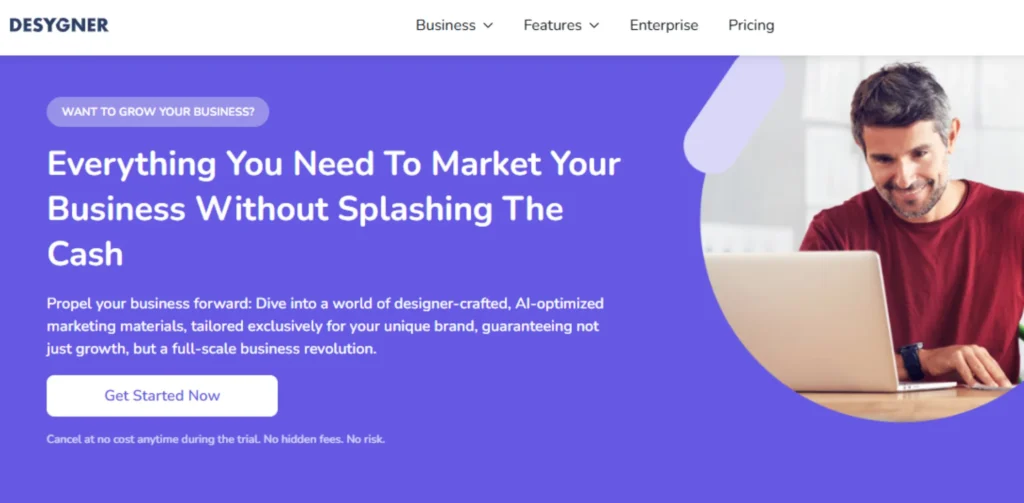
Desygner is the most similar experience you will have to that of Canva. It has a virtually unlimited number of templates, with a drag-and-drop interface that is almost identical to Canva alternatives. In addition, it allows for editing of PDF files, which is a premium feature that is usually only available to paid subscribers.
This is a handy tool for small business owners who wish to make changes to their menus or advertising fliers at a moment’s notice. However, it also aggressively promotes their paid subscription to their “Pro” account during the design process.
Free Features:
- Thousands of ready-to-use design templates
- Millions of free royalty-free images
- Advanced PDF Editor for Existing PDFs
- Shared library for simple team assets
Pros:
- Familiar interface for Canva users.
- PDF editing quality that surpasses the average of free software.
- Accessible from the web as well as mobile devices.
Cons:
- A great many excellent templates are “Pro” templates.
- The free account comes with limited storage capacity.
Best For: Social media administrators, designing flyers, and creating PDFs.
Website Link: https://desygner.com/
8. Adobe Express (Free Tier)
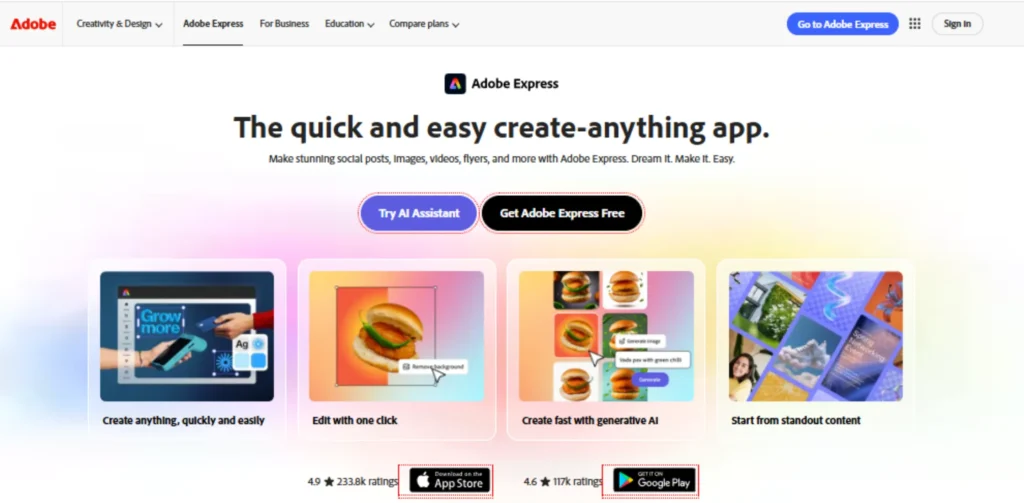
Adobe Express is the giant’s response to the wave of design on social media. It provides you with a “lite” version of the giant’s legendary power with a very friendly interface. Moreover, it also comes with access to a subset of the Adobe Stock library as well as Adobe Fonts. It is a great free Canva alternatives for anyone wishing to take advantage of the premium look provided by Adobe at a fraction of the cost. In addition, its AI tools relating to text effects are stunning.
Free Features:
- Access to Thousands of High-End Templates on Adobe
- Generative tools like Text to Image AI tools
- Thousands of professional Adobe Fonts
- Quick actions for resizing and background removal
- Free cloud storage of 25MB for your projects
Pros:
- High-quality, professional-looking templates.
- Powered by AI, the “Generative Fill” and text effects.
- Interlinks with other applications offered by Adobe, in case you are considering an upgrade.
Cons:
- The mobile app takes a bit of time to load.
- Among the most interesting assets are reserved for Premium users.
Best For: Professional social media posts, quick branding, and AI art.
Website Link: https://www.adobe.com/in/express/
9. Krita
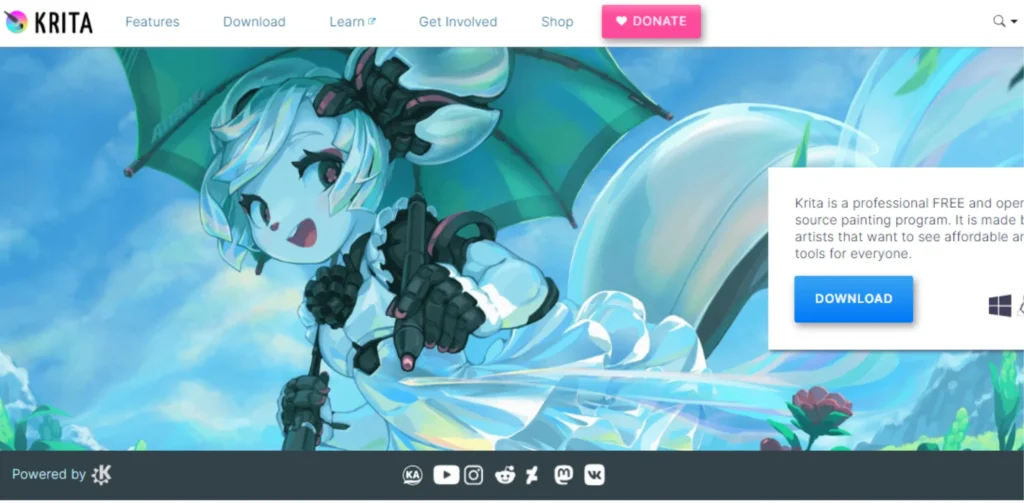
Krita is different as it is essentially a painting software that is open-source. If you want to step out from the templates and start painting your own graphics, this is the best choice for you, as it is the best free Canva alternative. Additionally, it has commercial-grade animation software as well as brush editing.
It is used for creating concept art, as well as creating comics, by artists all over the world. Additionally, this software is entirely free with no ads. Further, your imagination is the only limitation to the unlimited canvas that it offers.
Free Features:
- More than 100 brush engines of professional design
- Advanced Layer Management and Blending Modes
- Complete animation toolset with onion skinning
- Stabilization tools for smooth hand-drawing
- Vector tools for mixing art with text
Pros:
- Best-in-class brush engine for digital art.
- Supports complex layers and frame-by-frame animation.
- No subscription or account required.
Cons:
- Not for “quick” posting on social sites or text arrangements.
- High learning curve for non-artists.
Best For: Digital illustrators, painters, concept artists.
Website Link: https://krita.org/en/
10. GIMP
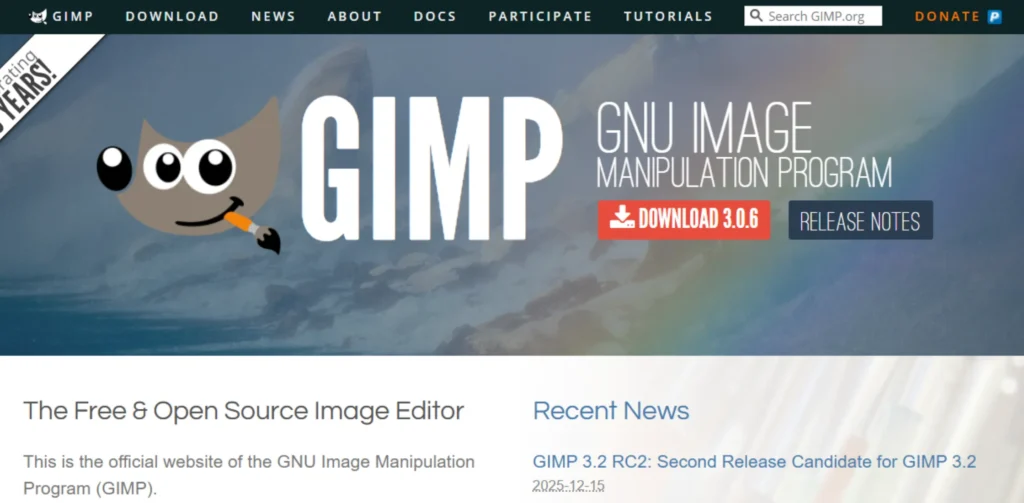
GIMP is known as the GNU Image Manipulation Program, and it is one of the most popular and renowned free canva alternatives to Photoshop. Its functionality is incredible and has all the features that a commercial software should possess. Besides that, it is accompanied by a vast following that provides free plugins for the software, enhancing its features.
It also supports advanced editing and manipulation of pictures, right from correction to advanced composition. Additionally, you are also allowed to perform programmable automation. However, its appearance appears a little aged and intimidating.
Free Features:
- Complete set of professional photo editing features
- Support for 3rd party plugins & brushes
- Advanced path & channel management
- Adaptable interface to fit your style
- High-level scripting for task automation
Pros:
- High-level photo manipulation and color correction.
- A massive number of customization options.
- Internet connectivity is not needed when downloading.
Cons:
- The user interface is not very friendly or modern.
- More complex to learn than simple web editors.
Best For: Advanced photo editors, Developers, FOSS advocates.
Website Link: https://www.gimp.org/
How to Choose the Right Free Canva Alternative
Choosing the best tool for the job relies solely on what you plan to build. If this is your first time building, here are a few simple tips to help you discover the perfect tool for you:
- Project Type: Use Figma if the project is an application, Photopea if it’s a photo, or Vectr if it’s a simple vector logo.
- Skill Level: If you are a template devotee, stick with Adobe Express. If you have ambitions of becoming a pro, go for GIMP.
- Internet Speed: Opt for Lunacy or Krita if your WiFi network is not stable, because the two programs are also usable offline.
- Collaboration Needs: If there is a need for real-time collaboration among friends, then Figma is the winner in that case.
- Output Format: The utility should allow for the desired output format, such as SVG or transparent PNG.
Tips & Tricks for Free Design Tools
In order to get as much as possible out of free Canva alternatives, you have to have a strategy to keep everything flowing well. This includes the following tips:
- Make Use of Plugins: Applications such as Figma offer thousands of free plugins that work for you.
- Keyboard Shortcuts: Learning five keyboard shortcuts can reduce the design time by half.
- Layer Naming: Organizing layers with names will prevent you from losing your way if you are working on a complex project.
- Free Assets: You can source your tools’ assets, especially images, from websites like Unsplash and Pexels.
- Save Often: If you are working with an online utility, it is important to save or export your document frequently.
Conclusion
Finding the best free Canva alternatives doesn’t have to be a chore. Whether it is the ease of use of the Adobe Express, the commercial application of the Photopea, or the artistic freedom of the Krita, there will surely be an alternative that meets your style.
While Canva may seem like a great alternative to start with, mixing things up and exploring alternative apps available will help to further develop your skills and also to give your brand the edge that shines above the crowd. So, which alternative are you downloading first?
FAQs
Does an entirely free version of Canva exist?
Yes, Canva offers a free version that allows you to take advantage of many free templates and features, although “Pro” features have an additional fee.
What’s the best free Canva alternatives for professional logos?
Figma or Lunacy are unbelievable for the fact that they both employ vectors, ensuring that your design scales at any size.
Are these alternatives capable of opening files from Canva?
While not directly, you can export the file you created in Canva in the format of PDF or SVG, and then import the file to other software like Photopea or Figma.
Do I need a powerful computer to run such tools?
While most web-based tools, such as Pixlr or Adobe Express, run well even on basic laptops, a tool such as GIMP or Krita performs far better with increased RAM.
Are these alternatives safe to use?
Yes, all of these tools mentioned, such as Adobe Express, Figma, and Photopea, are very well-known and trusted platforms used by millions of people around the world.
Which is the best photo editing tool for free?
Photopea is the best for in-depth photo editing because it supports layers and filters; Pixlr is the best for a more straightforward photo fix.