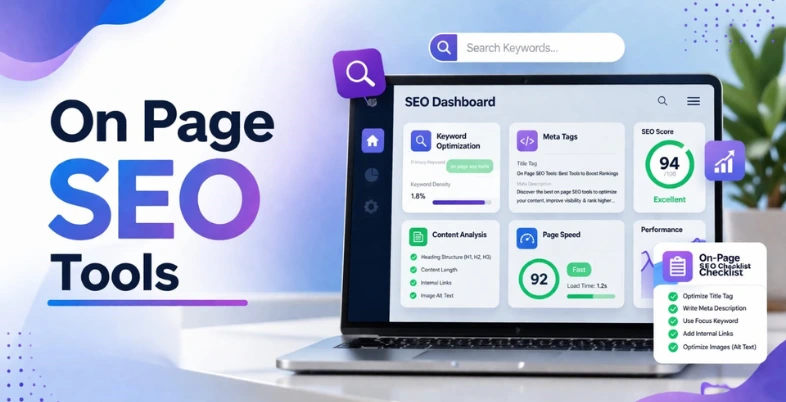
What makes a webpage rank higher on search engines? The answer lies in effective on-page SEO, where the right tools play a crucial role in optimising content and structure. On page SEO tools help improve elements such as keywords, meta tags, headings, internal linking, and overall content quality.
They also provide insights, recommendations, and performance analysis to enhance visibility and user experience. With numerous tools available, selecting the best ones can significantly impact your website’s rankings and traffic. These tools simplify optimization processes and ensure your content aligns with search engine algorithms and user intent efficiently.
What Are On Page SEO Software And Why Do They Matter?
On page SEO solutions designed to help optimise individual web pages for better search engine rankings and improved user experience.
These tools assist in analysing and improving key elements such as keywords, meta tags, headings, content quality, internal linking, and page structure. They also provide actionable insights, recommendations, and performance metrics to ensure content aligns with search engine algorithms and user intent.
By simplifying complex SEO tasks, on page SEO solution enable users to create well-structured, relevant, and optimized content that performs effectively in search results.
Why Do They Matter?
- They help improve website rankings by optimising content according to search engine requirements and best SEO practices.
- They enhance content quality by providing suggestions for readability, keyword usage, and proper content structure.
- They save time by automating technical SEO tasks like meta tag creation and on-page analysis efficiently.
- They improve user experience by ensuring content is clear, structured, and easy to navigate for visitors.
- They provide insights and data to track performance, helping users make informed SEO decisions and improvements.
How We Selected the Best On Page SEO Tools
- Feature Set Evaluation: We analysed tools based on keyword optimization, content analysis, meta tag management, and overall on-page SEO capabilities offered.
- Ease of Use: We selected tools with intuitive interfaces, ensuring both beginners and professionals can easily navigate and implement SEO strategies effectively.
- Accuracy of Insights: Tools were chosen based on how accurately they provide SEO recommendations, keyword suggestions, and actionable optimization insights consistently.
- Performance and Speed: We considered tools that deliver quick analysis results without slowing down workflows or impacting website performance negatively.
- Integration Capabilities: Preference was given to tools that integrate seamlessly with platforms like WordPress, Google Analytics, and other marketing tools.
- Pricing and Value: We compared pricing models to ensure tools offer strong value, including free features and affordable premium plans.
- Customer Support and Updates: Tools with reliable customer support, regular updates, and active development were prioritised for long-term usability and effectiveness.
- User Reviews and Reputation: We evaluated user feedback, ratings, and industry reputation to ensure the tools are trusted and widely recommended.
Comparison Table Of Best On Page SEO solution
| Tools | On-Page SEO Features | Technical SEO Analysis | AI-Powered Features | Pricing |
| SEMrush | Keyword optimization, meta tags, headings, internal linking tools | Yes – site audits, crawl errors, page health checks | Yes – AI insights for content & SERP visibility | Subscription |
| Ahrefs | Keyword & content tools, on-page suggestions | Yes – Site Audit, crawl issues, indexing | Yes – AI Content Helper & Brand Radar | Subscription |
| Surfer SEO | Content structure, keyword density, headings guidance | Partial – focuses on content analysis | Yes – NLP content recommendations | Subscription |
| Moz Pro | Keyword suggestions, on-page grading | Yes – site crawl, technical insights | Yes – basic AI-driven insights | Subscription |
| Google Search Console | Meta tags & heading monitoring via reports | Yes – indexing, crawl issues | No | Free |
| Screaming Frog SEO Spider | Metadata, headings, broken links analysis | Yes – crawl, redirects, sitemap analysis | Yes – AI integration for summaries/analysis | Free + Paid license |
| SE Ranking | On-page checks, keyword suggestions | Yes – site audit, crawl diagnostics | Yes – AI prompts & visibility insights | Subscription |
| Content Harmony | Topic & structure recommendations | Partial – content-centric, limited crawl | Yes – research & outline AI | Subscription |
| Clearscope | Keyword usage, content grading, topic recommendations | Partial – content-focused analysis | Yes – AI content grading & drafting | Subscription |
| Frase | SERP-based outlines, keyword & headings guidance | Partial – content focus | Yes – AI briefs & draft suggestions | Subscription |
| MarketMuse | Topic modeling, keyword relevance, content planning | Partial – content depth & gap analysis | Yes – AI topic & content scoring | Free + Paid tiers |
| OnCrawl | Limited on-page guidance | Yes – deep crawl, logs, indexing, performance | No/limited | Subscription |
| PageOptimizer Pro | Term usage, headings, schema suggestions | Partial – page-level technical hints | No (but can use GPT-4 API key) | Subscription |
| Yoast SEO | Meta tags, headings, keyword focus, schema | Basic – sitemap, robots, canonical | Yes (Premium AI tools) | Free + Premium yearly |
| Rank Math | Meta tags, multiple keywords, schema | Basic- – SEO analysis | Yes – AI content analysis | Free + Paid yearly |
List of 15 Best On Page SEO Tools
1. SEMrush
Website: https://www.semrush.com
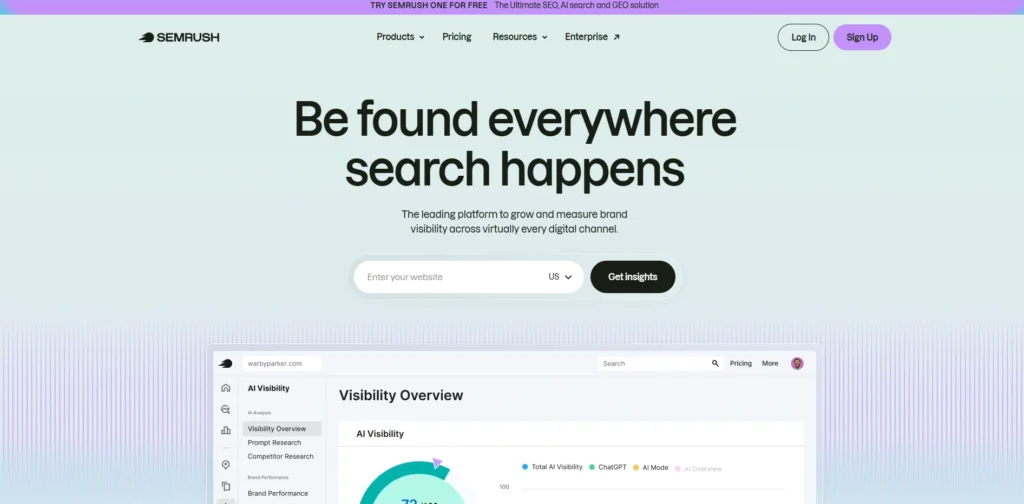
SEMrush is a really thorough on page SEO software for optimising what’s on your website, and lots of people use it to find keywords, make sure their content is as good as it can be, and see what their competitors are up to. It does a very detailed look at your website and points out things like missing descriptions, links that don’t work, and if Google can even get around your site.
When you’re writing, it can tell you how many times you’re using a keyword, help you with headings, and suggest how to organize your content. SEMrush will give you specific ideas to make your pages do better in searches and be seen by more people.
And because it gives you good reports and analysis, marketers can see how their improvements are going and change their plans if necessary, so it’s good for everyone from those new to SEO to experts with a lot of sites.
Key Features:
- Comprehensive keyword research and on-page optimization tools
- Site audit for detecting technical SEO issues
- Content optimization with SEO writing assistant
- Competitor analysis tools and SERP tracking
- Backlink analysis and performance reporting
Pros:
- All-in-one SEO and marketing platform
- Strong data accuracy and insights
- Excellent competitor analysis features
- Useful for content planning and optimization
- Suitable for beginners and professionals
Cons:
- Expensive subscription plans
- Can be overwhelming due to many features
- Learning curve for new users
Pricing:
- Starter– $199/mo
- Pro+– $299/mo
- Advanced– $549/mo
2. Ahrefs
Website: https://ahrefs.com
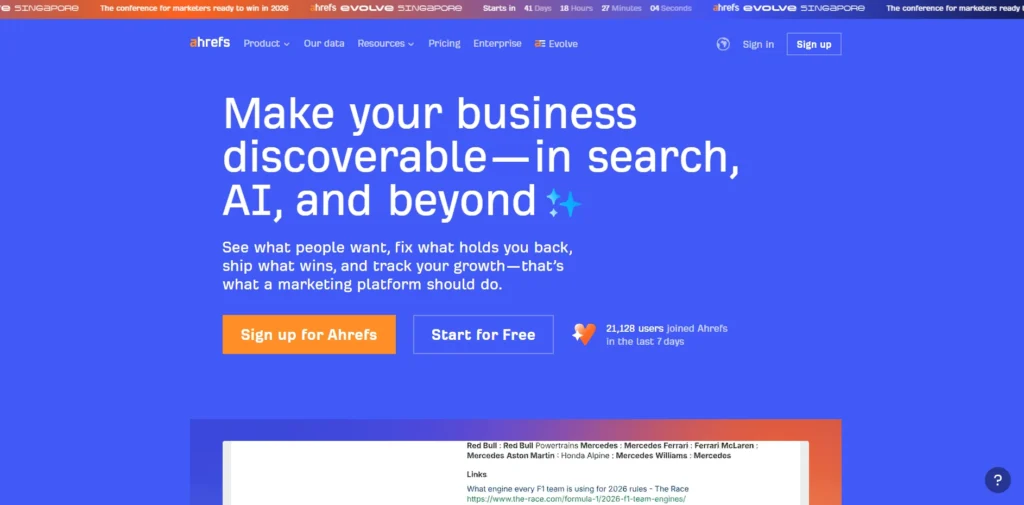
Ahrefs is a strong SEO program and one of the top on page SEO tools, particularly good at looking at backlinks (links from other sites) and optimizing your pages. It can ‘audit’ your site to discover technical problems like copied content, pages that are slow to load, and missing tags.
Its Content Explorer and Keywords Explorer help discover which subjects perform well and what people are searching for. Ahrefs also gives insights into your competitors’ pages, so you can improve your own.
Its data is accurate, and the displays are straightforward, allowing marketers to refine content structure, increase rankings, and track site performance effectively.
Key Features:
- Advanced keyword research and content exploration tools
- Site audit for on-page and technical SEO issues
- Backlink analysis and competitor insights
- Keyword difficulty and ranking tracking
- Content gap and SERP analysis
Pros:
- Highly accurate backlink database
- Excellent competitor research capabilities
- Clean and intuitive interface
- Reliable keyword metrics
- Strong SEO auditing features
Cons:
- No free plan available
- Premium pricing can be high
- Limited AI writing assistance compared to others
Pricing:
- Lite– $129 /mo
- Standard– $249 /mo
- Advanced– $449 /mo
3. Surfer SEO
Website: https://surferseo.com
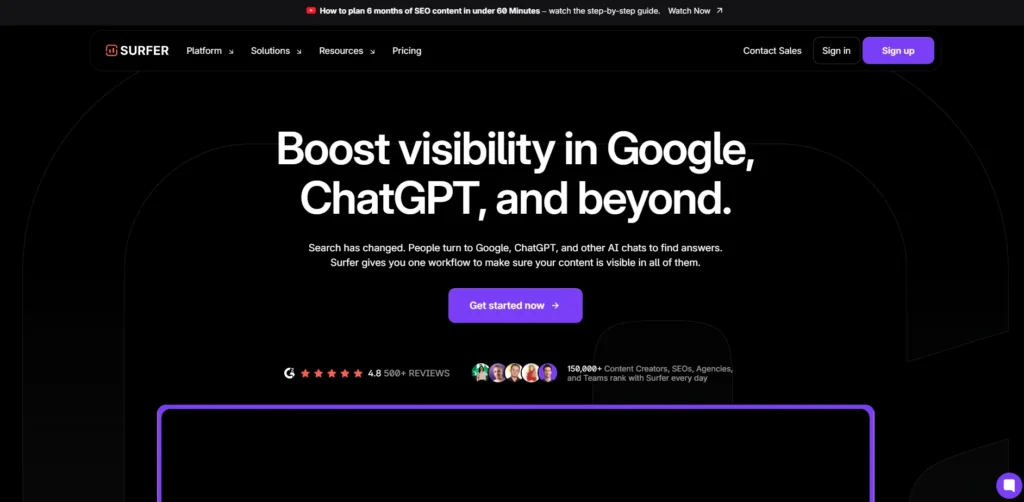
Surfer SEO is all about making your content perfect by looking at pages that are already at the top of the search results and using that information to give suggestions. You can improve how you use keywords, how long your content is, your headings and how well your content relates to the topic.
As you write, their content editor will give you advice, based on the search results page, to improve it. Surfer SEO also checks how frequently you use keywords and where you could add links to other pages on your own site to improve your pages’ structure.
Their suggestions based on how language works (NLP) help you make sure your content is what people are trying to find. Therefore Surfer SEO is especially helpful for people who create content and SEO experts who want to quickly create pages that are designed to rank well.
Key Features:
- Real-time content editor with SEO recommendations
- Keyword density and NLP-based optimization
- SERP-based content analysis
- Content structure and heading suggestions
- Internal linking guidance
Pros:
- Data-driven content optimization
- Easy-to-use content editor
- Strong NLP-based keyword insights
- Helps improve ranking content effectively
- Ideal for content marketers
Cons:
- Limited technical SEO features
- Subscription-only pricing
- Relies heavily on content-focused optimization
Pricing:
- Pro– 219USD per month
- Standard– 119USD per month
- Peace of Mind– 359USD per month
4. Moz Pro
Website: https://moz.com
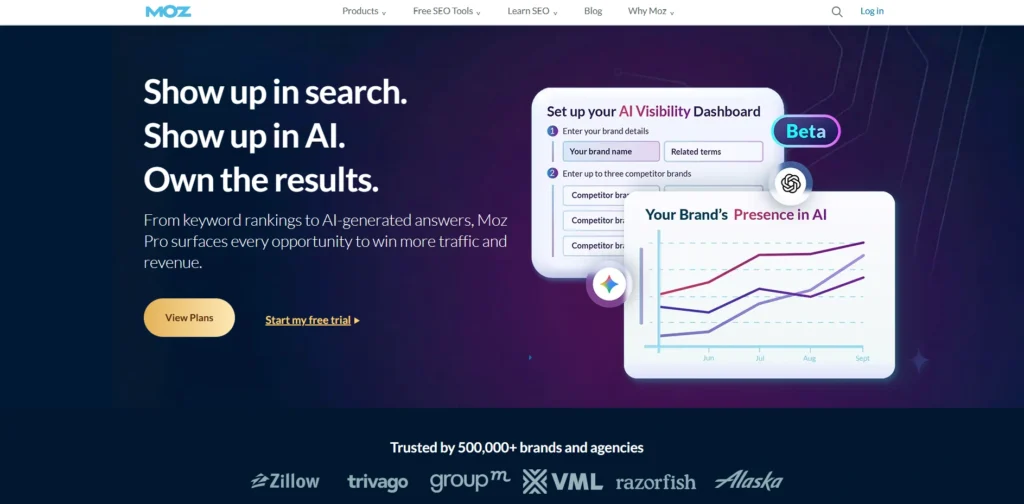
Moz Pro is a known tool for people who want to improve their websites search engine ranking. It has a lot of features that help with finding the keywords, making sure pages are optimized and checking for problems with the website.
For example it can tell you if a page is missing a description or if there are pages. It also helps you see how well your website is ranking and who is linking to you. The best part is that it is easy to use, for people who are new to search engine optimization.
It gives you a score for each page. Tells you what you need to do to make it better. This helps you make your website work better and show up higher in search results.
Key Features:
- Keyword research and on-page optimization tools
- Site crawl and SEO audit reports
- Page optimization scoring
- Rank tracking and competitor analysis
- Link analysis and domain authority metrics
Pros:
- Beginner-friendly interface
- Trusted SEO metrics and data
- Useful page optimization suggestions
- Strong educational resources
- Balanced SEO toolkit
Cons:
- Compared to competitors, data updates may be delayed.
- Limited advanced features compared to Ahrefs/SEMrush
- Higher pricing for full features
Pricing:
- Starter– $49USD / mo
- Standard– $99USD / mo
- Medium– $179USD / mo
- Large– $299USD / mo
5. Google Search Console
Website: https://search.google.com/search-console
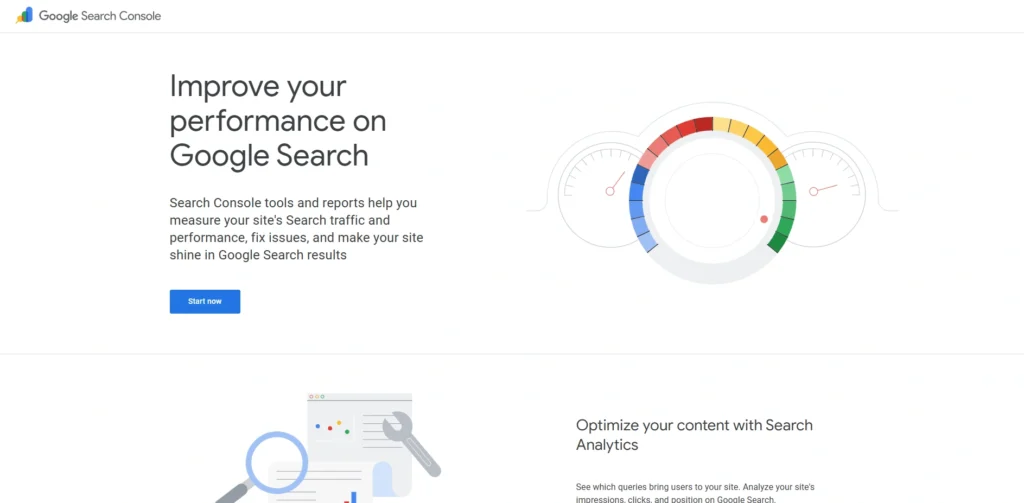
Google Search Console is a tool from Google that helps you keep track of how your website is doing in search results. It shows you if there are any problems with your website like if some pages are not being indexed or if there are errors when Google tries to crawl your site.
You can also see what keywords people are using to find your website and which pages need to be improved. It even tells you if your website is working well on devices and if it is fast enough.
While it does not fix problems with your website, it gives you the information you need to make it better. Website owners use it as one of their key on page SEO tools to make sure their pages are being indexed by Google and that they are following the rules.
Its data is accurate and the displays are straightforward and allow marketers to refine how their content is arranged, increase their rankings, and properly observe their site’s performance.
Key Features:
- Performance tracking for search queries and pages
- Indexing and crawl issue monitoring
- Reports on mobile usability and essential web vitals
- URL inspection tool for page validation
- Sitemap submission and management
Pros:
- Completely free tool
- Direct data from Google
- Essential for indexing and visibility
- Helps identify technical SEO issues
- Easy to set up and use
Cons:
- Limited optimization suggestions
- No keyword research capabilities
- Data is basic compared to paid tools
Pricing:
- Free
6. Screaming Frog SEO Spider
Website: https://www.screamingfrog.co.uk/
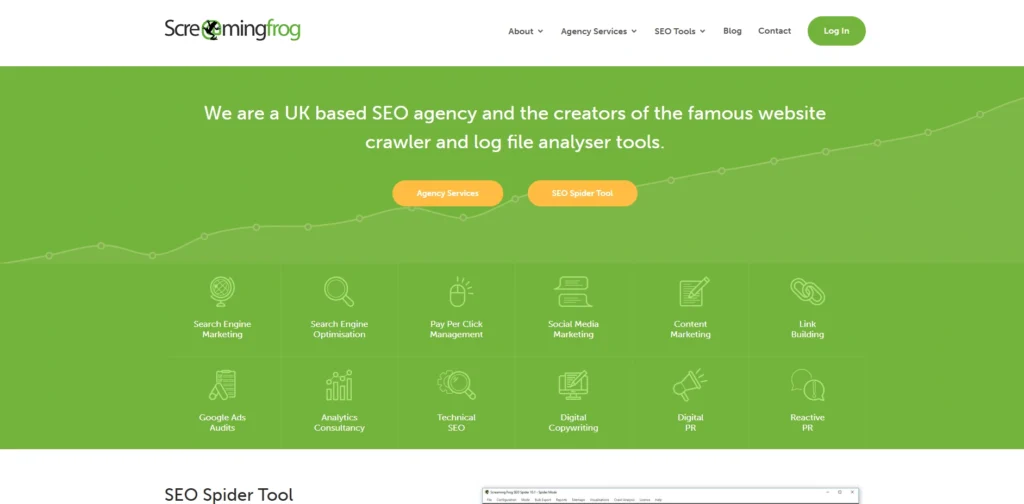
Screaming Frog SEO Spider is a tool that you can use on your computer to check your website for problems. It looks at all the pages on your website to find things like missing tags, duplicate content and broken links.
It gives you a report on what it finds including information about headings and page titles. This tool is really useful, for websites that need a thorough check. You can even export the data to use it later.
It might take some time to learn how to use it. It is a powerful on page SEO software tool that many search engine optimization experts like to use. They use it to find and fix problems with their websites.
Key Features:
- Website crawling for SEO audits
- Analysis of meta tags, headings, and URLs
- Detection of broken links and redirects
- Duplicate content and canonical checks
- Connectivity to Search Console and Google Analytics
Pros:
- Highly detailed technical SEO analysis
- Excellent for large websites
- Customisable crawling options
- Exportable data for deep analysis
- One-time paid license option available
Cons:
- Desktop-based tool only
- Requires technical knowledge
- Interface can feel complex for beginners
Pricing:
- $279 Per Year
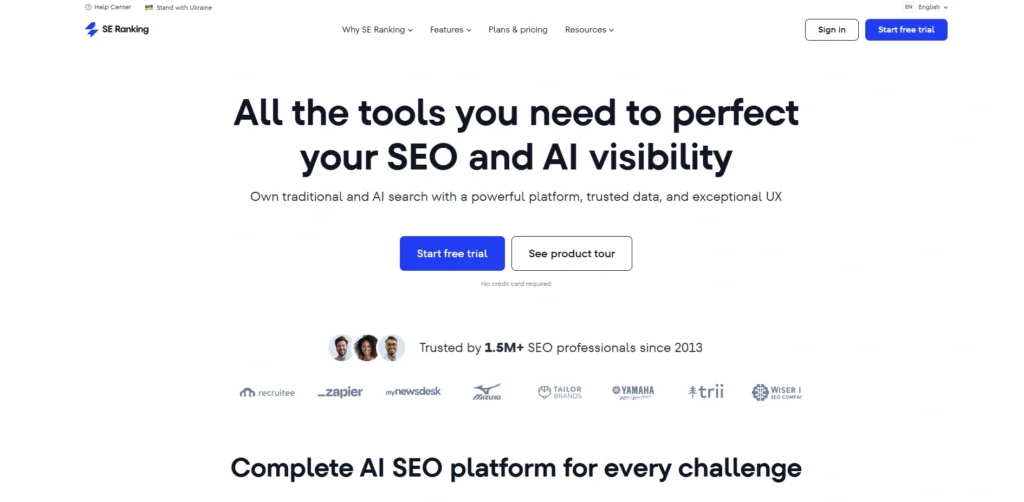
7. SE Ranking
Website: https://seranking.com
SE Ranking is a tool that helps people do better with search engines. It looks at websites. Finds problems like missing tags and slow loading speeds.
SE Ranking also gives people ideas for keywords. Helps them make their content better. The website for SE Ranking is easy to use. It displays the performance of a website.
SE Ranking is good for small businesses because it is flexible and has many features. It gives people information to make their website pages better and more visible in search engines.
Key Features:
- Keyword tracking and research tools
- Website audit for on-page SEO issues
- Competitor analysis and SERP tracking
- Content optimization recommendations
- Backlink monitoring and SEO reporting services
Pros:
- Affordable pricing plans
- User-friendly dashboard
- All-in-one SEO platform
- Accurate Rank Tracking tools
- Good reporting features
Cons:
- Smaller database compared to top competitors
- Limited advanced analytics
- Some features require higher-tier plans
Pricing:
- Core– $129.00/mo
- Growth– $279.00/mo
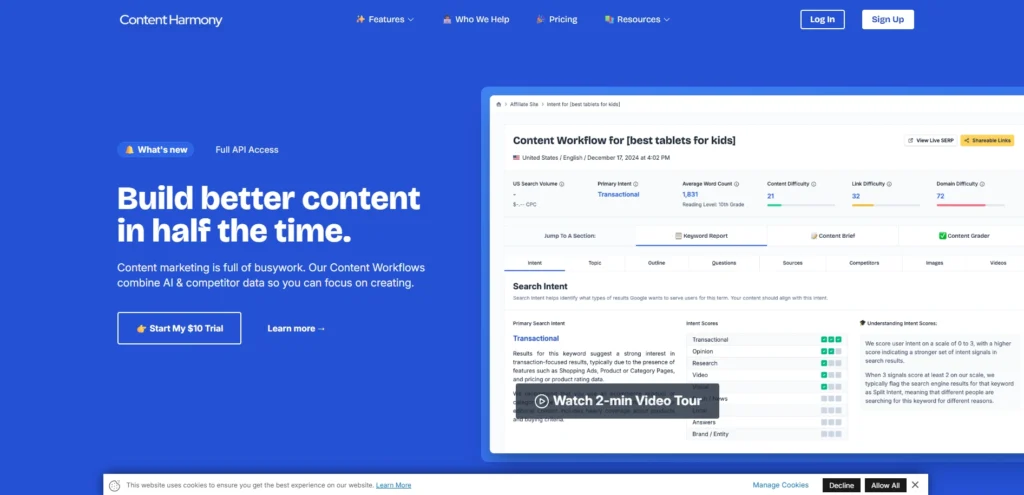
8. Content Harmony
Website: https://www.contentharmony.com
Content Harmony is a tool that makes it easier to research and make content better. It helps people create plans for their content based on what’s already working well in search engines.
The tool looks at what people’re searching for and what keywords they are using. It also gives people ideas for how to structure their content and what keywords to use. Content Harmony is about making content better, not about the technical side of search engines. It is a powerful on page SEO software that helps writers and people who work on search engines make high-quality content that people will see when they search for things.
Key Features:
- SERP-based content research and analysis
- Content briefs for on-page optimization
- Keyword and topic clustering
- Content structure and outline suggestions
- Competitive content gap insights
Pros:
- Strong for content planning workflows
- Saves time in content research
- Data-driven content briefs
- Easy collaboration for teams
- Focused on content quality improvement
Cons:
- Limited technical SEO features
- Subscription-based pricing
- Not a full SEO suite
Pricing:
- $10 per workflow
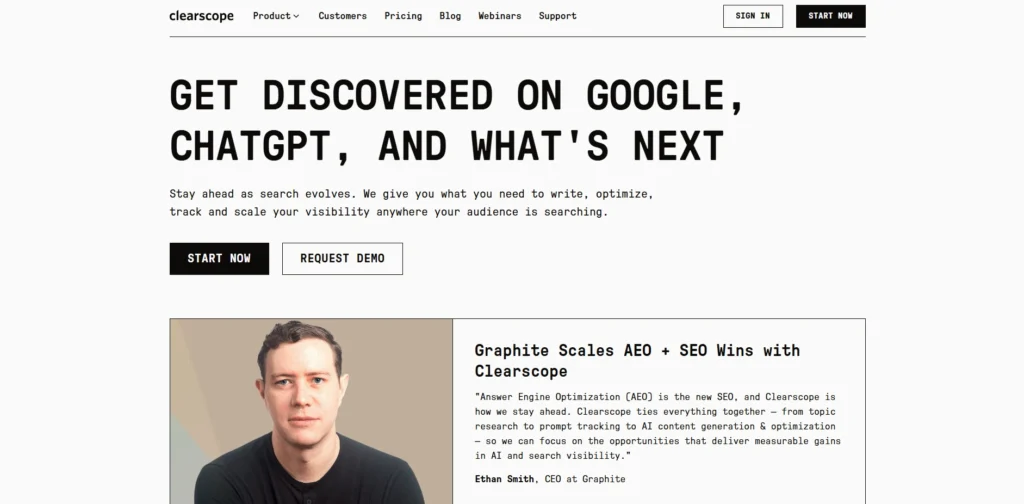
9. Clearscope
Website: https://www.clearscope.io
Clearscope is a tool that helps people make their website pages better for search engines. It looks at the pages and gives people ideas for keywords to use. Clearscope gives people a score that shows how well their page is doing. It also helps people find words and phrases to use in their content.
The editor for Clearscope is easy to use. It helps people make their content better, in real time. Clearscope helps people make high-quality pages that’re easy to read and that people will see when they search for things.
It focuses on making sure the content is relevant and easy to understand, which helps with search engine rankings. SE Ranking, Content Harmony, and Clearscope are all on page SEO tools that help with search engines and making content better.
Key Features:
- Content grading and keyword optimization
- SERP-based keyword suggestions
- Real-time content editor
- Topic relevance and semantic analysis
- Readability and structure guidance
Pros:
- Excellent for content optimization
- Simple and intuitive interface
- Accurate keyword recommendations
- Helps improve content relevance
- Trusted by professional marketers
Cons:
- Expensive for small users
- Limited technical SEO tools
- Focused mainly on content optimization
Pricing:
- Essentials– $129/month
- Business– $399/month
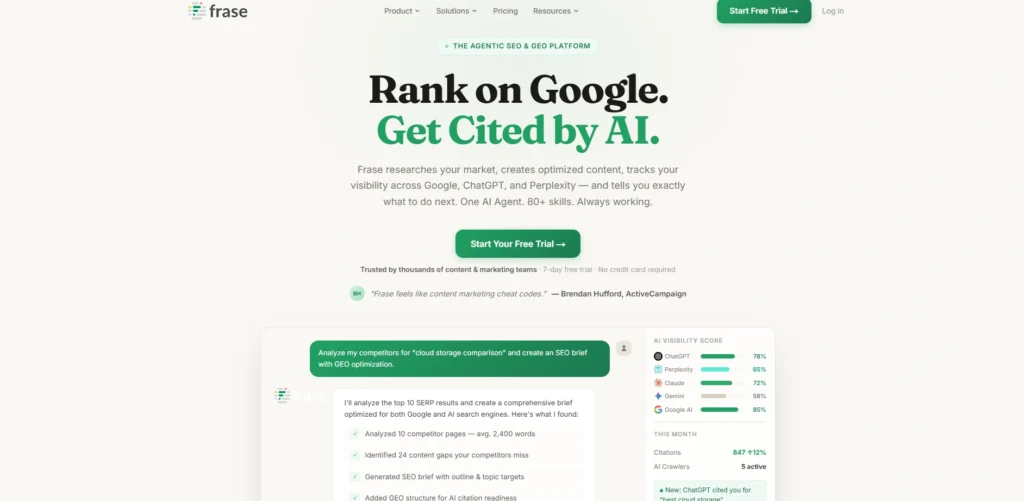
10. Frase
Website: https://www.frase.io
Frase is a tool that helps people write and optimise content for search engines. It looks at what’s already on the internet and finds the most important topics and questions to include.
Frase can even help with writing by making suggestions. This tool also checks how well the content is doing compared to others and suggests ways to make it better. It helps people understand what users are looking for so they can write content that’s relevant.
Frase is great for people who want to make content creation easier and improve how their website does in search engine results. Frase is really good at helping with research and writing and making sure the content is optimised for search engines.
Key Features:
- AI-powered content briefs and outlines
- SERP analysis and question-based insights
- Content optimization recommendations
- AI writing assistant for drafting content
- Topic research and keyword suggestions
Pros:
- Strong AI content generation features
- Saves time in research and writing
- Easy-to-use interface
- Good for content teams
- Combines research and writing tools
Cons:
- Limited technical SEO capabilities
- AI content may require editing
- Subscription required for full features
Pricing:
- Starter– $49/mo
- Professional- $129/mo
- Scale– $299/mo
11. MarketMuse
Website: https://www.marketmuse.com
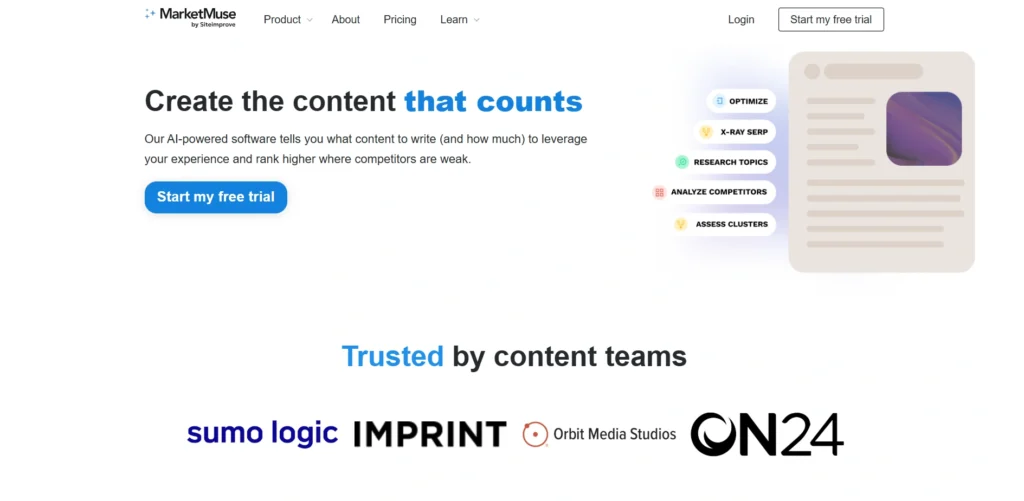
MarketMuse is a platform that uses intelligence to help with content strategy and making sure the content on a website is good. It finds gaps in the content. Suggest ways to make it better. MarketMuse looks at how the content is doing and suggests keywords that can be used.
It also helps with planning and making sure the content is well organised. MarketMuse has algorithms that check if the content is what people are looking for. This helps people create content that’s good and can compete with other websites. As one of the top on page SEO tools, MarketMuse is useful for people who want to make sure their content is the best it can be. MarketMuse helps with this by giving people a lot of information about their content.
Key Features:
- AI-driven content strategy and optimization
- Topic modeling and content gap analysis
- Content scoring and keyword suggestions
- Competitive content analysis
- Content planning and clustering tools
Pros:
- Advanced AI-powered insights
- Excellent for content strategy
- Helps improve topical authority
- Data-driven recommendations
- Suitable for large content teams
Cons:
- Expensive pricing plans
- Complex for beginners
- Focused mainly on content rather than technical SEO
Pricing:
- Contact Sales
12. OnCrawl
Website: https://www.oncrawl.com
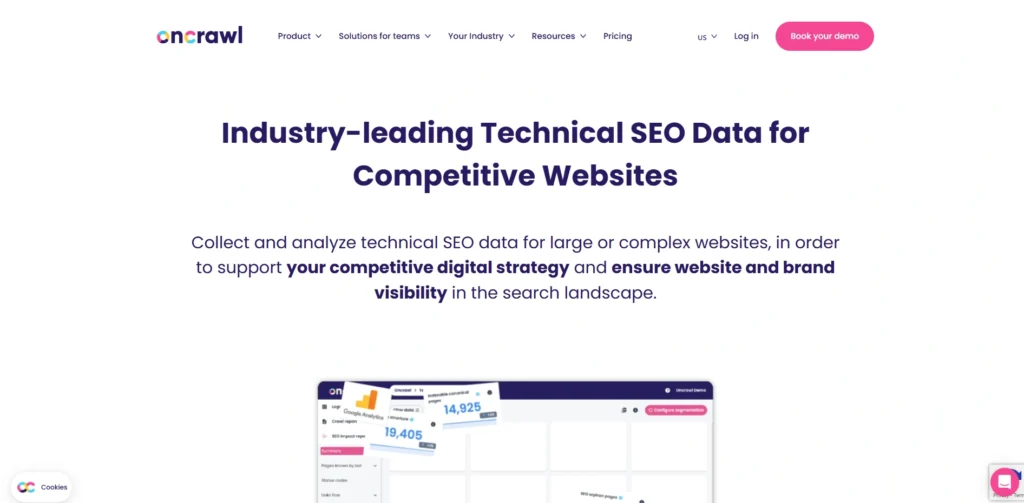
OnCrawl is a tool that helps with the side of search engine optimization. It looks at how a website’s structured and if it is working well. OnCrawl can find problems like duplicate content or pages that’re not good. It also has tools that help people understand how their website is laid out.
OnCrawl is mostly used for things but it can also help with making sure the content on a website is good. It is really useful for websites that need to know a lot about how search engines are looking at their site.
OnCrawl is good at helping people find and fix problems with their website so that search engines can find it easily.
Key Features:
- Website crawling and log file analysis
- Technical SEO audits and indexing insights
- Crawl budget optimization
- Internal linking analysis
- Data visualisation dashboards
Pros:
- Deep technical SEO analysis
- Useful for large and complex websites
- Strong data visualisation tools
- Helps improve crawl efficiency
- Supports enterprise-level SEO
Cons:
- Not beginner-friendly
- Primarily technical-focused tool
- Requires expertise to interpret data
Pricing:
- Basic– Contact Sales
- Core- Contact Sales
13. PageOptimizer Pro
Website: https://pageoptimizer.pro
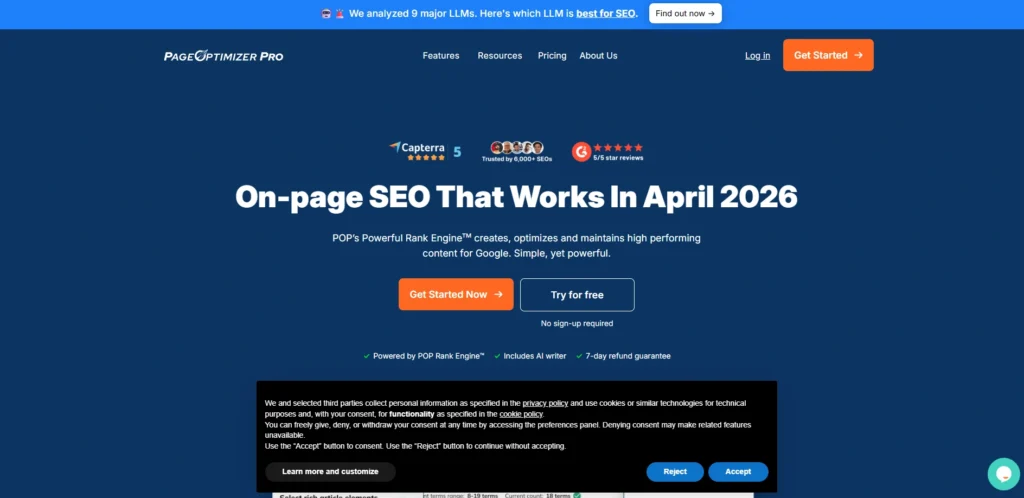
PageOptimizer Pro is a tool that helps make individual pages better for search engines. It looks at how keywords are used, how the content is structured and how the headings and words are related.
The tool gives advice on how to make pages better by looking at what works for top pages. It also has a scoring system to see how well the pages are optimised. PageOptimizer Pro is all about being precise and giving suggestions that are based on data to make the content better.
People who do search engine optimization use PageOptimizer Pro to get advice on how to make pages better for specific keywords and improve search engine results.
Key Features:
- On-page optimization based on competitor analysis
- Keyword usage and semantic recommendations
- Content scoring system
- SERP-based optimization guidance
- Page-level SEO improvements
Pros:
- Highly detailed optimization suggestions
- Data-backed recommendations
- Helps improve rankings effectively
- Simple workflow for page optimization
- Useful for SEO professionals
Cons:
- Limited broader SEO features
- Subscription required
- Can be complex for beginners
Pricing:
- Basic– $40/mo
- Unlimited– $72/mo
- Teams– $143/mo
- White Glove– $275
14. Yoast SEO
Website: https://yoast.com
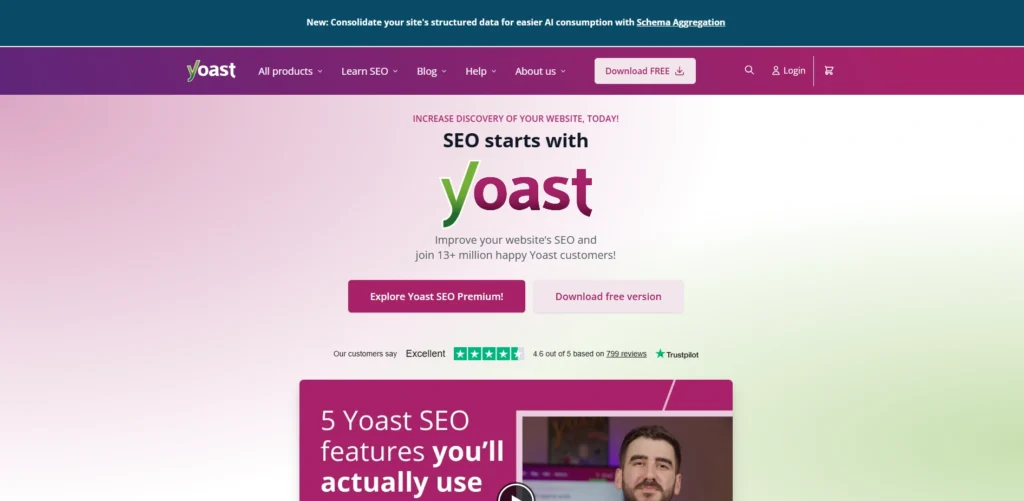
Yoast SEO is a popular plugin for WordPress that helps with making pages better for search engines. It helps users manage the titles and descriptions of pages well as the maps of the site and the main URLs.
The plugin checks if the content is easy to read and if it is optimised for keywords. It also gives suggestions on how to make the links between pages better and how to make the content clearer.
Yoast SEO supports markup and social media features. The plugin is easy to use. It is good for beginners and professionals and it helps them make their content better right in the WordPress dashboard.
Key Features:
- Meta title and description optimization
- Content readability and SEO analysis
- XML sitemap generation
- Schema markup support
- Internal linking suggestions
Pros:
- Easy-to-use WordPress plugin
- Beginner-friendly interface
- Strong content optimization guidance
- Regular updates and support
- Widely trusted SEO plugin
Cons:
- Limited advanced features in free version
- Can slow down websites slightly
- Premium required for full features
Pricing:
- Yoast SEO Premium– $9.90 / month, billed annually at $118.80
- Yoast SEO for Shopify– $19 / 30 days
15. Rank Math
Website: https://rankmath.com
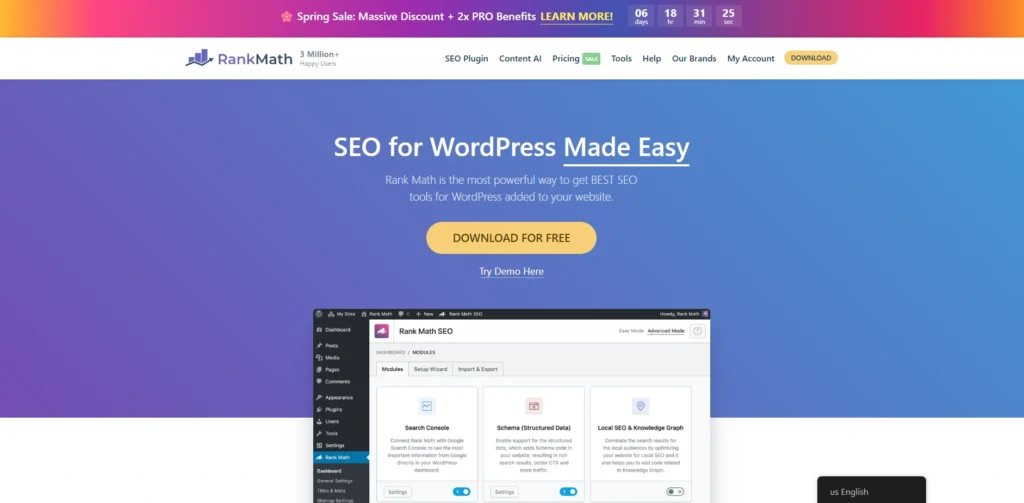
Rank Math is a plugin for WordPress that helps with making pages better for search engines. It supports optimising for keywords, special markup and detailed analysis.
The plugin gives suggestions on how to make the content, tags and links better. Rank Math also works with Google Search Console to track performance and give insights. The plugin is designed to be used in parts so users can choose which features they need.
With its easy-to-use interface and automatic features Rank Math makes search engine optimization easier. Gives users the tools they need to make their website more visible and improve search rankings.
Key Features:
- Advanced on-page SEO analysis
- Multiple keyword optimization support
- Schema markup integration
- Google Search Console integration
- Internal linking automation with SEO automation tools
Pros:
- Feature-rich free version
- Lightweight and fast plugin
- Easy setup and configuration
- Supports multiple keyword targeting
- Strong automation features
Cons:
- Some advanced features require paid plan
- Setup can be overwhelming initially
- Occasional compatibility issues with plugins
Pricing:
- Rank Math + WP Rocket– $10.99 / month
- Pro– $6.99 / month
- Business– $24.99 / month
- Agency- $54.99 / month
Ending Thoughts
In conclusion, on page SEO tools are essential for optimising website content and improving search engine rankings effectively. They simplify complex tasks such as keyword optimization, meta tag management, content analysis, and technical improvements. By using the right tools, businesses and content creators can enhance user experience, boost visibility, and drive organic traffic.
Each tool offers unique features, so choosing the best one depends on your specific needs and goals. Consistent use of these tools, combined with quality content and a strong SEO strategy, can lead to long-term success and better performance in search engine results.
FAQs
1. Why Are On Page SEO Software Important?
They simplify optimization tasks, improve content quality, and help websites rank higher by aligning with search engine algorithms and user intent.
2. Which Are The Best On Page SEO Tools?
Popular tools include SEMrush, Ahrefs, Surfer SEO, Yoast SEO, and Rank Math, each offering unique optimization features.
3. Can Beginners Use On Page SEO Solution Easily?
Most tools are user-friendly and provide step-by-step guidance, making them suitable for beginners and non-technical users.
4. How Do On Page SEO Software Improve Website Rankings?
They optimize content, meta tags, headings, and links to boost visibility and search engine rankings.
5. Which On Page SEO Tools Are Best For Content Optimization?
SEMrush, Surfer SEO, Clearscope, and Frase help improve content quality and keyword usage.