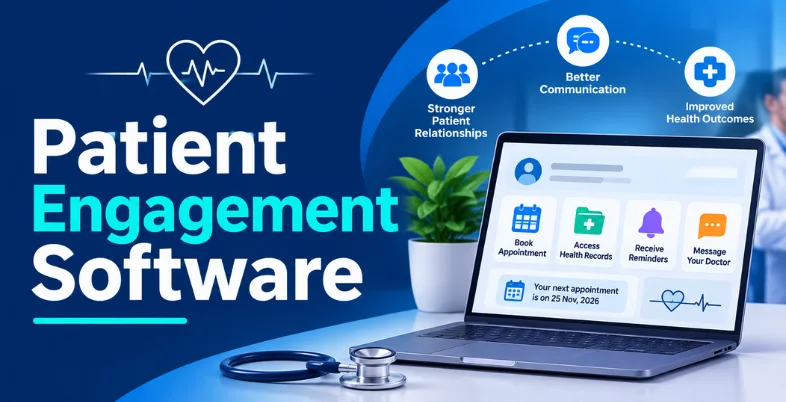
Patient engagement software helps healthcare providers build stronger relationships with patients by making communication, appointment scheduling, follow-ups, and access to healthcare information easier. Instead of relying entirely on phone calls and manual reminders, hospitals and clinics can use these platforms to keep patients informed throughout their care journey.
For healthcare organizations, patient engagement is not limited to sending appointment notifications. It also includes helping patients complete registration forms, access test results, understand care instructions, manage follow-up visits, and communicate with their providers when they need assistance. A well-designed platform can reduce administrative work while making the patient experience more convenient.
The need for connected patient experiences is also changing how healthcare organizations evaluate technology.Patient engagement platforms increasingly combine digital scheduling, automated communication, intake workflows, patient portals, and analytics, with AI workflow tools helping automate repetitive administrative tasks across connected systems. Some focus on independent medical practices, while others are designed for large hospital networks with complex systems and multiple locations.
Medbridge+1
This guide explores 10 patient engagement software platforms, their key capabilities, advantages, limitations, and pricing considerations. It is intended for hospitals, clinics, specialty practices, and healthcare administrators evaluating solutions for their patient communication workflows.
What Is Patient Engagement Software?
Patient engagement software is a digital platform that helps healthcare organizations communicate with patients and encourage their active participation in healthcare. It supports interactions before, during, and after medical appointments through features such as appointment reminders, online scheduling, digital registration, secure messaging, patient education, and follow-up communication.
For example, a patient may receive a reminder before a consultation, complete registration forms online, receive instructions after the appointment, and get a notification when a follow-up visit is due. These interactions can be managed through one platform or through software integrated with the organization’s electronic health record (EHR) or practice management system.
Patient engagement software is different from traditional hospital management software. Hospital management systems primarily support internal operations such as billing, records, and resource management. Patient engagement platforms focus on the patient-facing experience, although many products combine both types of functionality.
List Of 10 Best Patient Engagement Software Platforms
The platforms below serve different healthcare requirements. Some are designed for enterprise-level communication, while others focus on appointment management, digital intake, secure messaging, and patient follow-ups for smaller practices.
1. Luma Health
- Best for: Hospitals, health systems, and multi-specialty practices that want to coordinate patient communication across the care journey.
- Website: https://www.lumahealth.io/
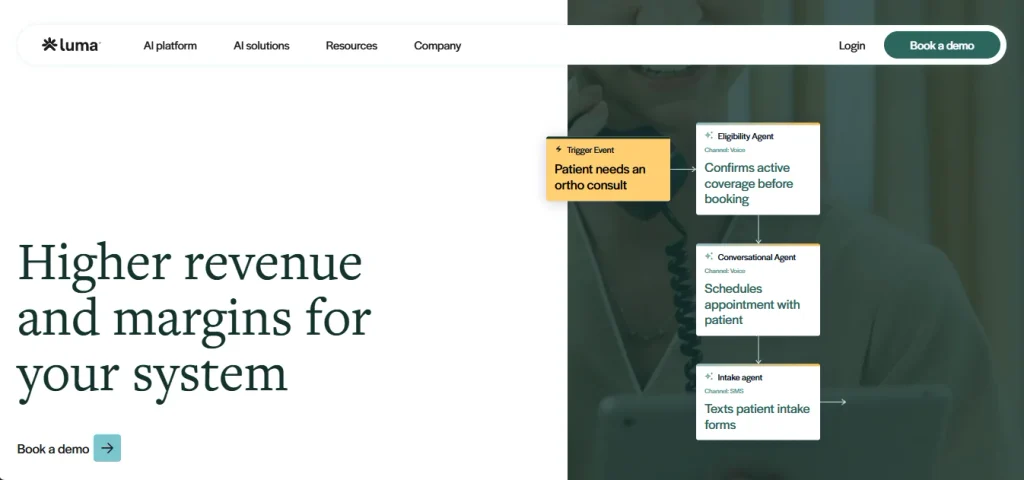
Luma Health is a patient engagement software and access platform that helps healthcare organizations manage interactions from appointment booking to follow-up care. It offers capabilities for scheduling, patient communication, referral management, waitlists, and automated outreach. Healthcare teams can use it to communicate with patients through digital channels and help them complete different steps in their care journey.
Its platform is particularly relevant for organizations managing multiple departments or locations, where disconnected communication systems can make patient coordination difficult. Luma Health is best evaluated by health systems that need broader workflow automation rather than a standalone reminder tool.
Key features:
- Automated patient communication and reminders.
- Digital appointment scheduling and waitlist management.
- Referral and patient access workflows.
- Patient outreach and engagement automation.
- Analytics for monitoring engagement and operational activity.
Pros:
- Supports multiple stages of the patient journey.
- Useful for large and multi-location healthcare organizations.
- Helps coordinate scheduling and communication workflows.
Cons:
- May be more than a small practice needs.
- Implementation may require integration and workflow planning.
- Pricing is not generally available as a simple public subscription.
Pricing:
- Custom pricing based on organization size and requirements.
- Contact the vendor for a product demonstration and quotation.
2. Phreesia
- Best for: Hospitals and medical practices that want to simplify patient registration, intake, and front-office workflows.
- Website: https://www.phreesia.com/
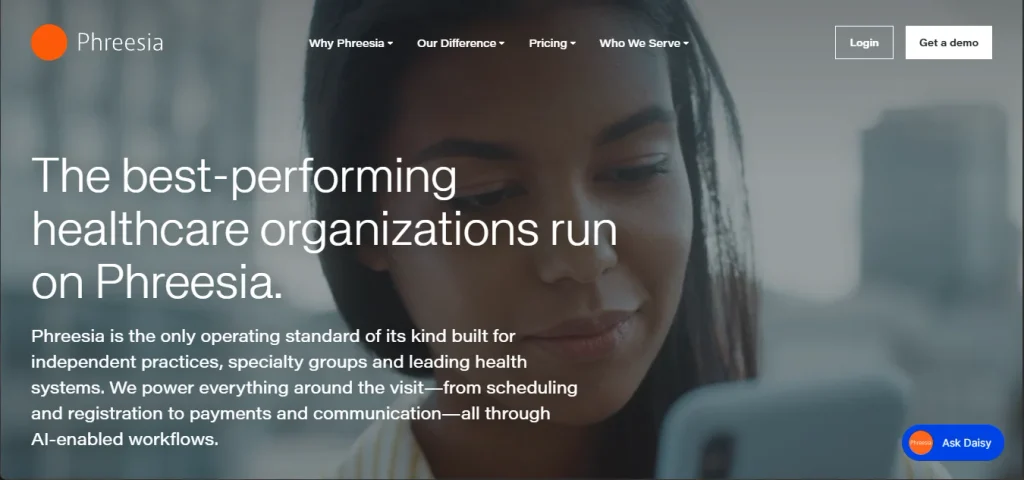
Phreesia provides digital solutions that help healthcare organizations manage patient intake and administrative interactions. Patients can complete registration tasks, provide relevant information, and handle parts of the check-in process through digital channels. The platform also supports appointment-related communication and payment workflows.
This can be useful for practices that want to reduce paperwork and make the arrival process more organized. Rather than focusing only on messaging, Phreesia connects patient-facing intake activities with administrative processes, making it particularly relevant for providers that handle a high volume of appointments.
Key features:
- Digital patient intake and registration.
- Patient check-in workflows.
- Appointment-related communication.
- Payment and administrative tools.
- Integration capabilities with healthcare systems.
Pros:
- Helps reduce manual registration tasks.
- Useful for practices with high patient volumes.
- Connects patient intake with front-office workflows.
Cons:
- May be less suitable for organizations looking only for basic messaging.
- Integration requirements should be checked before implementation.
- Pricing generally requires a vendor consultation.
Pricing:
- Custom pricing based on practice requirements.
- Contact Phreesia for a quotation and product details.
3. Artera
- Best for: Large healthcare organizations that need automated, two-way patient communication across multiple channels.
- Website: https://artera.io/
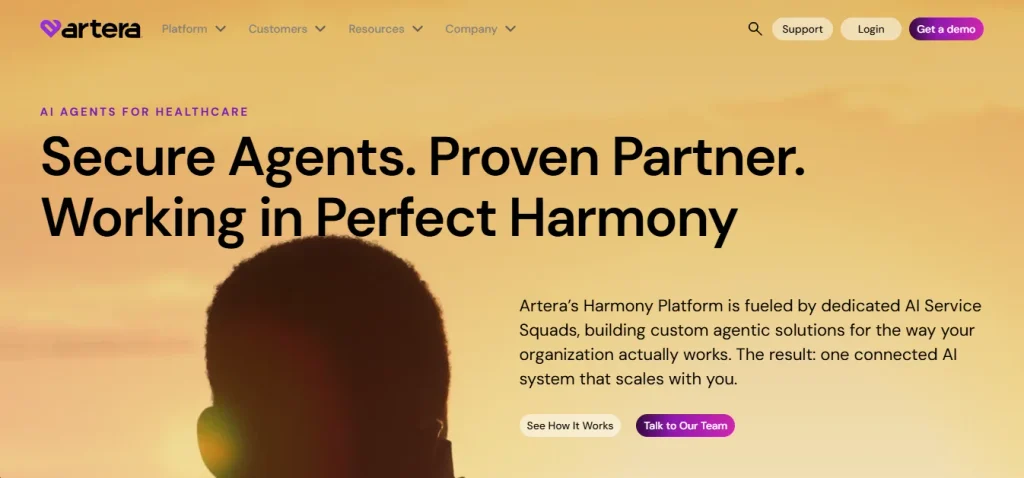
Artera is a patient engagement software and communication platform designed to help healthcare organizations manage conversations and outreach at scale. It supports automated messaging, appointment reminders, patient notifications, and communication workflows across different stages of care. Healthcare teams can use it to send relevant information and manage patient responses without depending entirely on manual phone calls.
Its capabilities are particularly useful for hospitals and large provider networks that need consistent communication across departments. Organizations considering Artera should evaluate its integration with their existing EHR and communication systems, as well as the workflows they want to automate.
Key features:
- Automated appointment reminders and notifications.
- Two-way patient messaging.
- Communication workflow automation.
- Multi-channel patient outreach.
- Integration with healthcare technology systems.
Pros:
- Designed for communication at scale.
- Helps reduce repetitive manual outreach.
- Useful for multi-location healthcare organizations.
Cons:
- May be costly for smaller independent practices.
- Advanced workflows can require implementation support.
- Pricing is generally provided through a custom quotation.
Pricing:
- Custom enterprise pricing.
- Contact the vendor for a demonstration and quotation.
4. Solutionreach
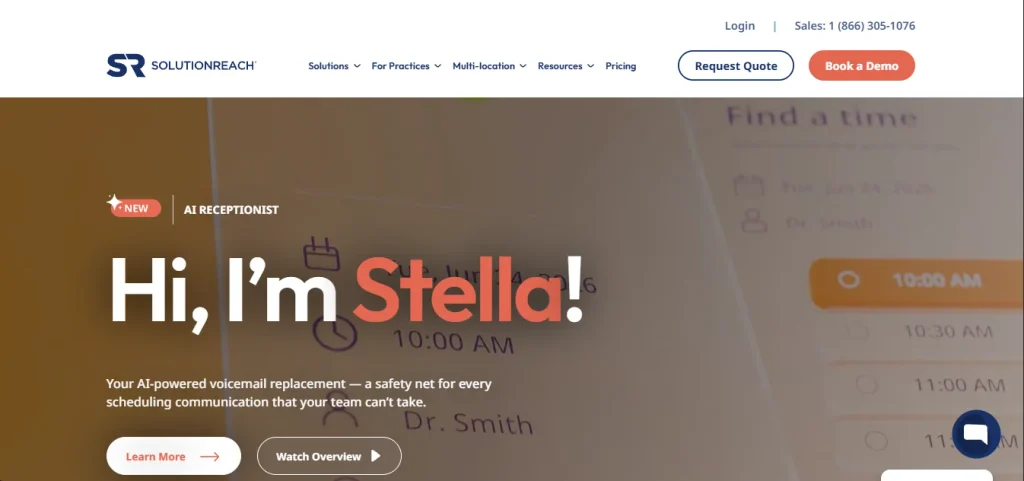
- Best for: Independent medical practices and specialty clinics that want to automate appointment reminders and patient follow-ups.
- Website: https://www.solutionreach.com/
Solutionreach helps medical practices manage patient communication through automated reminders, messaging, surveys, and follow-up workflows. It is designed to support communication before and after appointments, helping practices keep patients informed and encourage them to return for routine or recommended care.
For example, a dental or specialty clinic can use automated outreach to remind patients about upcoming appointments or contact those who are due for another visit. Its focus on ongoing communication makes it useful for practices that want to improve patient retention and reduce the administrative effort involved in manual follow-ups.
Key features:
- Automated appointment reminders.
- Two-way patient messaging.
- Patient surveys and feedback collection.
- Recall and reactivation campaigns.
- Communication reporting and integrations.
Pros:
- Useful for recurring patient communication.
- Supports reminders and follow-up campaigns.
- Relevant to independent and specialty practices.
Cons:
- Some capabilities may depend on selected packages.
- Integration compatibility should be confirmed.
- Pricing is generally quote-based.
Pricing:
- Custom pricing depending on practice size and features.
- Contact Solutionreach for current plan details.
5. NexHealth
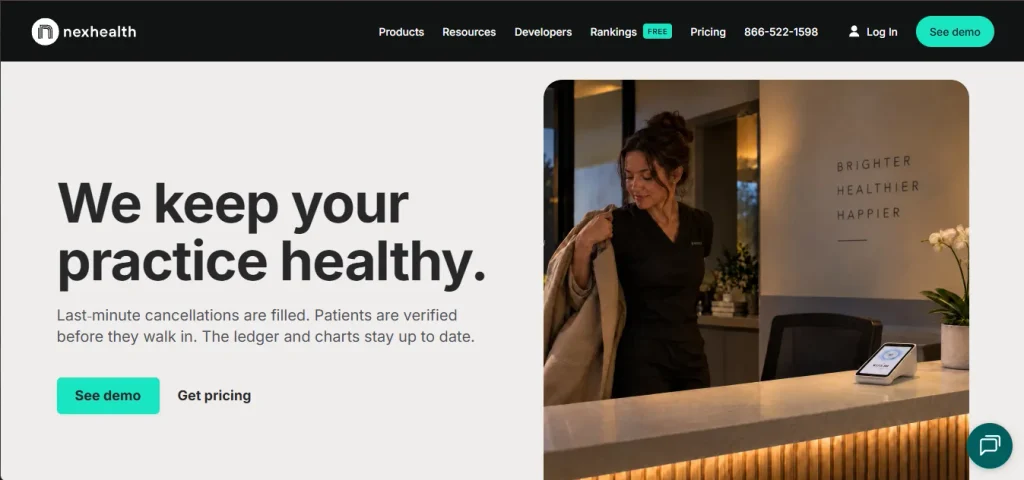
- Best for: Medical and dental practices that want connected online scheduling, digital intake, and patient communication.
- Website: https://www.nexhealth.com/
NexHealth offers patient engagement software that connects scheduling, digital forms, payments, and communication with practice management and EHR systems. It helps patients complete routine administrative tasks online instead of relying on phone calls or paperwork at the clinic. Practices can use it to manage appointment bookings, send reminders, collect forms, and streamline other patient-facing processes.
Its integration-focused approach is especially relevant for clinics that want to improve the experience without replacing their existing practice management software. Before selecting NexHealth, providers should confirm that their current systems are supported.
Key features:
- Online appointment scheduling.
- Digital patient forms and intake.
- Automated reminders and communication.
- Online payments.
- Integrations with supported EHR and practice management systems.
Pros:
- Connects several patient-facing workflows.
- Helps reduce manual administrative steps.
- Useful for medical and dental practices.
Cons:
- Compatibility depends on the existing healthcare software.
- Pricing may vary by practice and configuration.
- Some advanced capabilities may require additional setup.
Pricing:
- Contact NexHealth for a custom quotation.
- Pricing depends on practice requirements and selected functionality.
6. Weave
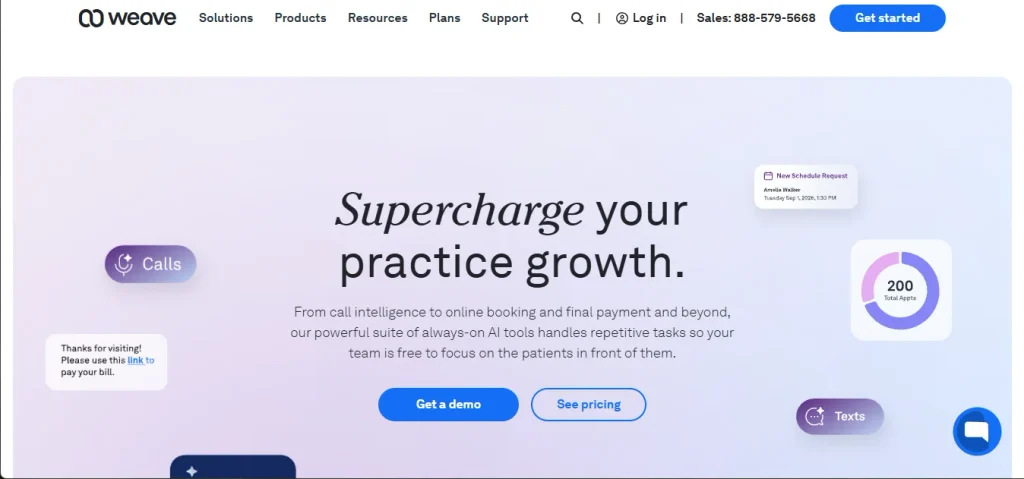
- Best for: Dental, medical, and other appointment-based practices that want communication and front-office tools in one platform.
- Website: https://www.getweave.com/
Weave combines patient communication with tools that support everyday practice operations. It helps healthcare teams manage calls, text messages, appointment reminders, payment interactions, and patient reviews. The platform is particularly relevant for smaller practices where front-desk employees handle several responsibilities at once.
For example, a clinic can use it to send appointment confirmations, respond to patient messages, and collect feedback after visits. Its communication features can help create a more connected experience, although organizations should check whether its available integrations match their existing clinical and administrative systems.
Key features:
- Two-way patient texting.
- Appointment reminders and confirmations.
- Phone and communication management.
- Payment and review management features.
- Integrations with supported practice software.
Pros:
- Combines several front-office communication functions.
- Useful for appointment-driven practices.
- Supports communication through multiple channels.
Cons:
- Not designed to replace a full EHR system.
- Some features may be more relevant to dental and smaller practices.
- Pricing and availability depend on selected products and location.
Pricing:
- Paid subscription plans.
- Custom pricing may apply depending on location, features, and number of users.
- Contact the vendor for a current quotation.
7. Klara
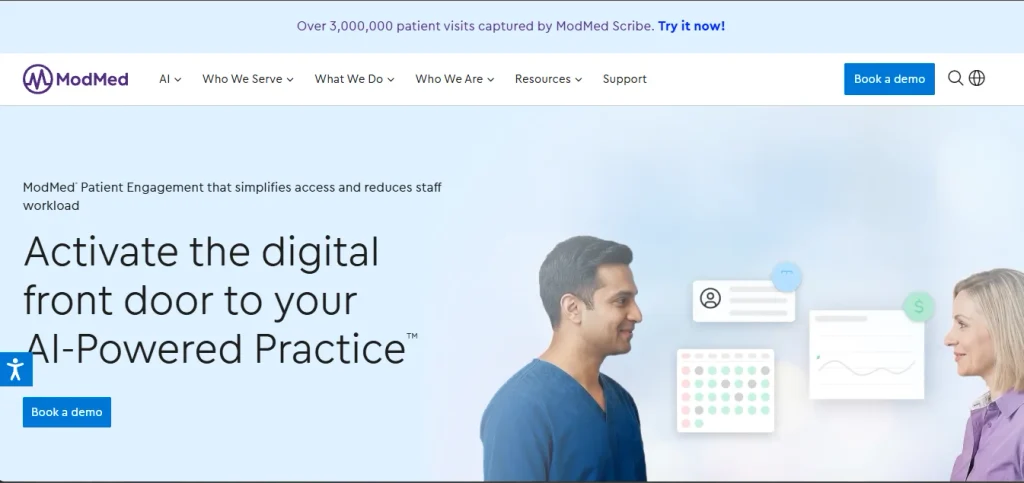
- Best for: Specialty clinics and independent practices that need organized, secure patient messaging.
- Website: https://doctor.klara.com/
Klara is a healthcare communication platform that helps medical practices manage patient conversations through digital channels. It supports messaging workflows that can reduce dependence on traditional phone communication for routine interactions. Practices can use it to coordinate appointment-related questions, follow-ups, and administrative communication while keeping conversations organized for their teams.
Klara is particularly relevant for specialty practices that receive frequent patient queries and need a structured way to manage responses. Healthcare providers should review its current integration options and security documentation before using it for sensitive patient information.
Key features:
- Patient messaging and communication.
- Team inbox and conversation management.
- Appointment-related workflows.
- Automated communication options.
- Integrations with selected healthcare systems.
Pros:
- Helps organize patient conversations.
- Useful for practices handling frequent queries.
- Supports digital communication workflows.
Cons:
- May not provide every feature required by a large hospital.
- Integration availability should be checked.
- Pricing generally requires contacting the vendor.
Pricing:
- Custom pricing based on practice requirements.
- Contact Klara for current package details.
8. OhMD
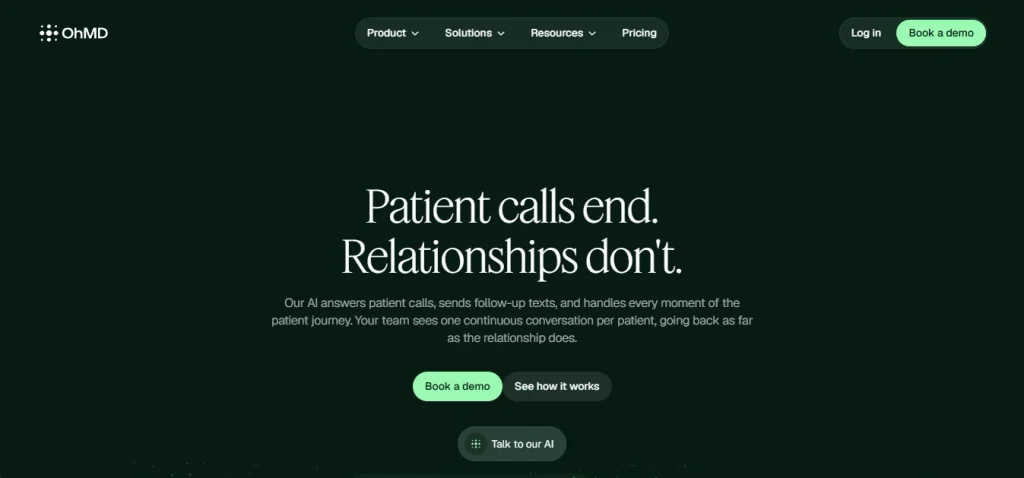
- Best for: Small and mid-sized medical practices that want convenient two-way patient texting and communication.
- Website: https://www.ohmd.com/
OhMD is a patient communication platform that focuses on making it easier for healthcare providers to interact with patients through text-based communication and related digital workflows. Practices can use it for appointment reminders, patient questions, follow-up communication, and other routine interactions.
It is particularly useful for clinics that want to make communication more accessible without requiring every interaction to happen over a phone call. OhMD also offers communication capabilities designed for healthcare environments. Providers should review the platform’s security arrangements, supported integrations, and message-handling workflows before adopting it.
Key features:
- Two-way patient texting.
- Appointment reminders and notifications.
- Patient communication workflows.
- Team communication and message management.
- Integration options with healthcare systems.
Pros:
- Focuses on convenient patient communication.
- Useful for smaller practices.
- Can reduce the need for routine phone calls.
Cons:
- Organizations needing extensive intake or analytics may need additional software.
- Integration options should be confirmed.
- Advanced functionality may require a paid plan.
Pricing:
- Paid plans are available.
- Pricing depends on the selected package and practice requirements.
- Contact OhMD for current rates.
9. healow
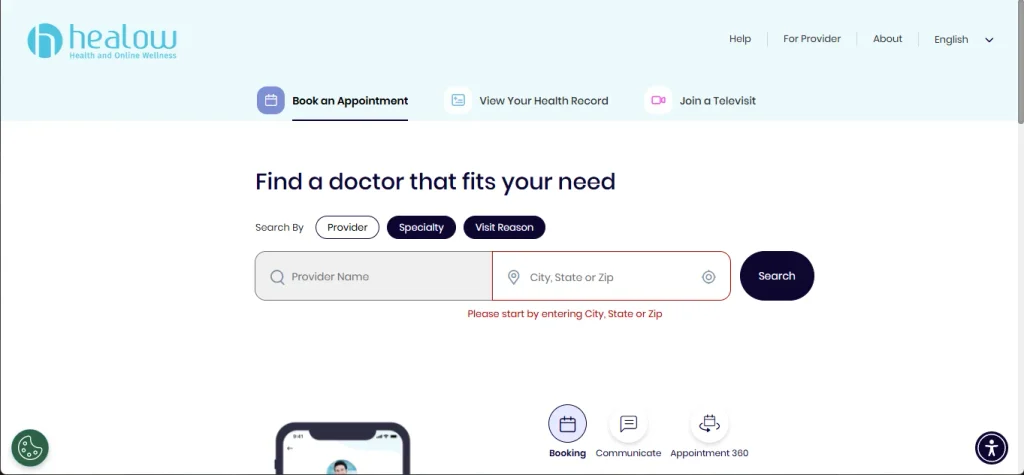
- Best for: Healthcare providers using supported eClinicalWorks systems and patients who need digital access to healthcare services.
- Website: https://healow.com/apps/jsp/webview/index.jsp
healow is a digital health platform that provides patient-facing tools for accessing healthcare services and communicating with participating providers. Depending on the provider’s setup, patients can use its app and related services for appointment scheduling, access to health information, communication, and other digital interactions.
Its connection with the eClinicalWorks ecosystem makes it particularly relevant for organizations already using compatible systems. Healthcare providers should evaluate which healow features are available through their specific configuration, since patient-facing functionality can vary by practice and implementation.
Key features:
- Patient portal and mobile app access.
- Appointment scheduling through participating providers.
- Access to health information.
- Patient-provider communication options.
- Integration with supported eClinicalWorks systems.
Pros:
- Provides patients with digital access to participating practices.
- Useful for organizations within the supported ecosystem.
- Offers mobile and web-based access.
Cons:
- Capabilities depend on provider participation and configuration.
- May be less suitable for organizations using unrelated EHR systems.
- Not every feature is available through every practice.
Pricing:
- Patient app access is offered without a standard consumer subscription fee.
- Practice and enterprise arrangements depend on the provider’s system and agreement.
- Contact the vendor or provider for implementation details.
10. Tebra
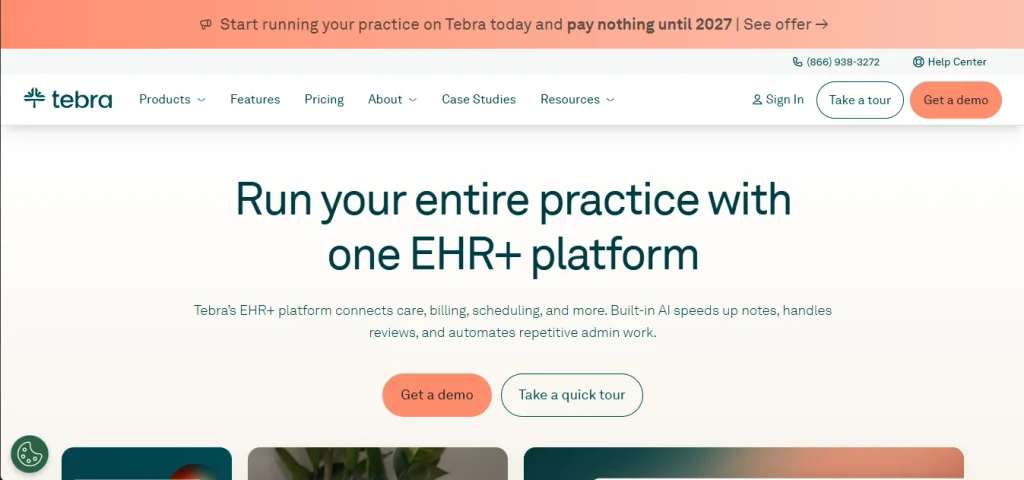
- Best for: Independent healthcare practices that want to combine patient communication with practice growth and administrative workflows.
- Website: https://www.tebra.com/
Tebra provides technology for independent healthcare practices, combining practice management, patient engagement software, and related business tools. Its patient engagement capabilities support communication, appointment-related interactions, and automated outreach. Practices can use the platform to manage patient interactions while connecting them with administrative workflows.
This can be useful for smaller healthcare organizations that want to manage more of their daily operations through a connected system. Since Tebra offers multiple products and packages, practices should confirm which patient engagement features are included in their selected subscription and whether the platform fits their existing workflows.
Key features:
- Patient communication and automated outreach.
- Appointment scheduling and related workflows.
- Patient experience and review management capabilities.
- Practice management tools.
- Reporting and integration options.
Pros:
- Combines patient-facing and practice management capabilities.
- Designed with independent practices in mind.
- Supports multiple administrative workflows.
Cons:
- Product packages may differ in included functionality.
- May require setup and staff training.
- Pricing depends on the selected products and practice requirements.
Pricing:
- Paid plans and product packages.
- Custom pricing may apply depending on practice size and requirements.
- Contact Tebra for current pricing.
Quick Comparison Of The Best Patient Engagement Software
The following table summarizes the primary use case of each platform. It can help healthcare administrators shortlist tools before comparing integrations, security requirements, and pricing.
| Software | Main strength | Best suited for | Key capabilities | Pricing approach |
| Luma Health | Patient access and journey automation | Hospitals and health systems | Scheduling, referrals, outreach | Custom quote |
| Phreesia | Digital patient intake | Hospitals and medical practices | Registration, check-in, payments | Custom quote |
| Artera | Automated patient communication | Large healthcare networks | Two-way messaging, reminders | Custom quote |
| Solutionreach | Patient reminders and follow-ups | Independent practices | Messaging, recall, surveys | Custom quote |
| NexHealth | Connected patient experience | Medical and dental clinics | Scheduling, forms, payments | Custom quote |
| Weave | Front-office communication | Appointment-based practices | Texting, calls, reminders | Paid plans |
| Klara | Patient messaging | Specialty clinics | Secure messaging, team inbox | Custom quote |
| OhMD | Two-way texting | Small and mid-sized practices | Texting, reminders, communication | Paid plans |
| healow | Patient portal access | eClinicalWorks users | App, appointments, health information | Provider agreement |
| Tebra | Practice and patient workflows | Independent practices | Outreach, scheduling, practice tools | Paid packages |
Pricing structures and included features can change. Contact vendors for current quotations and confirm which features are included in the package you are evaluating.
Key Features To Look For In Patient Engagement Software
A platform should do more than send automated messages. Healthcare organizations should evaluate how it supports the complete patient journey and whether it fits their clinical and administrative workflows.
1. Appointment Scheduling and Automated Reminders
- Appointment management is one of the most important features of patient engagement software. Patients should be able to book, confirm, cancel, or reschedule appointments through supported digital channels. Automated reminders can also help practices communicate upcoming appointment details without requiring staff to contact every patient manually.
- For example, a clinic can schedule reminders several days before a consultation and send a confirmation request closer to the appointment. The system should also make it easy for staff to see patient responses and update appointment availability.
2. Secure Two-Way Patient Communication
- One-way notifications are useful, but patients often need to ask questions or respond to messages. Two-way communication allows patients to interact with the practice through supported messaging channels, while CRM software helps healthcare organizations manage patient interactions and communication records.
- This can help with routine administrative queries, appointment changes, preparation instructions, and follow-up coordination. Healthcare providers should check how the platform handles sensitive information, controls staff access, stores conversations, and supports escalation to clinical staff when a message requires professional attention.
3. Digital Patient Intake and Registration
- Digital intake allows patients to complete registration forms, update personal information, and provide relevant details before arriving at the healthcare facility. This can reduce paperwork at reception and help staff prepare for appointments.
- For multi-specialty hospitals, intake workflows may need different forms for different departments. A dental clinic, for instance, may require different information from a physiotherapy or dermatology practice. Look for customizable forms, electronic consent capabilities, and integration with the existing patient record system.
4. Patient Portals and Mobile Access
- A patient portal gives individuals a digital place to access relevant healthcare information and interact with their providers. Depending on the platform and provider configuration, it may include appointment details, health records, test results, educational material, and secure communication.
- Mobile access is especially important for patients who prefer using smartphones instead of visiting a website on a computer. The platform should be easy to navigate and should provide clear instructions for patients who are not comfortable with digital healthcare services.
5. Post-Visit Follow-Ups and Care Reminders
- Patient engagement continues after the consultation. Patients may need medication-related reminders, follow-up appointments, rehabilitation instructions, or routine health check-up notifications.
- A good platform can help practices automate suitable follow-up communication based on appointment type or patient workflow. However, clinical advice and treatment-related decisions should remain under the supervision of qualified healthcare professionals. Automated messages should be reviewed to ensure that patients receive appropriate and accurate information.
6. EHR and Practice Management Integration
- Patient engagement software should work effectively with the systems already used by the healthcare organization. Integration with an EHR or practice management platform can help synchronize appointment details, patient information, and communication records.
- Without proper integration, staff may have to enter the same information into multiple systems. This can increase administrative work and create inconsistencies. Before purchasing a platform, confirm the exact integration supported for your EHR version, the direction in which data is exchanged, and whether any additional implementation charges apply.
7. Reporting and Patient Engagement Analytics
- Analytics help healthcare administrators understand whether engagement activities are working. Useful metrics may include appointment confirmation rates, reminder response rates, portal adoption, digital form completion, message response times, and patient feedback.
- For example, if a clinic notices that many patients start but do not complete digital registration, it can review the form length, instructions, and mobile experience. These insights help organizations improve workflows rather than simply increasing the number of messages sent.
How To Choose The Right Patient Engagement Software For Your Healthcare Organization
The right platform depends on the size of the organization, patient volume, existing technology, and the main problem that needs to be solved. A small clinic may need appointment reminders and texting, while a hospital network may require referral coordination, digital intake, and communication across several departments.
Assess Your Current Patient Communication Problems
- Start by identifying the most time-consuming or inefficient parts of the patient journey. Common problems include missed appointments, repeated phone calls, incomplete registration forms, delayed follow-ups, and difficulty reaching patients.
- If missed appointments are the biggest issue, prioritize scheduling and reminder automation. If patients frequently call to ask routine questions, focus on two-way messaging and communication management. A clearly defined problem will help prevent the organization from purchasing unnecessary features.
Check Compatibility With Existing Healthcare Systems
- Do not assume that a patient engagement platform will integrate with every EHR or practice management system. Ask the vendor for a list of supported integrations and confirm whether your specific software version is included.
- It is also important to understand how information is synchronized. For example, if a patient reschedules an appointment through the engagement platform, the change should be reflected accurately in the relevant scheduling system.
Evaluate Data Security and Privacy Requirements
- Patient information is sensitive, so security should be a central part of the selection process. Review encryption, user access controls, audit logs, data storage arrangements, backup policies, and incident response procedures.
- Healthcare organizations operating in the United States should examine applicable HIPAA requirements and confirm whether the vendor will sign a Business Associate Agreement where required. Organizations in India should evaluate applicable Indian data protection and healthcare confidentiality requirements. A vendor’s general compliance statement should not replace a review of its contractual terms and actual configuration.
Consider Patient Accessibility and Ease of Use
- A platform should be convenient for both patients and healthcare staff. Complicated registration processes, unclear instructions, and difficult mobile interfaces can discourage patients from using digital services.
- Check whether the software supports mobile access, accessible design, suitable language options, and alternative communication methods for patients who cannot use digital channels. The objective is to improve access, not create another barrier to healthcare.
Compare Total Cost and Implementation Requirements
- Subscription fees are only one part of the overall investment. Healthcare organizations should also ask about setup charges, integration costs, training, support, messaging fees, and additional charges for multiple locations or users.
- Request a demonstration using workflows that reflect your actual operations. For example, ask the vendor to demonstrate appointment booking, digital intake, reminder delivery, patient replies, and how staff handle a patient who needs assistance.
Benefits Of Using Patient Engagement Software
Patient engagement software can improve both patient-facing services and the administrative processes that support them. Its value depends on how well the platform is implemented and how effectively healthcare teams use it.
- Improved Patient Communication: Automated notifications and digital messaging give healthcare providers more ways to keep patients informed. Patients can receive appointment details, preparation instructions, and follow-up reminders through supported channels. This can make communication more consistent, especially in practices that manage a large number of appointments.
- Reduced Administrative Workload: Manual appointment confirmations, repeated phone calls, and paper-based registration can consume considerable staff time. Digital workflows help automate suitable administrative tasks, allowing front-office teams to focus on patient assistance and other responsibilities.
- Better Appointment Management: Online scheduling and automated reminders can make it easier for patients to manage appointments. Practices can also use cancellation and waitlist workflows to manage available appointment slots more efficiently. The actual improvement depends on patient adoption and how the organization configures its scheduling process.
- More Consistent Follow-Up: Patients may forget routine check-ups or recommended follow-up visits. Automated recall workflows can help practices remind patients when another appointment is due. This is particularly useful for organizations that manage recurring consultations, dental visits, physiotherapy sessions, or chronic care programmes.
- Greater Visibility Into Patient Experience: Feedback forms and engagement analytics can help healthcare organizations understand where patients experience difficulties. For example, repeated complaints about long registration processes may indicate a need to simplify digital intake. Tracking feedback over time helps administrators identify areas that need improvement.
Patient Engagement Software Trends To Watch In 2027
Patient engagement technology is evolving beyond basic appointment reminders. Healthcare organizations are increasingly evaluating platforms that connect communication, access, administrative automation, and ongoing patient support.
AI-Powered Patient Communication
AI is being incorporated into healthcare communication platforms to help manage routine patient queries, support scheduling, categorize incoming messages, and automate suitable administrative interactions.
For example, an AI-enabled system may help a patient find available appointment slots or provide basic information about clinic timings. However, clinical questions, symptoms, treatment recommendations, and urgent concerns require appropriate human oversight and escalation. Healthcare providers should also review how AI-generated responses are checked before reaching patients.
Omnichannel Communication
Patients may prefer different communication methods depending on their age, location, accessibility needs, and familiarity with technology. Some may prefer SMS, while others use mobile applications, email, web portals, or phone calls.
Patient engagement platforms are therefore placing greater emphasis on connecting communication channels. The objective is to maintain consistent information across interactions so that patients do not have to repeat the same details every time they contact a healthcare provider.
More Focus on Digital Patient Intake
Digital registration and consent workflows are becoming important parts of the patient experience. Instead of completing multiple forms at the reception desk, patients can submit relevant information before reaching the healthcare facility.
This can help healthcare organizations prepare for appointments and reduce repetitive data entry. Advanced platforms may also support digital identity verification, document collection, and integration with patient records.
Personalized Patient Journeys
Healthcare organizations are increasingly looking for ways to make communication more relevant to individual patients. A patient visiting for a routine dental check-up may need different reminders from someone attending a post-surgery follow-up.
Personalized workflows can help providers send relevant information based on appointment type, department, or stage of care. However, organizations should ensure that these workflows use accurate information and respect patient communication preferences.
Greater Emphasis on Data Privacy and Interoperability
As more healthcare interactions move online, organizations need to pay closer attention to how patient information is collected, transferred, stored, and accessed. Integration with existing EHR systems and secure information exchange are becoming important selection criteria.
Healthcare providers should evaluate vendor security documentation, contractual responsibilities, access controls, and integration standards before implementation. A connected patient experience should not come at the cost of data protection.
Common Mistakes To Avoid When Selecting Patient Engagement Software
Choosing software based only on the number of features can lead to unnecessary costs and implementation difficulties. Healthcare organizations should avoid these common mistakes:
- Ignoring EHR compatibility: A platform may offer useful features but still create additional work if it cannot integrate properly with the existing EHR or practice management system.
- Focusing only on appointment reminders: Patient engagement also includes digital intake, communication, education, follow-ups, and feedback.
- Overlooking patient accessibility: A complicated mobile interface or limited language support may prevent some patients from using the platform.
- Not checking security arrangements: Review data handling, access controls, encryption, contractual terms, and applicable compliance requirements before onboarding.
- Underestimating implementation costs: Training, integrations, onboarding, and support may add to the total cost of ownership.
- Automating every interaction: Sensitive clinical queries and urgent concerns should have clear escalation routes to qualified healthcare professionals.
- Ignoring staff training: Even a capable platform may deliver limited value if reception teams and clinical staff do not understand how to use it.
Conclusion
The best patient engagement software helps healthcare organizations create more convenient, connected, and consistent patient experiences. Platforms such as Luma Health and Artera are relevant for larger healthcare networks, while Phreesia focuses strongly on digital intake and Solutionreach supports ongoing patient communication. Tools such as NexHealth, Weave, Klara, and OhMD offer capabilities for practices looking to improve scheduling and messaging. healow and Tebra may be relevant for organizations that need connected patient access or broader practice workflows.
There is no single platform that suits every healthcare provider. Before selecting one, evaluate your communication requirements, existing EHR system, patient volume, security obligations, accessibility needs, and total implementation cost. A platform that fits everyday clinical and administrative workflows is more valuable than one with a long feature list that the organization may never fully use.
Frequently Asked Questions (FAQs)
Q1. What Is The Best Patient Engagement Software?
Some popular patient engagement platforms include Luma Health, Phreesia, Artera, Solutionreach, NexHealth, Weave, Klara, OhMD, healow, and Tebra. The best option depends on whether a healthcare organization needs patient communication, digital intake, appointment scheduling, patient portals, or enterprise-level workflow automation.
Q2. What Are The Main Features Of Patient Engagement Software?
Common features include online appointment scheduling, automated reminders, two-way messaging, digital patient intake, patient portals, follow-up communication, surveys, and reporting. Some platforms also offer referral management, payment workflows, patient education, and integrations with EHR and practice management systems.
Q3. How Does Patient Engagement Software Improve The Patient Experience?
It makes it easier for patients to book appointments, receive reminders, complete registration forms, access relevant healthcare information, and communicate with providers. These capabilities can reduce administrative friction and make interactions with healthcare organizations more convenient.
Q4. Is Patient Engagement Software Suitable For Small Clinics?
Yes. Small clinics can use patient engagement software to manage appointment reminders, digital forms, patient queries, and follow-up communication. Platforms such as OhMD, Solutionreach, NexHealth, and Weave may be worth evaluating, depending on the clinic’s requirements and existing software.
Q5. What Should Hospitals Consider Before Purchasing Patient Engagement Software?
Hospitals should evaluate EHR integration, data security, patient accessibility, communication channels, workflow automation, reporting capabilities, scalability, and total implementation costs. They should also check the vendor’s contractual responsibilities and applicable privacy requirements before using the platform to process patient information.