
Managing a team is more than assigning tasks and tracking deadlines. Managers need to keep employees aligned, improve communication, monitor progress, and ensure everyone is working toward the same goals. Organizations that manage member-based activities can also use membership management software to organize member records, track renewals, and improve engagement.
However, handling all these responsibilities through emails, spreadsheets, and multiple disconnected tools can quickly become overwhelming. Best team management software helps businesses simplify these processes by bringing task management, team communication, scheduling, collaboration, and performance tracking into one centralized platform. Businesses can also use AI workflow tools to automate repetitive tasks, streamline daily processes, and improve overall team productivity.
Whether you manage a small startup, a remote workforce, or a large organization, the right software can improve productivity, strengthen accountability, and make daily operations more organized. These tools also help employees understand their responsibilities, collaborate more effectively, and stay updated on project progress. In this guide, we explore the best team management tools available today, highlighting their key features, advantages, limitations, and pricing to help you choose the right solution for your team’s needs and budget.
Why Do Businesses Need Team Management Tools?
Managing a team efficiently becomes increasingly challenging as businesses grow, employees work across different locations, and projects involve multiple responsibilities. Without a centralized system, managers may struggle to track tasks, communicate updates, monitor deadlines, and ensure employees stay aligned with organizational goals. Team management tool helps solve these challenges by bringing essential workplace activities into a single platform.
These tools allow managers to assign responsibilities, set deadlines, monitor project progress, and communicate with team members without relying on multiple applications. Employees can easily access their tasks, share updates, collaborate on documents, and stay informed about important changes. Many platforms also offer features such as time tracking, scheduling, reporting, employee feedback, and goal management. Businesses can also leverage business intelligence tools to turn workplace data into actionable insights, identify operational trends, and support better team management decisions.
By automating repetitive administrative tasks and improving visibility into team performance, team management tool helps businesses reduce confusion, avoid missed deadlines, and improve overall productivity. It also creates a more organized working environment where employees can focus on completing their work efficiently while managers spend less time coordinating tasks and more time supporting their teams.
Key Features To Look For In Team Management Software
Choosing the right team management tool depends on how your business operates and what challenges your team needs to solve. While some tools focus primarily on task organization, others offer a broader range of features for communication, scheduling, time tracking, and employee performance management. Understanding these capabilities can help businesses select a platform that supports their workflow without adding unnecessary complexity.
- Task and Project Management: Look for tools that allow you to assign tasks, set deadlines, create subtasks, track progress, and organize projects through boards, lists, calendars, or Gantt charts.
- Team Communication and Collaboration: Features such as in-app messaging, comments, file sharing, announcements, and discussion spaces help employees communicate effectively and reduce reliance on multiple communication platforms.
- Time Tracking and Scheduling: Time tracking, timesheets, employee scheduling, and attendance management help managers understand how work hours are allocated and ensure tasks are completed within deadlines.
- Performance and Goal Tracking: Dashboards, reports, and OKRs help managers track team performance, measure progress, and identify improvement areas. AI tools for HR departments can further simplify performance analysis and highlight employee skill gaps.
- Automation and Integrations: Automation reduces repetitive tasks, while integrations with tools like Slack, Google Drive, and Microsoft Teams improve workflow. Vendor management tools also help manage suppliers and track their performance.
List Of 10 Best Team Management Software
1. Mitti (by SafetyCulture)
Website: https://mitti.com/
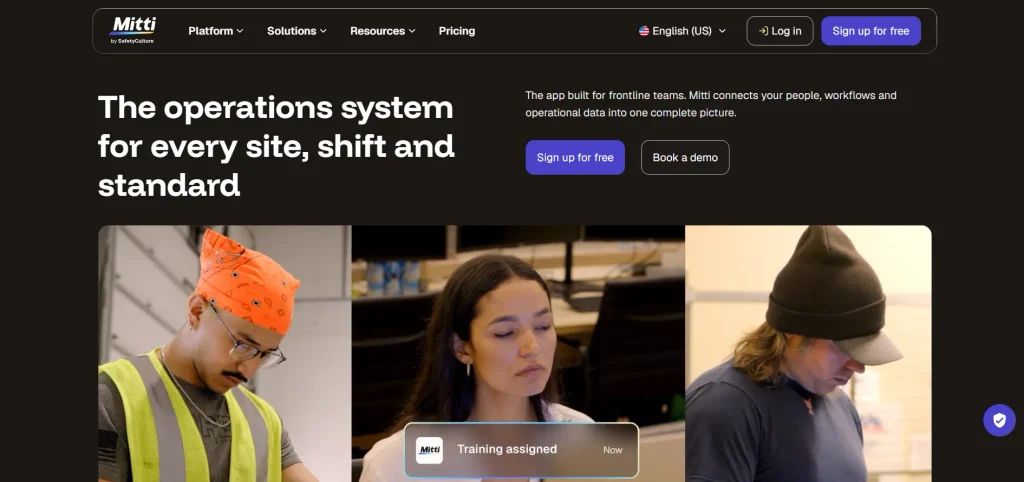
Mitti by SafetyCulture is a team management solution designed to help businesses organize their workforce, improve collaboration, and manage daily operations more efficiently. It provides teams with a centralized platform to coordinate activities, communicate updates, and keep important information accessible.
The software is suitable for businesses across different industries, including teams that work in offices, remotely, or in the field. With mobile and web access, employees can stay connected and manage their responsibilities from different locations. Mitti offers a free version for small teams, making it accessible for businesses looking to get started with digital team management. Its paid plan provides additional capabilities for growing organizations that need more advanced functionality and greater flexibility in managing their workforce.
Key Features
- Centralized team management and communication
- Mobile and web-based access
- Tools for organizing daily team activities
- Supports teams across different industries
- Free plan available for small teams
Pros
- Free version available for teams of up to 10
- Accessible through mobile devices and web browsers
- Suitable for teams across multiple industries
- Simple way to centralize team activities
Cons
- Free plan is limited to small teams
- Paid plan may be expensive for larger organizations
- Advanced features may require a subscription
- Organizations may need to evaluate its functionality against specialized project management tools
Pricing
- Custom pricing
2. Asana
Website: https://asana.com/pricing
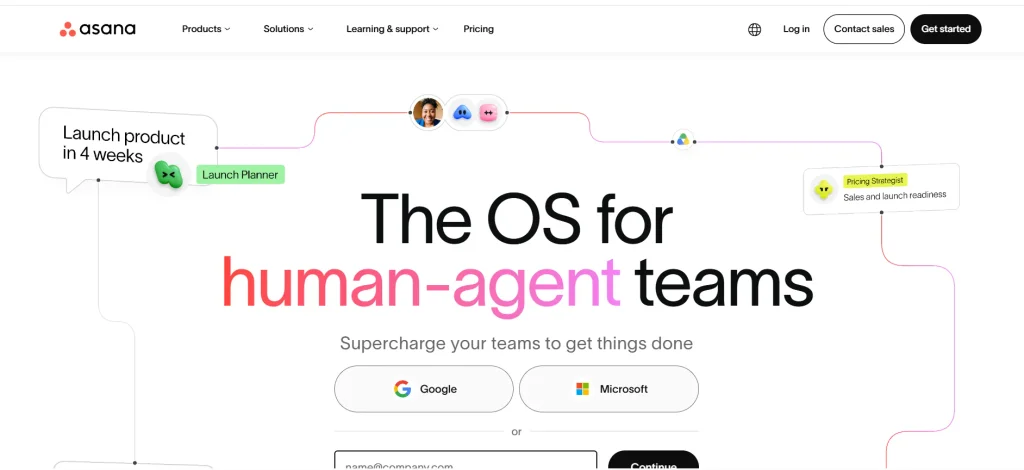
Asana is a team management and project collaboration software that helps businesses organize tasks, coordinate workflows, and manage projects more efficiently. It provides a centralized workspace where teams can assign responsibilities, establish deadlines, track progress, and collaborate on projects. Managers can use different project views, including lists, boards, timelines, and calendars, to visualize work according to their preferences.
Asana also supports workflow automation, helping teams reduce repetitive administrative tasks and streamline everyday processes. Its reporting and goal-tracking capabilities allow organizations to monitor project performance and align team activities with business objectives. With integrations for popular workplace applications, Asana helps teams manage their work without constantly switching between different tools. As a comprehensive team management software, it is suitable for businesses of various sizes, from small teams to large organizations managing complex projects.
Key Features
- Task and project management
- List, board, timeline, and calendar views
- Workflow automation
- Project reporting and goal tracking
- Integrations with popular business applications
Pros
- User-friendly interface for managing projects
- Multiple views for organizing tasks
- Automation helps reduce repetitive work
- Suitable for teams of different sizes
Cons
- Advanced features are available only on paid plans
- Can become expensive for larger teams
- May require time to learn advanced functionalities
- Some features may be unnecessary for smaller teams
Pricing
- Personal: $0, free forever for up to 2 users
- Starter: $10.99/user/month (annually) or $13.49/user/month (monthly)
- Advanced: $24.99/user/month (annually) or $30.49/user/month (monthly)
3. monday.com
Website: https://monday.com/pricing
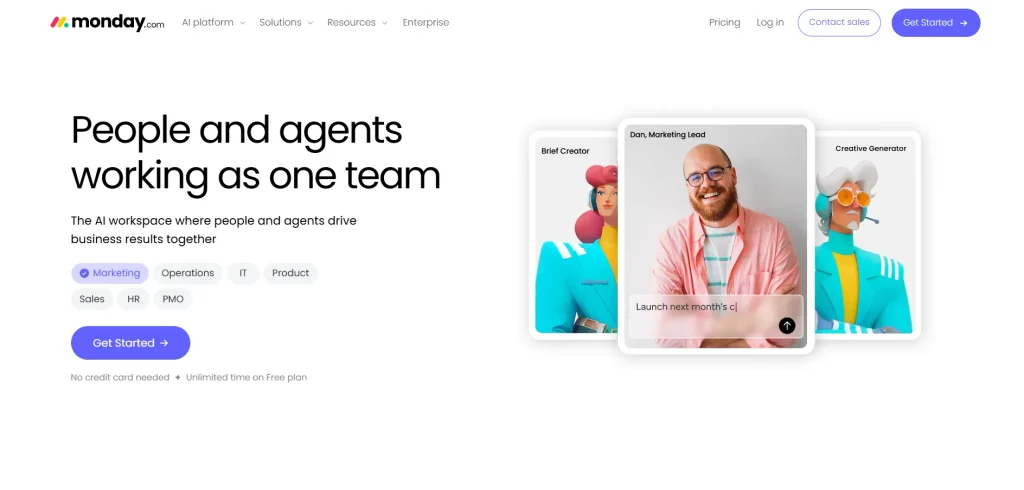
monday.com is a work management platform designed to help teams plan projects, organize tasks, manage workflows, and collaborate more effectively. It provides customizable boards that allow businesses to track work, assign responsibilities, set deadlines, and monitor project progress in real time. Teams can create workflows according to their specific requirements, making the platform suitable for project management, marketing, HR, sales, and operations. monday.com offers multiple visualization options, including Kanban boards, timelines, calendars, and dashboards, helping managers gain a clear overview of ongoing work.
Its automation capabilities reduce repetitive tasks, while integrations with popular business applications help streamline communication and information sharing. With its flexible interface and customizable features, monday.com enables organizations to improve team coordination, maintain accountability, and manage multiple projects from a centralized workspace.
Key Features
- Customizable project boards and workflows
- Task assignment and deadline tracking
- Kanban, timeline, calendar, and dashboard views
- Workflow automation
- Integrations with third-party business applications
Pros
- Highly customizable workflows
- Visual and easy-to-use interface
- Supports multiple departments and business functions
- Automation helps improve operational efficiency
Cons
- Advanced features require paid plans
- Pricing can increase as teams grow
- Customization may require initial setup time
- Some users may find the platform overwhelming due to its extensive features
Pricing
- Free: $0, free forever for up to 2 seats
- Basic: $9/seat/month ($90/month, billed annually)
- Standard: $12/seat/month ($120/month, billed annually; regular price $140/month)
- Pro: $19/seat/month ($190/month, billed annually; regular price $220/month)
4. Kipwise

Website: https://kipwise.com/
Kipwise is a knowledge management and team collaboration software that helps organizations create, organize, and share information more efficiently. It provides a collaborative workspace where multiple team members can work on documents simultaneously, add comments, and tag colleagues to improve communication. Teams can use Kipwise to create internal wikis, document processes, organize onboarding materials, and maintain important company information.
Its integrations with tools such as Slack, Google Drive, Dropbox, and OneDrive help employees access information from different platforms without switching between applications. Kipwise also offers browser extensions and AI-powered search capabilities that make it easier to find relevant documents and information. The platform is particularly useful for remote teams and businesses that need a centralized knowledge-sharing system.
Key Features
- Collaborative document editing
- Internal wiki creation and management
- Integrations with Slack, Google Drive, Dropbox, and OneDrive
- Browser extensions for information search
- AI-powered document search
Pros
- Makes company information easier to organize
- Supports real-time collaboration
- Integrates with popular workplace tools
- Useful for onboarding and remote teams
Cons
- No permanent free plan available
- Paid plans may increase costs as teams grow
- Primarily focused on knowledge management
- Requires consistent documentation practices to remain useful
Pricing
- Kipwise Agent: $10 per user/month
- AI Credits: $5 per user/month
- Shared Team Credits: $2 per user/month
- AI Credit Top-ups: Starting from 20 credits
- Free Trial: $2 AI credit for 7 days
- Extended Trial: $10 for 14 days for eligible users
5. Connecteam
Website: https://connecteam.com/pricing/
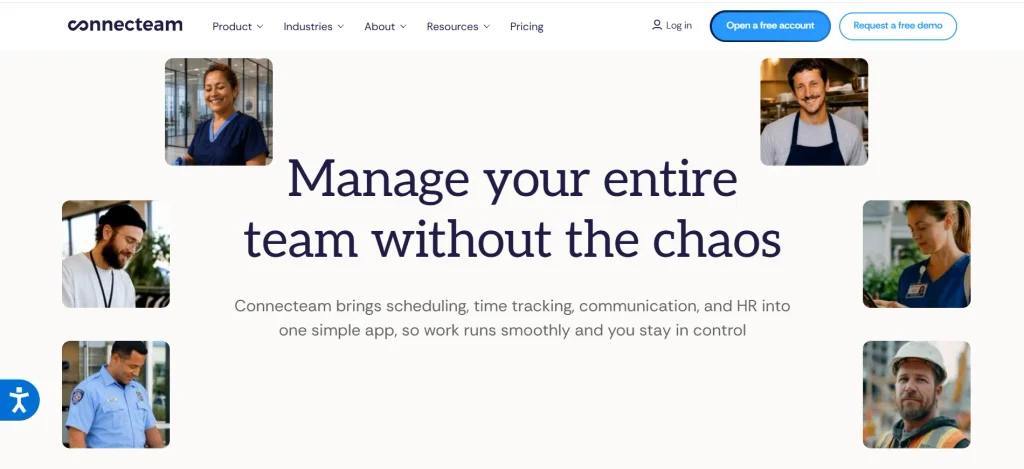
Connecteam is an all-in-one team management and business operations platform designed to help companies manage employees, schedules, tasks, communication, and administrative activities. As a team management software, it is particularly useful for businesses with frontline, field-based, or large workforces that need to coordinate employees across different locations. The platform includes employee chat, scheduling tools, timesheets, onboarding features, document management, and payroll-related capabilities.
Managers can also use surveys and real-time polls to collect feedback and improve employee engagement. Connecteam provides a centralized workspace where businesses can manage employee information and daily operations more efficiently. Its mobile application makes it convenient for employees to access work-related information and communicate with managers while working outside the office.
Key Features
- In-app employee chat and communication
- Employee scheduling and task management
- Timesheets and time tracking
- Employee onboarding and document management
- Surveys, polls, and engagement tools
Pros
- Offers a wide range of workforce management tools
- Free plan available for small teams
- Suitable for field and frontline employees
- Mobile-friendly platform
Cons
- Free plan is limited to teams of up to 10 users
- Paid plans may become costly as teams expand
- Extensive features may require time to learn
- Businesses may not need every feature included in the platform
Pricing
- Small Business Plan: Free for up to 10 users
- Basic: $29/month (yearly billing) or $35/month (monthly billing)
- Advanced: $49/month (yearly billing) or $59/month (monthly billing)
- Expert: $99/month (yearly billing) or $119/month (monthly billing)
Additional User Pricing:
- Operations Hub: $0.80–$4.20/user/month (yearly billing)
- Communications Hub: $0.50–$3/user/month (yearly billing)
- HR & Skills Hub: $0.50–$3/user/month (yearly billing)
6. Clockify
Website: https://clockify.me/pricing
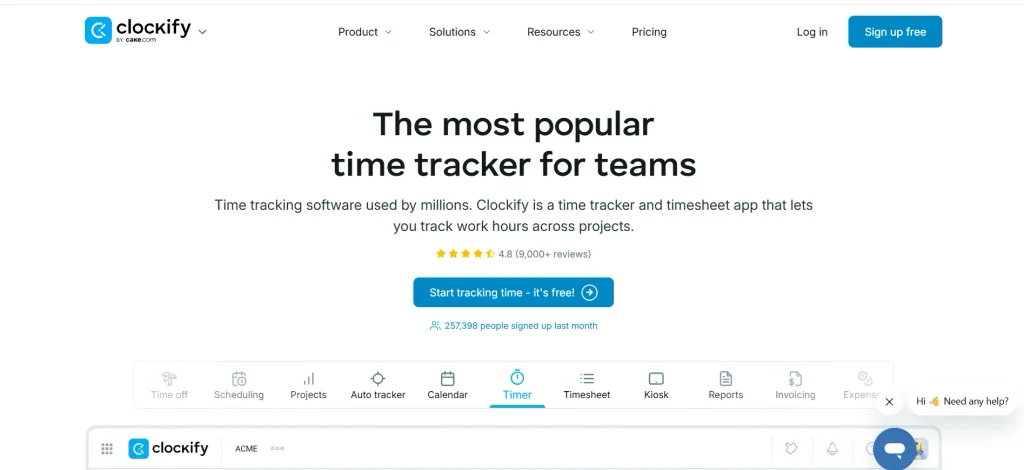
Clockify is a time tracking and team management platform that helps businesses monitor productivity, manage project progress, and understand how employees spend their working hours. It allows team members to record time through timesheets, calendars, and timers, making it easier to track work on different projects and tasks. Managers can review time entries, monitor productivity, and identify areas where workloads need to be adjusted.
Clockify also supports offline time tracking, making it useful for employees who work without a constant internet connection. Additional features include tracking breaks, time off, holidays, expenses, and recurring or one-time costs. Its Pomodoro timer helps employees manage focused work sessions. Clockify is available across web, desktop, and mobile platforms, making it suitable for distributed teams.
Key Features
- Time tracking through timers and timesheets
- Calendar-based time management
- Tracks breaks, holidays, and time off
- Expense tracking for recurring and one-time expenses
- Pomodoro timer for focused work sessions
Pros
- Free plan available
- Supports offline time tracking
- Available on web, desktop, and mobile
- Helps monitor productivity and project progress
Cons
- Advanced features may require paid plans
- Primarily focused on time tracking
- Employees may need to maintain accurate time entries
- May require integration with other tools for comprehensive team management
Pricing
- Free Plan: $0 for up to 5 users
- Basic: $3.99/user/month (annually) or $4.99/user/month (monthly)
- Standard: $5.49/user/month (annually) or $6.99/user/month (monthly)
- Pro: $7.99/user/month (annually) or $9.99/user/month (monthly)
- Enterprise: $11.99/user/month (annually) or $14.99/user/month (monthly)
- Cake.com Bundle: $12.99/user/month (annually) or $15.99/user/month (monthly)
7. GanttPRO
Website: https://ganttpro.com/
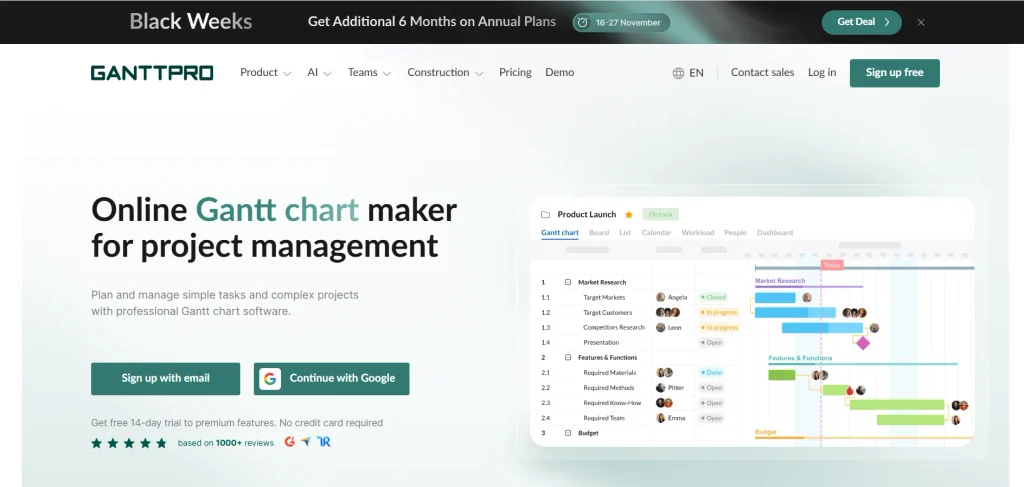
GanttPRO is a project and team management platform designed to help businesses plan projects, assign tasks, manage schedules, and monitor progress through Gantt charts. It provides a visual overview of project timelines, allowing managers to understand task dependencies, deadlines, and team responsibilities. Users can organize projects using different views, including Gantt charts, grids, boards, and portfolio views.
The platform also allows teams to attach files to projects or individual tasks, making it easier to keep relevant documents accessible. Filters help users focus on important project information, while its auto-scheduling functionality automatically adjusts project timelines when task schedules change. GanttPRO is particularly useful for project managers and teams handling complex projects with multiple tasks, deadlines, and dependencies.
Key Features
- Interactive Gantt chart project planning
- Task assignment and scheduling
- Grid, board, and portfolio views
- File attachments for projects and tasks
- Auto-scheduling and task dependency management
Pros
- Provides clear visual project timelines
- Helps manage task dependencies
- Multiple project views available
- Useful for complex project planning
Cons
- No permanent free plan available
- Paid subscription required after the trial
- May be complex for teams with simple task management needs
- Gantt chart-based planning may require a learning curve
Pricing
- Core: $9/user/month
- Advanced: $15/user/month
- Business: $24/user/month
- Enterprise: $20/user/month (discounted from $30/user/month)
8. Trello
Website https://trello.com/pricing
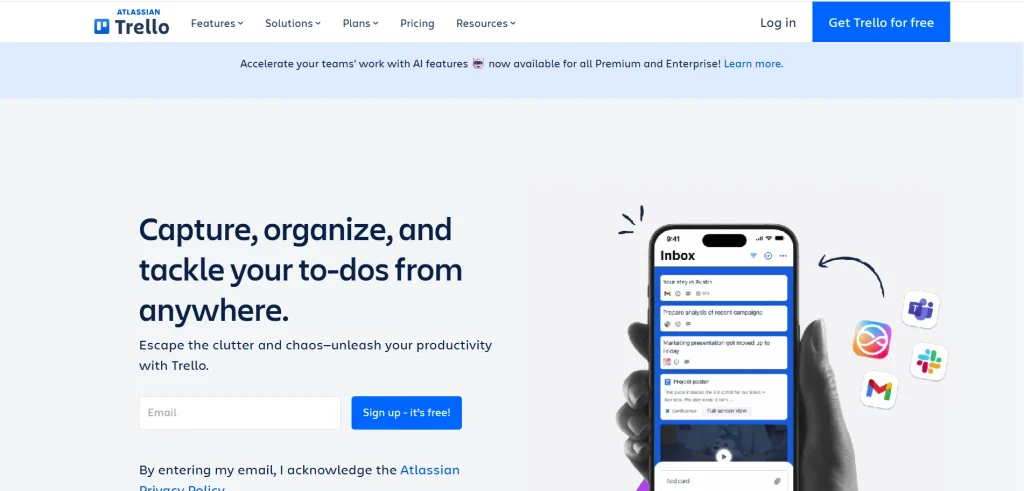
Trello is a team management and project organization platform that uses boards, lists, and cards to help teams organize tasks and workflows. Its visual interface makes it easy for users to understand project progress and identify tasks that need attention. Teams can create boards for individual projects, departments, or workflows and assign tasks to specific members. Each card can include descriptions, checklists, attachments, deadlines, and comments, helping teams manage work from start to finish.
Trello also provides different ways to view tasks, including table and calendar views, allowing users to organize work according to their preferences. As a flexible team management software, Trello helps teams coordinate responsibilities, track daily activities, and improve collaboration. With mobile and web access, it is suitable for teams that need an easy-to-use platform for task management and collaboration.
Key Features
- Visual boards, lists, and task cards
- Task assignments and deadlines
- Calendar and table views
- Notifications and reminders
- Multiple boards for projects and workflows
Pros
- Easy-to-use visual interface
- Free plan available
- Flexible task and workflow organization
- Suitable for teams of different sizes
Cons
- Advanced features require paid plans
- May not be suitable for complex project management
- Large boards can become difficult to manage
- Advanced reporting capabilities may be limited compared with specialized tools
Pricing
- Free: $0 for up to 10 collaborators per Workspace
- Standard: $5/user/month (annually) or $6/user/month (monthly)
- Premium: $10/user/month (annually) or $12.50/user/month (monthly)
- Enterprise: $17.50/user/month (billed annually; $210 per user/year)
9. ProofHub
Website: https://www.proofhub.com/
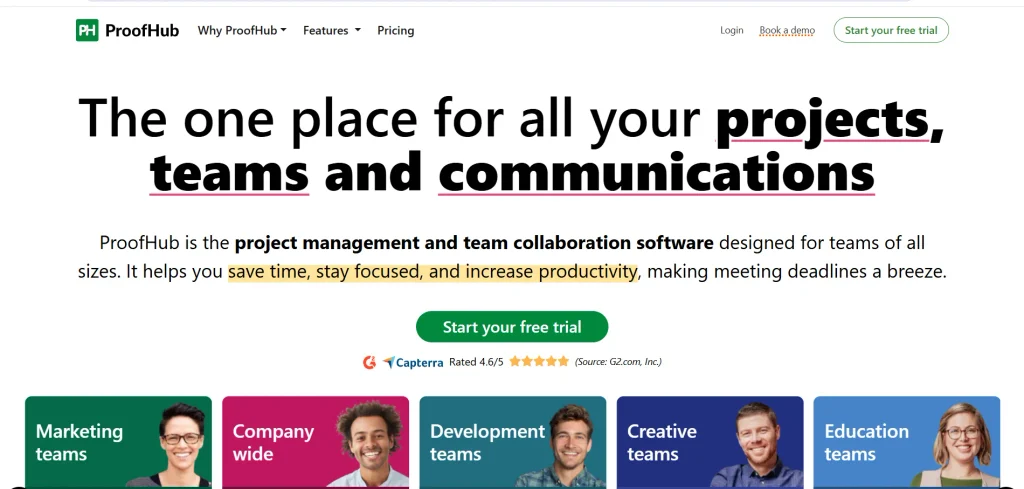
ProofHub is a centralized team management and project collaboration platform designed to help businesses manage projects, tasks, workflows, and communication from one workspace. It allows managers to assign tasks and subtasks, establish deadlines, create workflows, and monitor project progress through dashboards and reports. Team members can communicate using in-app chats, comments, and mentions, helping reduce the need for separate communication tools.
ProofHub also includes document management features that allow managers to request, review, and approve files directly within the platform. Its reporting capabilities help managers understand task progress, team performance, and project milestones. With mobile and web access, ProofHub is suitable for businesses looking to bring project management and team collaboration together in a single platform.
Key Features
- Task and subtask management
- Custom workflows and project planning
- In-app chats, comments, and mentions
- Document review and approval
- Dashboards and project reports
Pros
- Centralizes project management and collaboration
- Helps managers oversee team progress
- Supports document approval workflows
- Offers multiple language options
Cons
- Paid subscription may be expensive for smaller teams
- May require time for teams to adapt to the platform
- Some businesses may not need its extensive features
- Pricing structure may not be ideal for teams seeking per-user plans
Pricing
- Ultimate Control: $89/ month
- Essential: $49/ month
10. Weekdone

Website: https://weekdone.com/
Weekdone is a team management and goal-setting software designed to help organizations implement Objectives and Key Results (OKRs) and track progress toward business goals. It enables managers and employees to establish quarterly or seasonal objectives, define measurable key results, and monitor performance through dashboards. The platform supports weekly check-ins, helping teams share updates, report progress, and identify challenges before they affect overall performance.
Weekdone also provides coaching resources, OKR examples, and training materials to help organizations improve their goal-setting practices. Its team communication features make it easier for employees and managers to stay aligned on priorities and responsibilities. Weekdone is particularly useful for businesses that want to build a goal-oriented culture, improve accountability, and regularly evaluate team and individual performance.
Key Features
- Objectives and Key Results (OKR) management
- Weekly team check-ins
- Progress tracking dashboards
- OKR training and learning resources
- Team goal-setting and performance tracking
Pros
- Free plan available for small teams
- Helps improve goal alignment
- Provides dashboards for tracking progress
- Offers free OKR training and resources
Cons
- Free plan is limited to small teams
- Primarily focused on OKR management
- May require regular employee participation
- Businesses needing advanced task management may require additional tools
Pricing
- Custom pricing
How To Choose The Best Team Management Software?
Choosing team management platform can feel overwhelming when there are so many platforms offering different features, pricing plans, and capabilities. The best approach is to identify your team’s actual needs first and then compare software based on how well it fits your workflow. Here is a step-by-step guide to help you make the right decision.
Step 1: Identify Your Team’s Management Challenges
Start by understanding what your team struggles with the most. Are employees missing deadlines, communication becoming difficult, or managers finding it hard to track project progress? Some businesses may need better task organization, while others may require employee scheduling, time tracking, or performance monitoring. Identifying these challenges helps you narrow down software options and focus on tools that solve real problems instead of paying for unnecessary features.
Step 2: Evaluate the Features You Need
Once you understand your team’s challenges, make a list of essential features. For example, if your team works on multiple projects simultaneously, task management, project timelines, and collaboration tools may be your priorities. If you manage remote or field employees, mobile accessibility, scheduling, time tracking, and communication features may be more important. Look for software that combines the necessary features in one platform to simplify your team’s daily workflow.
Step 3: Consider Your Team Size and Scalability
The software you choose should work for your current team size and support your business as it grows. A small startup may find a free or basic plan sufficient, while larger organizations may require advanced reporting, automation, user permissions, and integrations. Check how pricing changes as you add more employees and whether the platform allows you to upgrade easily without disrupting your existing workflows.
Step 4: Check Ease of Use and Accessibility
Team management tools should make work easier, not create additional complexity. Choose a platform with an intuitive interface that employees and managers can learn quickly. Check whether it supports web browsers, desktop applications, and mobile devices so team members can access tasks, communicate, and receive updates from anywhere. A simple user experience can also encourage employees to use the software consistently.
Step 5: Compare Pricing and Available Plans
Before making a decision, compare the pricing structures of different software solutions. Some platforms offer free plans for small teams, while others charge per user or provide fixed monthly pricing. Consider the features included in each plan, the number of users supported, storage limits, and any additional charges for premium integrations or advanced capabilities. Make sure the software provides enough value for your budget, especially if your team is expected to grow.
Step 6: Test the Software Before Committing
Most team management platforms offer free trials or limited free plans that allow you to explore their features before purchasing. Use this opportunity to test the software with a small group of employees and create real tasks, projects, schedules, or communication workflows. Ask team members for feedback about usability and functionality. Testing the platform in a real working environment can help you determine whether it meets your team’s needs before investing in a long-term subscription.
Step 7: Review Integrations and Customer Support
Finally, check whether the software integrates with the tools your team already uses, such as email platforms, calendars, document management systems, communication apps, or CRM software. Integrations can reduce manual work and help keep information synchronized across different applications. You should also evaluate customer support options, including live chat, email assistance, documentation, tutorials, and onboarding resources, so your team can resolve issues quickly and make the most of the software.
Conclusion
The right team management software can make a significant difference in how businesses organize their work, communicate with employees, and manage projects. From task tracking and scheduling to collaboration, time management, and goal setting, these platforms help teams work more efficiently while reducing administrative workload. However, the best solution depends on your team’s size, workflow, budget, and specific management requirements.
Tools such as Trello, Connecteam, Clockify, Workvivo, and Hypercontext offer different capabilities to support various business needs. Before choosing a platform, evaluate its features, pricing, ease of use, integrations, and scalability. Investing in the right team management tools can help businesses improve productivity, strengthen collaboration, maintain accountability, and create a more organized workplace.
Frequently Asked Questions
1. What Is A Team Management Tool?
Team management tool is a digital platform that helps businesses organize tasks, communicate with employees, track progress, manage schedules, and improve collaboration.
2. What Is The Best Team Management Platform?
The best team management platform depends on your needs, but Trello, Connecteam, Clockify, Workvivo, and Hypercontext are popular options for different team management requirements.
3. Is There A Free Team Management Platform Available?
Yes, several platforms, including Trello, Clockify, Connecteam, and Hypercontext, offer free plans with limited features or user access.
4. What Features Should Team Management Tools Include?
Essential features include task management, team communication, scheduling, time tracking, collaboration tools, reporting, and integrations.
5. Can Team Management Tool Improve Productivity?
Yes, team management tool can improve productivity by simplifying task assignments, streamlining communication, tracking progress, and reducing repetitive administrative work.