Video is the most effective digital communication tool. Whether it be short-form reels and YouTube content, online courses, ads, movies, and brand storytelling, video has become the way people learn, buy, connect and decision-making in the contemporary world. Video editing is what makes raw footage more powerful. Simple clips can be easily transformed into professional ones with the help of the right video editing software that enhances the quality of the visual used, the quality of audio, the flow of the narration, and the overall interest.
The short video platform market was valued at about $53.7 billion in resent years and is forecast to keep growing, reflecting surging short-form video creation. Video creators are becoming influential and can earn money, learners acquire professional skills, and companies utilize it in marketing, training, and communicating with customers. The purpose of this blog is to understand the best Video editing tools in 2026.
What is Video Editing Software?
Video editing software is a technological resource that assists you in transforming the raw video clips to a finished, smooth video. It enables you to edit the content that you do not want, arrange the scenes in sequence, add music, text, and effects, and enhance the quality of the video.
Video editing tools are based on the fundamental role of editing, improving, and structuring the video and sound materials into a flowing final product. The simplest of editing capabilities are trimming, dividing, combining clips, adding transitions, background music, text and basic filters.
The editing features are even more advanced with color correction, motion graphics, green screens, multi-layer timelines, AI-assisted features, noise reduction, visual effects, and cinematic transitions. These characteristics assist creators to come up with professional videos to be used in social media, education, and business purposes.
Why Video Editing Software is Important in 2026?
- Expanding Video-Based Softwares: Video has become the primary focus of social media, e-commerce, and even educational applications and can be seen in professional networks, necessitating editing software to be noticed and used.
- Growing Demand of Video Content: Brands, instructors, and creators need to consume video content on a daily basis and editing tools can help them come up with quality video content on a regular basis.
- Role of AI and Automation: The AI can be applied by modern editors to auto-cut, add captions, background removals, and improvements, which save time and increase the quality of production.
- The Creator Economy has expanded: Millions of people are making money in content creation and the future of monetization and branding and growth relies on Video editing tools.
- Digital Marketing Importance: Video editing software assists companies in coming up with advertisements, product demonstrations, and promotions that transform their audience into consumers.
- Professional and Freelancing Recruitment: Video editing proficiencies lead to employment, freelance, remote employment, and business in the media, marketing, and corporate sectors.
How to Choose the Right Video Editing Software ?
- Skill Level Considerations: Novices are advised to use software that has a simple interface, tutorials and predefined templates whereas professionals are advised advanced timelines, effects and total creative control.
- System Requirements and Compatibility: It is important to always make sure that the software is compatible with your operating system (Windows, Mac, mobile) and compatible with your hardware. Software that is incompatible or heavy may cause crashes, sluggishness and failure to edit.
- Low End versus High-End Equipment Requirements: When you are using a low end device, you should find light editors using proxy editing and performance optimization. Premium systems are able to support professional software with 4K/8K functionality, VFX, and complicated schedules.
- Type of Content You Create: Social media videos that include short ones require quick editing, templates, and captioning, whereas films, advertisement, and course productions demand color, audio, and narration tools of advanced complexity.
- Budget and Pricing Models: Others are free of charge or one-time purchase, and others have monthly subscriptions with premium features. Select software that fits your long term budget and does not restrict to necessary facilities.
- AI and Advanced Features: In the current editors, AI features are provided as auto-captions, intelligent cuts, background elimination, and noise reduction.
List of 10 Best Video Editing Software
1. Adobe Premiere Pro
URL: https://www.adobe.com/in/products/premiere.html
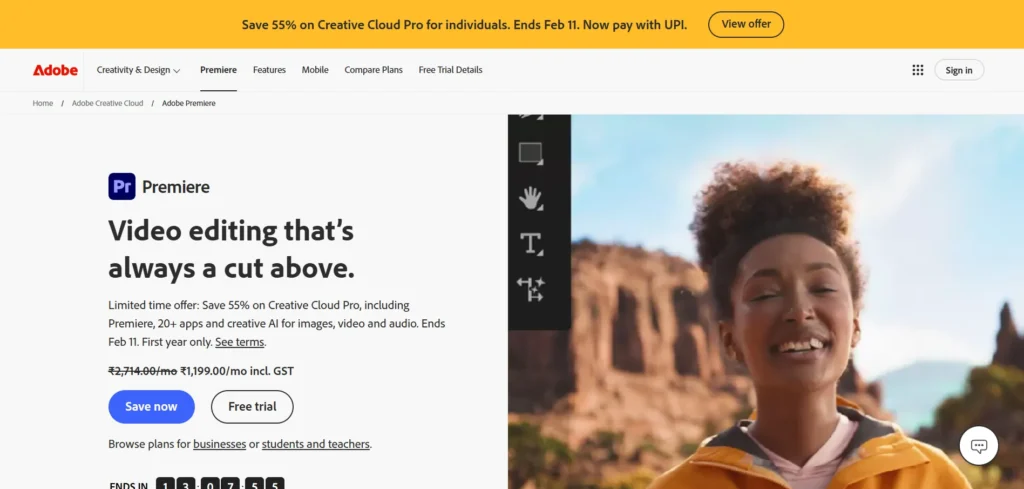
Adobe Premiere Pro is a video editing software of professional grade and is extensively used in movies/television, marketing companies and in creating online content. It has a robust time-based editing framework, which enables multi-track video and audio editing, and lets users edit brief social media content videos, all the way up to a full-scale feature. Premiere Pro works with high-resolution standards as 4K, 6K and 8K, and a variety of cameras and types of files.
It offers accurate trimming, enhanced color adjustment, professional sound editing, and multi-camera editing. It is also one of its greatest advantages as it can easily add motion graphics, visual effects, and sound design with the integration with the Adobe ecosystem, such as After Effects, Photoshop, and Audition. Premiere Pro is much faster and efficient in its workflows with AI-based features such as auto-captioning, object detection, and scene detection. Its teamwork and cloud-saving capabilities render it appropriate to individuals who create and also professional production crews.
Key Features
- Professional multi track timeline editing.
- Intelligent assistive captions and applications.
- Profiling of color using Lumetri Color.
- Multi-camera editing (Multi-Camera.EX).
- Fully integrated Adobe Creative Cloud.
- Supports 8K and HDR workflows
- Cloud based collaboration and automatic backups.
Best For
- Filmmakers, professional editors, agencies, YouTubers, as well as marketing teams.
Pros
- Industry-standard software
- Very strong and highly-elastic.
- Frequent updates and artificial intelligence.
Cons
- Requires subscription
- Heavy on low-end systems
- Steep learning curve
Pricing: ₹599/ month
2. DaVinci Resolve
URL: https://www.blackmagicdesign.com/in/products/davinciresolve
DaVinci Resolve is a professional full-fledged video editing application that is particularly famous because of its color grading features which are of high quality in the world. It is an all-in-one software used to perform video editing, color correction, visual effects, motion graphics, and audio post production. Resolve is compatible with sophisticated multi-track timelines, fine-tuning of the timeline, and 8K-high-resolution working processes. Its node based color grading system enables the editors to create a cinematic appearance as is used in Hollywood productions.
DaVinci also incorporates the Fusion and Fairlight to create visual effects and professional audio editing functions, respectively, without any need to purchase additional software. Facial recognition, object tracking, background isolating, and automatic audio cleaner are some of the AI-powered functions included in the software. It works effectively on high-end systems as well as optimized middle systems. DaVinci Resolve can be used by both individuals and studio teams since it has strong collaboration tools.
Key Features
- Color grading tools at Hollywood level.
- Inbuilt visual effects and sound creation.
- Machine-learning face recognition and tracking.
- Multi user collaboration mode.
- HDR and high-resolution
- insurance.
Best For
- Moviemakers, professional editors, colorists, and self-serious content creators.
Pros
- The free version is extremely powerful.
- Best-in-class color grading
- Full post-production facility.
Cons
- Difficult interface to users.
- Requires powerful hardware
- Learning curve is steep
Pricing & Compatibility
- Free; paid Studio edition; Microsoft Windows, macOS, Linux.
3. Final Cut Pro
URL: https://www.apple.com/in/final-cut-pro/
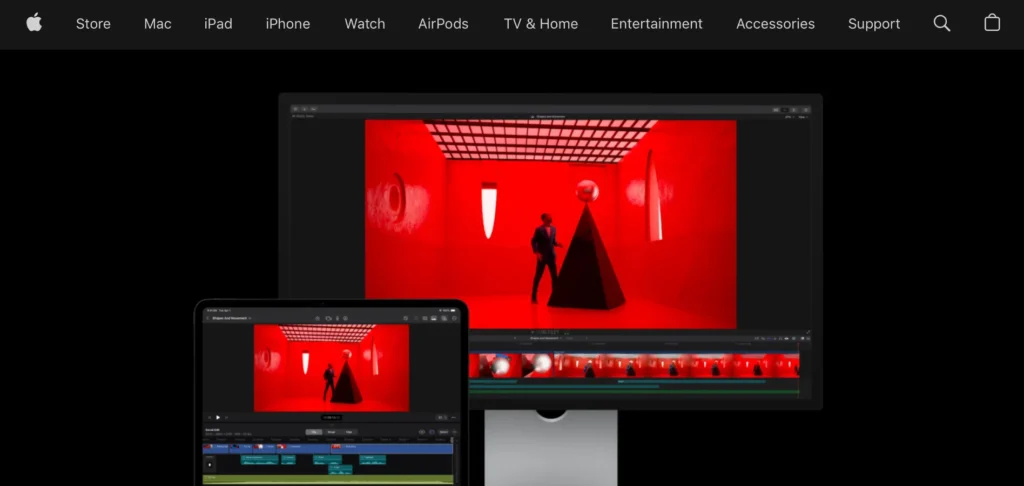
Final Cut Pro is the Apple professional video editing software that is made to run on the MacOS. It provides a light-speedy, magnetic timeline, which automatically arranges clips, which makes the process of editing easier and more accessible. Final Cut Pro is also very favored towards the Apple silicon, and gives good performance with large size projects 4K and 8K. It has sophisticated color grading, HDR, multi-camera editing and professional audio controls. Its software features in-built effects, transitions, motion graphics templates, and advanced tools of organization like keyword tagging and smart collections.
Its machine-learning technologies help in automatic reframing, background separation, and object tracking. Final cut Pro works perfectly with Motion and Compressor since the user is able to produce cinema titles and produce optimized videos. Final Cut Pro with its one-time-buy model and high performance is popular with professional editors, YouTubers, and production studios operating within the Apple environment.
Key Features
- Magnetic timefilm editing system.
- Optimized for Apple silicon
- State of the art color grading and HDR.
- Multi-camera editing tools
- In-built motion graphics enablement.
- AI object tracking features
- One-time purchase license
Best For
- Mac users, professional film-makers, editors, and creators on YouTube.
Pros
- Extremely fast performance
- No monthly subscription
- Clean and modern interface
Cons
- macOS only
- Less developed ecosystem than Adobe.
- Not ideal for Windows users
Pricing & Compatibility
- Single licensed; Mac operating system only.
4. Canva Video Editor
URL: https://www.canva.com/en_in/pro/premium-video/
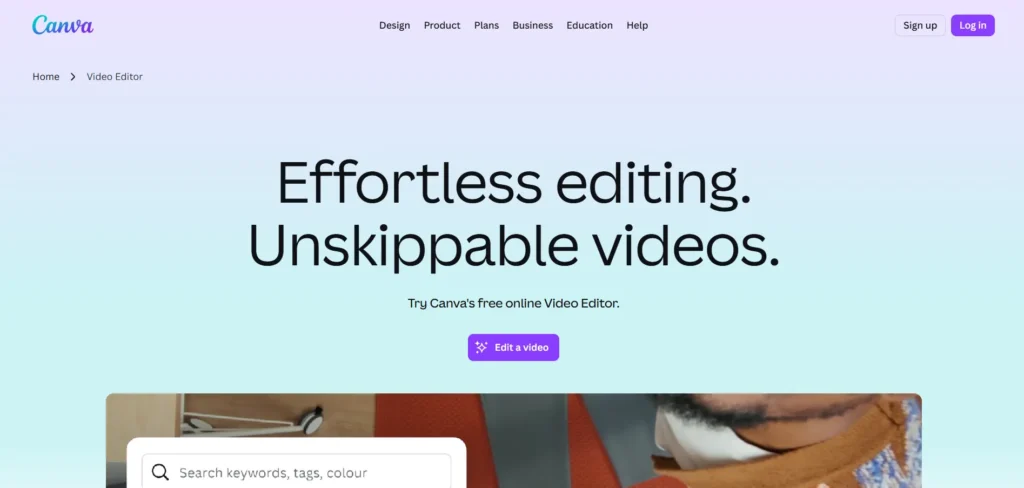
Canva Video Editor is a cloud-based simple to use video editing tool that enables users to create content quickly, easily, and attractively. It is oriented on drag and drop editing which allows one to easily create social media videos, presentations, ads, reels, and promotional clips without any technical complexity. Clips, cut videos, transitions, text, music, stickers, and animations are uploadable in a few minutes. Canva has thousands of ready-made video templates, which can be used on Instagram, YouTube, Tik Tok, and business marketing.
It has AI-based tools that assist in creating subtitles, scaling down videos to fit various platforms, eliminating backgrounds and embellishing images. Canva has also inbuilt stock videos, music, photos, and branding kits, which is why it is best to use in a fast production. Although it is not a movie-making or post production tool, Canva is fast, easy to use and produce content by designing. It particularly comes in handy when people and groups have to create professional-looking videos without the need to be acquainted with complicated editing programs.
Key Features
- Drag-and-drop video editing
- Thousands of templates on demand.
- Intrinsic stock shots and music.
- Auto background remover and subtitles.
- Social media resize tools
- Team collaboration on the cloud.
- Design components and brand packages.
Best For
- Amateurs, learners, social media makers, marketers, and small enterprises.
Pros
- Extremely easy to use
- Installation of software was not required.
- Good social media content.
Cons
- Poor developed editing facilities.
- Connection to the internet needed.
- Unfit in cinematic projects.
Pricing: ₹500/ month
Suggested Read: Social Media Monitoring Tools
Influencer Marketing Agencies in India
5. Blender (Video Sequence Editor)
URL: https://www.blender.org/features/video-editing/
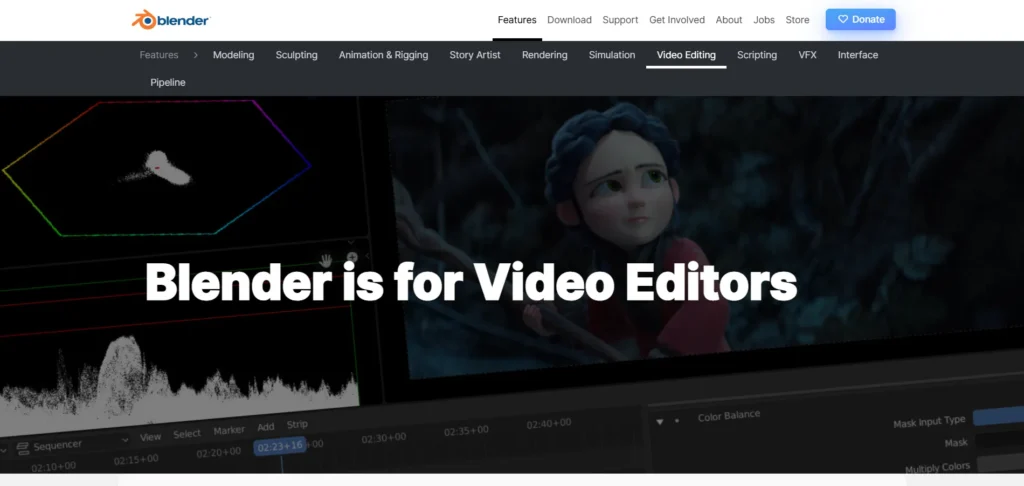
It is generally recognized that Blender is a 3D creation suite, although it also has a powerful built-in Video Sequence Editor (VSE). Blender VSE enables one to do multi-track video editing, video trimming, transitions, masking, color correction and audio mixing. It accommodates high resolution projects, effects layering as well as real time preview. The fact that 3D animation, motion graphics, and visual effects are combined in a single program is one of the major strengths of Blender.
This allows it to be used by creators that desire to combine old-fashioned video editing with animated shots, cinematic intros, and highly developed compositing. Blender is entirely free and open-source, and provides at no cost the flexibility of the professionals. Its interface is complicated, but it provides complete control to a creative person. Blender will continue to be the preferred solution among filmmakers, animators, and other experimental artists who desire a complete creative production system in 2026.
Key Features
- In-built video and 3D editing.
- Advanced compositing tools
- Timeline editing Multi-track timeline editing
- High-resolution support
- Motion graphics creation
- Professional color control
- Completely open-source
Best For
- Sophisticated producers, animators, VFX artists and indie filmmakers.
Pros
- 100% free professional software
- Extremely powerful
- Unlimited creative control
- Large global community
Cons
- Very steep learning curve
- Overkill for simple edits
- Complex interface
Pricing: Free .
6. CyberLink PowerDirector
URL: https://www.cyberlink.com/
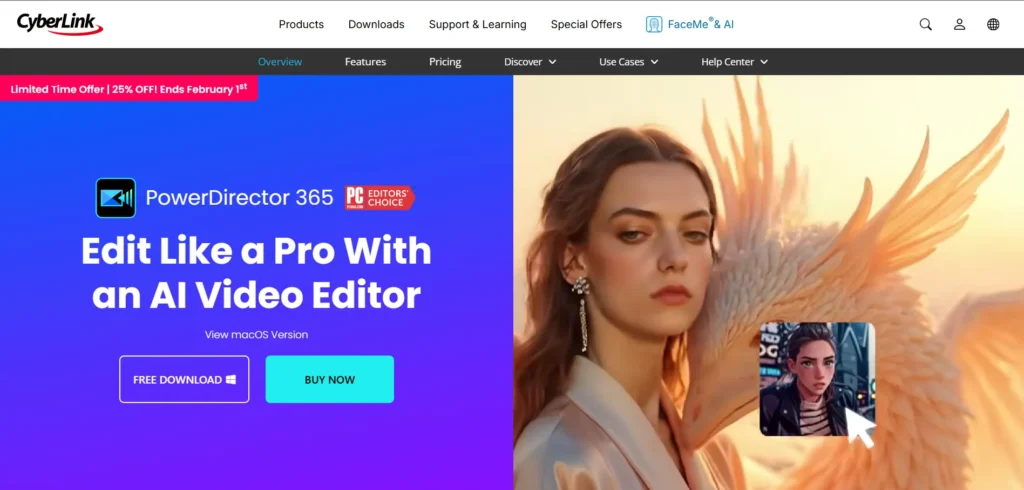
The CyberLink PowerDirector is an all-rounder video editing software that is professional as well as user friendly. It has multi-track editing, 4K and 8K video, motion tracking, a green screen, and professional color corrections. PowerDirector is reputed to have good performance optimization which enables it to easily edit even on the mid-range systems. The software has AI-based capabilities like detection of objects, replacement of skies, removal of backgrounds, voice enhancement and automated captions. It has also massive library of inbuilt effects, transitions, animated titles, and similar stock media.
The storyboard and timeline features of PowerDirector make it such that beginners and experts can use it. It has high rendering speeds, social media export presets, which are popular in video creation in You Tube, business, and creative projects.
Key Features
- AI-powered editing tools
- High-resolution 8K support
- Motion tracking technology
- Green screen effects
- Fast rendering engine
- Built-in effect libraries
- Social media export presets
Best For
- YouTubers, amateur professionals, teachers, and entrepreneurs.
Pros
- Powerful yet easy to use
- High-quality performance speed.
- Strong AI tools
- One-time purchase option
Cons
- Interface slightly crowded
- Complex equipment is a matter of experience.
- There are other assets that are subscribable.
Pricing: ₹4799/ month
7. Shotcut
URL: https://www.shotcut.org/
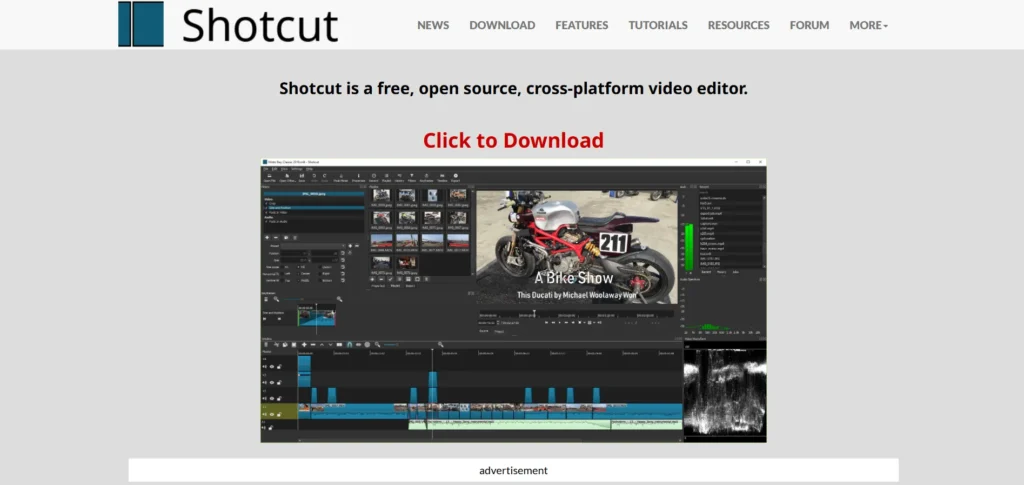
Shotcut is a video editing tool using a powerful and open-source application that is free and is not limited by cost. It also accepts diverse video, audio, and image formats; hence, one does not have to convert files. Shotcut offers a free-form schedule and multi-track editing, trimming effects, transitions, and audio effects. It comprises fundamental color correction, keyframe effects, green screen apps and 4K resolution assistance. The software is very light and can be run on a modest hardware hence accessible to beginners and learners. Shotcut can be customized with panels that can be organized according to the workflow.
Even though it does not have the sophisticated cinematographic features, Shotcut is a good option when one needs to use it every day to edit YouTube videos, school projects, and small business content. Its open source makes it a stable long term free editing solution in 2026 as the community can constantly improve it.
Key Features
- Generated by an entirely free and open-source.
- Wide format compatibility
- Timeline editing Multitrack editing.
- 4K resolution support
- Basic color and audio tools
- Customizable interface
- Cross-platform availability
Best For
- Novices, learners, low-end budgets and amateur professional editing.
Pros
- 100% free
- Lightweight and flexible
- No watermarks
Cons
- Limited advanced effects
- UI less polished
- Delays in the working process compared to high-quality tools.
Pricing : Free
8. OpenShot
URL: https://www.openshot.org/
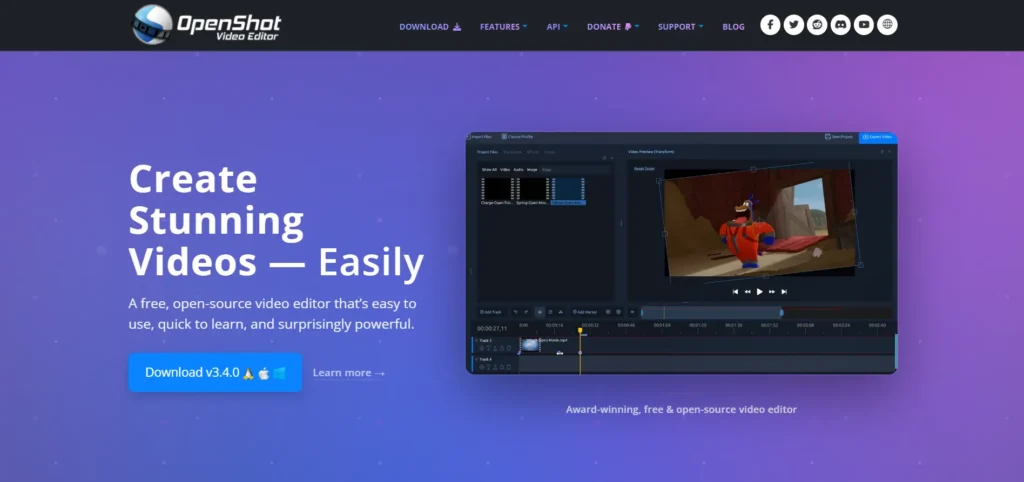
OpenShot is an open-source video editing program, which is free, and aimed at simplifying and drawing more people to the creation of videos. It features a clean drag and drop interface which enables users to trim clips easily, assemble scenes, add transitions, add text as well as background music. The OpenShot uses unlimited layers, 3D effects, slow-motion, time, and animation titles, and keyframes. It is also capable of managing the majority of the popular video formats and includes HD and 4K video editing. The software is lightweight and has the ability of being used in simple systems and by non advanced users.
There are also more rudimentary color effects, chroma key (green screen), and visual effects in OpenShot. Although it does not require professional film production, it can be used effectively on the daily activities of editing videos in YouTube, school projects, and small business promotion.
Key Features
- Simple drag-and-drop editing
- Infinite video and audio tracks.
- 3D animated titles
- Green screen support
- Keyframe animations
- HD and 4K compatibility
- Open-source development
Best For
- Amateurs, learners, amateur editors, and amateur creators on YouTube.
Pros
- Completely free
- Easy to learn
- Lightweight software
Cons
- Limited professional tools
- Infrequent problems of stability.
- Unsuitable in large manufacturing.
Pricing: Free
9. Lightworks
URL: https://lwks.com/pricing
Lightworks is a video editing software which is used as a professional software at Hollywood level movie and television production. It provides an effective non-linear editing platform with accurate trimming tools, real time effects and timeline controls. Lightworks can be used to edit multiple cameras, high-resolution, and high-quality color adjustment. It enables the editors to work on intricate projects fast and with precision. The software contains inbuilt transition effects, text effects and audio mixing.
Lightworks is performance aware and more stable, and can be used in long-form editing like in documentaries and films. It also offers direct exportation of YouTube, Vimeo, and social media. Although the interface may be unusual, Lightworks provides good professional power to new customers. It is still looked upon as a valid option in the eyes of an editor who wants film-style editing options with a stable performance core.
Key Features
- Non-linear editing by professionals.
- Multiple camera editing assistance.
- Real-time video effects
- Advanced trimming tools
- High-resolution workflows
- Professional export opportunities.
- Engine of Hollywood-quality editing.
Best For
- Professional editors, film makers, and documentary makers.
Pros
- Reliable software in film-industry.
- High-performance engine
- Strong trimming precision
- Free version available
Cons
- Steep learning curve
- Limited modern UI design
- The free version has some export limits.
Pricing:
- 2 month Free
- create : $13.99/ month
10. VSDC Free Video Editor
URL: https://www.videosoftdev.com/
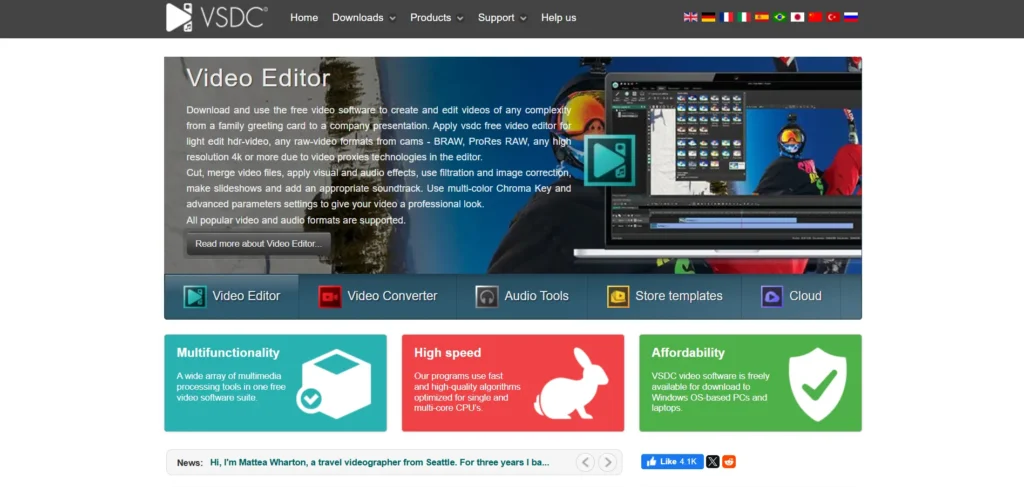
VSDC Free Video Editor is a non-linear Windows video editing program that is a strong tool which does not require people to spend money on subscriptions. It works with a large range of video formats, offers multi-track editing, masking, visual effects, and transitions as well as audio editing. VSDC has color correction, chroma key, motion tracking, screen recording and simple 3D charts.
It also enables users to export the videos to social media and mobile phones. The software works with low-end systems thus suitable for users with low hardware. Although the interface might seem slightly technical, it provides a tremendous control considering it is a free editor. VSDC will continue being a good choice among Windows users who require professional-style editing features at no cost in 2026, especially when the task involves the creation of YouTube, presentations, and educational materials.
Key Features
- Non-linear editing system that is free.
- Motion tracking tools
- Chroma key and masking
- Screen recording support
- Wide format compatibility
- Optimized social exports
- Lightweight system usage
Best For
- Windows, students, budget-makers, and small businesses.
Pros
- Completely free
- Runs well on low-end PCs
- Advanced tools included
- No watermark
Cons
- Windows only
- Interface not very modern
- Entry level learning curve.
Pricing: $29.99 USD
Comparison Table of Best Video Editing Software in 2026
| Software Name | Best For | Platform | Key Strengths | AI Features | Pricing |
|---|---|---|---|---|---|
| Adobe Premiere Pro | Professional editing, films, agencies | Windows, macOS | Industry-standard timeline, Adobe integration, 8K support | Auto captions, scene detection, object selection | ₹599/month |
| DaVinci Resolve | Color grading, cinematic videos | Windows, macOS, Linux | Best-in-class color grading, Fusion & Fairlight tools | Face recognition, object tracking, noise removal | Free / Paid Studio |
| Final Cut Pro | Mac professionals & YouTubers | macOS | Magnetic timeline, Apple Silicon optimization, fast rendering | Smart reframing, object tracking | One-time purchase |
| Canva Video Editor | Social media, marketing videos | Web, Mobile | Templates, drag-and-drop editing, stock assets | Auto captions, background remover | ₹500/month |
| Blender (VSE) | Animation, VFX, indie films | Windows, macOS, Linux | 3D + video editing, compositing, total creative control | Limited (manual workflows) | Free |
| CyberLink PowerDirector | YouTubers, educators, SMBs | Windows, macOS | Fast rendering, motion tracking, rich effects library | Sky replacement, captions, object detection | ₹4,799/year |
| Shotcut | Budget users, learners | Windows, macOS, Linux | Lightweight, wide format support, no watermark | Minimal | Free |
| OpenShot | Beginners, simple edits | Windows, macOS, Linux | Easy UI, unlimited layers, 3D titles | Minimal | Free |
| Lightworks | Film-style professional editing | Windows, macOS, Linux | Precise trimming, Hollywood-grade workflows | Limited | Free / $13.99/month |
| VSDC Free Video Editor | Windows users on low-end PCs | Windows | Non-linear editing, motion tracking, screen recording | Basic AI tools | Free / $29.99 Pro |
Expert Tips to Improve Video Editing Workflow
- Ensure that there is sufficient RAM, a high-speed solid disk (SSD), and recent graphics drivers to help in smooth playback, quicker rendering, and editing devoid of a crash.
- Systematize clips, audio, graphics, exports, etc in well-defined folders to save time and prevent losing valuable files.
- Master keyboard shortcuts on cutting, trimming and previewing to save a lot of time on editing and save yourself some labor.
- Always adjust brightness, contrast and white balance then use creative filters or cinematic color effects.
- Get rid of the background sound, even out the volume levels, and compress the light in making your videos sound professional.
Common Mistakes to Avoid
1. Paying too much to get an Unnecessary Feature.
Most users purchase costly professional software and do not use most of the tools thereby wasting money and complicating the software.
2. Lack of System Requirements.
When heavy software is installed in the low-end devices, lagging, crashing, and low quality of the editing experience occurs.
3. Prematurely Selecting Complex Tools.
The new users find themselves dropping out of the editing process due to advanced software that is intimidating and slows down the education process.
4. Relying on the Name of the Rose.
Famous brands do not always fit all the budgets, devices, or editing purposes.
5. Foresight Professional Free Software.
There are numerous free tools that are powerful and have great features that beginners and students do not pay much attention to.
Conclusion
The combined effect of the advancement of video editing software and the progress of the video editing industry has turned into a potent creative and professional instrument. As video takes over the social media, education, and business communication platform, the selection of the appropriate editing software has a direct influence on the quality of the content, productivity, and future prosperity. It is not always the most costly tool to use but one that suits your level of skill, system, type of content and future objectives.
Knowing your needs, preventing the pitfalls, and prioritizing scalable and efficient tools, you will be able to create a more streamlined workflow and creative output. It does not matter whether you are a student, content creator, freelancer, or even business owner, by spending time to select the best video editing tools, you will not only produce better videos, but also grow and remain competitive in the rapidly changing digital world.
FAQs
1. What Do You Consider To Be The Best Video Editing Software Of A Beginner In 2026?
Entry-level tools such as simple and light ones with tutorials and templates are recommended.
2. Does Free Video Editing Software Work Sufficiently Well To Be Used Professionally?
Yes, there are free tools which provide professional-level features and can be used in advanced projects.
3. Would A Video Editing Laptop Require Power?
As it is not necessarily the case, high-resolution and effects-intensive editing requires more powerful hardware.
4. Is It Possible To Make Video Editing A Full-Time Job?
Yes, there is a good career and freelance of video editing in industries.
5. What Should I Use To Select The Appropriate Video Editing Software?
Choose the software depending on your level of skills, capability of your device, type of content, financial constraint, and long-term objectives.